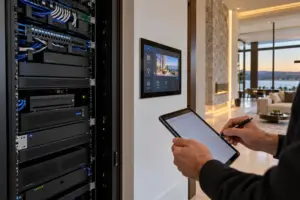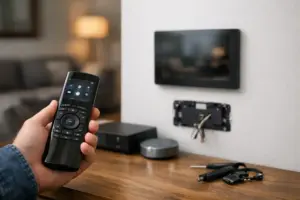
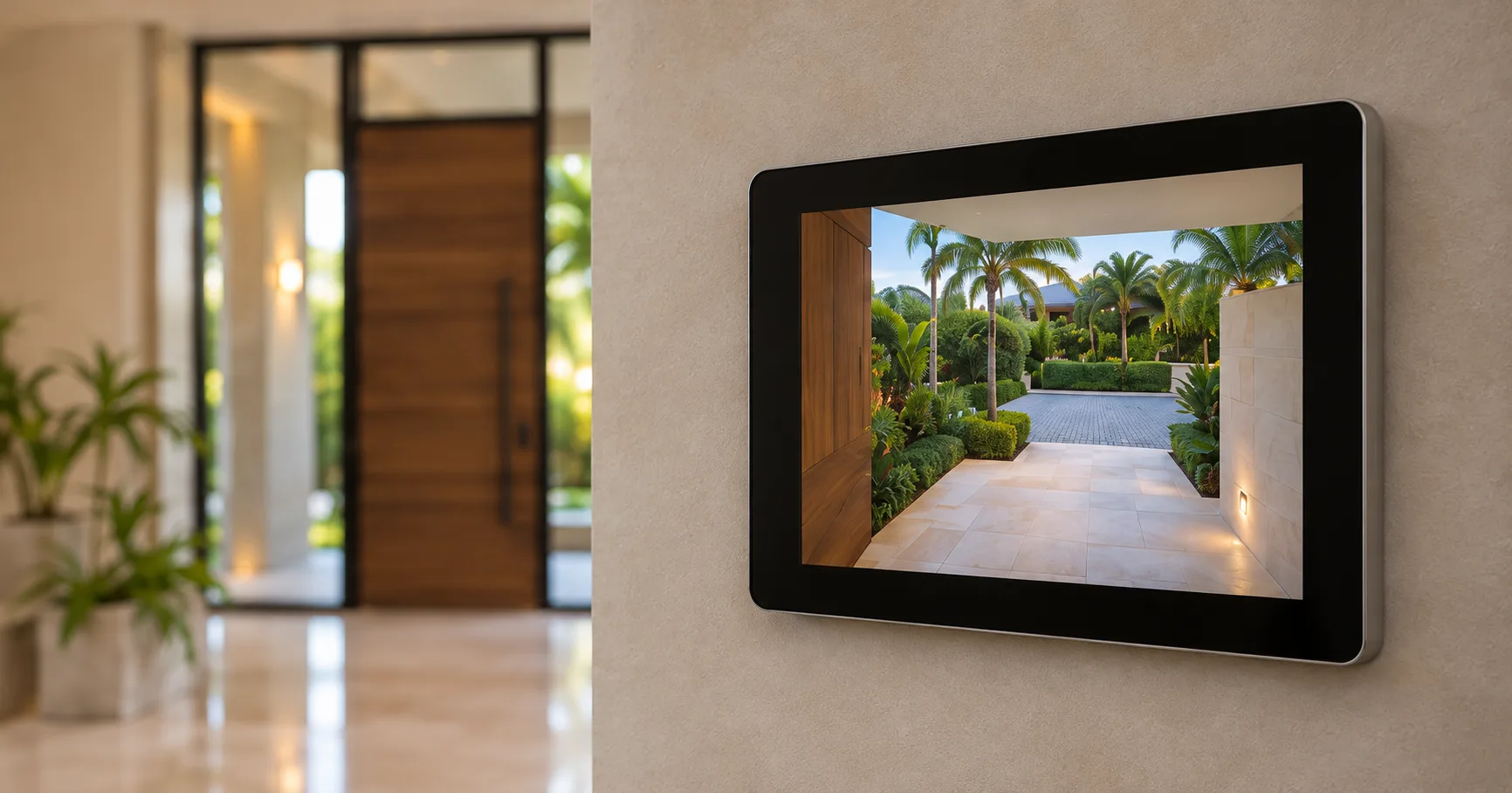
A camera brand in a proposal is not enough to establish the viewing experience on a smart-home touchscreen. Before ordering new Josh.ai interfaces, ask for a demonstration of the camera models, viewing routes and actions that matter to your household. The goal is to agree on a usable experience rather than discover important limitations during handover.
In a Fort Lauderdale home, that might mean checking the arrival area from the kitchen or viewing a patio camera from another room. Start with those practical tasks. A long list of cameras is less useful than knowing which views are available where the family expects to see them.
Make a camera-to-interface checklist
List each important camera, its exact model, the location it covers and the proposed Josh interface. Identify whether the camera is existing equipment or part of the new order. Record the requested action: opening a live view, selecting a named camera or returning to the normal control screen.
Use plain, distinct camera names that make sense to the owner. If two views have similar names, settle that before programming. The demonstration should use the naming and interface arrangement proposed for the project, not only a dealer’s unrelated showroom setup.
Distinguish documented support from a complete promise
Josh.ai’s IC Realtime partnership information describes access to supported camera feeds from Josh touchscreens and compatible interfaces. The word “supported” matters: a manufacturer relationship is not a guarantee for every camera, stream or feature sold under that brand.
Have the installer verify the exact models, software and integration requirements. If existing cameras are being retained, obtain those details before committing to reuse. Unidentified equipment should remain an assessment item, not an assumed compatible component.
Keep live viewing separate from recording and entry control
Being able to see a camera does not establish that the same screen provides recorded playback, event search or two-way audio. Nor does a view of the gate establish that the user can release it. Each requested function needs its own supported path and demonstration.
Ask where the owner will review recordings and manage camera accounts. If those tasks stay in another application, include that in the handover plan. A clear two-application workflow is better than selling an unsupported promise that everything will appear in one interface.
Test ordinary use, not only first connection
Demonstrate opening the required views, switching between them and returning to lighting or audio controls. Check that the image is useful for the intended task and that the owner can identify the correct view without assistance.
Include an agreed response when a camera is unavailable. The owner should know which part of the system to check and whom to contact, without being encouraged to reset equipment indiscriminately or share credentials with guests.
Frequently asked questions
Do all cameras from a supported brand work?
Do not assume so. Confirm the model, stream, firmware and integration arrangement for the proposed interface.
Should this replace the surveillance design?
No. Camera placement, recording and image-quality requirements still need their own design. This checklist addresses the control-interface experience.
Discuss your Josh.ai installation requirements with Sentry Audio Video. For a different viewing destination, use the separate camera-to-home-theater display guide.
From our Google reviews
“Brian and his team did an outstanding job installing our security cameras.”
Security camera installation
Google review excerpt