A smart home should not become uncertain because the original integrator closed, moved away, or stopped returning calls. If you are asking, “My Control4 dealer is no longer available – what do I do?” the first priority is protecting what already works. Your Control4 system, equipment, programming, network connections, and account access may all still be in place. The right next step is an organized handoff to a qualified integrator who can evaluate the system before making changes.
A professionally installed Control4 system is an investment in comfort, security, entertainment, and daily convenience. It deserves careful support, not guesswork. Whether the system manages one room or an entire estate, a new dealer can often assume service responsibility. The scope of that work depends on how the original project was documented, the age of the equipment, and the condition of the home network.
My Control4 Dealer Is No Longer Available: Start Here
Do not reset controllers, delete users, replace networking equipment, or approve major changes simply because support has lapsed. Those actions can remove useful information a new integrator needs to understand the installation. Instead, document the system as it exists now.
Begin by gathering prior proposals, invoices, equipment lists, floor plans, and any service records you can locate. These documents may identify controller models, audio components, lighting hardware, surveillance systems, motorized shades, and third-party equipment tied into Control4. Even an old proposal can save considerable time during a service visit.
Next, make a practical list of what is working and what is not. Include the rooms affected, the behavior you see, and when it occurs. For example, note whether a keypad is unresponsive, music drops out in certain zones, remote access has stopped, or a theater sequence no longer powers on correctly. Specific observations help a technician separate a programming issue from a network, device, or power-related issue.
If your system is stable, continue using it normally while you arrange an assessment. A dealer relationship ending does not automatically disable Control4 programming. However, leaving an aging or unsupported system unattended for too long can create avoidable risk, especially where remote access, cameras, locks, gates, or network-connected equipment are involved.
Protect Ownership and Account Access
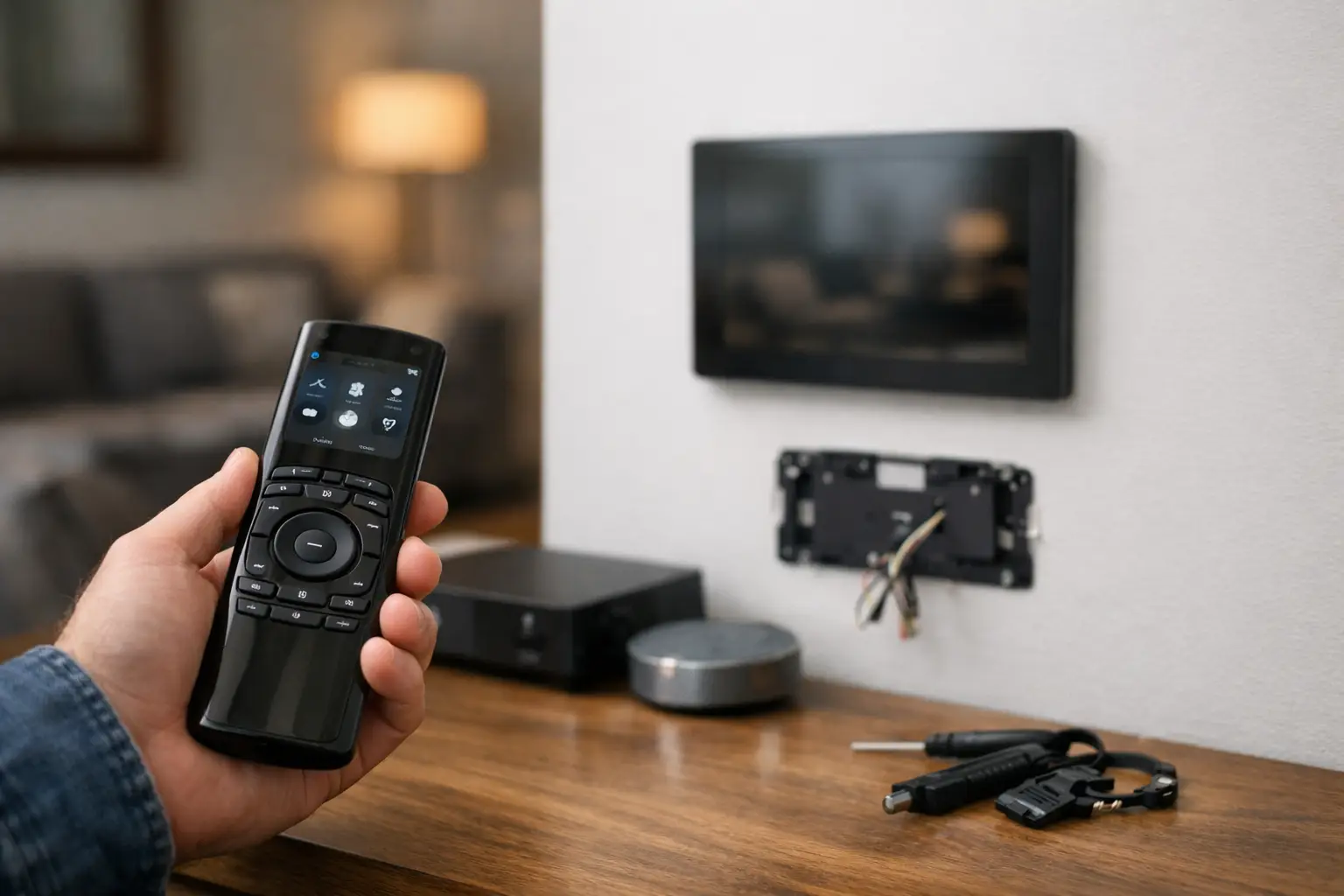
Control4 systems typically involve more than the touchscreen, remote, or mobile app used every day. There may be a Control4 customer account, a controller associated with the property, remote-management services, and credentials for connected services. The original dealer may also have installed managed networking equipment or created access for third-party platforms.
Confirm that the primary Control4 account is registered to you or another authorized property representative. You should be able to sign in using an email address you control and verify the account recovery information. If an employee, builder, former property manager, or unavailable dealer is listed as the primary contact, ask a qualified Control4 dealer to help determine the correct transfer process.
This is also the right time to review who can access the property remotely. Remove former occupants and staff members who no longer need access, while taking care not to remove the only active administrator before a replacement account holder is established. For systems connected to surveillance, access control, alarm interfaces, pools, or climate management, clear ownership is part of responsible property management.
Do not share passwords casually with multiple vendors. A reputable integrator will explain which credentials are needed, why they are needed, and how they will be handled. The goal is not just restoring control today. It is creating an account structure that remains clear and manageable for the life of the system.
What a New Control4 Dealer Can Evaluate
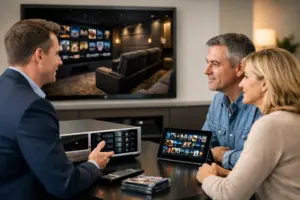
A replacement dealer should begin with a site assessment rather than promising a remote fix without seeing the installation. Control4 installations are customized projects. Two homes with similar touchscreens can have very different controllers, networking architecture, programming histories, cable pathways, and integrations behind the walls.
During an assessment, the integrator should identify the installed hardware, confirm the condition of controllers and software, review the network environment, and test the functions that matter most to your household or business. They should also look at the quality of the original installation. Clean labeling, organized racks, documented cabling, and properly configured network equipment make future service more efficient. Where those elements are absent, the integrator can recommend a sensible path to improve long-term reliability.
The dealer may be able to access an existing project and make needed adjustments. In other cases, older programming, discontinued hardware, unavailable documentation, or previous customization can limit what can be recovered. That does not mean the entire system must be replaced. It means the service plan should be based on what can be tested, supported, and maintained with confidence.
A thorough evaluation also reveals opportunities to correct issues that may have been accepted as normal. Delays in room response, inconsistent audio, intermittent video distribution, weak Wi-Fi coverage, and unreliable remote connections often trace back to infrastructure rather than the Control4 interface itself. Addressing the underlying cause protects the experience across the property.
Expect a Measured Plan, Not a One-Size-Fits-All Answer
The right solution depends on your system’s age, condition, and goals. If the platform is current, properly installed, and functioning well, you may only need a new service relationship, account confirmation, and a baseline review. If a controller is approaching end of support, the network has become unreliable, or key components have failed, a phased modernization plan may be more appropriate.
A qualified dealer should distinguish between immediate needs and future improvements. Immediate work may include restoring access, resolving a failed room, securing remote credentials, or stabilizing the network. Future work could involve updating controllers, refining interfaces, adding outdoor entertainment, integrating shades, or improving surveillance coverage. Separating these conversations gives you control over timing while keeping the larger system plan coherent.
Be wary of recommendations that begin with replacing everything before the existing installation has been evaluated. There are situations where a substantial rebuild is justified, particularly after a poorly executed installation or major renovation. But a professional recommendation should explain the technical reason, the impact on reliability, and the value of each proposed change.
Questions to Ask a Replacement Integrator
The initial conversation should give you confidence that the company can support both the immediate issue and the property as it evolves. Ask whether the integrator is authorized to service Control4 systems, how they handle account transfers, and whether they perform an on-site system assessment before presenting a scope of work.
You should also ask how they document the installation after service, what ongoing support options are available, and how they address the network that supports the automation platform. Control4 performance depends on the entire technology ecosystem, not only on the controller. An integrator with experience in audio/video, networking, security, communications, and infrastructure can take ownership of the complete environment rather than treating each symptom in isolation.
For a residence with security and access integrations, ask how credentials, camera access, and remote administration will be reviewed. For commercial spaces, clarify who will be authorized to request changes and how service calls will be coordinated to minimize disruption to operations.
Build a Support Relationship That Lasts
After a new dealer has assessed the system, ask for a current record of key equipment, account ownership, and recommended maintenance. This creates a practical baseline for future service, remodeling, or property transitions. It also reduces dependency on any one individual holding project knowledge in an inbox or personal files.
For homeowners and businesses in South Florida, Sentry Audio Video approaches existing Control4 systems with the same care applied to new custom installations: understand the infrastructure, protect the working elements, and recommend only what supports reliable performance. That can mean a focused repair, a structured support plan, or a carefully phased upgrade when the property calls for it.
Your original dealer may be gone, but your investment does not have to be left behind. With clear ownership, a documented assessment, and a trusted integration partner, your Control4 system can continue to deliver the control and confidence it was designed to provide.
Control4 Dealer Takeover FAQs
Will my Control4 system stop working if my dealer closes?
A dealer relationship ending does not automatically disable existing Control4 programming. Keep using a stable system normally while a qualified integrator reviews the equipment, account ownership and support needs.
Should I reset the Control4 controller before changing dealers?
Do not factory-reset controllers or replace network equipment simply because the original dealer is unavailable. Preserve the existing installation so the replacement integrator can assess the programming and working equipment.
What should I prepare for a Control4 takeover assessment?
Gather proposals, invoices, equipment lists, floor plans and service records. List the rooms and functions affected, note recurring symptoms, and confirm that the customer account uses an email address you control.