A beautifully finished home can still feel disjointed when lighting, shades, entertainment, climate, and security each require a different app or wall control. Does Lutron work with Control4? Yes. When the system is properly specified and programmed, Lutron lighting and shading can become an integral part of a Control4 smart home, giving you one refined interface for the spaces you use every day.
Bring Your Lighting, Shades and Control4 Together
Sentry Audio Video is an authorized Lutron and Control4 dealer serving Boca Raton and South Florida. We plan new installations and assess existing systems for compatible integration, upgrades and programming.
Plan My Lighting and Control Project Call (561) 717-3280
Tell us your city, the systems already installed and whether your priority is lighting, motorized shades or whole-home control. Explore Lutron lighting design and installation or motorized shade planning.
That compatibility matters most in homes where lighting is more than a utility. It sets the mood for entertaining, protects privacy after dark, helps manage strong South Florida sun exposure, and makes a property feel welcoming before anyone reaches the front door. Control4 provides the centralized control experience, while Lutron delivers the lighting and shading infrastructure behind it.
How Lutron and Control4 Work Together
Lutron and Control4 are separate platforms with different strengths. Lutron is known for lighting control, dimming performance, keypad design, and motorized shade systems. Control4 is an automation platform that brings multiple technologies into one interface, including audio, video, surveillance, door locks, climate controls, pool features, and lighting.
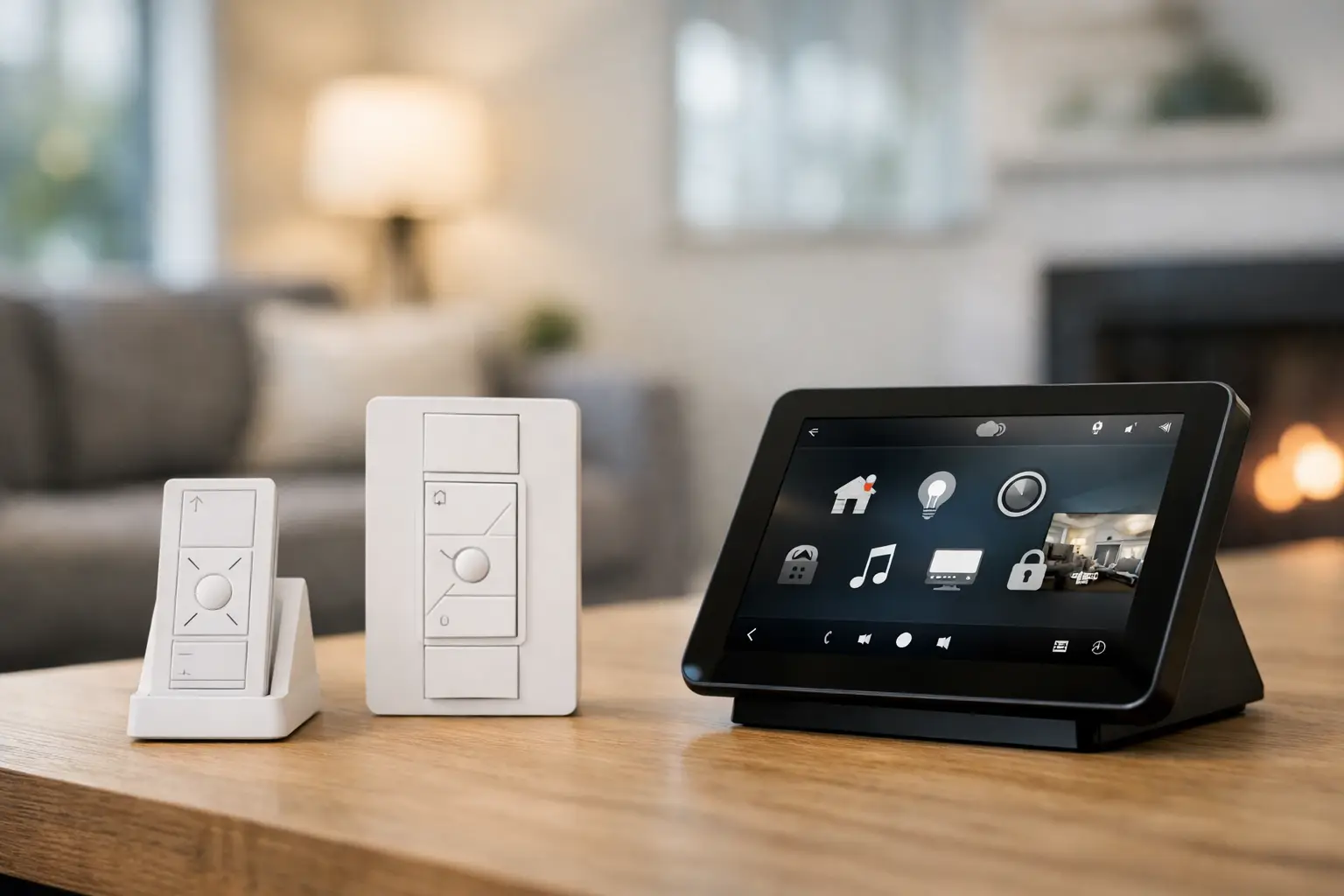
The integration allows Control4 to send commands to a compatible Lutron system and receive useful status information in return. From a Control4 touchscreen, keypad, mobile app, or programmed scene, a homeowner can adjust a light level, activate a room scene, raise shades, or turn off selected areas of the property.
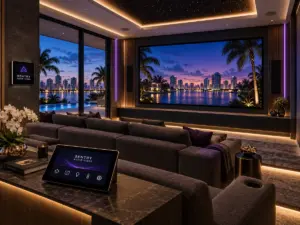
The result is not simply control from another screen. A professionally designed system coordinates actions across the home. For example, selecting a “Movie” experience may lower motorized shades, dim decorative lighting, turn on pathway lights, start the theater system, and set the room for viewing. At night, an “Away” command can turn off interior lighting, lower designated shades, and trigger the broader security routine built into the Control4 system.
Does Lutron Work With Control4 Across Every Product Line?
Compatibility depends on the specific Lutron platform, the equipment generation, and the driver used for the integration. This is where a professional system design prevents surprises later in the project.
Lutron HomeWorks is a natural fit for larger custom residences and properties with extensive lighting loads, elegant keypad requirements, and motorized shades throughout the home. It is designed for highly tailored projects, and it can be integrated with Control4 to support whole-home scenes and centralized operation.
Lutron RadioRA 3 is another strong option for many premium homes, particularly renovations where wireless lighting control is appropriate and preserving finished surfaces is a priority. Its available integration capabilities can support Control4 control when the system is planned with compatible components and current software requirements in mind.
Lutron Caseta can also be considered in more limited applications, though it is not automatically the right foundation for every high-performance Control4 project. The bridge model, supported integration method, number of loads, shade requirements, and future expansion plans all matter. A smaller system may work well today but become restrictive when the home later adds more rooms, keypads, exterior lighting, or automated shading.
Older Lutron systems deserve special attention. Existing equipment may still operate reliably, but available integration methods can differ by generation. Before promising a particular user experience, an integrator should identify the existing processor, repeaters, keypads, shade hardware, software version, and network environment.
What You Can Control From Control4
Once integrated, Control4 can provide a consistent way to operate Lutron lighting and shades alongside the rest of the property. The exact options vary by system design, but common functions include dimming lights, turning loads on or off, choosing preset scenes, adjusting shade positions, and checking whether selected devices are active.
The greater value is in automation that reflects how the property is actually used. In a waterfront home, daylight conditions can change quickly from one exposure to another. Shades can be scheduled around recurring sun patterns, while lighting scenes can be adjusted for morning routines, dinner parties, cleaning, overnight travel, and outdoor entertaining.
A few well-designed scenes often deliver more day-to-day value than dozens of isolated controls. “Good Morning” might raise bedroom shades gradually, bring kitchen lighting to a comfortable level, and start whole-house audio in common areas. “Entertain” can set the living room, dining area, patio, and landscape lighting to coordinated levels without asking guests to find multiple switches. “Goodnight” can shut down selected entertainment zones, turn off common-area lights, and leave only essential pathway lighting active.
Keypads are equally important. A mobile app is useful when you are away from the property, but wall keypads remain the fastest and most reliable way to control a room. Lutron keypads can provide tactile scene access in a polished architectural finish, while Control4 keypads and touchscreens can extend control to entertainment, intercom, security, and other connected systems. The right combination depends on the room and the client’s preferences.
Why System Design Matters More Than the Logo on the Wall
It is easy to focus on whether two brands are compatible. The more meaningful question is whether the completed system will feel intuitive, dependable, and properly supported for years to come.
A lighting and automation plan should begin with the property, not a product list. That means identifying lighting loads, dimming types, room functions, natural-light exposure, window treatments, equipment locations, network needs, and the desired level of control. It also means deciding what should happen automatically and what should remain a simple manual choice.
LED lighting deserves particular care. Not every LED fixture, driver, and dimmer combination performs the same way. A premium control platform cannot correct a poor dimming match. Proper load assessment and testing help prevent flicker, limited dimming range, pop-on behavior, or inconsistent performance between fixtures.
Motorized shades require the same level of planning. Fabric selection, fascia style, pocket dimensions, power location, window geometry, privacy needs, and blackout requirements all affect the final result. In many projects, shade wiring needs to be coordinated well before drywall and finish work begin. Early coordination protects both the appearance of the space and the reliability of the installation.
Integration Considerations for Renovations and New Construction
New construction offers the broadest opportunity for a fully coordinated Control4 and Lutron system. Structured wiring, centralized panels, shade power, dedicated equipment space, and keypad locations can all be incorporated before walls are closed. This produces a cleaner installation and gives the system room to expand.
Renovations can be equally successful, but the approach may differ. Wireless lighting control can reduce disruption in finished spaces, while strategic low-voltage wiring can support touchscreens, wireless access points, surveillance, audio distribution, and future upgrades. The goal is not to place technology everywhere. It is to place the right infrastructure where it will support the property for the long term.
Network design should not be overlooked. Control4, Lutron processors, lighting bridges, touchscreens, cameras, streaming sources, and mobile devices all rely on a stable network. A professionally managed network with appropriate segmentation and coverage helps protect response time and reduces the frustrating behavior that clients often associate with “smart home” systems.
Common Questions About Lutron Control4 Integration
Can Control4 replace Lutron keypads?
It can control many Lutron functions, but replacement is not always the goal. Lutron keypads are often chosen for their tactile experience, engraved buttons, and lighting-first simplicity. In a well-planned home, Lutron keypads and Control4 interfaces can complement one another rather than compete.
Can one button control lights, shades, and entertainment?
Yes. This is one of the strongest reasons to integrate the systems. A single Control4 scene can coordinate compatible Lutron lighting and shades with audio, video, climate, and security actions. The scene should be programmed around real routines so it remains useful instead of becoming another feature that goes unused.
Will the system still work if the internet goes down?
Many local lighting and automation functions can continue operating within the property, depending on the system architecture and the specific feature being used. Remote app access, cloud-dependent services, and some notifications may be affected by an internet outage. A qualified integrator can explain which functions are local and which rely on an outside connection.
Is an existing Lutron system ready for Control4?
Possibly, but it should be evaluated before integration is planned. The Lutron product family, processor or bridge, installed software, device count, and desired Control4 functions determine what is practical. An on-site review is the most reliable way to establish the right path.
For homeowners who expect lighting, shades, entertainment, security, and outdoor spaces to operate as one considered environment, Lutron and Control4 can be an exceptional pairing. Sentry Audio Video designs these systems around the property, the architecture, and the way each client lives, then supports the finished installation with the same attention to detail that went into its design.