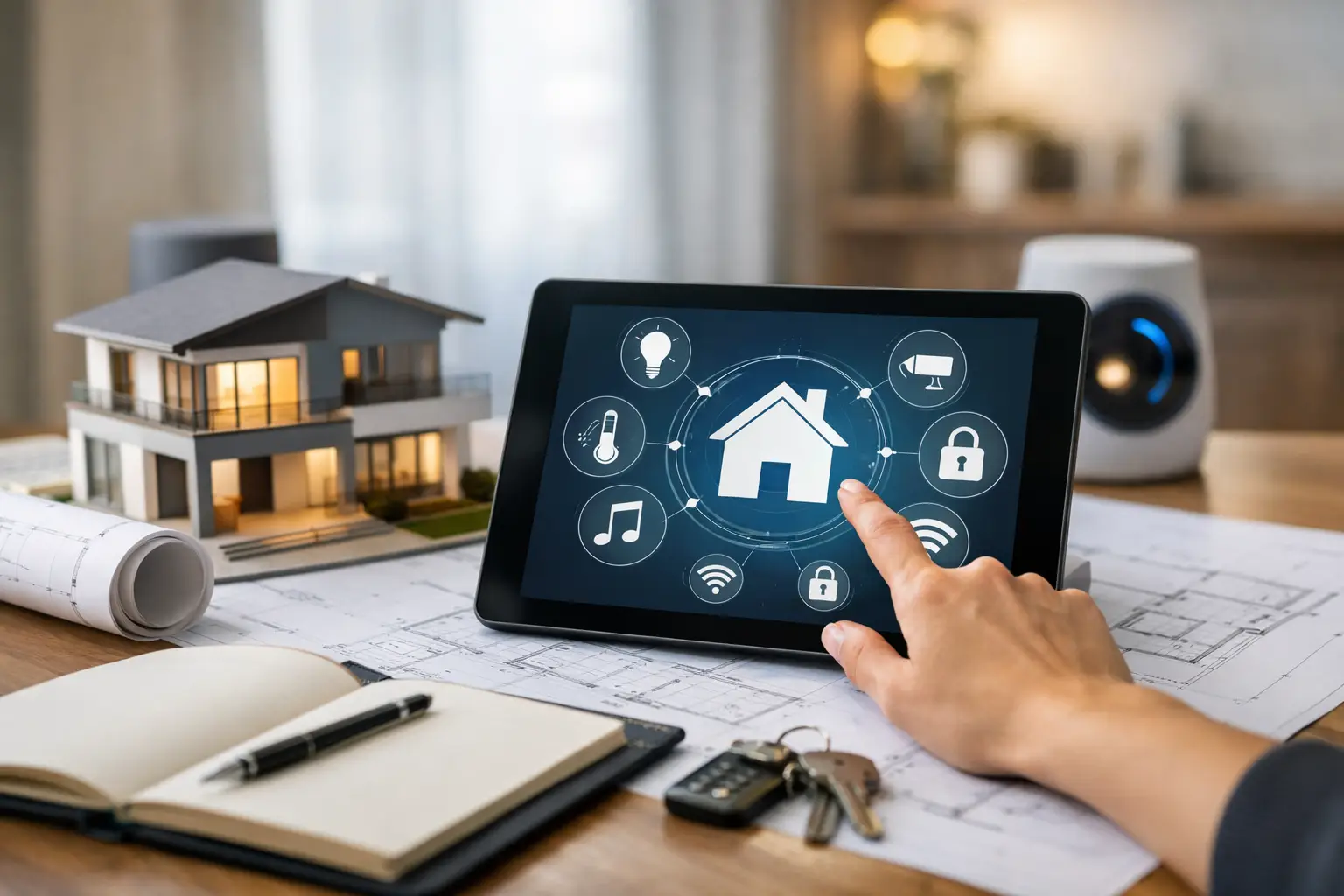
A thoughtful whole house automation planning guide begins before equipment is selected. The strongest smart homes do not feel like a collection of apps and wall controls. They feel intentional: the theater starts without a complicated sequence, shades respond when the afternoon sun reaches the room, music follows the family outdoors, and security remains easy to check from one place.
That experience is created through system design. Whether you are building a new residence, renovating a waterfront property, or updating a home one space at a time, early planning protects both performance and appearance. It also gives your integrator the information needed to build a system that fits how you actually live.
Start With Life at Home, Not a Product List
The first planning conversation should focus on routines, priorities, and the character of the property. A family that hosts frequently may place whole-house audio, outdoor entertainment, and easy guest access at the center of the project. A homeowner who travels often may prioritize surveillance, access control, alerts, and remote monitoring. Another may want a dedicated theater, private listening zones, and motorized shades that protect interiors from glare.
Think through the moments that matter most. What should happen when you arrive home after dark? Which rooms need independent audio or video? Do the children need simple controls while adults retain broader access? Is the outdoor kitchen, pool area, terrace, or dock part of daily life? Answers to these questions shape the design far more effectively than beginning with a list of devices.
It also helps to distinguish between needs that must work every day and features that can be added later. Security, network infrastructure, structured cabling, and equipment space are difficult to correct after walls are closed. Specialty features, such as an additional audio zone or upgraded landscape speakers, may be easier to phase when the underlying infrastructure has been planned correctly.
Whole House Automation Planning Guide: Build the Foundation First
Automation depends on infrastructure that is stable, organized, and accessible for service. The network is the operating foundation for connected controls, streaming media, surveillance cameras, wireless access points, voice services, and remote support. A strong signal in one room is not the same as dependable coverage throughout a large residence, outdoor living area, and detached structure.
A professional plan considers where equipment will live, how it will be cooled, and how technicians can access it without disrupting the home. Centralized equipment racks keep components organized and reduce visible clutter in living spaces. They also make future service more efficient. This is especially valuable in large homes where several systems must operate together rather than independently.
Structured cabling deserves the same attention. Wire paths should account for televisions, speakers, access points, cameras, touchscreens, keypads, shades, gate controls, and future expansion. Wireless technology is valuable, but it should not be treated as a substitute for every permanent connection. High-demand systems and fixed locations often benefit from a wired backbone designed around performance and longevity.
Power planning matters as well. Sensitive electronics benefit from proper surge protection, battery backup where appropriate, and equipment locations that are not exposed to excessive heat or moisture. These details may not be visible after installation, but they have a direct effect on reliability.
Plan for Service Access and Future Changes
A finished home should look clean, but it should not become difficult to maintain. Access panels, labeled wiring, documented system layouts, and well-organized equipment are signs of professional execution. They allow updates and troubleshooting to happen efficiently without unnecessary disruption.
Future planning does not mean filling the property with unused equipment. It means leaving practical pathways for growth. If an owner may later add cameras, convert an office into a media room, install motorized shades, or expand backyard entertainment, the right prewire and equipment capacity can preserve those options.
Design by Zone, Then Connect the Experience
Each area of the home has different expectations. The family room may need a high-performance display, distributed audio, lighting scenes, and controls that are simple for every member of the household. The primary suite may emphasize quiet, privacy, individualized climate settings, and bedside control. Outdoor areas require equipment chosen and placed for exposure, coverage, and comfortable listening rather than simply higher volume.
A zone-based plan also prevents overcomplication. Not every room needs every feature. A formal dining room might need elegant lighting scenes and background music, while a guest room may only need reliable wireless coverage, television access, and temperature control. Matching technology to the purpose of each room creates a more refined result and keeps the system intuitive.
The goal is unified control without forcing every space into the same behavior. A single interface can manage the home while still allowing room-by-room independence. For example, one homeowner may watch a game in the media room while another listens to music on the patio and the children stream content in the loft. The system should support all three without conflict.
Make Security Part of the Same Conversation
Security is often planned separately from entertainment and convenience systems. That approach can create fragmented controls and missed opportunities. When cameras, access control, gate entry, surveillance recording, alarms, lighting, and notifications are considered alongside automation, the home becomes easier to manage and better protected.
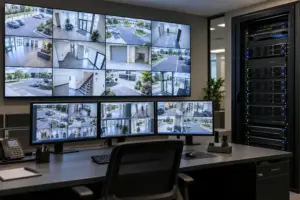
Start with the property itself. Identify entry points, driveway and gate views, side yards, pool areas, delivery locations, interior common spaces, and any detached buildings. Camera placement should be purposeful, with attention to sightlines, nighttime performance, privacy, and recording coverage. More cameras do not automatically create better security if their views are poorly planned.
Access control should reflect how people enter the property. Consider family members, household staff, guests, service providers, and deliveries. The right system can make entry more convenient while preserving oversight. Integration can also support practical responses, such as bringing exterior lights on when a gate opens or sending an alert when a designated door is accessed.
For part-time residents, remote visibility and dependable notification settings are especially valuable. The key is avoiding alert fatigue. Notifications should be configured around events that truly warrant attention, not every routine movement around the home.
Choose Controls Everyone Will Use
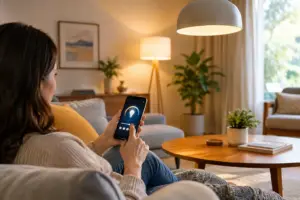
An automated home succeeds when controls are obvious. A homeowner should not need to remember which application operates which room or follow a lengthy sequence just to enjoy a movie. The preferred control method varies by household, but a well-designed system usually combines a central automation platform with appropriately placed touchscreens, keypads, handheld remotes, and mobile access.
Physical controls remain important. A keypad by the entry can activate a departure scene that adjusts lights, shades, music, and security status. A bedside keypad can provide a simple goodnight command. A dedicated theater remote can keep the viewing experience focused rather than turning it into a control exercise.
Scenes are where integration becomes personal. “Good Morning” might raise selected shades, set lighting, and begin music in the kitchen. “Entertain” can prepare the main living areas and patio without affecting private bedrooms. “Away” can secure the property while reducing unnecessary energy use. The exact scenes should reflect real behavior, not generic labels added for show.
Balance Performance, Privacy, and Complexity
More integration is not always better. Every connected feature should earn its place by adding convenience, comfort, security, or enjoyment. Complex automations that surprise people are rarely used for long. Clear control logic and careful programming are more valuable than an oversized feature list.
Privacy also deserves direct discussion. Cameras, microphones, remote access, user accounts, and network-connected devices should be configured with thoughtful permissions and protected credentials. A professional integrator can help establish appropriate access for family members, staff, and service teams without giving every user the same level of control.
Reliability should guide product and design decisions. Premium components matter, but system performance also depends on correct installation, network design, programming, documentation, and continuing support. A beautifully equipped home can still disappoint if these elements are treated as afterthoughts.
Coordinate the Plan With the Project Team
During construction or renovation, integration planning should be coordinated early with the architect, designer, builder, and other trades. Ceiling speaker locations can affect lighting layouts. Television placement may influence millwork and furniture plans. Shade pockets, keypad positions, camera sightlines, and equipment rooms all benefit from early coordination.
This collaboration protects the visual standard of the finished property. Speakers can be placed symmetrically, displays can be integrated cleanly, wiring can remain concealed, and controls can complement the interior design rather than compete with it. It also reduces late changes that can affect schedules and finished surfaces.
A detailed proposal should explain the intended experience, equipment categories, room coverage, control approach, and installation scope. Ask how the system will be supported after completion, who will provide training, and how changes will be handled as the household’s needs evolve. End-to-end accountability is particularly valuable when audio, video, security, networking, shades, and automation must work as one environment.
For homeowners who expect polished execution from the first consultation through long-term support, Sentry AV approaches automation planning as a complete property strategy, not a collection of disconnected features. The right next step is to walk the home, discuss how each space will be used, and make the infrastructure decisions while they can still be made cleanly.