A well-designed smart home should not feel like a collection of apps, remotes, and wall switches. It should respond naturally to how your household lives. So, what does home automation control? Depending on the system design, it can bring lighting, entertainment, climate, security, shading, outdoor areas, and select property features into one reliable control experience.
The important distinction is integration. A professional automation system does more than place individual devices on a screen. It coordinates them, allowing a single command or scheduled event to create the right environment across the property. That can mean arriving home to a lit entry, comfortable interior, lowered shades, and disarmed security system, all without moving from one device to another.
What Does Home Automation Control in a Custom System?
The answer depends on the property, its existing infrastructure, and the owner’s priorities. A condominium, waterfront estate, renovated residence, and seasonal home will not require the same design. Still, these are the categories most often included in a professionally integrated system.
Lighting and lighting scenes
Lighting is often the starting point because it improves both convenience and the feel of a home. Automation can control individual fixtures, groups of lights, dimming levels, and exterior lighting. Rather than walking through the house at night checking switches, an “All Off” command can turn off selected areas while leaving safety lighting active.
Scenes make lighting more purposeful. A dinner scene may soften the dining room and accent lighting while reducing glare in adjacent spaces. A goodnight scene can turn off common-area lights, illuminate a path to the bedroom, close shades, and arm the perimeter. Vacation schedules can vary lighting patterns to make an unoccupied property appear lived in without relying on rigid timers.
Motorized shades and privacy
Motorized shades can be controlled by room, floor, time of day, or scene. In South Florida, they are particularly valuable for managing intense afternoon sun, protecting furnishings, improving privacy, and preserving views when the shades are open.
Automation can lower shades in sun-exposed rooms during peak light, raise them in the morning, or close them when a movie begins. The right programming balances comfort with personal preference. Not every shade should move automatically at every opportunity, especially in rooms where an owner wants full manual control or an uninterrupted view.
Audio, video, and home theater
Whole-house audio allows music, television audio, or other sources to play in selected rooms and outdoor zones. Instead of operating separate systems in the kitchen, patio, primary suite, and living room, users can choose content and volume from a unified interface.
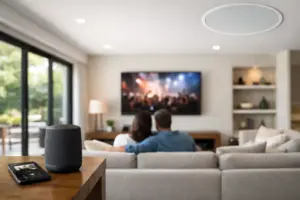
Home automation can also simplify complex entertainment spaces. A single “Watch Movie” command can power on the display or projector, select the correct source, set the audio system, lower shades, and adjust lights to the appropriate level. Behind the scenes, the equipment may be sophisticated. In use, it should be straightforward for family members and guests.
Climate and comfort settings
A smart home can coordinate climate settings with schedules, occupancy, shading, and room use. For example, a rarely used guest suite can maintain a different setting than active living areas, while a home can return to preferred conditions before the family arrives.
Comfort control works best when it is designed around the home rather than treated as a generic schedule. Large glass walls, multiple stories, coastal exposure, and heavily used entertaining spaces all affect how a property feels. Automation provides useful control, but it cannot replace proper system design or resolve underlying mechanical performance issues.
Security, surveillance, and access
Security is where centralized control becomes especially practical. Homeowners may be able to arm or disarm a security system, view surveillance cameras, receive event notifications, lock or unlock approved entry points, and check the status of doors, gates, and garage access from one interface.
A properly configured system can also connect security actions to the rest of the home. Arming the house at night might trigger an exterior lighting scene, turn off selected interior areas, and close ground-floor shades. When a camera detects activity at a designated entry, the homeowner can receive a notification and view the relevant camera feed.
These features require careful planning. Access permissions, remote entry, camera placement, notification settings, and network reliability all affect security and privacy. The goal is useful awareness, not a flood of alerts that people eventually ignore.
Pools, outdoor living, and property features
Outdoor areas are often a major part of how a luxury home is used. Automation can manage landscape and architectural lighting, outdoor audio and video, pool and spa functions, water features, gates, and selected patio systems. A backyard entertaining scene may activate audio, set lighting, and prepare the pool area without requiring multiple control points.
Pool integration varies by equipment and property. Some functions may be available for direct control, while others may be better handled through scheduling or dedicated safeguards. A qualified integrator evaluates compatibility before promising one-touch operation for every feature.
Control Is More Than a Touchscreen
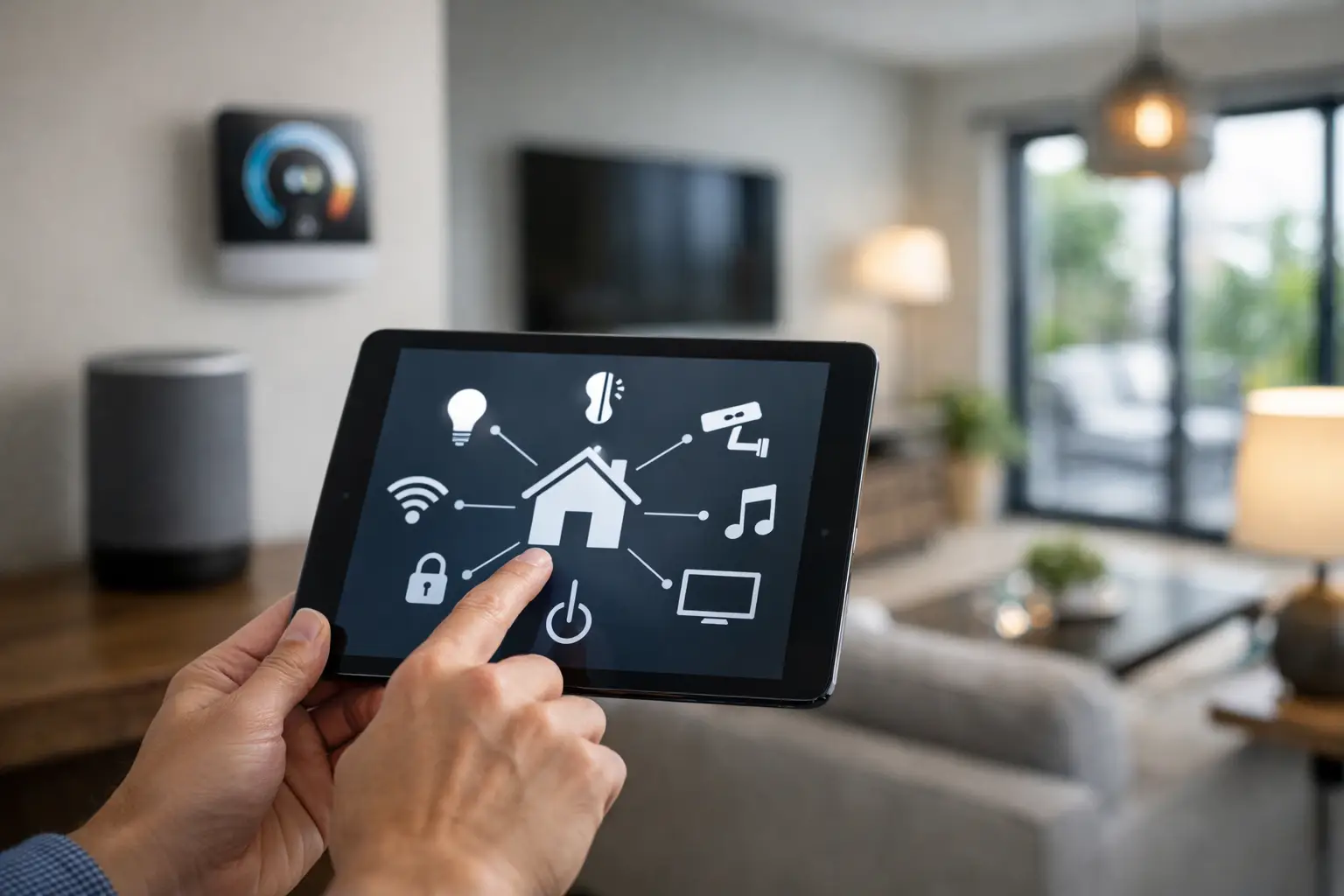
A touchscreen, keypad, remote, or mobile app can provide access to the system, but those are only the interfaces. The greater value comes from automation: the programmed logic that lets the house perform appropriate actions based on time, a scene request, sensor input, or a security event.
For example, pressing “Away” at the front door might turn off lighting and entertainment, adjust comfort settings, lower selected shades, and arm the security system. No one needs to remember every individual step. In the same way, a morning sequence can raise shades in common areas, bring on low-level lighting, and start audio in a preferred room.
Physical controls remain essential. A polished system should include intuitive wall keypads and simple local controls, not force everyone to reach for a phone. Guests, children, household staff, and service professionals should be able to use primary functions confidently. Mobile access adds convenience when away from the property, but it should not be the only way to operate the home.
What Should Not Be Automated Automatically?
More control is not always better control. The most successful projects identify actions that should be simple and repetitive, then leave personal decisions in the homeowner’s hands. An owner may want lighting scenes and scheduled shades, yet prefer to choose music, temperature, and pool settings manually.
There are also safety and privacy considerations. Door locks, gates, surveillance access, and alarm functions should use sensible permissions and safeguards. Automated exterior lighting should support security without disturbing neighbors. A system that is overly aggressive with alerts, schedules, or motion-triggered actions can become frustrating rather than helpful.
This is why custom design matters. A room-by-room conversation about lifestyle, entertaining habits, travel, staff access, children, pets, and property use will produce better results than selecting features from a generic checklist.
The Infrastructure Behind Reliable Automation
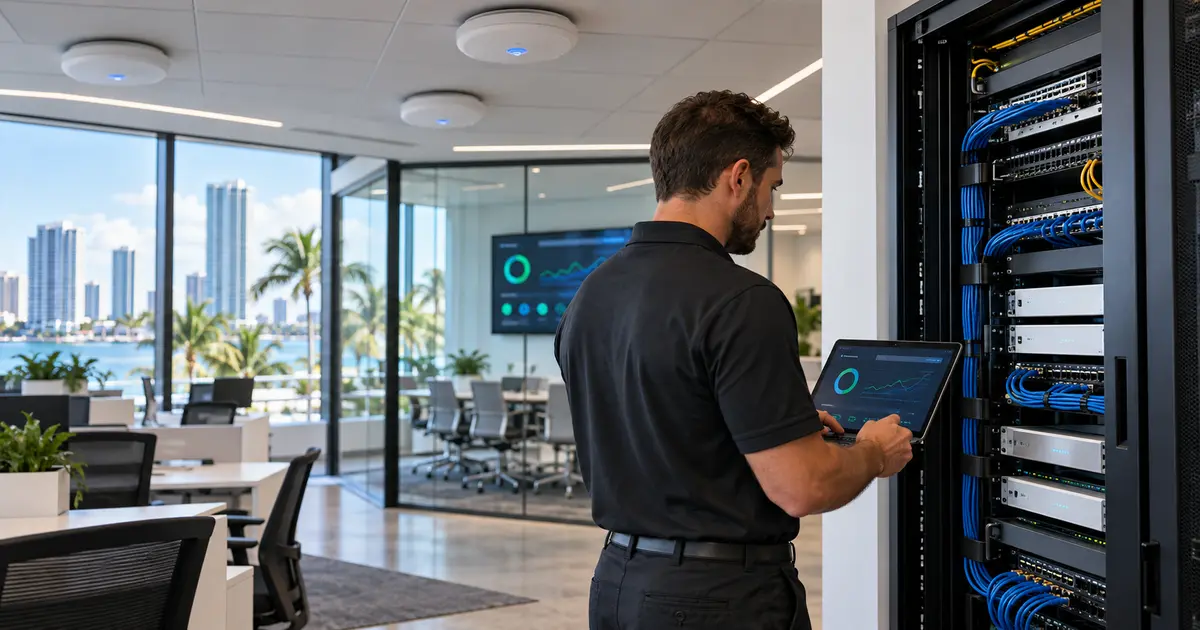
The experience of pressing one button is only as dependable as the infrastructure supporting it. Reliable networking, structured cabling, correctly sized equipment locations, clean wiring, power protection, and thoughtful programming are foundational to an integrated property.
This is particularly relevant in larger homes, renovations, and new construction, where technology decisions affect walls, ceilings, millwork, equipment racks, outdoor spaces, and future service access. Planning early can reduce visual clutter, avoid avoidable rework, and make maintenance more efficient later.
Sentry Audio Video approaches automation as a complete system, connecting lifestyle, entertainment, security, and control around the specific needs of the property. That approach helps ensure the finished installation looks refined, performs consistently, and remains understandable long after installation day.
The right question is not simply how many devices a home can control. It is which daily moments should become easier, safer, more comfortable, and more enjoyable – then designing a system that performs those tasks reliably.