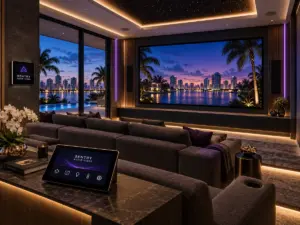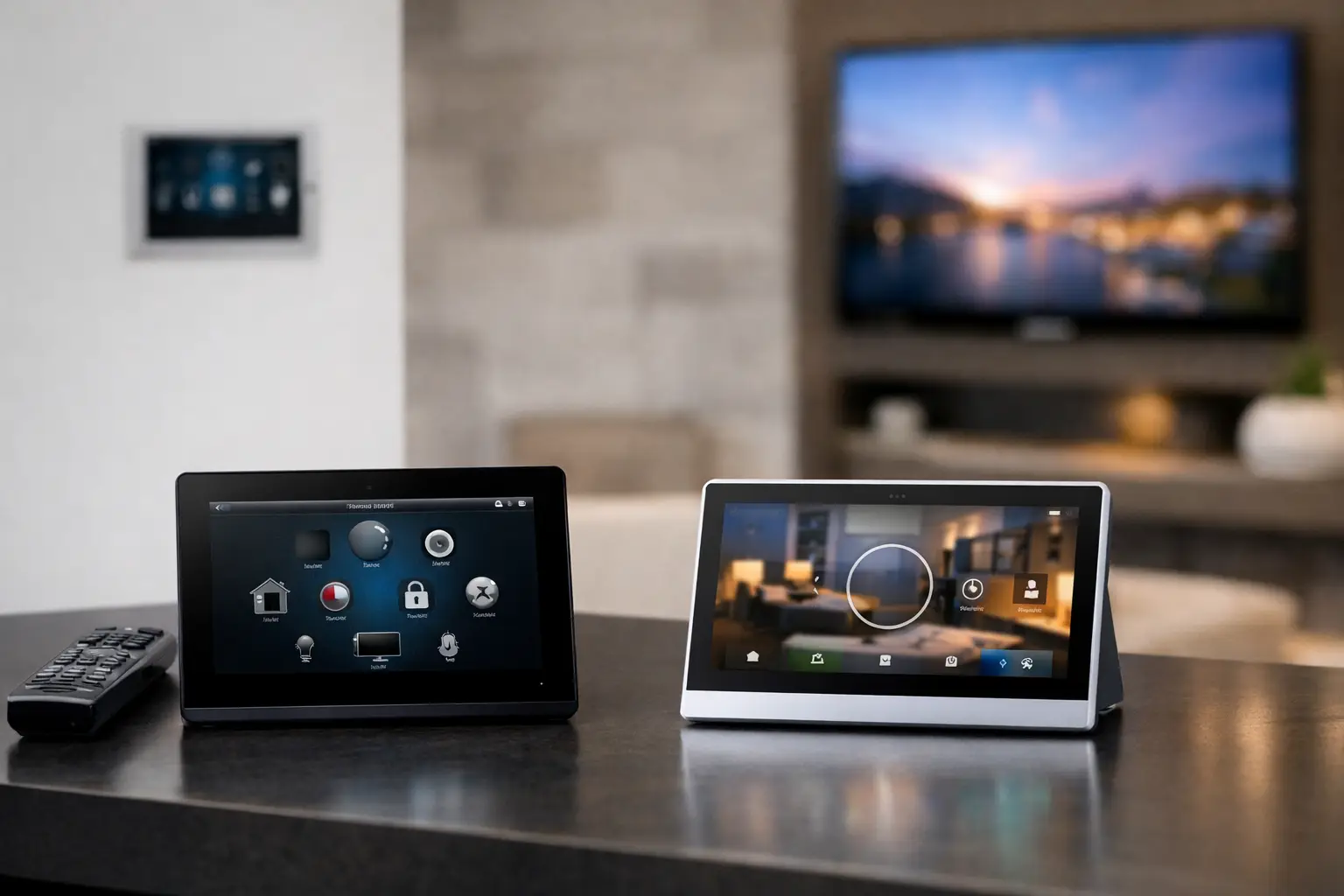
A smart home should feel more capable over time, not more complicated. If you are asking, “Should I Upgrade My Control4 System to X4? A Boca Raton Homeowner’s Guide,” the real question is not whether a newer interface looks appealing. It is whether an upgrade will improve the daily performance, longevity, and control of the systems your home already depends on.
Control4 X4 represents a significant evolution in the Control4 experience. For homeowners with established systems that manage entertainment, lighting, shades, climate, surveillance, gates, pools, and outdoor spaces, the opportunity is compelling. But an X4 upgrade is not a one-size-fits-all software update. The right path depends on your controller, connected equipment, existing programming, and how your family uses the home.
What Control4 X4 Changes for Your Home
X4 is designed to make interacting with a professionally integrated home more intuitive and visually refined. The interface brings a cleaner, more modern presentation to supported touchscreens and mobile devices, helping family members and guests find common functions without navigating through outdated menus.
That matters in a large Boca Raton residence, where the system may control several entertainment areas, guest suites, motorized shades, landscape lighting, cameras, entry points, climate zones, and a pool or backyard entertainment area. A well-designed X4 interface can organize these functions around the way the property is actually used: arriving home, entertaining on the patio, securing the house at night, or preparing a guest room.
The value is not limited to appearance. A carefully planned upgrade is an opportunity to review scenes, room names, favorites, notifications, and controls that may have become cluttered over years of additions. Many homeowners find that their original system remains capable, but its programming no longer reflects renovations, new equipment, or changes in household routines.
Should You Upgrade Your Control4 System to X4 Now?
An X4 upgrade makes the most sense when your current Control4 system is still central to the home but is beginning to show its age. Perhaps your interface feels dated, certain rooms were added after the original installation, or your family has stopped using features because they are not easy to access. In these situations, upgrading can restore the simplicity that made centralized control worthwhile in the first place.
It is also a smart time to evaluate X4 when you are planning a renovation, replacing displays or audio components, adding motorized shading, improving surveillance, or expanding outdoor entertainment. Combining the work allows the integrator to assess the full system architecture rather than treating each new addition as an isolated project. The result is cleaner integration and a more consistent experience throughout the property.
However, not every homeowner needs to move immediately. If your system is stable, your controller is supported, the interface meets your needs, and there are no planned changes to the home, waiting can be reasonable. A dependable system should not be disrupted merely to chase a new feature. The decision should be based on performance, compatibility, and long-term support, not novelty.
The First Question: Is Your Control4 Hardware Compatible?
Before discussing new screens or features, a qualified integrator should identify the controller at the heart of your system. The controller is the processing center that communicates with your connected devices and runs the automation programming. Older controllers may not support X4 or may not deliver the responsiveness expected from a modern, expanded installation.
If a controller replacement is needed, that does not automatically mean every component in the house must be replaced. In many cases, established wiring, audio distribution, video infrastructure, lighting hardware, shades, and supported devices can remain in place. The work may focus on installing the appropriate controller, migrating programming, updating supported components, and confirming that every room performs as intended.
Compatibility also extends beyond the main controller. Touchscreens, remotes, lighting keypads, audio amplifiers, surveillance integrations, network equipment, and third-party drivers all deserve review. A system can only be as dependable as the devices and communication paths supporting it.
Why Older Programming Needs a Professional Review
Home automation programming is not static. A home can accumulate years of adjustments: a pool control added after construction, a new television in the primary suite, a camera system replacement, a change in streaming services, or rooms renamed for a growing family. These changes can leave behind obsolete commands, duplicate favorites, inconsistent lighting scenes, or controls that work differently from one room to another.
Migrating to X4 creates a valuable opportunity to simplify. Instead of carrying every old decision forward, the programming can be refined around the actions that matter most. A “Good Night” experience might lower shades, turn off selected lights, secure common areas, and bring the home to a preferred nighttime setting. An “Entertain” experience could prepare the living room, kitchen, and outdoor areas without requiring separate commands in each space.
This is where custom design matters. The goal is not to load every available function onto a touchscreen. It is to provide the right controls at the right moment, with advanced options available when needed.
Network Reliability Is Part of the Upgrade
When homeowners describe a smart home as unreliable, the problem is often not the automation platform alone. It may be a network issue, aging switches, poor wireless coverage, improperly segmented devices, or equipment that was added without considering the overall infrastructure.
A Control4 X4 evaluation should include the network, especially in properties with extensive Wi-Fi coverage, multiple video streams, surveillance cameras, outdoor access points, and connected entertainment systems. South Florida homes also present practical considerations: concrete construction, long distances between indoor and outdoor spaces, detached guest areas, and equipment exposed to heat or humidity.
A professional assessment can identify whether the existing network is ready for the system you expect it to support. Correcting those underlying issues protects the upgrade and improves everyday reliability across the home.
What a Well-Planned X4 Upgrade Should Include
The strongest upgrades begin with a complete system review rather than an assumption that only software needs attention. Your integrator should document the current equipment, determine supported and unsupported components, test critical functions, and ask how the household uses each area.
A clear proposal should explain the scope in plain language. It should identify what will remain, what should be replaced, which functions will be improved, and whether any third-party integrations require updates or alternatives. For a premium residence, clean installation practices matter just as much as feature selection. Equipment should be organized, labeled, ventilated, and accessible for future service.
Before work begins, confirm these four areas:
- Controller and touchscreen compatibility with X4
- Condition of the home network and wireless coverage
- Status of third-party drivers and connected systems
- Programming priorities for daily routines, security, entertainment, and outdoor living
Testing should follow installation. Each relevant room, scene, remote, touchscreen, mobile interface, and integrated device should be checked in real-world conditions. A proper handoff also includes a walkthrough so the household understands what changed and how to use the improved controls.
When a Larger Modernization Is the Better Choice
Sometimes X4 reveals that the home would benefit from a broader modernization. If the controller is outdated, the network is overloaded, touchscreens are aging, and several integrations are no longer supported, addressing only one element may postpone rather than solve the problem.
This does not mean replacing equipment for its own sake. It means building a practical roadmap. You may prioritize the control processor and network now, update high-use spaces such as the family room and primary suite next, and incorporate secondary areas during a later renovation. A phased plan can protect performance while aligning improvements with the property’s needs.
For homeowners who value a polished, dependable environment, X4 is most worthwhile when it is treated as part of the home’s technology strategy. Sentry Audio Video can evaluate the existing Control4 installation, identify the right upgrade path, and help ensure that the finished system feels as refined and reliable as the home it serves.
The right outcome is simple: your technology should disappear into the background until you need it, then respond exactly as expected.