A Control4 upgrade is rarely about replacing a system simply because it has been in place for a few years. It is about preserving the experience your home was designed to deliver: lights that respond when expected, entertainment that starts without confusion, shades that move on schedule, and security that remains easy to access from one familiar interface. When that experience begins to feel slower, less dependable, or limited by newer equipment, it is time to look at the system behind it.
For many homeowners, the right upgrade is not a complete replacement. A professional assessment can identify which components remain valuable, which need attention, and how to introduce modern capabilities without disrupting the systems your family already relies on.
What a Control4 Upgrade Can Address
Control4 systems are designed to bring multiple technologies together under one control platform. Depending on the home, that may include distributed audio, video, lighting, motorized shades, climate control, surveillance, access control, pool features, and outdoor entertainment. Over time, the individual components and the way they communicate can change.
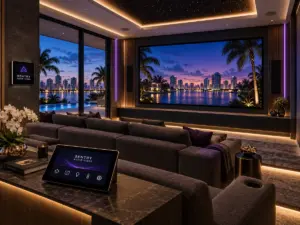
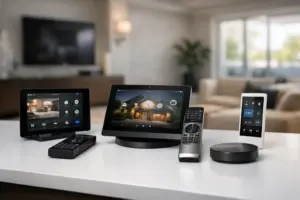
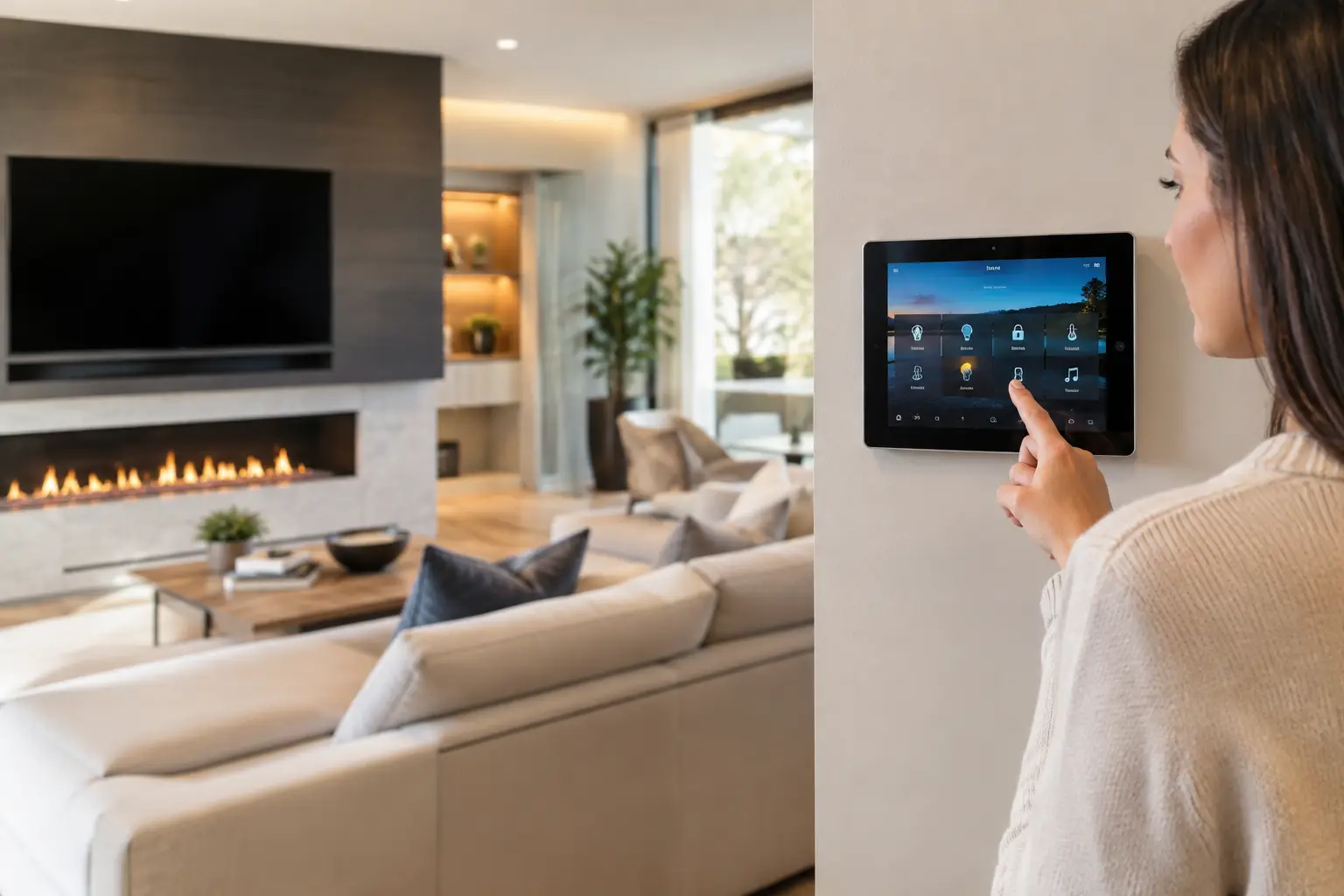
An upgrade may involve a newer controller, updated touchscreens, improved network infrastructure, refreshed lighting keypads, current operating software, or refined programming. It may also include integrating new audio zones, a theater, exterior spaces, surveillance cameras, or a renovated wing of the property.
The goal is not to add technology for its own sake. It is to make every connected system more intuitive, responsive, and dependable. A properly planned update should reduce friction rather than create another remote, another app, or another point of failure.
Signs Your System Is Ready for Attention
The clearest sign is inconsistency. Perhaps certain rooms no longer respond reliably, audio takes too long to start, a touchscreen feels dated, or a remote control has become the only dependable way to operate a space. These issues are often symptoms of aging controllers, outdated software, weak network performance, or programming that has not kept pace with changes in the home.
Security is another reason to review an older installation. Cameras, door stations, and remote access tools evolve quickly. If you cannot easily view critical areas, receive useful alerts, or manage access while away from the property, an upgrade can bring the security experience back in line with your expectations.
A renovation also creates a natural decision point. Adding motorized shades, redesigning a kitchen, building an outdoor living area, or installing a dedicated theater may require more than extending an existing system. It may be the right time to evaluate the controller capacity, wiring, network, and user interface throughout the home.
Finally, consider the daily experience. A smart home should feel calm and predictable. If guests need instructions to watch television, if family members avoid certain controls, or if simple routines require several separate steps, the system should be reprogrammed or modernized.
The Network Is Often the Foundation
A Control4 system depends on reliable communication between devices. That makes the network one of the most important parts of any upgrade conversation, even though it is usually out of sight.
High-resolution video, surveillance feeds, wireless touchscreens, streaming audio, and connected lighting all place demands on a home network. In a larger property, signal strength and equipment placement matter just as much as internet service. An older network may work adequately for basic browsing while still causing delays, dropouts, and intermittent control issues across the integrated system.
Professional network design accounts for coverage, traffic management, equipment location, wired connections, and future expansion. This is particularly valuable in substantial homes with guest areas, outdoor spaces, detached structures, or multiple entertainment zones. When the infrastructure is properly designed, the control experience feels immediate and reliable because every device has a stable path to communicate.
Preserve What Works, Improve What Matters
A thoughtful Control4 upgrade begins with an inventory of the existing installation. Quality speakers, amplifiers, wiring, displays, shade systems, and lighting loads may not need replacement simply because the central control platform is being updated. Reusing well-installed, compatible equipment can protect the investment already made in the property.
At the same time, it is unwise to force every legacy component into a newer design. Older equipment can limit performance, compromise security, or make future service more difficult. The right decision depends on compatibility, condition, reliability, and the role each component plays in the overall system.
For example, a homeowner may want to retain distributed speakers while upgrading control, streaming sources, and outdoor audio. Another property may benefit from modernizing surveillance and access control first, then scheduling theater or lighting enhancements as part of a later phase. A professional plan should set priorities based on how the property is used, not on a one-size-fits-all equipment list.
Programming Is Where the Experience Comes Together
Hardware matters, but programming determines how the home feels to use. A well-designed interface reflects real routines rather than technical categories.
A “Good Morning” scene might raise selected shades, turn on kitchen lighting, start preferred music, and adjust comfort settings. An “Entertain” scene can prepare the main living areas, patio, and exterior lighting without requiring guests or hosts to manage each system separately. A “Goodnight” command can turn off entertainment zones, secure the property, lower shades, and leave pathway lighting active.
These functions should be personalized, not excessive. The most successful smart home programming gives occupants confidence that a single command will do exactly what they expect. It also leaves room for manual control, because not every moment follows a preset routine.
An upgrade is an excellent opportunity to remove outdated scenes, reorganize room names, simplify menus, and improve the controls most often used by the household. That refinement is especially meaningful when ownership has changed, children have grown, staff routines have evolved, or a property now serves as a seasonal residence.
Plan for Service, Not Just Installation
A premium integrated system is a long-term part of the property. It needs a partner who understands the original design, documents changes carefully, and can provide knowledgeable support when needs evolve.
Before approving an upgrade, ask how the installer approaches system documentation, software updates, remote diagnostics, service visits, and future additions. Clear answers are a sign of a company that takes ownership of performance after installation day. This is especially important for homes with sophisticated security, multiple entertainment areas, or systems that must remain dependable while the owner is away.
Sentry Audio Video approaches upgrades as an opportunity to strengthen the entire technology environment, from structured wiring and network reliability to control programming and end-user training. Clean execution matters, but so does ensuring that the finished system is easy for every member of the household to enjoy.
What to Expect From a Professional Upgrade Process
The process should begin with a conversation about what is working, what is frustrating, and what has changed in the home. A site evaluation then confirms equipment condition, network health, wiring pathways, compatibility, and opportunities for expansion.
From there, the integrator should present a defined scope that distinguishes essential updates from optional enhancements. This clarity helps homeowners make informed choices and coordinate the work with renovations, interior design schedules, or seasonal occupancy. It also prevents surprises once installation begins.
During installation, experienced technicians protect finished spaces, label and organize equipment, test each subsystem, and verify that control functions operate as intended. Final commissioning should include real-world testing, not just confirmation that devices appear online. The project is complete when the system performs consistently and the people using it are comfortable doing so.
A Better Control Experience Starts With a Review
If your Control4 system is slow, inconsistent, difficult to expand, or no longer aligned with the way you live, a professional review can provide a clear path forward. The right upgrade does more than refresh equipment. It restores confidence that your home will respond beautifully, protect what matters, and make everyday moments easier to enjoy.
Start with the rooms and routines that matter most, then build an upgrade plan around the performance your property deserves.