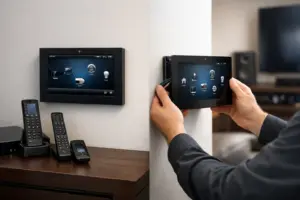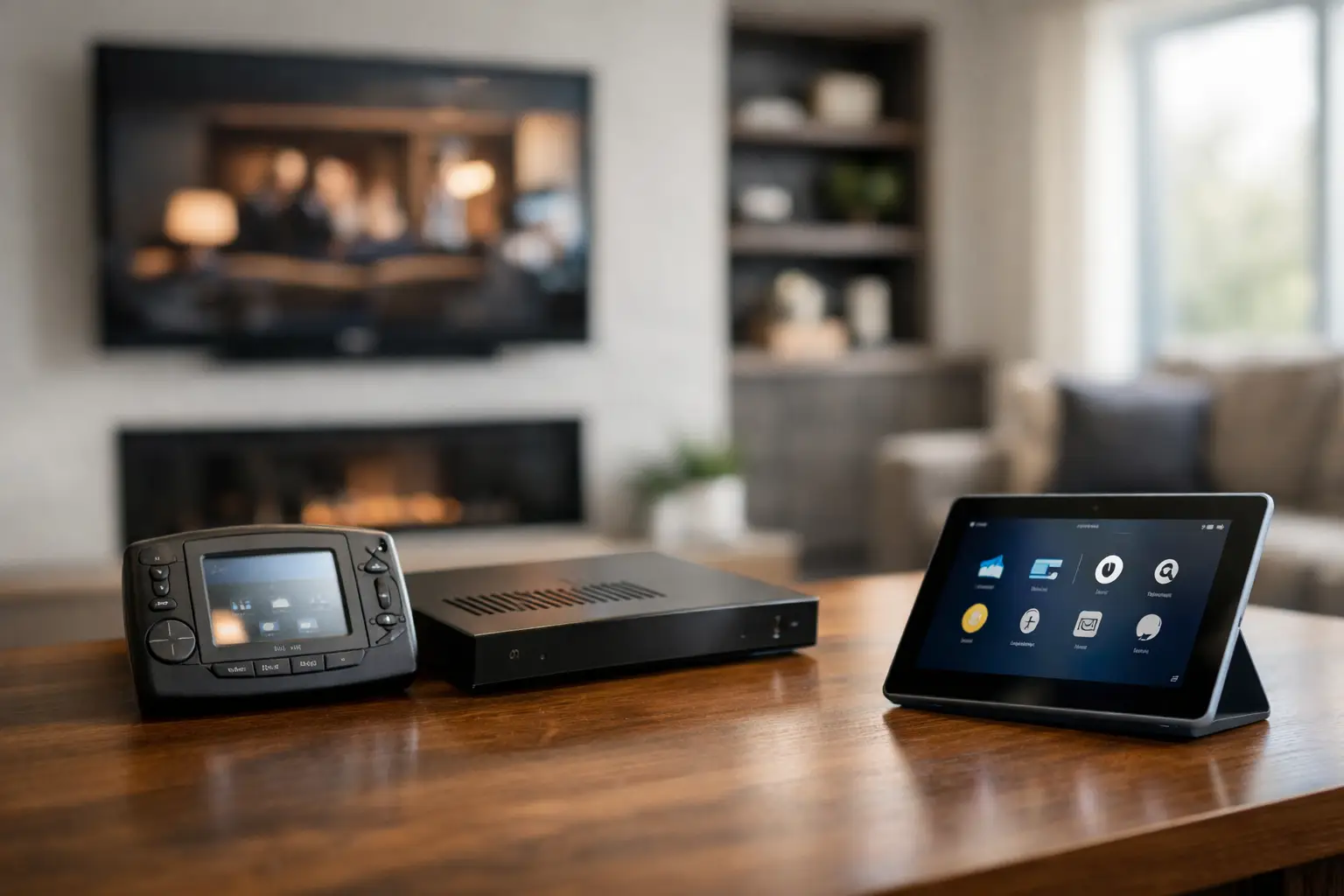
A Control4 system can continue working long after it has stopped delivering the experience your home deserves. If you are asking, “When should I upgrade my aging Control4 system,” the answer is rarely tied to one failed component. It is usually a pattern: slower responses, devices that no longer communicate consistently, limited control options, and a system that has become harder to support as your lifestyle and property evolve.
A professionally planned upgrade is not about replacing technology for its own sake. It is about restoring reliable control of the systems you use every day, protecting the investment already in your home, and preparing the property for what comes next.
The Most Common Signs Your Control4 System Is Aging
The clearest signal is reliability. A button press that once started music, lowered shades, adjusted lighting, and selected a source promptly may now take several seconds or require repeated commands. Intermittent issues can be even more frustrating: one room responds while another does not, a television source disappears, or a keypad works inconsistently.
These symptoms do not always mean the entire system must be replaced. They may come from an aging controller, outdated software, older network equipment, failing power supplies, or legacy components that are no longer communicating well with current products. Still, recurring issues are a reason to have the system evaluated rather than continually patched.
Another sign is that your system no longer reflects how you live. Perhaps the original installation focused on indoor entertainment, but you now spend more time using the patio, pool area, guest suite, or home office. Maybe the family wants simpler scenes for arriving home, entertaining, bedtime, and travel. A smart home should reduce small daily decisions, not require workarounds or instructions for guests.
When Should I Upgrade My Aging Control4 System?
Upgrade planning becomes especially worthwhile when several of these conditions overlap: the system is more than a few generations behind, service calls are becoming more frequent, important devices cannot be added or updated, and the control experience no longer feels dependable. Waiting for a full failure can turn a measured improvement into an urgent disruption.
There are also practical timing opportunities. A renovation, repainting project, media room refresh, outdoor entertainment addition, or move into a new property creates access to walls, equipment spaces, and wiring pathways that may otherwise be difficult to reach. Coordinating technology improvements with other property work often produces a cleaner result and minimizes interruption.
For homeowners in South Florida, seasonal occupancy can matter as well. If a residence is vacant for part of the year, an upgrade can often be scheduled around that calendar. The objective is to return to a home where entertainment, security, lighting, shades, climate settings, and cameras are organized around the way you want the property to operate.
Software Support Is More Than a Convenience
Control4 systems depend on both hardware and software. Older controllers may not support the current Control4 operating system, which can limit features, security improvements, remote management capabilities, and compatibility with newer equipment. An older interface may still turn on a room, but that is not the same as providing dependable whole-home control.
Software compatibility also affects serviceability. As product lines evolve, certain legacy drivers, interfaces, touchscreens, and third-party integrations may receive limited support. If a source component, camera system, network device, or lighting platform changes, an older control system may require more engineering time to keep everything working together.
That does not mean every legacy device should be removed. High-quality speakers, structured wiring, racks, amplifiers, and some control infrastructure may remain valuable parts of the upgraded design. A qualified integrator should assess what can be retained, what should be replaced, and what needs to be reconfigured for stable long-term performance.
Your Network May Be the Real Limitation
Many homeowners blame the Control4 interface when the underlying issue is network infrastructure. Modern connected homes place more demands on the network than installations from a decade ago. Streaming sources, high-resolution video distribution, surveillance cameras, wireless access points, mobile control, and connected appliances all compete for reliable connectivity.
A system refresh should include a review of the network, not just the controller. Properly designed managed networking equipment, appropriate wireless coverage, organized rack equipment, battery backup, and remote monitoring can make a major difference in day-to-day stability. This is particularly important in larger homes, concrete construction, waterfront properties, and residences with outdoor living areas where wireless coverage can be inconsistent.
A professionally designed network also creates a stronger foundation for security and remote access. When you are away, you should be able to check the status of key systems with confidence, rather than wonder whether an alert, camera view, or remote command will reach the property.
Consider an Upgrade Before Adding New Features
Adding a new theater, motorized shades, upgraded surveillance, distributed audio zone, or outdoor display can expose the limitations of an older platform. It is tempting to attach new equipment to the existing system and address compatibility later. In many cases, that approach creates a fragmented experience and makes future service more complicated.
Instead, view major additions as an opportunity to develop a complete technology roadmap. The plan might include a new Control4 controller, refreshed touchscreens or keypads, stronger networking, updated audio distribution, and revised automation programming. It can also account for equipment that will be added later, so the infrastructure is ready when you are.
This approach is especially valuable in properties with multiple technology categories. Entertainment, surveillance, access control, shades, lighting, pool features, communications, and networking should not feel like separate systems competing for attention. They should be thoughtfully organized under a control strategy that is intuitive for the household or staff.
What a Professional Control4 Upgrade Should Include
The right upgrade begins with discovery, not assumptions. A technician should document the existing rack, controllers, network, sources, displays, amplifiers, speakers, touchscreens, wiring, and connected subsystems. They should also ask how the system is used, what frustrates you, and which spaces or features matter most.
From there, the recommendation should distinguish between essential reliability work and desired improvements. Essential work may include replacing unsupported controllers, correcting network weaknesses, cleaning up rack wiring, updating programming, or resolving communication issues. Desired improvements may include refined lighting scenes, expanded outdoor audio, updated interfaces, improved remote access, or integrated security monitoring.
Clean execution matters as much as equipment selection. A well-organized equipment rack, labeled connections, documented programming, and properly configured remote support tools make future maintenance far easier. They also give you a clearer understanding of what is in your home and who is accountable for its performance.
Do Not Wait for a Complete System Failure
A smart home system rarely fails all at once. More often, it becomes less convenient one device, one room, or one service visit at a time. That slow decline can make it easy to postpone action, especially when the system still performs basic commands. But reliability is the point of integrated technology. If your family avoids certain controls because they are unpredictable, the system is no longer serving its purpose.
Sentry Audio Video approaches Control4 upgrades as a property-wide performance review, not a one-size-fits-all replacement. The goal is to preserve worthwhile infrastructure, correct the weak points, and deliver a control experience that feels polished, dependable, and ready for the years ahead.
If your Control4 system is showing its age, the most helpful next step is a professional assessment before your next renovation, equipment addition, or recurring service issue forces the decision. A clear upgrade plan gives you control over the timing, scope, and final result.