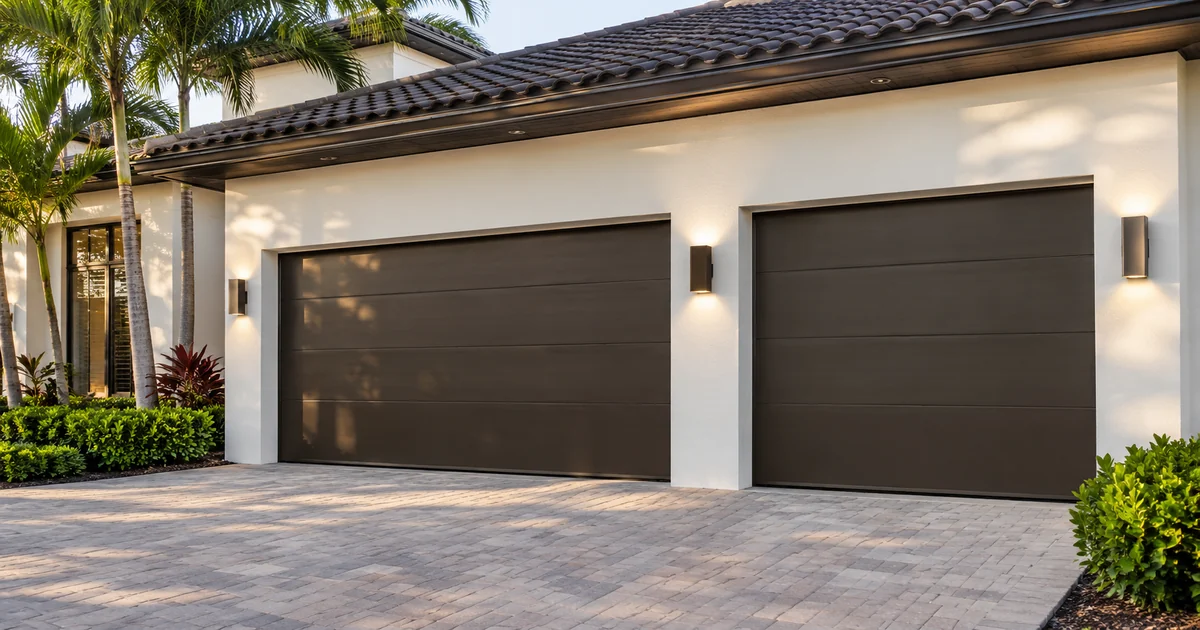
A garage-door icon can make an entrance look integrated before the important question has been answered: does the system know where the door is? For a new Control4 installation or a professional takeover, ask the installer to distinguish a request to move the door from information confirming its position. A button changing color is useful only when its meaning is understood.
This decision belongs in the equipment and programming scope before ordering. Start with Sentry Audio Video’s Control4 installation and programming services for the complete project. This guide concentrates on garage-door state and feedback, rather than repeating intercom calling or gate-release planning.
Separate the three parts of the experience
A command path tells compatible equipment to perform an action. A position-sensing path reports a physical condition. The interface presents the information to the owner. Those parts may be supplied by different devices, and their capabilities must be confirmed together. Control4’s user guidance describes control and status for connected locks, garage doors and sensors; it does not establish that every opener supplies identical information.
Ask what each displayed condition actually means. Closed might come from a dedicated sensor. Moving might be available from a supported interface, or it might be an estimate. An installation that reports only open and closed should be explained that way. Avoid approving a more detailed graphic than the installed equipment can support.
Put exact equipment in the proposal
Record the opener manufacturer and model, the proposed supported interface, any required position sensors, the Control4 platform and the installation responsibilities. Include equipment being retained. A product family name or an assumption that an existing app works does not demonstrate compatibility with the proposed Control4 integration.
For a LiftMaster installation, Sentry first reviews the exact opener and supported connection method. Our LiftMaster garage opener installation page explains that assessment. Do not assume every myQ-equipped opener can connect through the same route or that a subscription alone provides the required interface.
Define an unavailable or uncertain state
The owner should know how the interface behaves when feedback is unavailable. Discuss a disconnected sensor, lost communication and equipment returning after an interruption with the integrator. The desired result is clear information about uncertainty, rather than an unexplained icon that appears reassuring.
Agree on whether the system can distinguish a confirmed position from its last known position. If that distinction is unavailable, have the limitation stated in the handoff notes. A timestamp, alert or other display behavior should be included only when supported and demonstrated. The buying decision is whether the proposed feedback meets your needs, not whether a screen can be made to look more sophisticated.
Keep operation and permissions deliberate
List who needs control, from which interfaces and in which circumstances. An owner operating locally, a house manager checking the property and a guest using a wall button may have different needs. Ask the installer to identify supported access controls and any manufacturer-service requirements before those functions enter the proposal.
Garage-door movement must retain the opener’s required protections and manufacturer-supported operation. Convenience programming is not a substitute for those provisions. Door balance, springs, tracks and mechanical faults require appropriate qualified service. This is an installation-planning review, not a wiring or safety-bypass procedure.
Demonstrate position independently of the command
At commissioning, ask the qualified installation team to demonstrate the agreed ordinary operating cases. Compare the actual door position with the interface indication. Where supported, include movement initiated from the normal local control so the test does not rely only on the automation system remembering its own command.
Have the installer explain the result when feedback is missing and the route for a service request. Do not test obstruction protection with a person or household object. Keep the acceptance demonstration within manufacturer instructions and the installation team’s approved procedure.
Leave a useful handoff record
The final record should identify each door, opener, interface and sensor, together with the meaning of displayed states. Include the responsible service contact and any ongoing account or support requirements. If an opener, sensor or network component changes later, request a review of the affected integration.
For a new Control4 home, renovation or takeover in Miami, Miami Beach, Boca Raton or Fort Lauderdale, send the opener information and the arrival experience you want. Request a Sentry project consultation or call (305) 502-0003 for Miami Beach, (954) 859-6475 for Fort Lauderdale or (561) 717-3280 for Boca Raton. The proposal should make the difference between a command and confirmed position clear.
Manufacturer references
Technical references reviewed November 13, 2026. Confirm current product, software and installation requirements for the specified project.
From our Google reviews
“They recently installed a Control4 system at both my home and my workplace, and the entire experience was flawless from start to finish.”
Control4 installation — home and workplace
Google review excerpt