A premium home can have excellent internet service at the entry point and still suffer from dropped video calls, slow streaming in a bedroom, or a security camera that disconnects at the worst moment. That gap is why finding the Best Wi-Fi for Homes in Woodfield Country Club is less about selecting a single wireless product and more about designing a complete, property-specific network.
For homes with multiple living areas, concrete construction, outdoor spaces, smart-home systems, and a growing number of connected devices, Wi-Fi must be treated as infrastructure. The right design delivers dependable coverage, protects critical systems, and keeps technology unobtrusive throughout the property.
What Makes Wi-Fi Different in Woodfield Country Club Homes
Many Woodfield Country Club residences are not simple, open-concept spaces where one centrally placed wireless unit can reach every room. Floor plans may include guest suites, offices, garages, media rooms, pool areas, and outdoor entertaining spaces. Construction materials such as concrete block, reinforced walls, stone, mirrors, and metal can weaken wireless signals or create inconsistent performance from one room to the next.
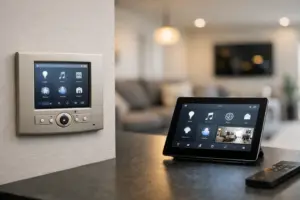
The number and type of connected devices also matter. A modern home may have high-resolution TVs, distributed audio, video doorbells, surveillance cameras, access control, motorized shades, lighting controls, climate controls, tablets, and phones operating at the same time. These systems do not all need the same amount of bandwidth, but they do need a stable network that handles traffic intelligently.
A strong signal in the family room is not proof that a network is working well. The real test is whether the office remains reliable during an important call, the patio has coverage when entertaining, cameras maintain their connection, and automation responds promptly throughout the home.
The Best Wi-Fi for Homes in Woodfield Country Club Starts With Design
The best residential Wi-Fi is usually a professionally designed wired-and-wireless network. It begins with understanding the property, its construction, the location of the incoming internet service, and how the homeowner intends to use each space.
A network plan should identify where wireless access points belong, where hardwired connections are necessary, and where equipment can be housed cleanly. Access points are typically installed in strategic ceiling or wall locations rather than placed wherever a signal happens to be available. This approach provides more consistent coverage while preserving the home’s appearance.
Wired connections remain the preferred choice for fixed, high-demand devices. Televisions, media systems, desktop workstations, network video recorders, and many automation controllers perform best when connected by structured cabling. Doing so reduces wireless congestion and reserves Wi-Fi capacity for mobile devices and equipment that truly needs it.
The goal is not to place the most access points possible. Too few creates dead zones; too many, poorly configured, can cause devices to switch access points unpredictably or compete for airtime. Proper placement, power levels, channel planning, and roaming settings make the difference.
Coverage Is Only One Part of Network Performance
When homeowners ask for better Wi-Fi, they are often describing several separate concerns: signal strength, speed, reliability, and ease of use. A quality system addresses all four.
Signal strength determines whether a device can see the network. Speed depends on the capacity of the internet service, the wireless standard in use, device capabilities, and how many other devices are active. Reliability depends on network hardware, configuration, cabling, electrical protection, and ongoing management. Ease of use comes from a network that connects devices appropriately without requiring constant attention from the homeowner.
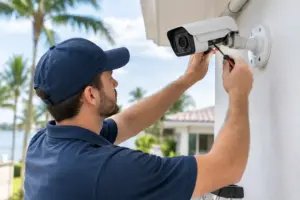
This is especially relevant for smart-home integration. Security cameras and access control should not be competing with guest devices for the same network resources. Home automation controllers need predictable network access. A well-designed installation can separate these categories through dedicated network segments, helping protect private devices and preserve performance for critical systems.
Wi-Fi 6, Wi-Fi 6E, and Wi-Fi 7: What Actually Matters
Newer Wi-Fi standards can improve capacity, efficiency, and performance in homes with many connected devices. However, the newest standard is not automatically the right answer for every property.
Wi-Fi 6 is a capable foundation for many high-performance residential networks because it manages multiple devices more efficiently than earlier generations. Wi-Fi 6E adds access to the 6 GHz band, which can provide cleaner wireless capacity for compatible devices in the right conditions. Wi-Fi 7 expands on those capabilities with higher potential throughput and improved handling of demanding network environments.
The practical decision should account for the internet service available to the home, the devices already in use, the home’s construction, and future plans. A network designed around Wi-Fi 7 may make sense during a major renovation or new construction project, particularly when structured cabling is being installed at the same time. In an established home, a carefully placed Wi-Fi 6 or 6E system may deliver an exceptional experience when supported by the right wired backbone.
The standard printed on the equipment box is only one part of performance. Professional configuration and coverage planning remain more meaningful than a headline speed rating.
Do Not Overlook Outdoor Wi-Fi and Pool Areas
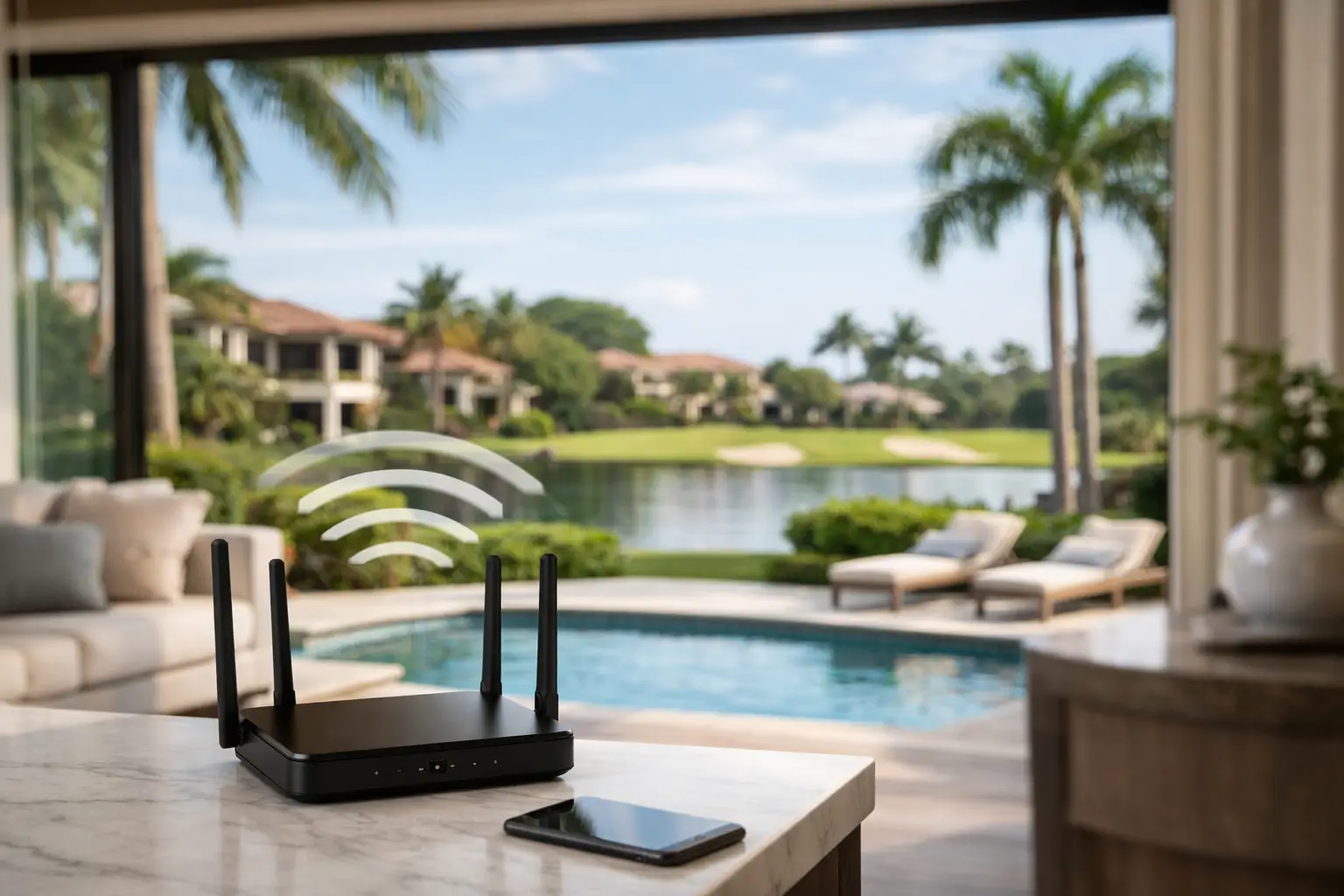
Outdoor living is an extension of the home, and Wi-Fi should support it accordingly. Patio audio, outdoor displays, pool controls, smart lighting, cameras, and guests’ mobile devices can all benefit from purpose-built exterior coverage.
An indoor access point near a rear wall may provide some patio signal, but it is rarely the most reliable long-term solution. Exterior-rated wireless equipment is designed for heat, humidity, and exposure while extending coverage where it is actually needed. Placement must account for landscaping, architectural features, coverage boundaries, and the distance between the home and any detached spaces.
Outdoor coverage also requires restraint. A wireless signal that reaches farther than intended can create unnecessary exposure beyond the property. Secure configuration, appropriate signal design, and a separate guest network help maintain privacy while giving visitors convenient access.
The Equipment Behind the Walls Matters
A dependable Wi-Fi experience depends on more than access points. The supporting infrastructure often includes a managed router or gateway, network switches, structured cabling, battery backup, surge protection, and an organized equipment rack or enclosure.
Managed networking equipment allows the system to prioritize traffic, monitor device behavior, apply security policies, and isolate guest access from private systems. It also makes service more efficient when an issue occurs. Instead of guessing whether a problem is related to the internet provider, a cable run, a camera, or a wireless access point, a qualified technician can evaluate the network as a complete system.
Clean installation matters here. Proper labeling, ventilation, cable management, and service access are signs of an installation built to perform over time. They also make future additions, such as a new camera, media room, or outdoor entertainment area, far less disruptive.
Questions to Ask Before Selecting a Wi-Fi System
Before approving a network upgrade, homeowners should ask whether the design includes a site assessment, a coverage plan, and hardwired connections for stationary systems. They should also understand who will configure security settings, create separate networks for guests and smart-home equipment, and provide support after installation.
Ask how the system handles internet outages and power interruptions. No Wi-Fi network can create an internet connection when provider service is down, but battery backup can keep key equipment operating through short power events. For homes that depend on connected security and access systems, this planning is valuable.
It is also wise to ask whether the network can grow. A property may later add cameras, a gate system, motorized shades, whole-home audio, or a redesigned outdoor area. A scalable network avoids having to rebuild the foundation each time technology changes.
A Professional Network Should Feel Invisible
The right Wi-Fi system should not become another household project. It should support the way the home is used: work from a private office, entertainment across multiple rooms, reliable security at the perimeter, and connected comfort indoors and out.
For Woodfield Country Club homeowners, Sentry Audio Video designs and installs integrated network infrastructure that supports the full home experience, not just a stronger signal in one room. A thoughtful site evaluation can identify coverage gaps, infrastructure limitations, and the most effective path to dependable, high-performance Wi-Fi that is ready for the life of the property.