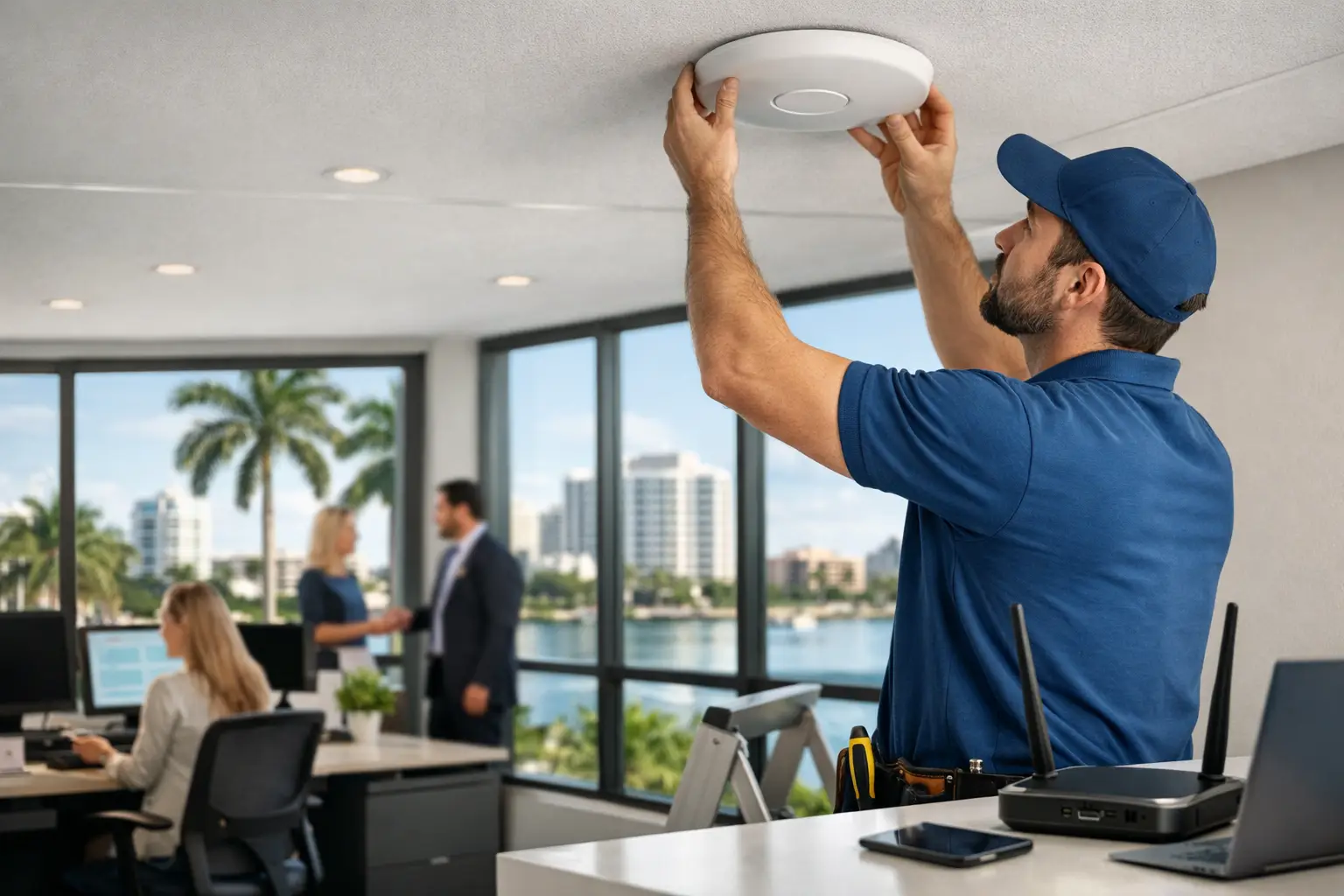
A business can have an impressive office, polished customer experience, and capable staff, yet still lose time every day to dropped connections, slow guest access, and video calls that freeze at the wrong moment. Business WiFi Installation Boca Raton is not simply about placing wireless access points around a property. It is about designing the network that supports your people, guests, systems, and reputation.
For a professional office, restaurant, retail location, medical practice, clubhouse, or luxury mixed-use property, WiFi has become part of the operating environment. Payment systems, cloud applications, communications, surveillance, music, conferencing, and mobile devices all depend on consistent network performance. A professionally planned installation gives these systems the foundation they need while keeping the finished space clean, organized, and easy to manage.
Why Business WiFi Problems Are Often Design Problems
Many WiFi complaints are blamed on the internet provider. Sometimes that is accurate. More often, the real issue is coverage planning, equipment placement, network capacity, or cabling hidden behind the walls and ceilings.
A single wireless device may appear to work well in a small room, then struggle once employees gather for a meeting, guests connect in a lobby, or a point-of-sale system is operating during peak hours. In Boca Raton commercial spaces, building materials can add another layer of complexity. Concrete, metal framing, elevator areas, decorative stone, low-emissivity glass, and dense shelving can weaken or redirect wireless signals.
Professional installation begins with understanding how the space is actually used. A reception area has different demands than executive offices. An outdoor dining area has different needs than a back-of-house workspace. A conference room may need dependable connectivity for wireless presentations and video meetings, while a surveillance system needs stable wired connections and appropriate network separation.
The goal is not merely to show a strong signal on a phone. The goal is to provide dependable service where work happens, including during the busiest times of day.
What a Professional Business WiFi Installation Includes
A proper network installation is a coordinated infrastructure project. It starts with a site assessment and a conversation about business operations, current pain points, future growth, and the systems that will rely on the network.
The design team evaluates the internet connection, existing wiring, equipment room, floor plan, wall construction, and areas where users gather. From there, they determine the appropriate number and placement of wireless access points. Placement matters as much as the equipment itself. An access point positioned above an open ceiling may perform very differently from one installed behind decorative features or too close to another wireless device.
Structured cabling is equally important. Access points perform at their intended level only when they have dependable wired backhaul and properly planned power. Cleanly routed cable, labeled terminations, organized network racks, and professional mounting make future service easier and protect the appearance of the space.
A complete installation commonly addresses four core areas:
- Wireless coverage and capacity for employees, guests, and operational devices
- Wired connections for high-priority systems such as workstations, conferencing, surveillance, and communications
- Network security and segmentation that keeps different types of traffic appropriately separated
- Centralized management for monitoring, updates, troubleshooting, and future expansion
These pieces should be designed together. Installing wireless equipment without considering the switch, cabling, internet gateway, and security policies can create limits that are difficult to diagnose later.
Coverage Is Only Half the Equation
A common mistake is treating WiFi as a coverage-only issue. Coverage answers whether a device can detect a wireless network. Capacity answers whether that network can support the number of active devices and the type of traffic those devices create.
Consider a law office with 25 employees, clients in waiting areas, conference room video meetings, wireless printers, phones, and cloud-based document access. The network must handle more than occasional web browsing. Or consider a hospitality venue where guests expect fast access while staff depend on tablets, payment terminals, audio control, cameras, and communications systems. The network requires thoughtful traffic management, not just a visible network name.
This is why the right design may include separate networks for staff, guests, building systems, and security equipment. Segmentation helps limit unnecessary traffic between devices and can improve security. It also gives management more control over guest access without placing sensitive operational systems on the same network.
Guest WiFi deserves particular attention. It should be convenient for visitors but isolated from internal business resources. Access policies, passwords, usage limits, and branded sign-in experiences can be selected based on the property and the organization’s needs. A private office may need a straightforward guest network, while a venue with frequent visitors may benefit from more detailed controls.
Business WiFi Installation in Boca Raton Requires a Site-Specific Plan
There is no universal access-point count that works for every commercial property. A 3,000-square-foot office with open drywall ceilings may need a very different approach than a similarly sized medical suite, waterfront restaurant, luxury showroom, or multilevel building.
The same is true for outdoor connectivity. Patio seating, pool decks, entry areas, and parking-adjacent spaces may require weather-rated equipment and deliberate placement. Outdoor WiFi should not be treated as an afterthought or expected to perform from equipment installed deep inside the building.
Renovations and new construction offer an ideal opportunity to plan network infrastructure before finishes are complete. Running cable during construction supports cleaner access-point placement, organized equipment locations, and room for future additions. In finished spaces, experienced installers can still develop a thoughtful path forward, balancing coverage requirements with aesthetics and practical access.
For higher-end properties, appearance matters. Equipment should be placed carefully, cable pathways should be concealed whenever feasible, and network hardware should be organized in a location that is serviceable without becoming a visual distraction.
Security and Reliability Need to Be Built Into the Network
Business WiFi is an access point to company operations. That makes security a design requirement, not an optional add-on.
A professional network plan can include business-grade firewall protection, encrypted wireless access, separate staff and guest networks, controlled permissions, and secure remote management. The exact configuration depends on the business. A medical office, financial professional, restaurant, and private club face different operational requirements and risk profiles.
Reliability also depends on reducing single points of failure where appropriate. For some businesses, backup internet service, battery backup for critical network components, or proactive monitoring may be worthwhile. Not every property needs every layer of redundancy, but the decision should be based on the cost of downtime. If a network interruption stops transactions, blocks client communications, or disables key building systems, continuity planning becomes far more valuable.
Documentation matters as well. Clearly labeled cables, organized racks, network diagrams, and known credentials reduce confusion when service is needed. A network should not become a mystery after the installation team leaves.
Signs Your Existing WiFi May Need Professional Attention
Frequent disconnections are an obvious warning sign, but not the only one. Slow performance in certain rooms, video meetings that fail when more people arrive, dead zones near exterior areas, and guests complaining about access can all point to a design issue.
Other concerns are less visible. If employees, guests, surveillance cameras, and business systems all share one password and one network, the setup may not provide the control the business needs. If network equipment is scattered in closets without labeling or adequate ventilation, future maintenance can become unnecessarily difficult. If a renovation added offices, walls, or new technology without an updated network plan, the original design may no longer match the space.
These conditions do not always require replacing every component. In some cases, a site assessment reveals that strategic cabling, improved access-point placement, updated switching, or better network segmentation will address the problem. The right recommendation depends on the building, usage patterns, and long-term plans.
Choose a Partner That Owns the Entire System
Business owners should not have to coordinate separate providers for cabling, wireless equipment, network configuration, audio/video integration, surveillance connectivity, and ongoing service. When these systems are handled in isolation, accountability can disappear as soon as an issue crosses between them.
A full-service integrator approaches the network as part of the larger technology environment. That is especially valuable for businesses combining conference room AV, distributed audio, access control, cameras, communications, and managed IT infrastructure. Sentry Audio Video designs and installs these interconnected systems with attention to performance, clean workmanship, and long-term support.
Before moving forward, ask whether the proposed design accounts for device density, building materials, wired infrastructure, guest access, security policies, and future expansion. Also ask how the system will be documented, monitored, and supported after installation. Clear answers to those questions usually separate a short-term equipment purchase from a network built to support the business for years.
A well-designed WiFi network should fade into the background. Your staff should be able to work, your guests should connect confidently, and your connected systems should perform without demanding constant attention. That quiet reliability is the standard a professional installation should deliver.