A clubhouse may need to support a quiet board meeting in the morning, a fitness class in the afternoon, a televised game at the bar, and a private event that evening. Televisions, distributed audio, wireless networks, microphones, lighting, access, cameras, and staff controls must work across very different operating conditions. A service plan should therefore begin with the property’s spaces and workflows, not with a generic list of equipment.
Sentry Audio Video designs and supports integrated systems for South Florida commercial and community properties. This guide outlines the questions property managers, boards, operators, and facility teams should answer when planning clubhouse AV and ongoing service.
Map every space and its normal use
Create a room-by-room list covering the lobby, lounge, bar, restaurant, ballroom, meeting room, fitness areas, pool deck, terraces, card rooms, offices, and outdoor gathering spaces. For each area, document the expected audience, operating hours, typical source, desired volume, control method, and responsible staff role.
Separate everyday operation from special events. A lounge television may need only simple channel selection, while a ballroom may require wireless microphones, presentations, music, video, and temporary production connections. Designing for the normal workflow while providing a controlled event mode keeps routine use simple without limiting revenue-producing functions.
Plan television distribution and source control
Decide which displays should show independent content and which should follow a shared source. Bars and fitness spaces may need rapid channel changes across several screens; meeting rooms may need local presentation inputs; lounges may need streaming sources. Confirm commercial subscriptions and content rights with the appropriate providers rather than assuming a residential account fits a shared amenity property.
Record display models, mounting conditions, network connections, source devices, remote controls, and replacement requirements. A standardized display and control strategy makes staff training, spare planning, and future upgrades easier.
Divide audio into practical zones
Audio zones should follow how the property actually operates. The bar, dining room, lobby, ballroom, fitness rooms, pool deck, and terraces may require different sources and volume levels. Adjacent areas also need coordination so one event does not overwhelm another.
Speaker selection and placement should consider room acoustics, ceiling conditions, weather exposure, landscaping, and nearby residences. Outdoor systems should provide even coverage at reasonable levels instead of relying on a few loud speakers. Microphone feedback, background noise, and delayed sound between connected spaces should be evaluated during commissioning.
Build Wi-Fi for staff, members, guests, and equipment
Clubhouse wireless supports more than phones and laptops. Displays, control processors, audio devices, point-of-sale systems, cameras, access control, staff devices, guest traffic, and temporary event equipment may share the infrastructure. Coverage, capacity, roaming, and segmentation should be designed for the busiest realistic condition.
Perform measurements in crowded amenity spaces, pool areas, patios, and rooms with dense construction. Wired connections remain preferable for fixed, business-critical equipment. The design should also document internet circuits, switching, firewall policies, power-over-Ethernet capacity, UPS protection, and any backup connection.
Give staff simple, role-based controls
The interface should match the staff member’s job. A bartender may need channel, source, and volume controls for a defined group of televisions. An event manager may need ballroom scenes, microphone levels, lighting presets, and presentation routing. An administrator may need access to schedules and system-wide settings.
Use clear room names, safe volume limits, and tested presets. Hide engineering-level settings from routine users while preserving documented service access for authorized technicians. Physical backup controls can be valuable for essential functions when a tablet or app is unavailable.
Coordinate event production before the event
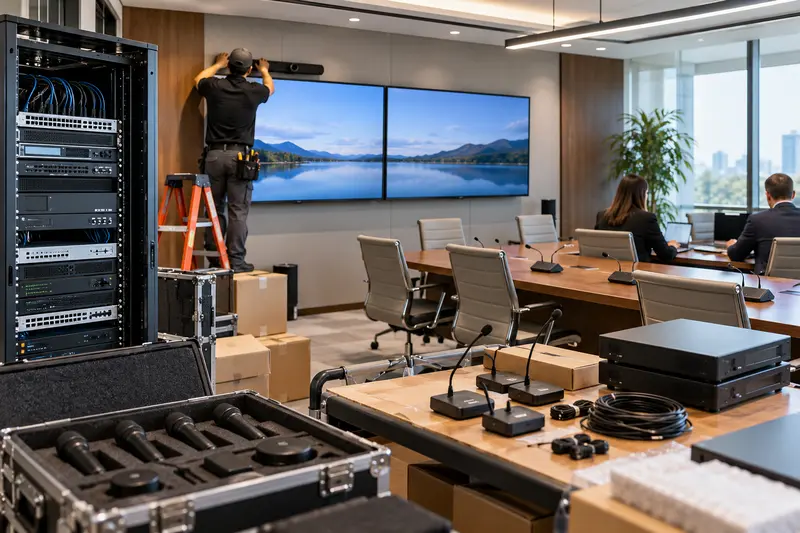
For weddings, meetings, lectures, performances, and community events, define how outside presenters or production companies connect. Document accepted audio and video formats, available inputs, internet access, microphone inventory, power, setup windows, and the person authorized to approve temporary changes.
A pre-event checklist should confirm displays, projectors, screens, microphones, batteries, audio zones, lighting scenes, remote presentation tools, recording requirements, and staff contacts. Restoring the normal clubhouse configuration after the event should be part of the plan.
Protect racks, power, cooling, and cable paths
Equipment rooms should be locked, ventilated, labeled, and kept clear of storage. Record rack layouts, cable destinations, switch ports, power circuits, UPS capacity, network addresses, and configuration backups. Monitor temperature and critical device health when practical.
Renovation projects should coordinate conduit, display backing, speaker locations, wireless access points, lighting control, camera views, and outdoor pathways before finishes are installed. Early coordination reduces visible wiring and expensive rework.
Include security and operational visibility
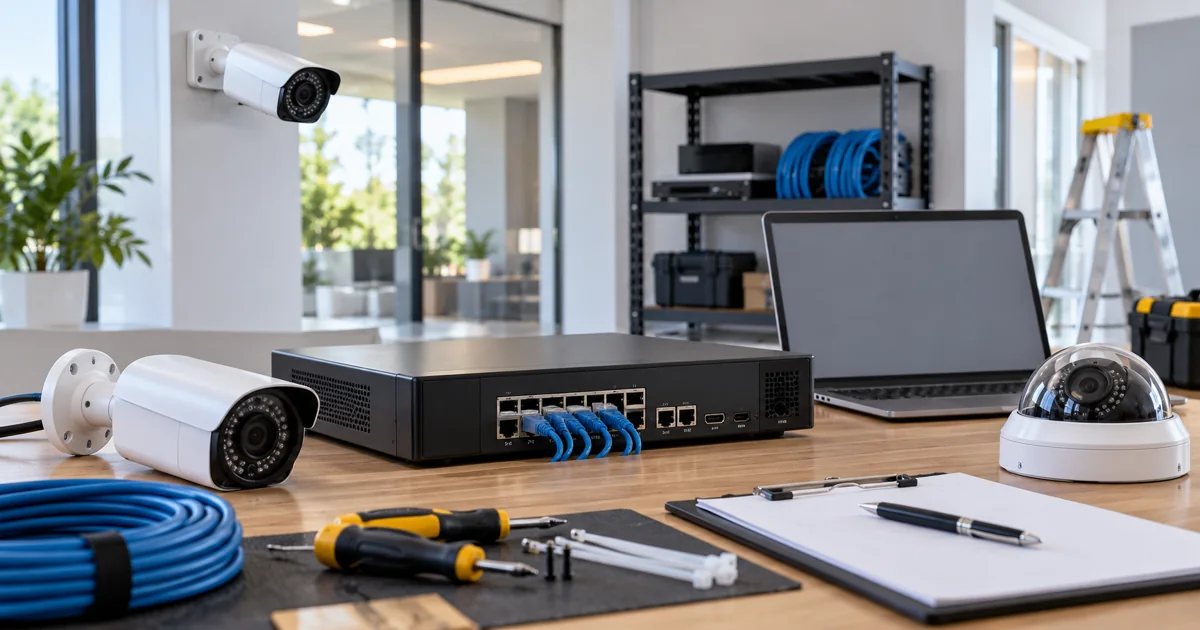
Where appropriate, cameras and access control can support entrances, service areas, parking, cash-handling locations, equipment rooms, and amenity spaces. Coverage and retention should follow the property’s approved security plan, legal guidance, privacy policies, and actual incident-response procedures.
A camera system is useful only when footage is recorded, time is accurate, exports can be completed, and authorized people know how to respond. Door schedules, credentials, visitor entry, and after-hours alerts require the same operational testing.
Define the service agreement in measurable terms
List covered systems, support hours, response priorities, remote-access rules, escalation contacts, preventive maintenance, documentation updates, configuration backups, spare strategy, and pricing for moves or additions. Decide which issues staff handles internally and which should be escalated immediately.
Quarterly or scheduled reviews can identify failing batteries, storage problems, wireless changes, firmware needs, damaged outdoor equipment, and rooms that no longer match their original use. Lifecycle planning is especially valuable when multiple spaces depend on shared head-end equipment.
Start with a clubhouse technology assessment
A useful assessment combines the room inventory, staff interviews, network condition, rack documentation, control workflow, event requirements, and service history. The result should be a prioritized plan: urgent reliability corrections, near-term improvements, and longer-term replacements.
Planning a clubhouse, community amenity, or hospitality AV project in South Florida? Call (561) 717-3280 or request a consultation. Explore commercial audio and video distribution, commercial integration, enterprise Wi-Fi, and commercial security.
Sentry Audio Video is family-owned, has 25 years of experience, and holds Florida low-voltage license EF20001874. References to clubhouses, associations, and community properties are descriptive and do not imply an affiliation with any particular organization.