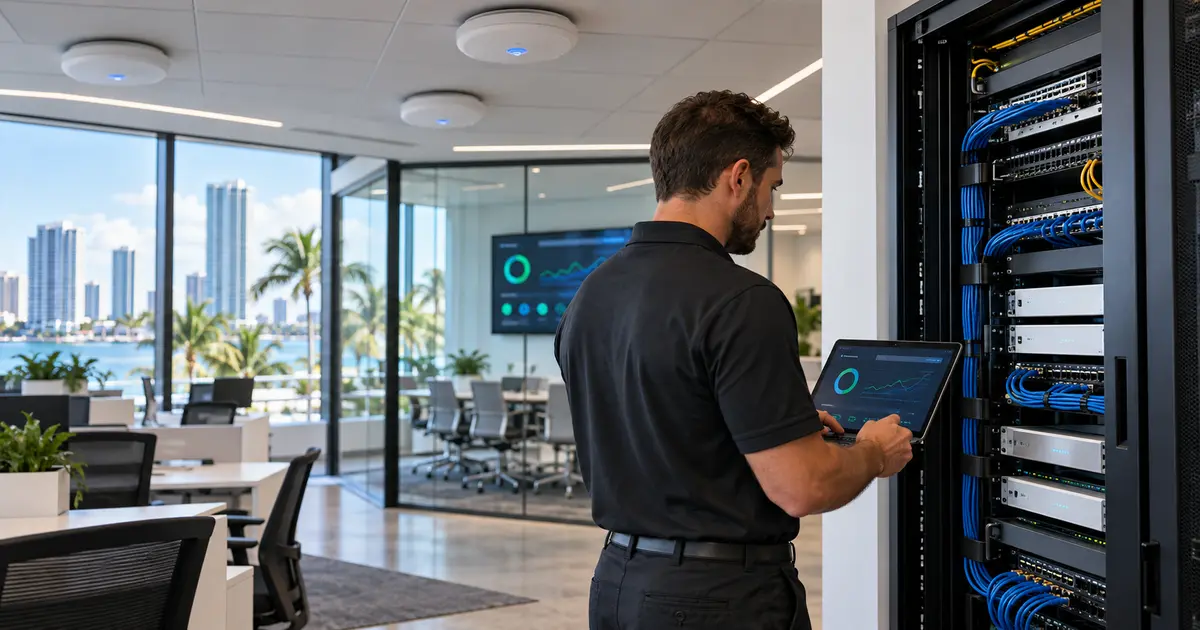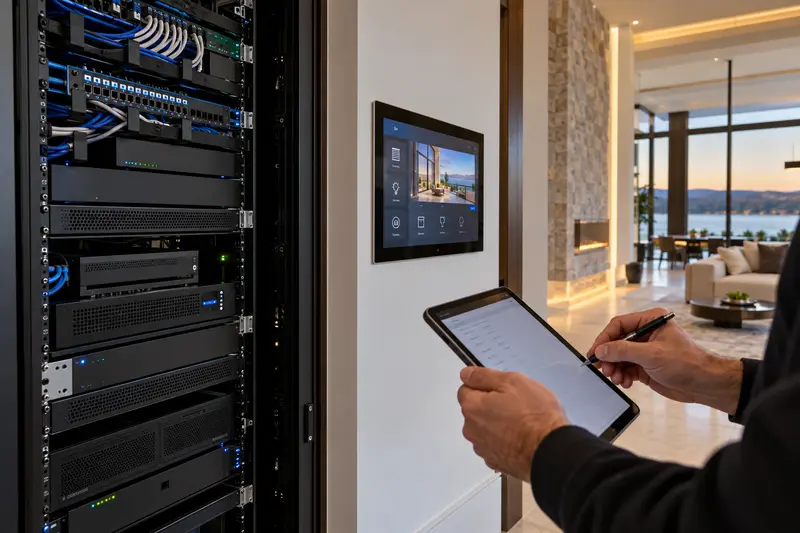
A service visit is more productive when the technician can reach the equipment, reproduce the problem and speak with someone who understands the home’s priorities. A house manager can prepare these details without changing programming or sharing passwords in ordinary email.
Describe the problem as an everyday task
“The family-room TV has sound but no picture when we select the cable box” is more useful than “the automation is broken.” Record the room, selected source, interface used and approximate time. Note whether the problem is constant, intermittent or limited to one device. A short video of the behavior can help, provided it avoids account details and private camera views.
Identify what changed
List recent internet-provider work, router replacements, power interruptions, new televisions, app updates or work by another contractor. These are clues, not proof of a cause. If a system is partially working, document that condition before anyone starts unplugging equipment. Repeated resets can hide an intermittent fault and disrupt other rooms.
Arrange physical and authorized access
Make the equipment rack, network cabinet and affected rooms accessible. Confirm gate entry, parking, building work hours and any elevator reservation. Identify the person who may approve diagnostic work or replacement equipment. If accounts or project files are required, ask the integrator how the authorized owner should provide access securely; do not send a spreadsheet of passwords.
Set priorities and protect the visit window
Choose the two or three outcomes that matter most. Restoring the primary television before guests arrive may take priority over adjusting a rarely used scene. Reserve time when those rooms are available, and explain any household or staff constraints. A technician cannot fully test a theater while a meeting or event is taking place there.
Prepare a useful handoff
Keep prior proposals, equipment lists and service notes together. Ask the technician to explain what was tested, what changed, what remains unresolved and who owns the next action. Record the final behavior in the same language used to describe the original problem. This makes the next visit easier and avoids losing the system’s history when staff changes.
For inherited systems, review our Savant takeover documentation checklist. For Control4 issues, start with Control4 service and repairs.
Plan the next step with Sentry Audio Video
Request a consultation. Boca Raton: (561) 717-3280; Fort Lauderdale: (954) 859-6475; Orlando: (407) 377-5360; New York: (516) 210-2120. Florida low-voltage license EF20001874.