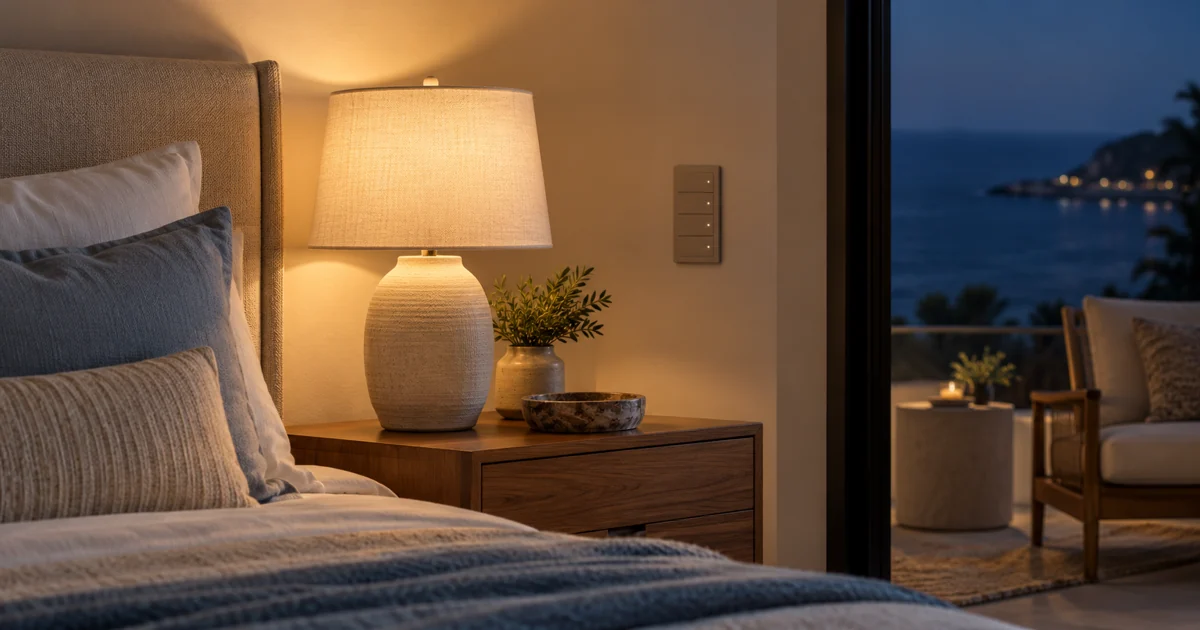
A bedside keypad can be useful after the room lights are off, yet its own indicator lights may feel too bright in a dark bedroom. Before replacing the control, identify whether the concern is the keypad’s status indication, a locator light or the actual room lighting. Those are different functions and may have different settings.
The buying question is whether the installed Lutron equipment can provide a more comfortable nighttime control experience through supported programming, or whether different hardware should be considered. Start with the exact keypad and system rather than a generic online button sequence.
Identify which light is bothering the sleeper
Ask the homeowner to point out the control and describe when the unwanted brightness appears. Is the indicator bright only when a scene is active, visible all the time or changing with another action? Does the concern involve one bedside keypad or several controls across the room?
A photograph can identify the equipment, but it does not establish how bright an indicator feels from bed. Include the normal sleeping position and the room’s nighttime conditions in the assessment. Avoid changing room-light dimming settings simply because a small indicator is the source of the complaint.
Confirm the keypad family and supported adjustment
Lutron’s HomeWorks Sunnata HRST-W4B-BL product information lists adjustable status LED intensity through system-level programming. That is a specific example of a keypad capability, not a promise that every Lutron wall control has identical settings or adjustment procedures.
Have the integrator identify the model, installed control platform and relevant software. Ask which indicator functions can be adjusted on that combination, how the change is made and whether any desired off-state or automatic behavior is supported. Do not apply standalone dimmer instructions to a system keypad based on a similar appearance.
- Exact keypad model and installed Lutron system.
- Indicator function affected by the requested change.
- Available intensity settings and any relevant limitations.
- Controls or rooms included in the programming visit.
- Expected behavior after ordinary scene changes.
Keep indicator settings separate from scene design
Changing a control’s indicator intensity should not be treated as authorization to redesign the room’s scenes. Record the existing button functions and confirm which will remain. The owner may be happy with the bedroom lighting and only want the keypad to be less noticeable at night.
Equally, engraving or a replacement button kit should not be presented as the solution to an indicator-setting question without checking the actual hardware. Labels explain what a button does; they are a separate purchasing decision from the control’s own illumination.
Demonstrate the result in realistic darkness
Arrange a convenient review when the room can represent its nighttime use. Check the keypad from the bed and the doorway, including the states the homeowner encounters after turning lights off. The goal is a comfortable, usable setting that the owner can evaluate, not a promise that the device will emit no light.
Test the agreed adjustment before applying it throughout the home. An entry keypad and a bedside keypad may need different treatment. If the product or system does not support the desired behavior, document that limitation before proposing replacement equipment.
Use a focused acceptance checklist
- Identify the requested indicator change and record the original configuration.
- Apply only supported settings for the exact installed control.
- Review the indicator from the normal sleeping position.
- Operate each affected button and confirm its original room function.
- Check the indicator in the relevant on, off or active-scene states.
- Record the final setting and explain any limitation to the homeowner.
If the proposal includes new hardware, separate equipment, installation and programming. Confirm compatibility and any required electrical work before ordering. A model-specific assessment may establish that a programming visit is enough; another installation may need a different solution.
Include bedside control illumination in a new lighting brief
A new lighting-control project can specify the bedroom experience before keypads are ordered. Ask the homeowner to identify which controls are visible from bed, which buttons must be easy to locate and whether a guest should be able to use the room without a phone. Record these expectations separately from the brightness of the ceiling fixtures or bedside lamps.
Consider a hypothetical bedroom with matching controls by the entrance and at each bedside. The hardware may look identical, but the owner may prefer different indicator treatment at the bed. Ask the integrator whether that distinction is supported by the selected system and exactly which devices the quotation includes. Do not assume an adjustment demonstrated on one control applies automatically to every matching faceplate.
For a takeover, begin with a reference record of the current button actions and visible indicator states. Change one agreed control first and ask the owner to evaluate it under representative conditions. If the result is acceptable, document whether the same change should be applied elsewhere. This avoids turning a narrow comfort request into an unapproved whole-home programming change.
The installation brief should state the equipment model, supported adjustment, affected locations and final demonstration. Where the requested result cannot be achieved on retained hardware, compare the proposed alternative's functions before authorizing replacement. Include any new programming and electrical responsibilities in that option. A useful project decision explains what the homeowner will experience at night and what work is required to provide it, while preserving the room-lighting functions the owner already wants.
Request the right Lutron service
Send the keypad model if available, the installed system and a description of the unwanted nighttime behavior. Mention whether the request concerns one bedroom or a wider lighting-control upgrade. Keep passwords and administrative credentials out of the inquiry.
Sentry Audio Video provides Lutron lighting design, equipment and programming services in South Florida. Request a keypad assessment or call (561) 717-3280 to review the installed controls before buying replacements.
Technical reference
Reviewed October 30, 2026: Lutron’s HomeWorks Sunnata HRST-W4B-BL product information. Exact settings, access and programming requirements must be verified for the homeowner’s installed model and system.
Featured image: AI-generated illustration, not a photograph of a Sentry Audio Video project.