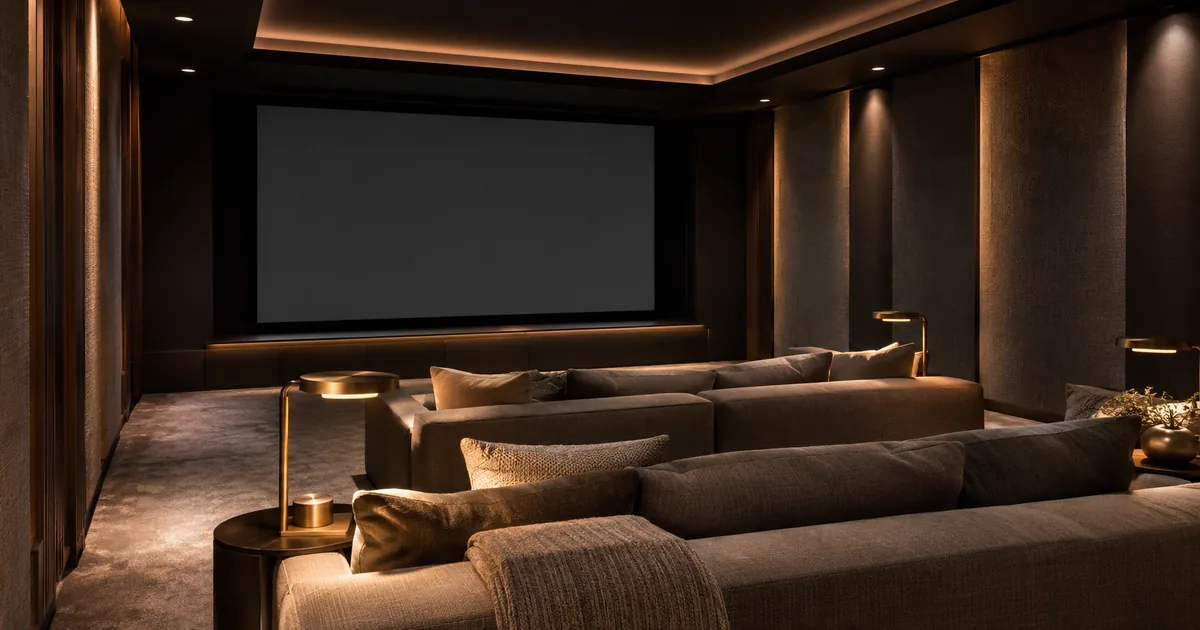
A theater can serve several listening habits in the same room. The family may want an enveloping movie presentation, a different approach for music and a quieter setting after other people have gone to bed. Those experiences should be planned around the receiver or processor and the supported Savant controls before the equipment order is finalized.
For a new Miami or Palm Beach theater, avoid treating three attractive button names as three completed listening modes. Each button needs an agreed result, suitable audio equipment and a verified way to recall the required settings.
Define what each mode should change
Start with the intended experience. Movie might mean the processor’s appropriate decoding behavior for the selected source. Music might mean a preferred supported listening mode for two-channel material. Late-night might involve a lower starting level and a supported dynamic-range setting, where the selected equipment provides one.
These are design examples, not standard Savant presets available identically on every receiver. The proposal should explain what the selected audio equipment can do and which of those functions can be controlled through the supported integration.
Keep the differences specific. If the only change is a lower volume, call it a volume preset rather than implying that it includes additional processing. If a button changes several settings, list them so the homeowner knows what will happen.
Let the audio processor handle the audio processing
Savant can coordinate supported equipment, but it is not a substitute for the receiver or processor that decodes and processes the audio. The available sound modes depend on that equipment, the incoming signal, the speaker configuration and relevant settings.
Review the proposed receiver or processor before promising a particular mode. Manufacturer manuals can describe conditions in which a setting is unavailable or behaves differently. For example, model-specific documentation may restrict certain processing options when direct listening modes are selected.
The integrator should translate those capabilities into an understandable owner experience. A button should not promise a processing feature that the selected device or integration cannot reliably recall.
Distinguish the source from the listening preference
A movie player, a streaming device and a music source can deliver different signal formats. The same preference may not produce identical processing behavior for every input. Decide which sources each proposed mode is intended to cover.
The household might prefer a particular music presentation from its main audio source while leaving movie decoding automatic for the theater player. That is a clearer starting point than applying one fixed sound-mode command indiscriminately to every activity.
Record any conditions the homeowner should understand. If a setting follows the input signal or is remembered separately for a source, explain that behavior. The acceptance test should use the actual source and content type rather than an unrelated demonstration clip.
Make late-night behavior deliberate
Lowering volume and reducing the difference between quiet and loud passages are different operations. A receiver may offer supported processing intended to manage level variation, but the exact options and their availability require model-specific review.
Ask what the late-night button will actually do: select a particular supported setting, change the starting level, modify another approved parameter or combine several actions. Demonstrate the result with both quiet dialogue and a louder passage at a comfortable level.
Do not describe a listening mode as soundproofing. It cannot establish that bass or other sound will not reach another room. If disturbance to bedrooms or neighboring properties is a primary concern, the room construction and acoustic scope need their own assessment.
Preserve the calibrated system
Listening preferences should be coordinated with the theater’s speaker setup and calibration. A casual mode change should not be confused with changing the underlying speaker configuration or replacing the commissioning process.
Identify which settings the owner may adjust and which should remain part of the documented installation. If several presets are supported, establish how they relate to the approved system configuration. Avoid a collection of unexplained settings that makes later troubleshooting difficult.
The final handover should retain the relevant baseline information. If a homeowner experiments with available controls, there should be a supported route back to the intended everyday operation without guessing which parameters were changed.
Confirm the driver can recall the result
A receiver’s native menu may offer a function that is not exposed in the same way through a particular control integration. Verify the actual commands and feedback available to Savant for the selected equipment and software.
If a function must remain in the native interface, say so before the system is sold. It may still be a useful feature, but it should not appear in the proposal as a one-touch Savant action unless that behavior has been confirmed.
Also ask how the interface reports the current mode, if supported. A button press that sends a command is different from an interface that can confirm the resulting state. The homeowner should understand the level of feedback being provided.
Decide how the system returns to ordinary use
After a late-night session, should the next movie restore the normal movie settings or retain the previous choice? After music listening, should selecting a film change the processing automatically? These transitions can matter more than the initial demonstration.
Choose an agreed rule and test it. The family should not need to remember a hidden setting left over from the previous evening. Where the equipment remembers settings by source or signal type, account for that behavior in the programmed sequence.
Keep the interface simple enough for guests. A few descriptive choices are usually easier to explain than exposing every processor option, provided those choices deliver the agreed results.
Demonstrate all three activities at commissioning
Use representative movie and music material, then test the late-night setting and the return to normal operation. Verify the receiving device’s actual state where necessary instead of judging solely by a button label.
Sentry Audio Video can define the equipment, integration and acceptance scope for a new Savant theater installation. Call (305) 502-0003 for Miami or (561) 717-3280 for Palm Beach. Bring your preferred movie and music sources. Our Savant system planning page covers the wider installation beyond the theater’s listening controls.
Manufacturer and technical references
Technical references reviewed November 19, 2026. Confirm the exact equipment, software and licensing requirements for your project before ordering.