A thoughtfully planned smart home should remove friction from the moments you repeat every day: arriving after dark, hosting friends on the patio, settling children for bed, or leaving a property unattended. This best home automation features list focuses on the capabilities that deliver meaningful comfort, protection, and performance in a professionally integrated residence.
The right priorities depend on the home, the family, and how the property is used. A waterfront home with extensive outdoor areas may place surveillance, landscape audio, shades, and pool control at the center of the design. A city residence may prioritize access control, privacy, and discreet entertainment. In either case, the goal is not to add more apps or devices. It is to create one dependable system that feels natural to use.
The Best Home Automation Features List Starts With Daily Living
Centralized control that everyone can use
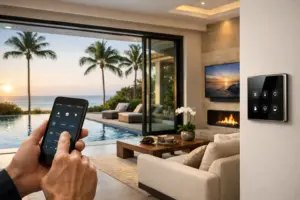
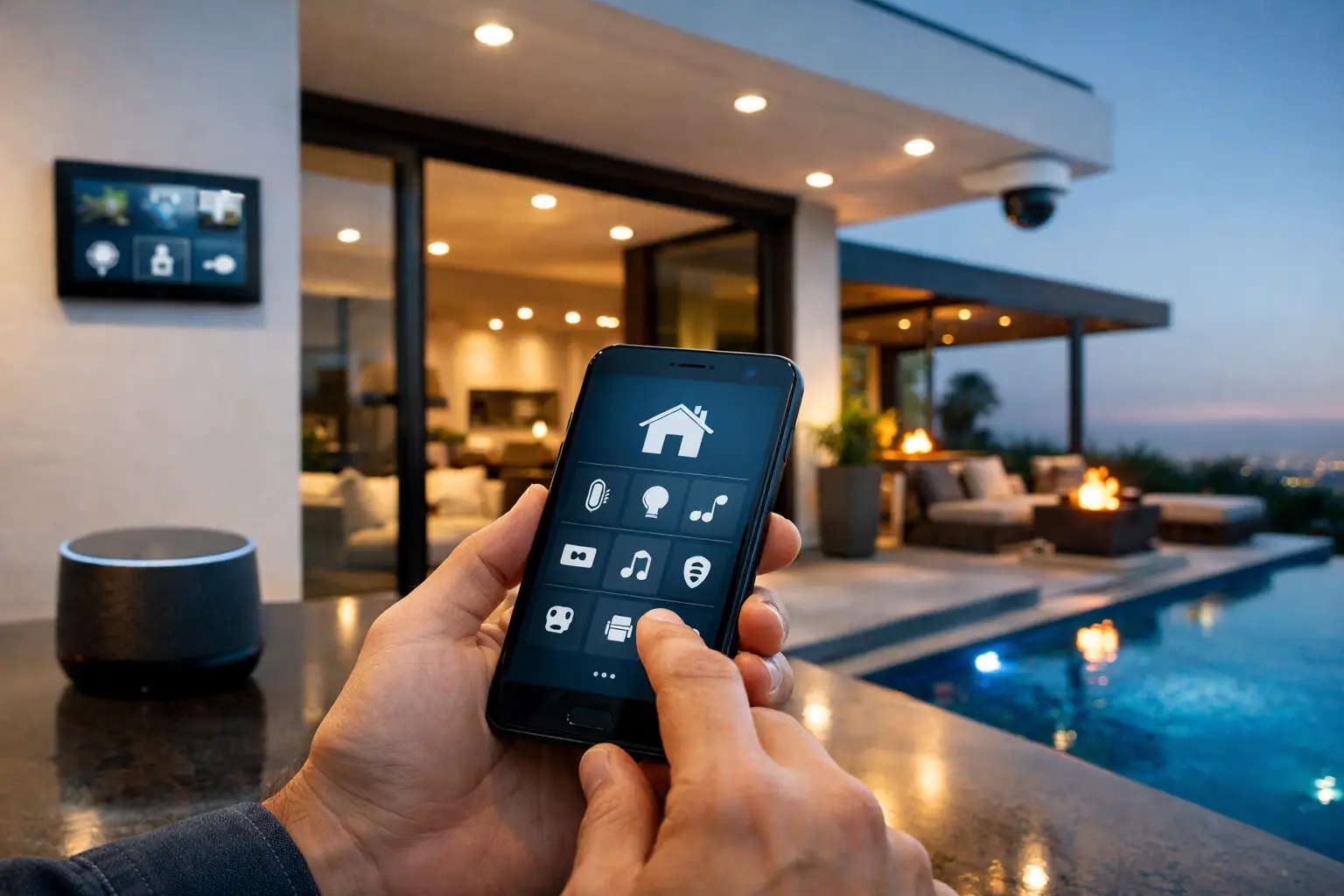
A home should not require separate remotes, wall switches, and mobile applications for every room. Centralized control brings lighting, shades, entertainment, climate settings, security, and outdoor systems into a consistent interface. Depending on the design, that may include elegant wall keypads, touch panels, handheld remotes, and secure mobile access.
The value is consistency. A family member should be able to dim the dining room, start music on the terrace, or check an entry camera without learning a different control method for each system. Professionally programmed controls also keep everyday functions simple while placing deeper settings where they belong – available when needed, but out of the way.
Intelligent lighting scenes
Lighting control is one of the highest-impact automation features because it affects how every room looks, feels, and functions. Rather than controlling individual fixtures one by one, a scene adjusts multiple lights to the right levels with a single command.
A “Morning” scene can gently raise kitchen and hallway lighting. “Entertain” can set the dining, living, and outdoor areas for guests. “Goodnight” can turn off common-area lights, leave a safe path illuminated, lower shades, and arm selected security functions. The best lighting scenes are tailored to the way the household actually lives, not based on generic labels alone.
For larger homes, lighting control can also simplify wall clutter. Keypads replace banks of mismatched switches while maintaining precise control of each zone. The result is a cleaner finish and a more intentional lighting plan.
Motorized shades for privacy, comfort, and presentation
Motorized shades earn their place when they work in concert with the rest of the home. At the touch of a button, shades can protect privacy in street-facing rooms, reduce glare for a daytime movie, or reveal a view when entertaining. Scheduled operation can support the home’s daily rhythm without requiring someone to move from room to room.
Fabric selection, mounting details, quiet operation, and control placement matter as much as automation itself. In a luxury residence, shades should complement the interior design while performing reliably across large openings and hard-to-reach windows. This is an area where early coordination with designers and builders produces a markedly better result.
Whole-home audio in the rooms that matter
Music should follow the occasion, not the location of a single speaker. Whole-home audio allows different areas to play different sources, or lets one playlist continue from the kitchen to the patio and pool area. Proper speaker placement provides even coverage without overwhelming the room or competing with the architecture.
The trade-off is that more audio zones do not automatically create a better experience. A considered design identifies where music will genuinely be used: primary living spaces, bedrooms, outdoor entertaining areas, fitness rooms, and perhaps a wine room or office. Each zone should be easy to select, simple to adjust, and tuned for its environment.
Video and home theater control without remote clutter
A well-designed media room or home theater should begin with one command, not a search for the right remote. A “Watch Movie” command can power the display or projector, select the proper source, set the audio system, lower shades, and adjust lighting for viewing.
This same approach benefits everyday television viewing throughout the home. The goal is dependable source selection and straightforward control, supported by properly designed equipment locations and clean cable management. Behind the walls and in the equipment rack, infrastructure matters. In front of the screen, the experience should feel effortless.
Entry, gate, and visitor management
Knowing who is at the door or gate before granting access is fundamental to a well-protected home. Video door stations, gate intercoms, and access control can provide clear communication and controlled entry from an in-home touch panel or authorized mobile device.
For properties with multiple entrances, guest houses, service access, or gated driveways, this feature becomes especially valuable. The system can be designed around household routines, including separate access permissions for family, guests, and service personnel. Convenience should never weaken control, so user permissions and secure remote access deserve careful attention during planning.
Video surveillance with useful visibility
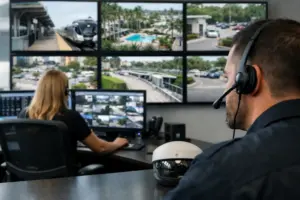
A security camera system is only valuable when it delivers clear coverage, dependable recording, and practical access to footage. The priority is not simply placing cameras around the perimeter. It is identifying the areas that need visibility: approach paths, entries, driveways, pool areas, side yards, and outdoor gathering spaces.
Thoughtful camera placement considers sightlines, lighting conditions, architectural details, and privacy. A professionally designed surveillance system can provide live viewing, recorded events, and alerts calibrated to reduce unnecessary notifications. If every passing shadow generates an alert, homeowners stop paying attention. Intelligent configuration helps keep the system useful.
Security modes that match real routines
Security should adapt to how a home is occupied. A daytime setting might monitor exterior areas while allowing normal movement indoors. An evening mode can secure selected doors and ground-level openings. An away mode can turn off designated lights, close shades, arm protection, and notify the homeowner if a monitored event occurs.
Automation is particularly effective here because it reduces the chance that a critical step is overlooked during a rushed departure or late-night routine. Still, security programming must be deliberate. Families need modes that are easy to understand, especially when children, guests, and household staff are present.
Temperature control by zone and schedule
Different rooms often need different settings. Bedrooms may be cooler at night, while a rarely used guest suite needs only modest conditioning until occupied. Integrated temperature control allows homeowners to manage comfort by zone, schedule settings around routines, and make adjustments from a central interface.
The strongest designs coordinate temperature control with shades and occupancy patterns. Closing shades during high sun exposure, for example, can improve comfort in rooms with expansive glass. The benefit is not constant automation for its own sake. It is a home that responds intelligently without demanding constant attention.
Outdoor living and pool integration
In South Florida, the outdoor areas are often as important as the interior. Pool controls, landscape lighting, outdoor audio, weather-protected displays, and motorized screens can turn a patio or backyard into a complete entertainment environment.
A single “Outdoor Entertaining” scene might activate the pool features, set landscape lighting, start music, and prepare the television area. Because exterior systems face heat, moisture, and demanding conditions, equipment selection and installation quality are central to long-term performance. Outdoor technology should be engineered for the environment, not treated as an afterthought.
Reliable network and structured wiring
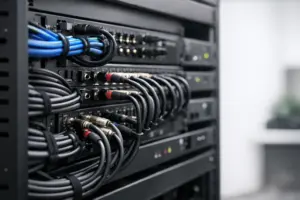
Many automation frustrations begin with an overlooked foundation. Cameras, touch panels, streaming video, access control, and wireless devices all depend on a properly planned network and structured cabling system. Strong coverage, dedicated equipment space, organized wiring, and battery backup planning support the systems homeowners rely on every day.
This feature is largely invisible once complete, but it is among the most important decisions in the entire project. It is far easier to provide the right wiring pathways during construction or renovation than after finishes are complete. A capable integrator plans the technology backbone alongside the home’s architecture, not after it.
How to Prioritize Your Home Automation Features
Start with the experiences that matter most. For some homeowners, that is a private theater and whole-house music. For others, it is dependable security, controlled entry, and the ability to check on a second residence from afar. Then consider the rooms, outdoor spaces, and routines that will use those features most often.
It also pays to plan for future expansion. Even if a space will not receive audio, surveillance, or automated shades immediately, proper prewiring can preserve options and protect the home’s finishes later. The right system is not necessarily the one with every possible feature on day one. It is the one designed with a clear path to grow.
Sentry Audio Video approaches smart home projects as complete, custom environments – from system design and clean installation through programming and ongoing support. For homeowners planning a new build, renovation, or major technology upgrade, the most helpful next step is a professional walkthrough of the property and the lifestyle it needs to support.
A well-integrated home should feel calm, capable, and ready before you ask it to be. Begin with the routines you want to improve, then let the technology serve the home rather than compete for attention.