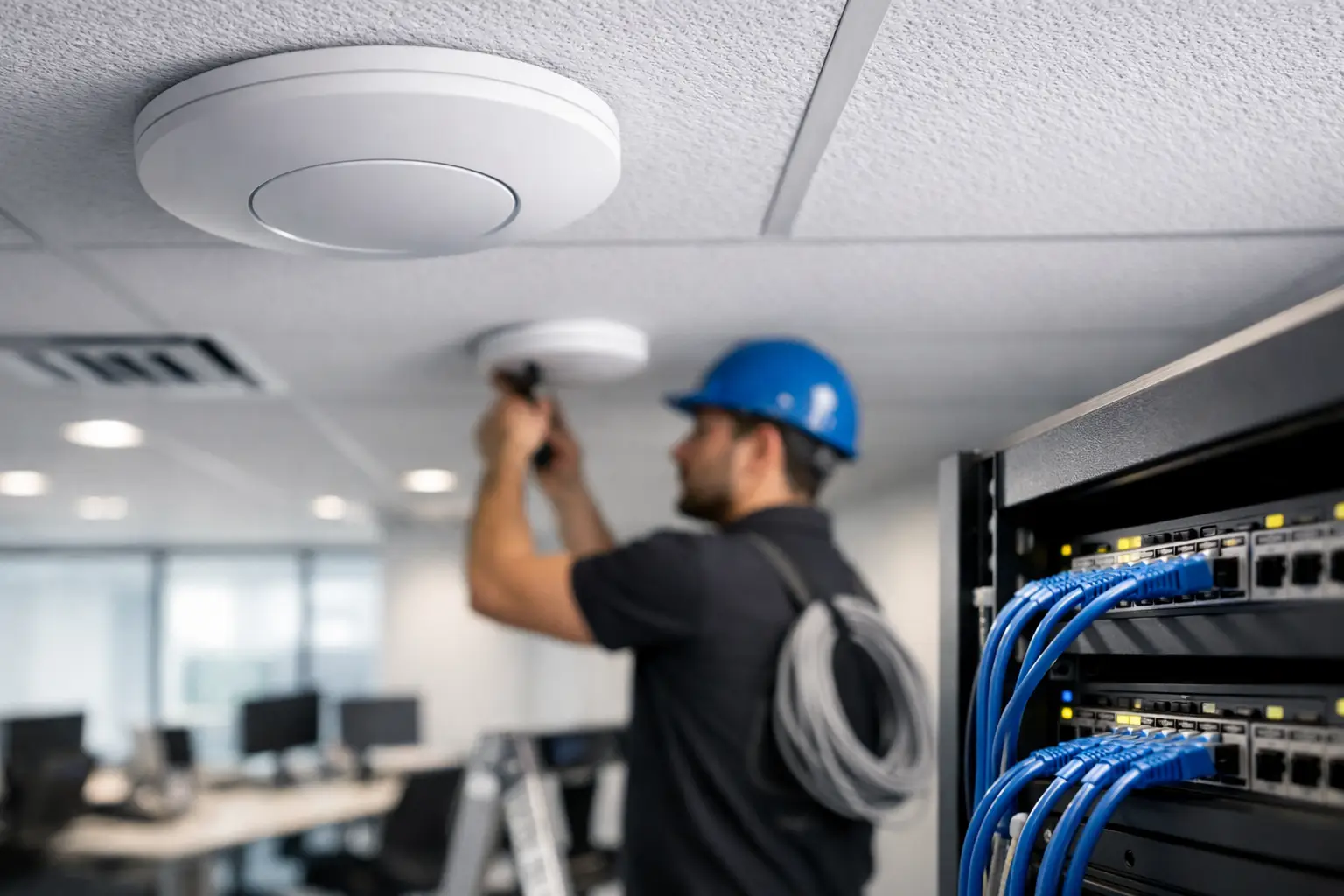
A dropped video call during a client meeting, a stalled point-of-sale transaction, or a camera that goes offline at the wrong moment is rarely just a Wi-Fi problem. It is a business interruption. A professional enterprise wifi installation is designed to prevent those moments by treating the network as core infrastructure, not an afterthought added after the space is complete.
For offices, hospitality venues, medical practices, retail locations, multifamily properties, and high-end commercial spaces, wireless performance affects how people work, communicate, serve guests, and protect the property. The right solution is not simply a matter of placing access points around the building. It requires a plan for coverage, capacity, security, wired infrastructure, and long-term support.
Why Business Wi-Fi Needs a Designed Solution
Business networks carry far more than staff internet traffic. They may support voice communications, conference-room systems, cloud applications, mobile devices, surveillance cameras, access control, guest internet, digital signage, and building controls. Each of those services has different demands, and a network must keep them organized without allowing one activity to compromise another.
A small office with a limited number of users may need a relatively straightforward design. A restaurant with outdoor seating, a busy professional practice, or a multi-floor commercial property needs a more detailed approach. The number of connected devices matters, but so do the building materials, room layouts, ceiling heights, outdoor areas, and the applications employees and guests rely on throughout the day.
Enterprise-grade hardware is part of the equation, but equipment alone does not create dependable performance. A strong network begins with a site-specific design and is completed with careful configuration, verification, and documentation.
Enterprise WiFi Installation Starts With a Site Survey
A proper site survey identifies the physical conditions that affect wireless signal and capacity before equipment is selected or installed. Concrete walls, metal framing, tinted glass, elevators, kitchens, dense shelving, and mechanical rooms can all change how radio signals behave. A floor plan tells part of the story. The building itself tells the rest.
During planning, an experienced integrator evaluates where users will work, gather, check in visitors, process transactions, or access critical systems. This helps determine access point placement, anticipated device density, and the cabling paths needed to support the design. Access points should be located for performance, not merely where it is easiest to install them.
This is especially valuable in finished or design-forward spaces. Clean workmanship matters. Cabling, ceiling-mounted equipment, network racks, and related hardware should be integrated in a way that respects the architecture while preserving service access for the future.
Coverage Is Not the Same as Capacity
A signal can appear available on a phone while still performing poorly under real business use. Coverage answers whether a device can connect. Capacity answers whether many devices can work reliably at the same time.
Consider a conference room with 20 attendees, each using a phone and laptop. Or a hospitality space where guests connect their devices while staff use tablets, communications systems, and cloud-based tools. The network needs sufficient access point density, channel planning, and wired backhaul to handle those conditions without congestion.
Adding more access points is not always the answer. Poorly placed units can interfere with one another and create inconsistent roaming. The correct number and location depend on the environment, the expected workload, and the desired experience.
Build the Wired Foundation First
Wireless access points are only as dependable as the network supporting them. Structured cabling, network switches, rack organization, power protection, and internet service all have a direct impact on day-to-day performance.
Each access point should have a properly planned wired connection, often with Power over Ethernet so it can receive data and power through one cable. This creates a cleaner installation and avoids dependence on local power outlets. Switch capacity must also be sized for current needs and reasonable growth, particularly where surveillance, audio/video systems, or communications platforms share the same infrastructure.
Network racks deserve the same attention as visible technology. A professionally organized rack makes it easier to identify equipment, resolve issues, make future changes, and protect the investment. Labeled cabling, appropriate ventilation, power management, and logical equipment layout are practical details that save time when service is needed.
Internet connectivity is another consideration. The right service level depends on the number of users and applications, but the connection should not be treated as the only potential point of failure. For organizations where downtime has serious consequences, a secondary internet path may be appropriate. It depends on the cost of interruption, operational requirements, and the systems that depend on the network.
Separate Traffic to Protect Performance and Privacy
A well-designed enterprise network does not place every device on one shared wireless connection. Employee devices, guest devices, cameras, access-control systems, and building technology should be separated into appropriate network segments.
Guest Wi-Fi should provide convenient internet access without exposing internal business resources. Staff devices need reliable access to the tools required for their roles. Security cameras and other connected systems should be isolated and managed according to their operational needs. This structure improves security and also limits the effect one type of traffic can have on another.
Authentication should match the business environment. A professional office may require controlled employee access and secure credentials, while a guest-facing venue may need a simple branded connection process. The goal is to remove unnecessary friction without reducing control over the network.
Plan for Roaming, Outdoor Areas, and Growth
People expect their connection to follow them as they move from an office to a conference room, reception area, patio, or adjacent building space. Effective roaming requires coordinated access points and thoughtful configuration. Without it, devices may hold onto a weak signal too long or reconnect inconsistently as users move through the property.
Outdoor coverage requires its own planning. South Florida environments introduce heat, humidity, wind-driven rain, and salt exposure near the coast. Outdoor-rated equipment, secure mounting, protected cabling, and sensible placement are essential for spaces such as courtyards, pool areas, entrances, and outdoor dining sections.
Growth should also be considered at the design stage. A network should have room for additional access points, cameras, workstations, or integrated systems as the business changes. That does not mean oversizing every component without reason. It means selecting an architecture that can expand without forcing a complete redesign after the next renovation or operational upgrade.
Installation Is Only the Beginning
After equipment is mounted and connected, the network must be configured, tested, and documented. This includes wireless network names, security settings, traffic segmentation, firmware standards, access controls, switch configuration, and management settings. Performance should be verified in the areas where people will actually use the network, not just at the equipment rack.
Installation and ongoing management are separate phases. After deployment, businesses may need monitoring, firmware planning, configuration backups and a clear response path when an issue arises. Sentry’s managed business network services are designed for that continuing operational need, while this page remains focused on site surveys, design, cabling, deployment, configuration and acceptance testing.
Sentry Audio Video approaches enterprise network projects as part of the larger technology environment. That perspective is valuable when wireless infrastructure must support a conference room, a security system, background audio, digital displays, or a connected guest experience without competing for performance.
What to Expect From a Professional Project
The process should feel organized from the first conversation. A qualified integrator will ask how the business operates, which systems are mission-critical, where users experience connectivity issues, and what changes are planned for the property. From there, the scope should define the proposed equipment, cabling requirements, configuration approach, installation standards, and support expectations.
The lowest initial equipment count is not always the soundest choice. Nor does every location require a highly complex design. The right enterprise wifi installation is one that fits the property, supports the workload, protects business systems, and can be serviced confidently over time.
When Wi-Fi is planned with the same care as security, communications, and audio/video infrastructure, it becomes far less visible to everyone using it. That is the point: your team can stay productive, your guests can stay connected, and your business can keep moving without giving the network a second thought.