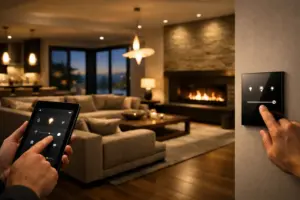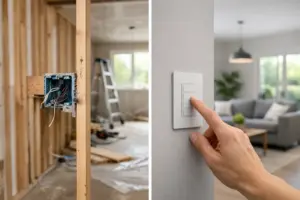
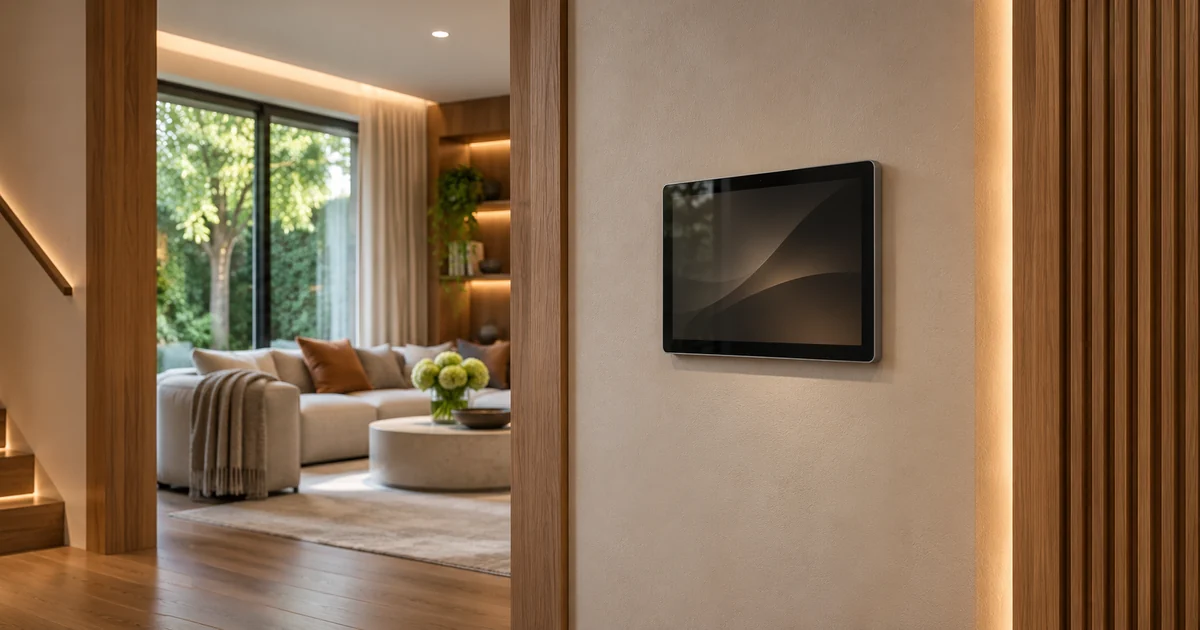
Before committing to a new Crestron installation, agree on the interface the household expects to use. A touchscreen on an equipment list does not explain which rooms, activities and controls will appear on it. A polished reference image does not establish that the proposed platform includes the same design or behavior.
The useful purchasing step is an interface review tied to the actual system architecture. For complete installation planning, explore Sentry Audio Video’s Crestron installation and programming services. This guide concerns a new interface scope, rather than moving an existing project to a replacement panel.
Begin with the tasks, not the screen decoration
Write down the actions people need to complete: select a room, start a source, adjust lighting, operate supported shades or end an activity. Identify which functions should be prominent and which can sit deeper in the interface. Owners and regular household users should be able to explain their priorities without designing a software application themselves.
Review a few representative journeys from start to finish. For example, ask how a guest finds the living-room television activity and how the owner returns to a familiar starting point. A static picture may look attractive while leaving those basic navigation decisions unresolved. The proposal should describe the operating experience as well as the appearance.
Identify the proposed Crestron architecture
Crestron Home and a custom Crestron interface should not be treated as interchangeable purchasing terms. The current Crestron Home documentation describes its own interface and configuration environment. Separately, Crestron publishes an HTML5 interface framework for custom user-interface development. A project needs an architecture that supports the agreed requirements.
Ask the integrator to identify which approach is included and which requested elements fit that approach. A custom-looking reference from another installation does not establish that arbitrary layouts or behavior are included in a Crestron Home quotation. Likewise, a custom development proposal should identify the hardware and software scope it actually requires rather than relying on the Crestron name alone.
Approve a representative mockup
Choose a small set of screens or an appropriate demonstration that represents the proposed experience. Include the principal navigation, an entertainment activity, relevant lighting or shade controls and any important status presentation. Ask the provider to distinguish what the mockup demonstrates from what still requires development or integration testing.
Label working functions and visual examples clearly in the project review. An illustration of a device state is not proof that the installed equipment can report that state. The owner should know which feedback comes from an actual integration and which display elements are only part of a preliminary design discussion.
Separate appearance from device capability
A button can request an action without independently proving that the physical action completed. Review the feedback required for important activities and confirm whether the selected equipment can supply it. If the system cannot read a state, the interface should not quietly imply a level of certainty the integration does not provide.
This review also prevents unnecessary complexity. A homeowner may not need a fully customized page when a straightforward supported control provides a better daily experience. Agree on the desired result first, then ask the provider to explain the practical configuration or development path. The purpose is a usable home, not a larger programming allowance for its own sake.
Define revisions before development expands
The proposal should state how many review stages or revision rounds are included, who accepts the design and how changes are priced. A request to rename a room is different from adding a new control system, changing the navigation or developing another interface layout. Give the owner examples of what is included and what changes the scope.
Record approval against a dated version of the mockup and operating description. Later changes should identify the affected screens and functions. This protects the homeowner from an unclear design process and gives the programmer a stable basis for the work, without making ordinary corrections to an agreed requirement appear to be an entirely new project.
Include the devices people will actually use
Confirm which touchpanels, mobile devices or other supported interfaces are included in the demonstration and acceptance scope. A layout that looks good on one display may need different treatment on another. The exact hardware, orientation and supported deployment method should be established before final development is priced.
Also discuss the controls available to household staff or guests where those are part of the design. Keep access decisions appropriate to the actual system. Do not assume that a visual example of a guest screen establishes a permission feature, remote-access method or account capability that has not been verified.
Test navigation and outcomes at handoff
Commissioning should follow the approved user journeys with the installed equipment. Check that room names, source choices, control behavior and available feedback match the accepted scope. Owners should be able to repeat ordinary tasks without help from the programmer or a separate explanation of hidden page logic.
The handoff should identify the support route and the process for later interface changes. Keep the approved design and operating records with the project documentation. Software, licensing and device compatibility remain specific to the installed architecture; a future hardware change may require a new review even if the owner wants the interface to look familiar.
Discuss your new Crestron installation
For Miami and Miami Beach projects, send the room list, proposed interfaces and a few examples of the experience you want. Identify whether you are planning a new system or a substantial renovation so the architecture and programming discussion begins at the right stage.
Request a Sentry Audio Video consultation or call (305) 502-0003 for Miami Beach, (954) 859-6475 for Fort Lauderdale or (561) 717-3280 for Boca Raton. The final proposal should make the interface scope understandable before equipment and programming are committed.
Manufacturer references
Technical references reviewed November 6, 2026. Confirm applicable product, software and installation requirements when specifying the project.