Walls only open once. That makes the pre-drywall phase one of the most valuable opportunities in any new build. A thoughtful New Construction Wiring Plan for Future-Proof Smart Tech gives your property the physical foundation for high-performance entertainment, security, networking, and automation long before those systems become visible.
The goal is not to fill every wall with wire for technology that may never be used. It is to create an organized, expandable infrastructure that supports how you live or operate now while preserving options for what comes next. When cabling, pathways, equipment locations, and power needs are considered early, the finished property feels intentional rather than pieced together.
Start With the Way the Property Will Be Used
The right wiring plan begins with a lifestyle and operations conversation, not a product list. A family may want music in the kitchen, patio, bedrooms, and pool area; discreet security coverage; motorized shades; and simple control from keypads or touchscreens. A commercial property may need distributed displays, surveillance, communications, reliable wireless coverage, and centralized management across public and staff areas.
Walk the plans room by room and identify what each space needs to do. The primary suite, media room, kitchen, home office, entry, outdoor living area, garage, and pool house all have different technology requirements. For businesses, consider reception, conference rooms, dining areas, retail floors, offices, corridors, storage, and exterior access points.
This planning stage also reveals the spaces that are easy to overlook. Future cameras, gate access, landscape audio, outdoor displays, wireless access points, occupancy sensors, and shade pockets are far less complicated to prepare for before finishes are installed.
Build Around a Central Equipment Location
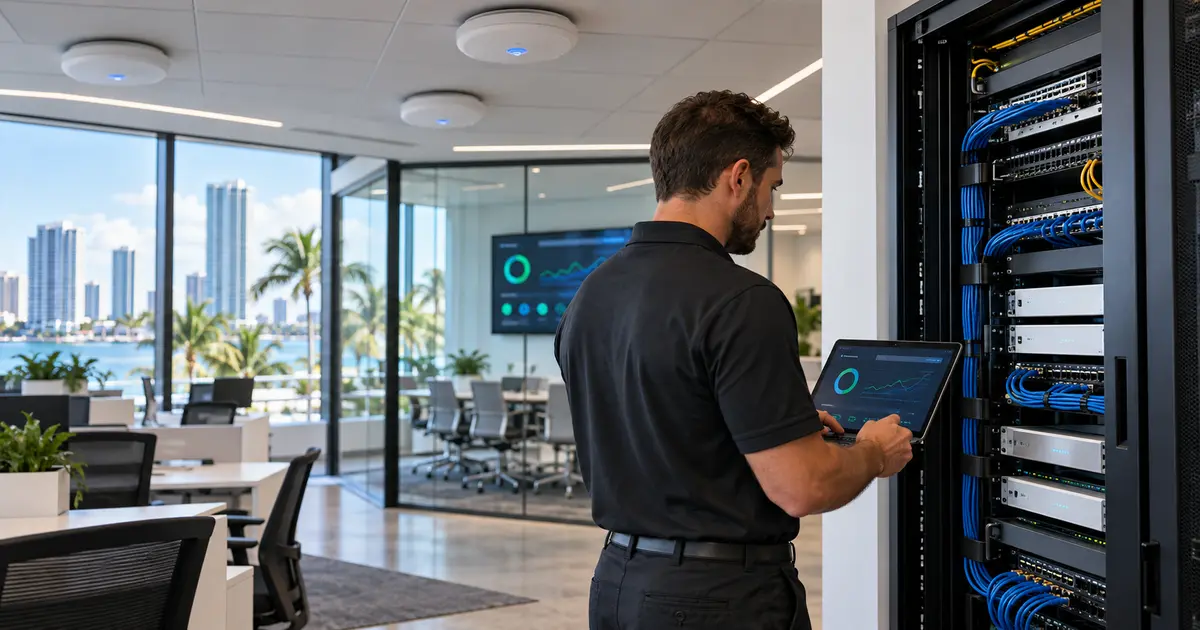
Every well-designed system needs a home. The structured wiring enclosure or dedicated equipment rack is where network hardware, audio distribution, surveillance recording, control processors, and related equipment can be organized, labeled, powered, and serviced.
This location should be dry, accessible, ventilated, and sized for growth. A small closet that feels adequate during framing can become crowded quickly once network switches, battery backup, audio components, security equipment, and cable management are added. Allowing sufficient wall space or a properly planned rack from the start protects both performance and serviceability.
Placement matters, too. A central location reduces cable runs and simplifies management, but it should not be positioned where heat, moisture, or difficult access will compromise the system. In larger homes and commercial properties, secondary distribution locations may be appropriate. The right design depends on the building layout, system scope, and distance limitations of specific cable types.
Choose Cabling for Performance and Flexibility
Wireless technology is essential, but it does not replace a wired backbone. Wireless devices still rely on the network, and a property with strong hardwired infrastructure has more consistent performance, greater capacity, and more options as technology changes.
For most new construction projects, network cable should be run to key display locations, offices, wireless access point locations, surveillance cameras, door stations, audio zones, and automation touchpoints. Higher-grade network cabling can support demanding data applications and Power over Ethernet devices, which receive both data and power through a single cable. That can simplify camera, access control, and wireless access point installation while reducing the need for local power supplies.
Fiber pathways may also be worthwhile in large residences, expansive estates, or commercial environments where long cable distances and high data capacity are expected. Fiber is not necessary in every room, but it can be a smart connection between equipment rooms, detached structures, and distant network zones.
Video wiring deserves the same foresight. Even when a display will initially rely on network-delivered content, conduit and appropriate cabling behind the display position protect future options. High-quality video distribution, local source equipment, specialty displays, and evolving formats may call for infrastructure that cannot be added cleanly after the fact.
Use Conduit Where Change Is Most Likely
Cables have limits. Conduit creates a pathway for future cable pulls, making it one of the most practical forms of technology insurance available during construction.
Prioritize conduit runs from the central equipment location to the media room, primary living area, office, major display locations, outdoor entertainment zones, gate or entry locations, and detached structures. Include pull strings and use generously sized conduit with gradual bends. A pathway that is too narrow or has sharp turns can be nearly as limiting as no pathway at all.
Conduit is particularly valuable behind wall-mounted displays and projector locations. It allows future connections to be added or replaced without opening finished walls. In a premium property, that preserves the clean visual result the construction team worked to achieve.
Plan for Wi-Fi Before Selecting Access Points
Reliable Wi-Fi does not come from placing a router in a closet and hoping coverage reaches every room. Construction materials, room layout, reflective surfaces, concrete, stone, and outdoor areas all affect wireless performance.
A professional plan identifies ceiling or wall locations for hardwired wireless access points based on coverage needs and expected device density. Homes with multiple streaming zones, surveillance cameras, automated shades, and connected control systems need a network designed for more than occasional web browsing. Businesses require the same discipline, often with separate network access for staff, guests, and operational systems.
Each access point should have a dedicated network run back to the equipment location. This approach delivers cleaner coverage and avoids relying on extension devices that can reduce performance. During design, account for patios, pool areas, guest houses, elevators, garages, and any area where consistent connectivity matters.
Coordinate Security, Access, and Life-Safety Systems Early
Security infrastructure is most effective when it is incorporated into the construction plan rather than added after landscaping and finishes are complete. Camera locations should be selected for useful views of entrances, driveways, side yards, pool areas, common areas, and points of access. The objective is coverage without unnecessary blind spots or cameras placed where glare, obstructions, and poor mounting height limit their value.
Prewire for door stations, gate control, access credentials, alarm devices, and surveillance cameras while pathways remain accessible. For commercial properties, consider the wiring needs of fire alarm, communications, and monitoring systems alongside the technology plan. Coordination between the integrator, architect, builder, electrician, and security professionals keeps equipment locations, penetrations, and system responsibilities clear.
A complete plan also considers privacy. Cameras should protect the property and support informed awareness without intruding on areas where occupants reasonably expect privacy.
Do Not Treat Outdoor Areas as an Afterthought
South Florida properties often extend well beyond the interior. Outdoor kitchens, patios, pools, docks, cabanas, and landscaped entertaining areas can benefit from audio, displays, wireless coverage, cameras, lighting control interfaces, and shade automation.
These spaces need cabling rated for their environment and carefully planned routes that account for weather, irrigation, landscaping, and future maintenance. Equipment should be specified and placed for the conditions it will face. An outdoor zone is not simply an indoor system moved outside.
Prewiring during construction also helps preserve architectural lines. Speakers, cameras, and control locations can be integrated into the design instead of becoming visible additions after the property is complete.
Specify Power, Ventilation, and Service Access
Low-voltage planning and electrical planning must work together. Equipment racks, display locations, motorized shades, camera positions, network hardware, and control interfaces may all require dedicated power provisions or coordinated power delivery. The integrator should communicate requirements early so outlets are placed where equipment will actually live, not merely where they are convenient during rough-in.
Heat is another performance issue. Network switches, audio amplifiers, video components, and recording systems generate heat, especially when several systems share one equipment room. Proper ventilation, clearances, and accessible service space help protect equipment and reduce the risk of avoidable interruptions.
Labeling is equally essential. Every cable should be identified at both ends and documented. That level of organization makes future service, upgrades, and troubleshooting faster and more precise.
A Future-Proof Smart Tech Wiring Plan Protects the Finish
Future-proof does not mean predicting every device that will exist years from now. It means designing a property with capacity, pathways, documentation, and a network foundation that can adapt. A well-executed wiring plan supports the technology you want on move-in day while avoiding disruptive wall openings when your needs evolve.
For new construction in Boca Raton, Fort Lauderdale, and surrounding South Florida communities, Sentry Audio Video coordinates the technology infrastructure before walls close, then carries that plan through installation, programming, and ongoing support. The result is a property where entertainment, comfort, security, and connectivity perform as one considered system – cleanly installed, professionally managed, and ready for what comes next.