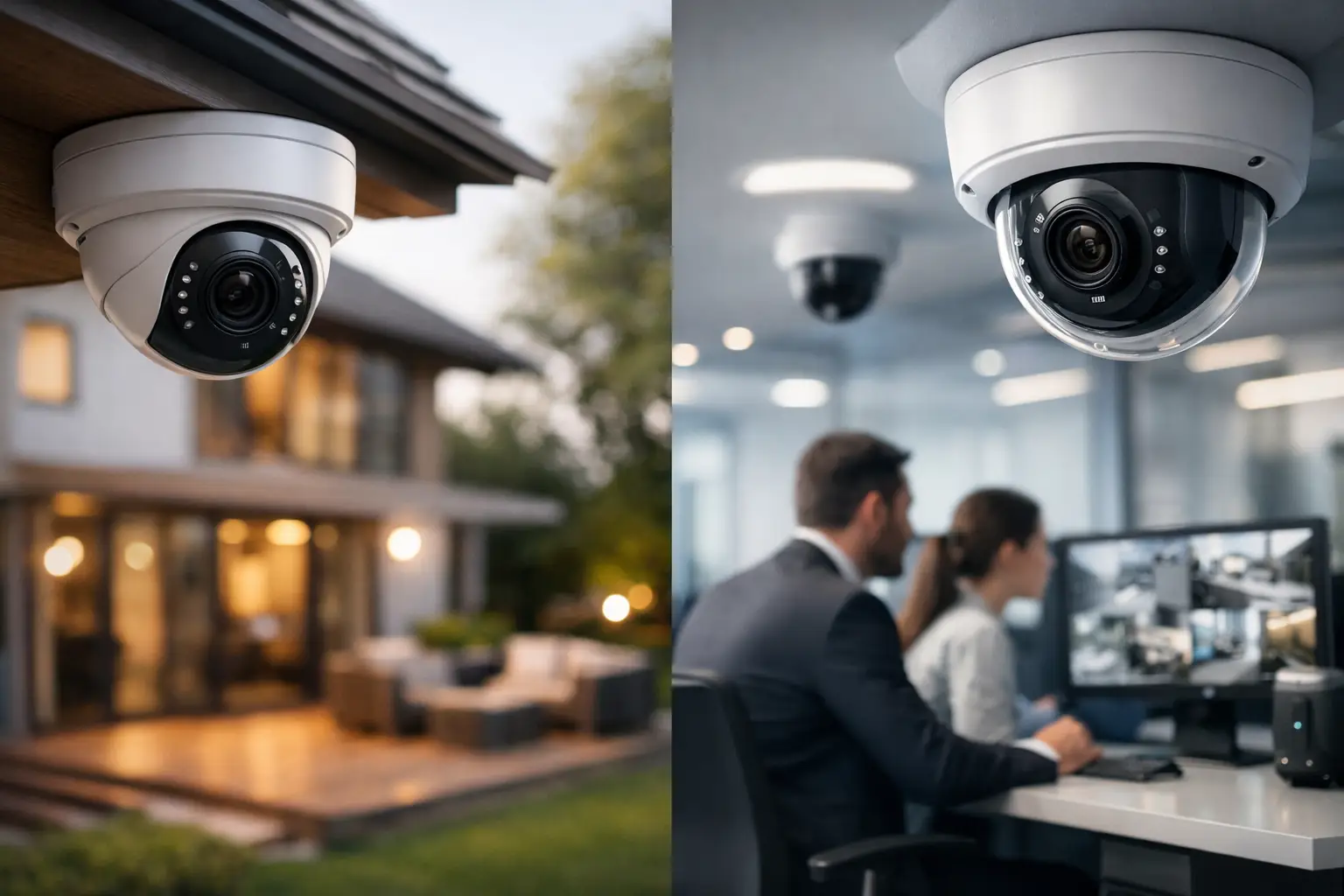
A surveillance camera that records every passing car, waving palm frond, and moving shadow can create more noise than protection. Ai Cameras change that equation by helping a security system recognize meaningful activity, distinguish people from vehicles, and bring the right events to your attention faster.
For homeowners and businesses, this is not about replacing sound security planning with software. It is about making a professionally designed video surveillance system more useful every day. When the cameras, network, recording platform, lighting, and alert settings are designed as one system, AI-driven analytics can reduce nuisance notifications while improving awareness around the areas that matter most.
What AI Cameras Actually Do
AI cameras use onboard processing or a connected video recorder to analyze what appears in a camera’s field of view. Rather than treating every pixel change as motion, the system can classify objects and look for configured behaviors. Depending on the camera and platform, that may include person, vehicle, animal, package, license plate, line-crossing, loitering, or occupancy detection.
The practical benefit is relevance. A standard motion alert may activate when rain moves through a landscape light or a tree branch shifts in the wind. A properly configured AI event can be limited to a person entering a side-yard gate after hours, a vehicle approaching a loading area, or someone remaining near a restricted entrance longer than expected.
That distinction matters after an incident as well. Instead of reviewing hours of continuous footage, an owner or manager can search recorded events by object type, time range, or location. Video becomes an operational tool, not simply a record that is difficult to review.
Where AI Video Analytics Deliver the Most Value
The strongest applications begin with a clear question: What needs to be seen, verified, or managed? AI analytics work especially well where there is a defined activity zone and a predictable purpose for the camera.
At a residence, this may mean identifying a person at a front entry, monitoring a driveway, receiving a meaningful alert from a side gate, or reviewing activity around a pool area and outdoor living space. On larger properties, AI-based vehicle classification can also help separate normal driveway traffic from events occurring at a service entrance or perimeter.
For commercial properties, the use cases often extend beyond perimeter security. A system can alert the appropriate team when a person enters a secured door, identify vehicles entering a designated area, or support a faster review of activity at a reception desk, stockroom, dock, or parking area. In hospitality, retail, and professional environments, occupancy and people-counting analytics may also provide useful operational insight when they are selected for a specific business need.
Analytics are not equally useful in every scene. A camera pointed at a busy public sidewalk may generate frequent, expected person events. That can be appropriate for evidence capture, but it may not be the right camera to send immediate alerts. Good system design separates cameras intended for real-time notification from those intended primarily for documentation and investigation.
The Camera Is Only One Part of the System
A high-performing AI surveillance system depends on more than a camera specification sheet. Image quality, mounting location, lens selection, lighting conditions, network capacity, recording retention, and software configuration all affect the result.
Camera placement is the first major decision. If the goal is person identification, the camera needs an intentional viewing angle and enough detail at the expected distance. A wide scene may show that someone was present, but it may not provide the facial detail needed for identification. Conversely, a tightly framed camera may identify a person at an entrance while missing the wider context of how they arrived.
Lighting deserves the same attention. Strong backlighting at a front door, reflections from water, glare from vehicles, and low light around a commercial parking area can affect image quality and analytics accuracy. Cameras with appropriate low-light performance, infrared illumination, wide dynamic range, or supplemental scene lighting can make a meaningful difference. The right approach depends on the property and should preserve the look and comfort of the space.
Network and recording infrastructure are equally important. AI cameras can create more detailed video streams and event data than basic systems. A properly planned network helps prevent delayed video, dropped connections, and inconsistent remote access. The recording platform must also be sized for the desired retention period, number of cameras, resolution, and recording schedule. Continuous recording offers the fullest historical record, while event-based recording can reduce storage demands. Many properties benefit from a combination of both.
Better Alerts Require Better Configuration
AI detection is powerful, but it is not magic. Alerts must be tailored to the property, the people using the system, and the level of response expected. An overly sensitive system conditions users to ignore notifications. An overly restrictive system can miss activity that deserves attention.
The most effective configuration usually defines specific detection zones, object types, operating hours, and alert recipients. For example, a homeowner may want a notification only when a person crosses into a side-yard zone overnight. A business manager may need an alert when a vehicle enters a restricted service area outside operating hours. The same camera can record broader activity while sending focused alerts for the events that matter most.
Schedules also prevent unnecessary interruptions. A person detected at a main office entrance during normal business hours may be routine. The same event at 2:00 a.m. may need immediate attention. Establishing those rules during system commissioning is one reason professional installation provides more value than simply mounting cameras and accepting default settings.
Testing should continue after the initial installation. Seasonal landscaping changes, new signage, construction activity, or altered lighting can change a camera’s view. A quick adjustment to the detection area or sensitivity can preserve accuracy as the property evolves.
Privacy and Responsible Use Matter
Security cameras should increase confidence, not create unnecessary exposure. Residential systems should be aimed at the owner’s property and designed with respect for neighboring homes. Commercial systems should support clear policies around camera placement, user access, footage retention, and employee or visitor notice where appropriate.
Access control is central to privacy. Use unique user credentials, limit administrative access, and give each household member or employee only the permissions needed for their role. For a business with multiple locations or managers, organized user roles can help protect footage while allowing authorized personnel to review relevant events.
Cybersecurity also belongs in the planning conversation. Cameras are network-connected devices, and they should be installed on a well-designed network with secure passwords, current firmware, and thoughtful remote-access practices. A professional integrator can coordinate surveillance with the broader IT infrastructure rather than treating it as an isolated system.
Choosing AI Cameras for a Custom Property
The right system begins with the outcome, not the product. Before selecting equipment, consider which areas need real-time alerts, which areas need clear evidence, who needs access, and how long footage should be retained. A coastal estate, a condominium unit, a medical office, and a multi-tenant commercial property will have different requirements even if each needs cameras at doors and parking areas.
It is also worth considering how surveillance will fit with other property systems. Cameras can complement gate access, door locks, intercoms, alarms, motorized shades, and centralized control. A homeowner may want to view an entry camera from a wall touch panel or receive a verified event while away from the property. A business may want video tied to access events so a manager can quickly see what occurred at a secured door.
The goal is not to create more notifications. It is to create clearer awareness, dependable evidence, and a system that remains easy to use after the installation team has left.
For properties in South Florida, Sentry Audio Video designs surveillance systems around the way each home or business is actually used, with attention to clean installation, system reliability, and ongoing support. A site assessment can identify where AI analytics will add real value, where traditional recording is sufficient, and how the full system can perform as one dependable layer of property protection.
Choose Detection Rules Before Choosing Cameras
Person, vehicle, and perimeter detection solve different security problems and should be matched to the property, lighting, traffic patterns, and response plan. See our complete guide to AI video analytics for property security for the design principles that connect smart cameras, alerts, recording, and verification.