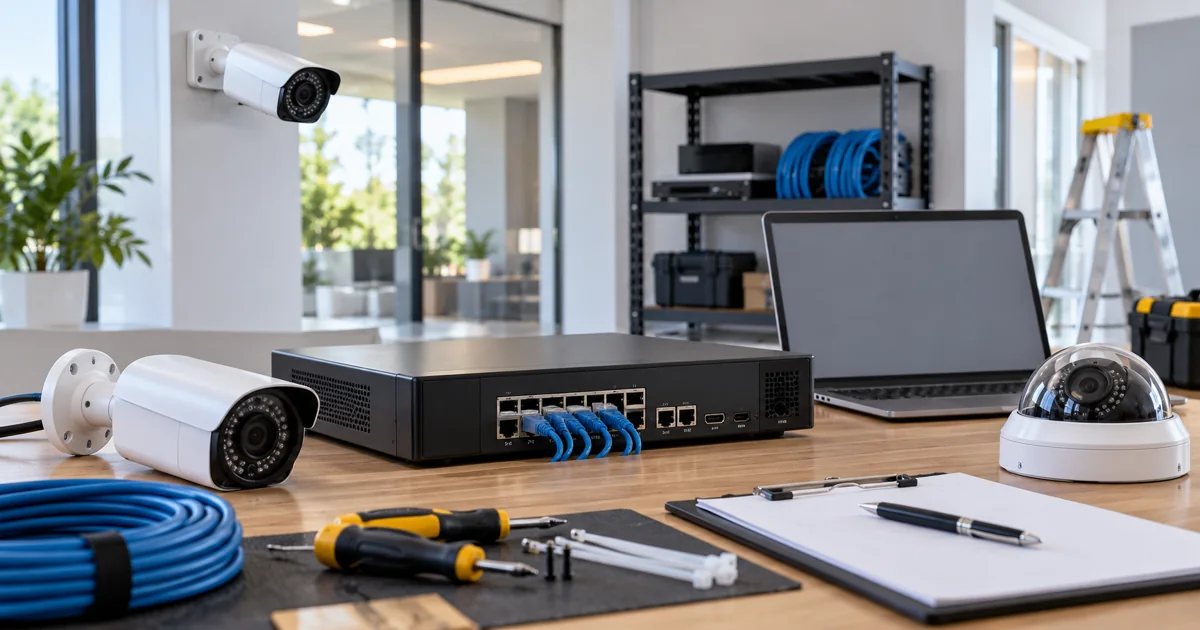
Before replacing several cameras with higher-resolution models, check how much incoming video the recorder can accept at the intended settings. Camera channel count, recording bandwidth, decoding capacity and storage are different limits. An NVR that has unused camera channels may still be unsuitable for a larger stream load.
Plan your Security cameras project
Send the recorder model, camera count and the result you want from the upgrade. We can review recording capacity, intended settings, retention and retained network equipment before defining a replacement scope.
Request a Sentry Audio Video consultation Call (561) 717-3280
The right upgrade begins with a recording plan: what each camera must show, the detail and motion needed, how long footage should be retained, and how the owner will review it. This is more reliable than choosing every camera by the highest megapixel number on its box.
Build a stream inventory for the actual recording settings
List each existing and proposed camera, its recording resolution, frame rate, codec and configured bitrate behavior. Include the intended recording schedule and any secondary streams used for viewing. The integrator should verify what the recorder actually receives rather than assuming that every configured camera setting is being used.
Video bitrate is not determined by resolution alone. Motion, image noise, scene complexity, compression settings and frame rate affect the amount of data. A quiet daytime entrance and a noisy nighttime parking area can behave differently even when their nominal resolutions match.
A useful schedule identifies the purpose of each view. An overview camera may need different settings from a camera aimed at a specific entrance. Select image quality around the task and the installed equipment’s capability; a uniform maximum setting across the property is not automatically the best design.
Compare aggregate incoming bitrate with recorder specifications
Find the manufacturer’s published incoming or recording bandwidth limit for the exact NVR model and applicable configuration. Do not substitute its Ethernet-port speed for its supported recording throughput. A gigabit connection does not mean the recorder can process an unlimited number of high-bitrate streams.
As a simple arithmetic example, eight streams averaging 8 megabits per second total 64 megabits per second before other relevant traffic or operating headroom is considered. That example is not a recommended camera setting or a guarantee of compatibility. The installed system must be sized using its actual specifications and expected conditions.
Allow practical headroom rather than designing around a theoretical maximum with no margin. Check whether the published limits change with analytics, encryption, recording modes or other enabled functions. The specification and manufacturer guidance for the exact model should settle those questions.
Keep viewing and decoding limits separate
A recorder may accept the streams for storage but have different limits when displaying several high-resolution views at once. Local HDMI display, remote mobile viewing, playback and exporting footage can place different demands on the system.
Ask which live-view layout the owner expects to use. A multi-camera wall display, a phone checking one entrance and a manager reviewing several recorded streams are different workloads. Test those workflows with the proposed settings before treating the upgrade as complete.
Secondary streams can help certain viewing arrangements, but they do not create extra recording capacity or improve an unsuitable network path automatically. The proposal should identify any compromise in displayed detail or playback behavior instead of hiding it behind a general claim that the cameras are compatible.
Recalculate retention using bitrate and recording rules
Increasing stream bitrate generally increases storage use. Existing drive capacity may deliver a shorter retention period after an upgrade even if every camera records successfully. Set a retention target and calculate the required usable capacity with the selected recording schedule.
For scale, a continuous 1 megabit-per-second stream produces approximately 10.8 gigabytes per day using decimal units, before overhead and other system considerations. Use that only as a rough planning relationship. Manufacturer sizing tools and the actual recorder configuration provide a more useful project estimate.
Motion or event recording can change storage requirements, but the result depends on how often events occur and how recording is configured. Do not promise an exact number of days based on a quiet test period. Verify the real oldest available footage after the system has operated under normal conditions.
Review the network and PoE system at the same time
The recorder’s capability is only one part of the upgrade. Check switch uplinks, cable condition, network topology and the power requirements of each proposed camera. Shared uplinks or wireless links can become constraints even when the NVR itself has capacity.
PoE power and video bandwidth are separate budgets. A switch might have sufficient data capacity but insufficient available power for the selected cameras and accessories. Confirm the exact switch and camera specifications, including the operating conditions that increase demand.
Where older cameras or third-party recording systems are retained, verify the required stream formats, supported functions and firmware combinations. Basic video compatibility does not establish that every event, audio or analytic feature will transfer.
Require an upgrade test that reflects daily use
Commission the system with the agreed recording settings enabled on every camera. Check live view, simultaneous recording, playback and a sample export. Review daytime and nighttime footage, not just the NVR’s status screen.
Document the camera schedule, bitrate settings, recorder limits, drive configuration and retention assumptions. If the project retains an older recorder, state any limits explicitly and explain what would trigger a later recorder replacement.
This focused review helps determine whether a camera-only upgrade is practical, a recorder or network change is required, or the project should be phased. It also makes competing proposals easier to compare because the expected recording result is defined.
Plan a camera and recorder upgrade
Sentry Audio Video provides security-camera system design, installation and upgrades. Review our guide to retaining an existing NVR versus replacement, then call (561) 717-3280 or request an assessment. Manufacturer reference: Axis bitrate-control guidance; always verify the exact recorder and camera documentation for the proposed equipment.