Remote support can be useful when a technician has authorized access and a problem can be reproduced through the available tools. An on-site visit is valuable when the cause involves physical connections, power, equipment condition or room performance. The first step is describing the symptom clearly enough to choose a practical diagnostic path.
Start with a reproducible example
Record the room, source, interface and action that fails. Explain whether the issue affects one room or the whole property and whether it began after a known change. “Music starts in the kitchen but not on the patio” gives a technician a specific signal path to investigate. Also record what still works; that information can narrow the scope.
Understand what remote access can show
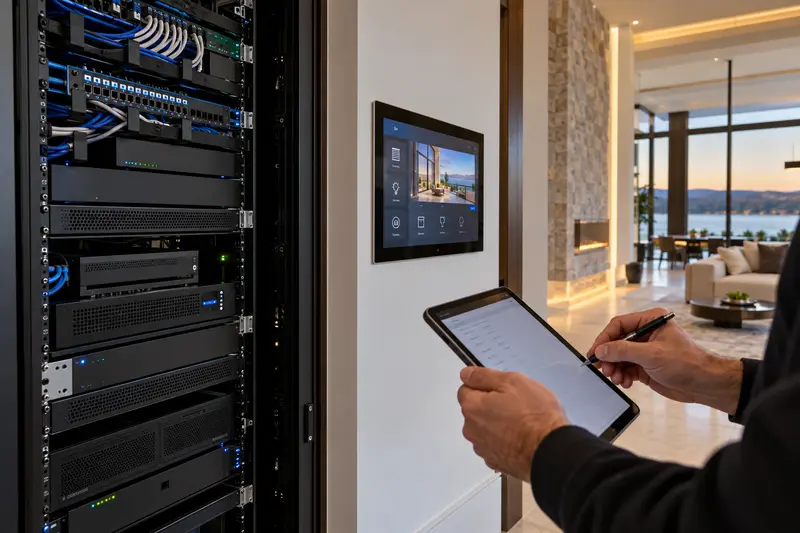
Depending on the installed equipment and approved access, remote tools may provide configuration information, device status or selected diagnostic controls. They cannot always establish whether a cable is damaged, a cabinet is overheating or a loudspeaker sounds distorted. A device reporting online is one clue, not confirmation that the complete room works correctly.
Recognize physical checks
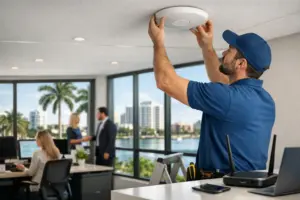
Intermittent video, unexpected noise, damaged connectors, unreliable power and equipment that cannot be reached remotely may require testing at the property. Microphone pickup, Wi-Fi coverage and camera viewing angles also benefit from observation in the actual space. The service team should explain what an on-site visit needs to establish before replacement equipment is proposed.
Prepare someone to assist
If remote assessment is appropriate, arrange for a staff member or homeowner who can observe the room and follow agreed instructions. Keep the equipment area accessible and record the starting condition. Changes should be made one at a time, with the result documented, rather than through a series of untracked resets.
Define the next action
A useful support interaction ends with a clear result: the function is restored, another test is required, an on-site visit is scheduled or a proposal is needed. Ask what information will be retained and who will contact the client. Service-plan coverage and response expectations depend on the written agreement.
Explore Sentry’s service and repair options and our business technology service plans.
Plan the next step with Sentry Audio Video
Request a consultation. Boca Raton: (561) 717-3280; Fort Lauderdale: (954) 859-6475; Orlando: (407) 377-5360; New York: (516) 210-2120. Florida low-voltage license EF20001874.