A new AV receiver can improve the equipment in a media room while leaving the homeowner with a control problem: the Control4 activity still expects the old receiver. Before ordering, ask which driver, connections and room behaviors will be changed, and how the completed room will be tested. A receiver with the right audio and video specifications still needs a defined place in the installed control project.
This is a replacement-planning question, rather than a guide to diagnosing an intermittent HDMI fault. The useful result is an equipment-and-programming scope that explains what stays, what changes and what the household can expect on the first evening after installation.
Identify the receiver’s jobs in the existing room
Start with a source map. List the television, streaming player, cable or satellite source, disc player and any other connected equipment. Note where each source physically connects and which device currently handles selection, volume, mute and power. Some rooms use the receiver as a central switch; others use a separate video path or distributed audio system.
Include secondary receiver zones if they are in use. A patio or adjoining room may depend on the old receiver even when the main room is the reason for replacing it. The assessment should identify those dependencies before equipment is disconnected.
- Which activities must remain available?
- Which speakers and subwoofers will remain connected?
- Are any secondary outputs or zones used?
- What existing buttons or scenes currently operate the receiver?
Confirm support for the exact replacement model
Control4’s Composer documentation describes adding device drivers and configuring their connections. It also cautions that not every database driver has been validated by Control4. A familiar receiver brand, or a driver for a related model, is therefore not enough to establish the proposed functions.
The integrator should verify the exact model, driver, supported control method and any relevant software requirements. IP, serial and infrared control have different installation dependencies. Ask whether the chosen method supports the required commands and feedback, and whether the proposal includes necessary interfaces or programming work. Do not assume the old control cable or driver can simply be reused.
Map inputs and room control deliberately
The input called “streaming” in the household’s routine may now connect to a different physical receiver input. Device names, room connections and activity behavior should match the new signal path. An input that works from the receiver’s own remote has not yet demonstrated that the Control4 activity selects it correctly.
Document the expected result of selecting each source, including the display state, receiver input, audio output and volume owner. If the television supplies audio back to the receiver, include that path in the assessment. Its behavior depends on the actual display, receiver, connections and settings; it should be demonstrated rather than promised from a feature label.
Include power, volume and existing scenes
Test a room from its normal idle state. Does selecting a source start the intended equipment? Does room off leave the agreed devices in the right state? Does mute affect the room the user expects? Check a sensible starting level and any required volume limit using the actual speaker system.
Also identify scenes, keypad actions or voice integrations that reference the old device. The scope should say which will be updated and which are outside the replacement appointment. This prevents a successful equipment swap from becoming an unexpected second programming project.
Agree on a short acceptance checklist
- Start every retained source from a normal room-off condition.
- Switch among sources and confirm both picture and sound.
- Test volume and mute from the household’s usual Control4 interface.
- Check any retained secondary zone independently.
- Test relevant scenes and the agreed room-off behavior.
- Record unresolved limitations, equipment details and the final input map.
Audio calibration and speaker configuration may also belong in the receiver installation. List them separately so the owner can see what is included. Programming, acoustic setup and equipment supply are related tasks, but one line reading “replace receiver” does not define them.
Compare two receiver proposals using the same room example
Imagine a family room with a streaming player, a cable box and television-app audio. The homeowner wants better sound but still expects one familiar activity button to start each source. Ask each supplier to describe those same three activities. One quotation might cover equipment delivery and basic setup, while another includes the Control4 driver, connection changes, sound setup and an owner demonstration. The receiver model alone does not make those scopes equivalent.
For each activity, write down who selects the source and who controls volume. Identify any retained television remote or keypad that must continue working. If the proposed control method has a limitation, the owner should see that limitation beside the affected activity, rather than discover it after the original receiver is removed. Do not approve an unspecified receiver substitution without revisiting that control plan.
In a new media-room or renovation project, settle the same questions before equipment and cabinetry are ordered. Allow the installer to confirm access to connections and the space needed to service the selected unit. This keeps the article's receiver decision connected to the wider installation without turning a simple equipment change into an assumed whole-home replacement.
Ask the written scope to distinguish the agreed fixed work from work that depends on inspecting the retained system. If the existing programming is not accessible, establish the next assessment step before accepting a promise of identical operation. A good buying decision is supported by a clear room map and a realistic commissioning appointment, not by the shortest equipment list.
What to send before a replacement assessment
Provide the old receiver model, proposed replacement if one is already selected, source list, room name and photographs of accessible equipment. Describe the desired improvement and which existing behaviors must be preserved. Avoid disconnecting equipment merely to photograph inaccessible wiring; the service visit can establish that information.
Sentry Audio Video can assess receiver replacements as part of Control4 installation and programming in South Florida. Request an equipment and programming assessment or call (561) 717-3280 before buying a replacement that may require a different installation scope.
Technical references
Reviewed October 30, 2026: Control4’s driver search and connection guidance and AV switching configuration guidance. Exact receiver support must be checked for the installed project.
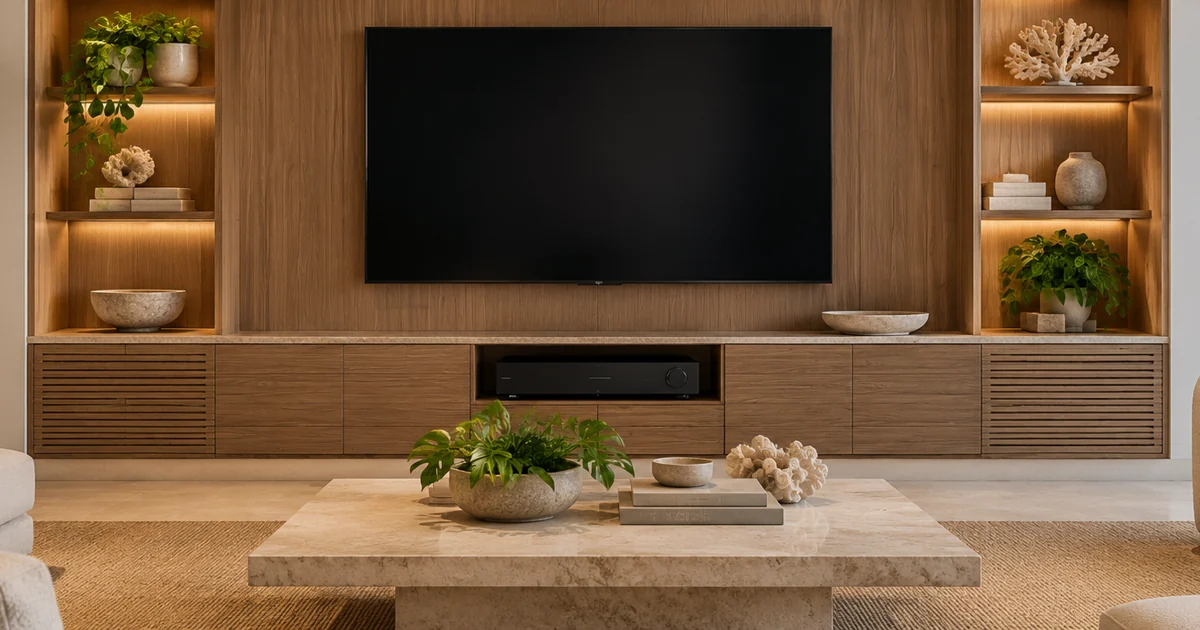
Featured image: AI-generated illustration, not a photograph of a Sentry Audio Video project.
From our Google reviews
“They recently installed a Control4 system at both my home and my workplace, and the entire experience was flawless from start to finish.”
Control4 installation — home and workplace
Google review excerpt