A replacement camera may connect to an existing network cable and show a picture during a daytime test. That does not prove the switch can power it under every required condition. Infrared illumination, heaters, accessories and startup behavior can change the demand. Before reusing a PoE switch, check both the individual port capability and the total power budget for the planned installation.
This is a power review, separate from video bandwidth and storage sizing. A link can carry the required data while its power arrangement is unsuitable. The proposal should identify the exact camera and switch models, manufacturer power requirements and the operating conditions that will be tested. Avoid assuming that every Ethernet port marked PoE provides the same capability.
Use maximum requirements, not only a live reading
Manufacturers may publish typical consumption and maximum power information for a camera. Those figures answer different questions. A normal daytime measurement can be useful, but it does not establish the allowance needed for supported worst-case operation. Axis publishes guidance explaining typical and maximum camera power consumption, illustrating why the distinction belongs in an equipment review.
Record the manufacturer’s requirements for the exact model, including any stated PoE standard, class and accessory conditions. Do not substitute the value from a similar-looking camera. An outdoor model with different illumination or environmental features may have different needs. If the documentation is unclear, resolve the question through the manufacturer before committing to the retained switch.
Check each port and the whole switch
There are two separate constraints. The port must support the required power delivery, and the switch must have sufficient available budget across all connected devices. A switch can support a high-power device on one port without supporting the same demand simultaneously on every port. Read the specifications for the installed power supply and configuration, not just the family name on the enclosure.
Include other PoE devices sharing the switch: access points, intercoms or additional cameras where applicable. Record reserved or allocated power behavior if the manufacturer’s design requires it. A spreadsheet that totals only measured daytime camera watts can miss the conditions that matter after dark or after a restart. The installer should explain the assumptions behind the proposed margin.
Include infrared, heaters and accessories
Identify features that affect power for each camera. Infrared illuminators may be off in bright daylight and active at night. Environmental features may have conditions under which they operate. Accessories can introduce additional requirements. Confirm those details from the model documentation rather than applying a generic allowance to every device.
Do not assume a South Florida location eliminates every environmental power consideration. The correct requirement comes from the product and its operating conditions. Conversely, do not add an imaginary heater load to a camera that does not have one. A model-specific schedule is more useful than either optimistic assumptions or arbitrary overestimates.
Review the existing cabling and power path
Cable condition, length and installation quality affect a real power path. Have the service provider assess existing runs and terminations using appropriate methods. Include intermediate devices, extenders or injectors in the inventory if they are present. An old drawing that shows one continuous cable may not reflect modifications made over the years.
Use supported equipment and installation practices. Do not improvise passive power arrangements or bypass electrical protections to make a camera start. If an injector is proposed, identify its exact specification and support for the camera. The owner should receive a maintained, documented solution rather than an unlabeled power adapter added as a last-minute workaround.
Test the conditions a daytime demonstration misses
At acceptance, verify normal operation and the relevant higher-demand modes supported by the model. Include an agreed controlled restart where appropriate. Several devices starting together after an outage can present a different condition from reconnecting one camera while the rest of the system is stable. Test using manufacturer-supported procedures and protect existing operations.
- Confirm the camera’s exact power and PoE requirements.
- Verify each assigned switch port supports the required delivery.
- Calculate the shared budget for all connected PoE equipment.
- Include documented illumination, environmental and accessory requirements.
- Inspect and test the retained cabling and intermediate devices.
- Check the relevant night mode and controlled startup behavior.
- Record faults, corrective action and the completed retest.
If a camera repeatedly restarts after dark, preserve the timing and device logs for the installer. Power is one possibility, not a diagnosis to assume from the symptom alone. Network, firmware or equipment faults may also require investigation. A documented power schedule helps rule causes in or out without buying replacement switches blindly.
Keep backup power as a separate design decision
A UPS can help maintain equipment during an interruption, but it does not increase a switch port’s PoE capability or the switch’s rated power budget. If backup runtime matters, size it against the actual supported equipment load and the owner’s objective. Include the recorder and relevant network equipment in that separate review rather than protecting only one part of the chain.
At handover, retain the camera-to-port assignment and equipment schedule in controlled project records. Identify who responds to power or device-health alerts. Future camera additions should be checked against the remaining budget instead of using any physically empty port by default. That preserves the assumptions that made the original upgrade reliable.
Buyer questions
If the camera powers on, is the switch suitable?
Not conclusively. Verify the model requirements, port support, shared budget and relevant operating modes. A daytime picture proves operation under that tested condition, not the entire power design.
Will a larger internet plan or UPS fix insufficient PoE capacity?
No. Internet service, backup runtime and PoE delivery are separate design questions. Identify the actual constraint and use the supported equipment needed for it. The purchase decision should follow the measured and documented requirements of the system.
Plan the next step with Sentry Audio Video
For a South Florida project, start with our video surveillance design and upgrades service. Sentry Audio Video can review the existing equipment, define the proposed change and identify the tests needed before ordering. Request a project review and include the equipment models, room or camera locations, and the outcome you want.
Related planning: NVR bandwidth planning before a camera upgrade.
Manufacturer and technical references
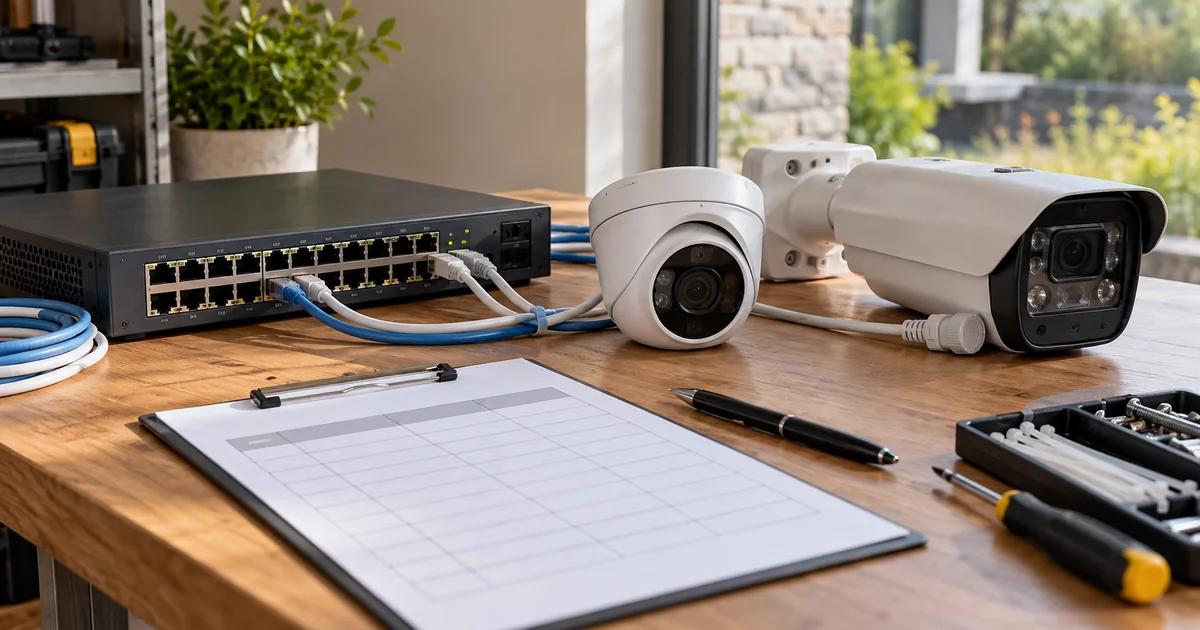
Technical sources reviewed October 23, 2026. Confirm exact model, software, licensing and project requirements before purchase. Featured image is an AI-generated illustration, not a photograph of a Sentry customer project.
From our Google reviews
“Brian and his team did an outstanding job installing our security cameras.”
Security camera installation
Google review excerpt