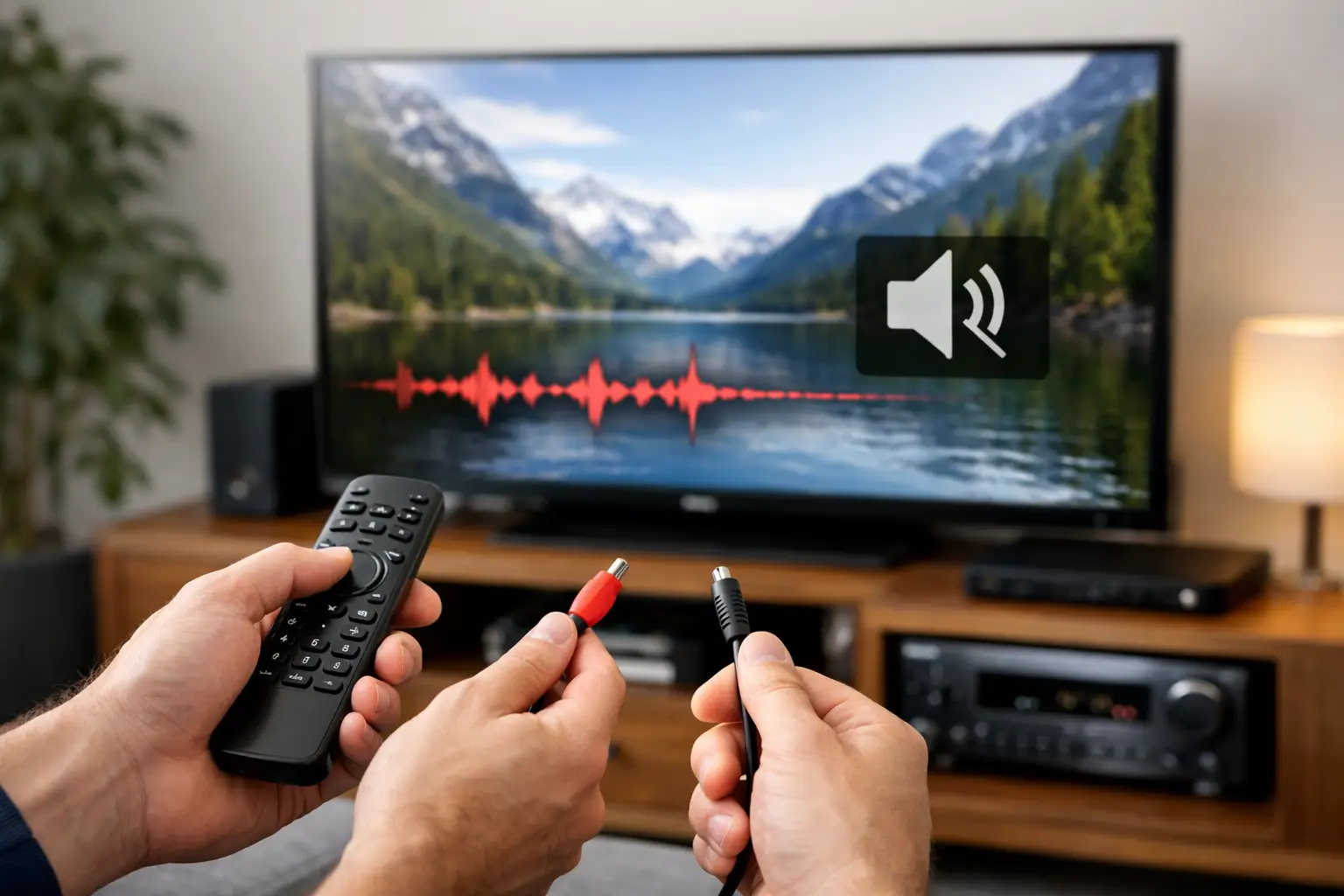
A movie reaches its quietest scene, the picture remains perfect, and then the sound disappears. If you have asked, “Why Does My 4K TV Keep Dropping the Audio Signal? (And How to Fix It)”, the answer is usually not that one component has failed. Intermittent audio is more often a communication problem between the display, sound system, sources, and control settings.
A premium entertainment system should turn on, select the right source, and deliver stable sound without repeated resets. When it does not, the goal is to identify where the audio handoff is breaking down instead of replacing equipment blindly. The right diagnosis protects both the performance of the system and the clean, integrated experience your home was designed to provide.
Why a 4K TV Keeps Dropping the Audio Signal
Modern 4K systems move far more than picture information through an HDMI connection. They may also carry high-resolution audio, surround-sound formats, control commands, copy-protection data, and audio return channel information. Every connected device must agree on how that signal will be passed and decoded.
That agreement is often called an HDMI handshake. It occurs when the TV, audio receiver or soundbar, and source device recognize one another and select compatible video and audio formats. A brief interruption during that process can produce a black screen, a moment of silence, or a system that falls back to the TV’s internal speakers.
Audio return channel connections deserve particular attention. ARC and eARC send sound from the TV back to an audio system through the same HDMI cable used for video. eARC supports more advanced audio formats and greater bandwidth, but it also requires compatible equipment, proper settings, and a dependable connection. If one component is set for eARC while another is not handling that mode correctly, audio may cut out when you change inputs, begin streaming, or switch between programs.
The cause can also be more basic. A cable may be loosely seated, stressed behind a wall-mounted display, damaged internally, or unable to reliably carry the signal demands of the system. Not every HDMI cable is equal in real-world performance, especially on longer runs or in installations using distribution equipment, matrix switching, or concealed cabling.
Start With the Pattern, Not the Reset Button
Before changing settings, notice exactly when the signal drops. The timing provides valuable diagnostic information.
If sound cuts out only when switching from cable programming to a streaming application, the issue may involve audio-format changes or ARC/eARC communication. If it happens only with one source, that source’s audio output configuration, HDMI connection, or software may be responsible. If every source loses sound at random, the TV-to-audio-system connection or system control programming is the more likely place to investigate.
Also note whether the image remains on screen. When picture and sound disappear together, the HDMI signal itself may be resetting. When the picture stays stable but audio vanishes, focus first on the audio return path, selected sound output, receiver processing, or format compatibility.
A useful test is to play audio through the TV speakers temporarily. If the TV speakers remain stable while external sound drops, the display is receiving content properly and the interruption is occurring downstream. If the TV itself loses audio, the source or the TV’s settings deserve closer review.
Check the HDMI and eARC Foundation
Confirm that the audio system is connected to the TV’s designated HDMI ARC or eARC port. Many displays have several HDMI inputs, but only one is intended to return audio to a receiver or soundbar. Connecting to another port can appear to work initially, then create inconsistent behavior after a software update or source change.
Next, verify that eARC is enabled on both the display and the audio component when your system is designed to use it. The terminology varies by manufacturer, but the relevant settings are commonly found under Sound, Audio Output, HDMI Control, or External Device settings. The TV should be set to output audio through the external system rather than its built-in speakers.
HDMI Control, often labeled with a manufacturer-specific name, lets components power on, switch inputs, and adjust volume together. It is convenient, but it can also create conflicts when multiple devices try to control the system. In a professionally integrated installation, control settings should be intentional and coordinated. Turning features on and off at random may temporarily restore audio while creating a new problem with source selection or system startup.
Power cycling can clear a stalled handshake. Turn off the TV, audio system, and connected sources. Disconnect power briefly, restore power to the audio system first, then the TV, and finally the sources. This is a diagnostic step, not a permanent solution. If the audio issue returns, the system still needs a more durable correction.
Audio Format Mismatches Are a Common Culprit
Streaming platforms, cable providers, and media sources do not all deliver audio in the same format. A program may switch from stereo to Dolby Digital, Dolby Atmos, PCM, or another multichannel format without any visible indication. If the TV is configured to pass through a format the connected audio system does not reliably support, sound can drop until the components renegotiate.
The TV’s digital audio output setting is often the key variable. “Auto” or “Pass Through” can preserve advanced formats when all connected equipment supports them. “PCM” converts the signal to a more universally compatible format, though it can reduce surround-sound capability. Neither choice is automatically right. It depends on the sound system, sources, desired listening experience, and how the installation was designed.
For example, a system that supports immersive audio should generally be configured to preserve that capability. But if audio loss occurs only during format changes, testing PCM can help confirm that format negotiation is the trigger. Once confirmed, an integrator can determine whether the proper solution is a settings adjustment, a firmware update, or a connection upgrade.
Cables, Extenders, and Hidden Connections Matter
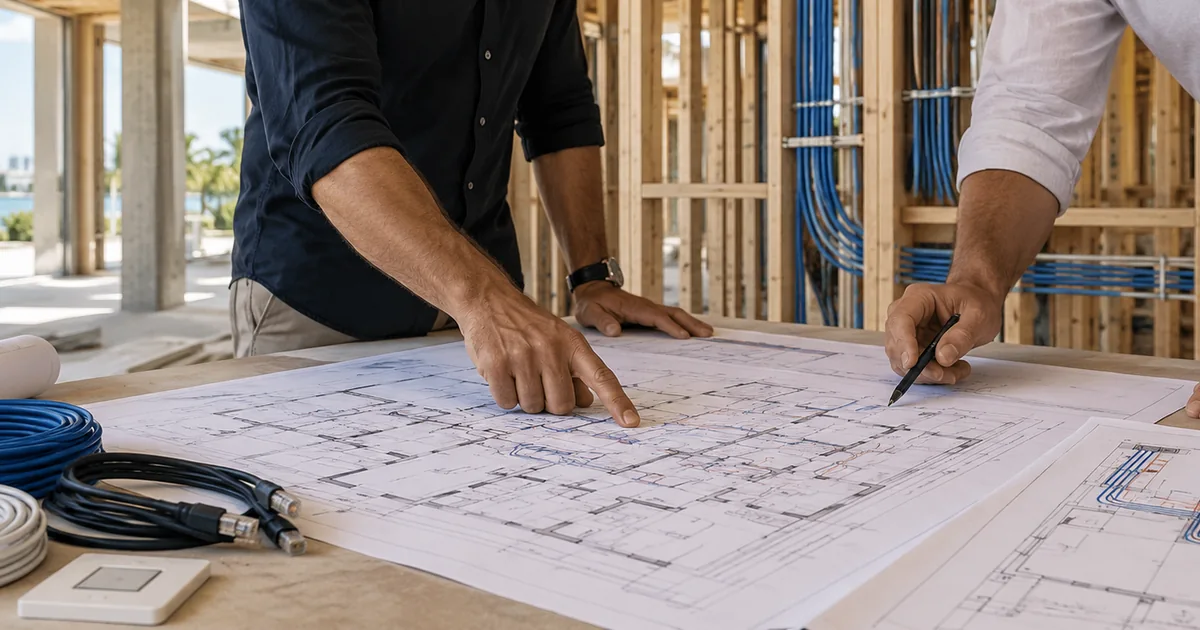
A cable that works for a basic picture signal may not remain dependable when asked to support 4K video, eARC audio, and control data at the same time. This becomes more likely with long cable paths, wall-mounted TVs, equipment located in a rack, or systems using HDMI extenders and distribution hardware.
Inspect accessible connections for a secure fit. Avoid sharply bending cables or placing tension on HDMI ports, particularly behind a flush-mounted display. If a known reliable, properly rated cable resolves the issue during testing, the installed cable path or termination should be evaluated.
In larger homes, a source may be routed to several televisions through a central video distribution system. In that case, an audio dropout at one display may reflect an issue with the local receiver, extender, or EDID management rather than the TV itself. EDID is the information devices exchange to determine supported resolutions and audio formats. A well-designed system manages those capabilities consistently, even when different displays are in use.
Don’t Overlook Network and Software Behavior
When sound drops only in streaming applications, network performance and software can play a role. A fluctuating connection may force an application to change stream quality or rebuffer audio. However, a stable picture paired with repeated external-audio dropouts still points more strongly to the TV, audio system, or HDMI return connection.
Keep the TV, receiver, soundbar, and connected sources updated with manufacturer-approved firmware. Updates can improve eARC stability and format compatibility, but they can also reset settings. After an update, verify the audio output, eARC selection, and HDMI control settings before assuming the hardware is at fault.
Integrated control systems should also be reviewed when the problem occurs after pressing a single “Watch TV” or “Movie Night” command. The control sequence may be selecting the wrong input, powering equipment in the wrong order, or issuing a command before the display has completed its startup cycle. These are programming issues that can be corrected without compromising the simplicity of one-touch operation.
When Professional Diagnosis Is the Right Next Step
Call for service when the issue persists across multiple sources, returns after a power cycle, affects a concealed cable run, or occurs within a rack-based or whole-home video system. Repeatedly changing settings can make a complex system harder to diagnose, especially when several components depend on coordinated control and audio routing.
A qualified AV integrator can test the HDMI path, confirm cable performance, inspect ARC/eARC behavior, evaluate audio formats, and verify the control logic that ties the system together. For homes with distributed audio, dedicated theater spaces, outdoor entertainment, or centralized equipment, that full-system view matters. The symptom may be heard at the TV, but the cause may be elsewhere in the signal chain.
Sentry Audio Video approaches intermittent audio as a system-performance issue, not a one-size-fits-all fix. A properly designed solution delivers the picture quality, surround sound, and straightforward control expected from a premium home entertainment environment. When the sound cuts out, the most valuable next step is a precise diagnosis that restores reliability without sacrificing the experience your system was built to deliver.
Need help with an intermittent AV problem? Review our audio-video service and repair options, explore Boca Raton home theater design and installation, or request a system assessment.