A pool should not require a separate app, wall switch, timer, and trip to the equipment pad every time your plans change. Understanding how integrated pool controls work helps homeowners turn a collection of powerful outdoor systems into one coordinated experience – whether that means warming the spa before arriving home, setting the right lighting for dinner, or checking that equipment is running as intended.
For a well-designed outdoor space, integration is not simply about controlling a pool from a phone. It is about giving every component clear instructions, building in sensible protections, and making daily use effortless without sacrificing dependable equipment performance.
What an integrated pool control system does
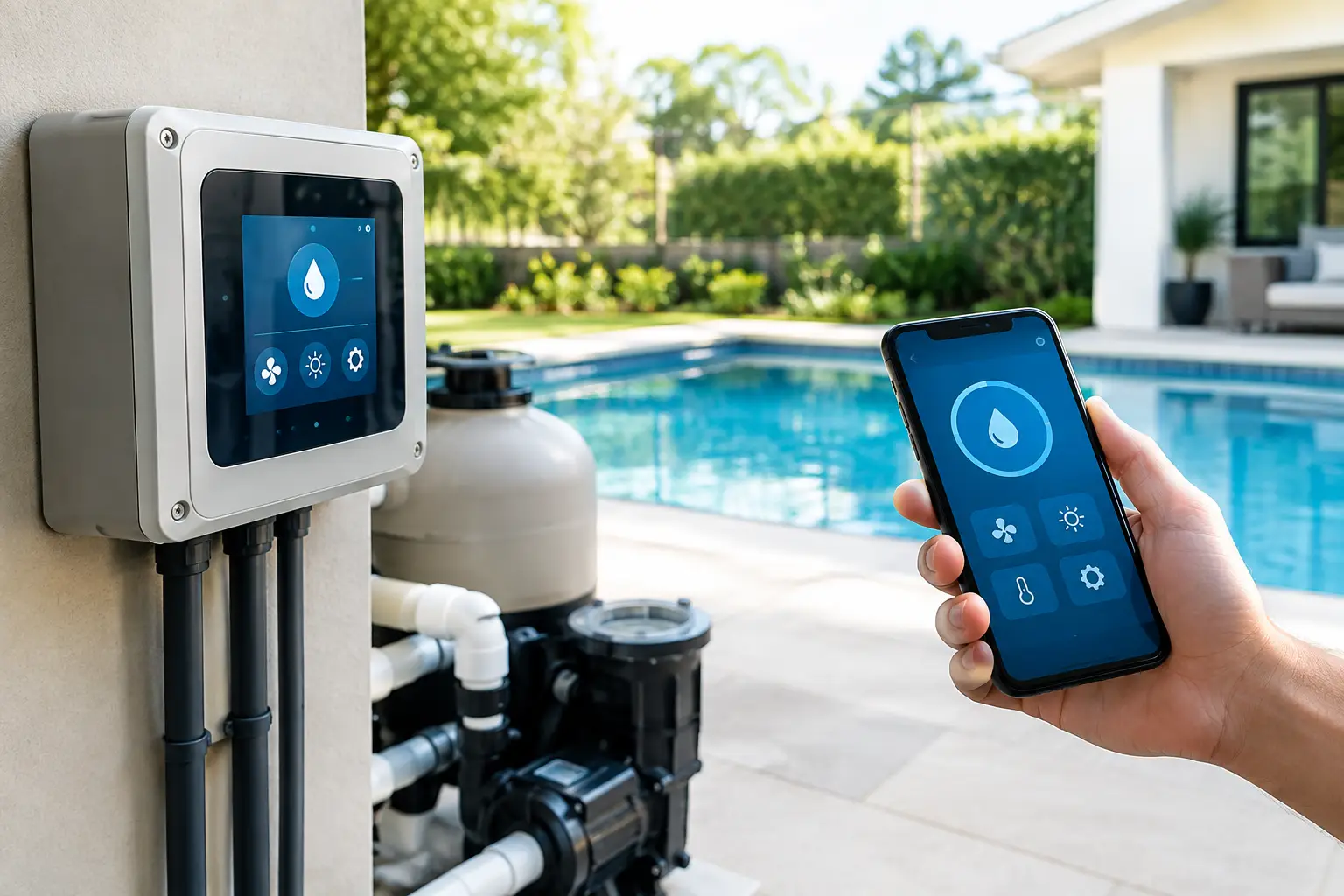
An integrated pool control system acts as the command center for pool equipment and connected backyard technology. Rather than operating the filtration pump, spa, heater, lighting, water features, and landscape scenes independently, the system brings them together through a dedicated controller and a familiar control interface.
That interface may be a touchscreen, keypad, mobile app, smart-home control panel, or a combination of these. Behind it, the controller communicates with pool automation equipment and, when appropriate, with the home automation platform. The homeowner sees simple choices such as Pool, Spa, Evening Entertaining, or Away. The system handles the sequence of actions required to make those choices happen safely.
This distinction matters. A button labeled “Spa” may need to change valve positions, adjust pump speed, activate heating, turn on spa lights, and confirm that circulation is established before other equipment runs. Proper integration makes that process feel immediate while respecting the operating logic of the equipment.
How integrated pool controls work behind the scenes
At the equipment pad, a pool controller connects to the components that run and regulate the system. Depending on the design, it can send commands through wired relays, low-voltage connections, manufacturer-specific communication protocols, or network connections. The method depends on the equipment already installed and the desired level of control.
The controller coordinates equipment, not just switches
A basic relay can turn an item on or off. An integrated controller can do more: it can coordinate timing, monitor conditions, and prevent conflicting commands. For example, it may ensure a valve actuator has moved to spa mode before the heater activates. It can also schedule filtration around the household’s routine, operate a variable-speed pump at appropriate programmed speeds, and place water features on a separate schedule.
The details vary by pool configuration. A straightforward pool with lighting and a pump requires less programming than a pool-and-spa combination with multiple pumps, a salt system, a heater, fire features, fountains, and landscape lighting. The goal is not to add control for its own sake. It is to make every included function predictable and easy to access.
Sensors and status information add intelligence
Many systems use water and air temperature information to guide operation. Temperature readings allow the controller to activate pool or spa heating according to a setpoint and to display useful status information at the control interface. Certain equipment can also report operational states, alerts, or maintenance messages.
Not every component provides the same feedback. Some equipment can share detailed digital status, while older or specialized devices may offer only on/off control. An experienced integrator identifies these limits early, so the finished interface accurately represents what the system can control and report.
Automation scenes turn routines into one touch
Scenes are where pool integration becomes especially valuable. A single “Outdoor Evening” command might turn on patio and landscape lighting, set pool lights to a preferred color, start a water feature, and select music for the terrace. “Spa Ready” can prepare circulation and temperature settings with far less effort than operating individual controls.
Scenes should reflect how the property is actually used. A family that swims after school needs different schedules than an owner who uses the spa late in the evening or entertains regularly. Thoughtful programming is what makes the system feel personal rather than generic.
What you can control from one interface
The exact capabilities depend on the pool equipment, its compatibility, and how the outdoor space is designed. In a properly integrated system, homeowners commonly have centralized access to:
- Filtration pumps and variable-speed pump schedules
- Pool and spa modes, including automated valve changes
- Water temperature and pool or spa heating requests
- Pool, spa, and landscape lighting scenes
- Waterfalls, fountains, deck jets, bubblers, and other water features
- Outdoor audio, televisions, motorized shades, and selected security features
Centralized access does not mean every device should be available on every screen. A polished system presents the controls you use most often first, while deeper settings remain available without cluttering the experience. The result is simpler for guests and more practical for the people who manage the home.
Integration with the larger smart home
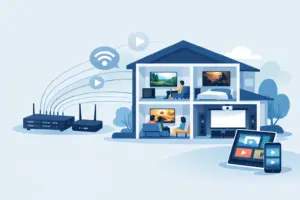
Pool controls are especially effective when they are part of the home’s wider automation design. A backyard scene can include audio, lighting, shades, and entertainment along with the pool. An arrival scene can prepare outdoor areas before a homeowner reaches the property. Security lighting can be coordinated with exterior zones without confusing it with decorative pool lighting.
There are practical boundaries, however. Pool equipment must retain its own safety and operational logic. A smart-home platform should provide convenient control, but it should not override safeguards built into the pool controller or equipment manufacturer’s requirements. The strongest installations use the right system for each job, then integrate them cleanly.
For a renovation, this often means evaluating the existing equipment pad before deciding what belongs in the interface. Some components may integrate directly. Others may require an approved interface, additional modules, or replacement to achieve the level of control the homeowner expects.
Reliability depends on design and installation
Wireless control from a phone is convenient, but reliable pool integration begins with infrastructure. Controllers need appropriate power, weather-conscious equipment placement, stable network access where remote control is desired, and clean wiring at the equipment pad. Outdoor systems also need to account for moisture, heat, corrosion, and the long cable runs common on larger properties.
Programming deserves the same level of care. Equipment names should be clear. Schedules should avoid unnecessary overlap. Scenes should be tested under real operating conditions, including transitions between pool and spa modes. A system that looks impressive on a touchscreen but creates confusion at the equipment pad has not been fully integrated.
Serviceability is another consideration. Pool technicians and property managers may need straightforward local access for routine maintenance. A professional design preserves that access while giving the homeowner a more refined daily experience. Clear documentation and ongoing support are particularly valuable for seasonal residences and properties with several users.
Common questions about pool automation
Can integrated controls work with an existing pool?
Often, yes. Compatibility depends on the age and type of pump, heater, lighting, valves, and control panel. Some upgrades are highly practical, while others require more extensive modernization to deliver reliable centralized control. A site evaluation reveals what can be integrated directly and where an upgrade creates a better long-term result.
Does the pool still work if the home network is unavailable?
In a properly designed system, core pool operation should not depend entirely on internet access. Local controllers, schedules, and equipment safeguards can continue operating even when remote app access is temporarily unavailable. The precise behavior depends on the equipment and system architecture, which is why design choices matter.
Is a phone app enough?
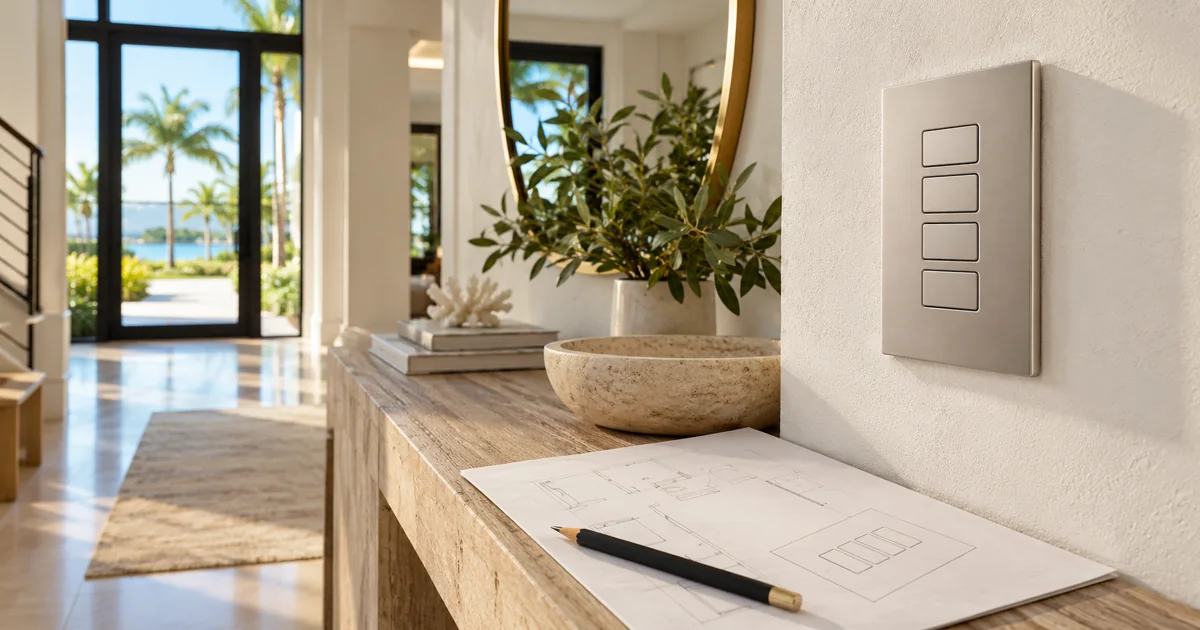
A phone app is useful, but it is not always the ideal primary control method. A wall-mounted touchscreen or keypad gives family members and guests an immediate way to activate common scenes without locating a phone, opening an app, or remembering credentials. Many homeowners prefer both: fixed controls in key locations and mobile access when away from home.
A well-integrated pool system gives the backyard the same level of intention as the rest of the property. For homeowners planning a new pool, a significant renovation, or a more complete outdoor living environment, Sentry Audio Video can design the controls, infrastructure, and user experience as one professionally executed system.