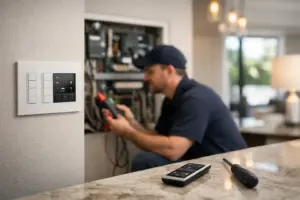
A conference room display drops its connection five minutes before a client presentation. Employees lose access to cloud applications during a busy afternoon. The guest Wi-Fi is fast near reception but unreliable in private offices. These are rarely isolated equipment issues. They are often signs that the office network infrastructure setup was treated as an afterthought instead of a core part of the workplace.
For a professional office, the network is the foundation beneath nearly every essential system: communications, security cameras, access control, wireless connectivity, audiovisual systems, cloud platforms, and collaboration spaces. A well-designed installation creates a workplace that feels organized, responsive, and ready for business. A poorly planned one creates recurring service calls, visible wiring, frustrating dead zones, and limitations just as the business begins to grow.
Start With the Way Your Office Operates
The right network design begins long before equipment is selected. It starts with a clear picture of how people use the space, what systems the business relies on, and what the property may need in the years ahead.
A medical office, law firm, financial services company, restaurant, private club, and corporate headquarters may all require dependable connectivity, but their priorities differ. One may need stronger network separation for protected records. Another may depend on digital signage, distributed audio, surveillance, and point-of-sale connectivity. A growing firm may need meeting rooms that support high-quality video calls without affecting the rest of the office.
This discovery process should account for the number of employees, expected guests, floor plan, construction materials, existing service provider connection, and locations of technology-heavy spaces. Conference rooms, executive offices, reception areas, training rooms, outdoor spaces, and server or equipment closets each place different demands on the network.
It also helps to ask a more practical question: what cannot go offline? The answer identifies the systems that deserve priority, backup planning, and closer monitoring.
Office Network Infrastructure Setup Begins With Cabling
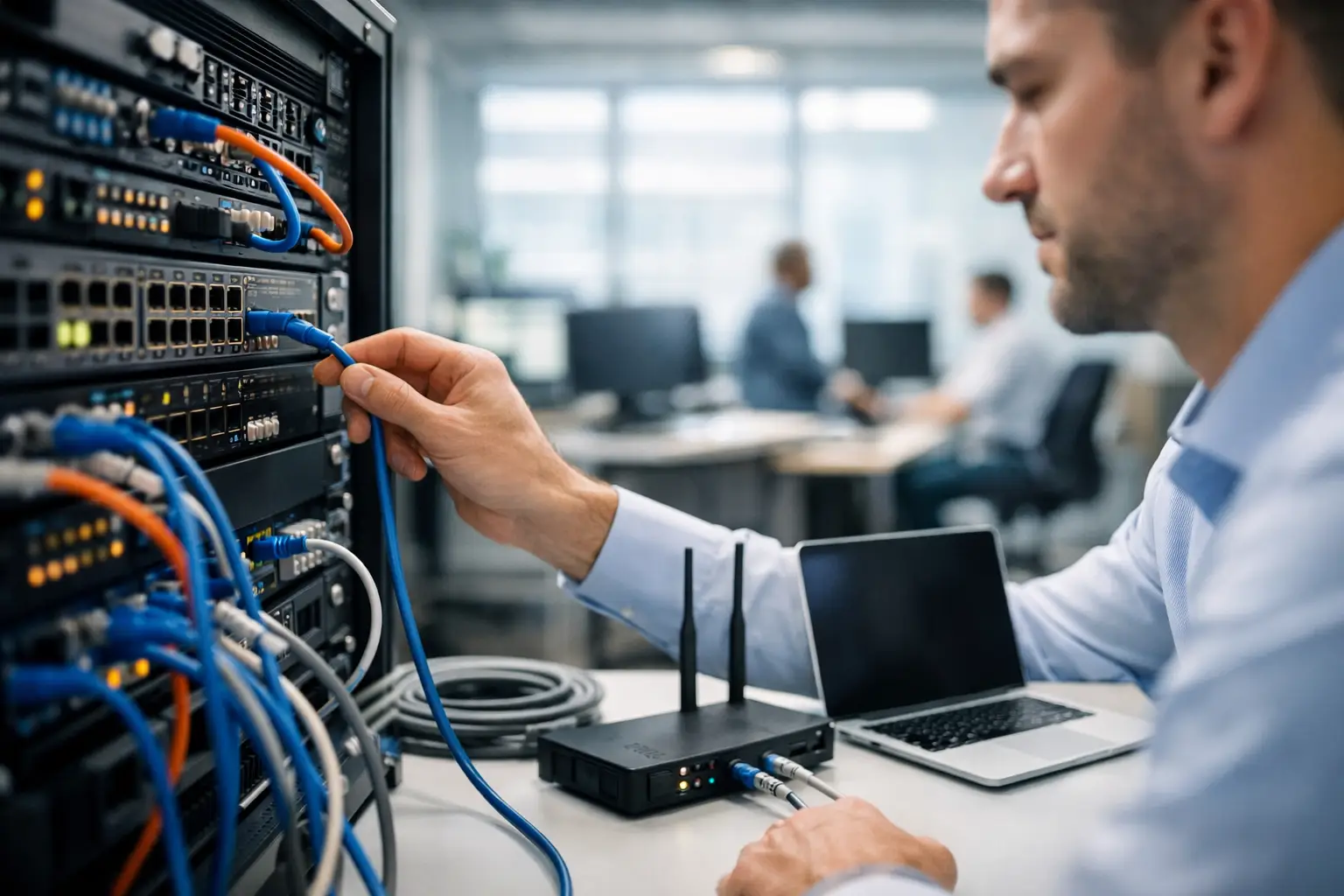
Wireless performance receives a great deal of attention, but structured cabling remains the physical backbone of a professional environment. Properly installed Category cabling and fiber, where appropriate, give fixed systems a stable path to the network while supporting future upgrades.
Cameras, wireless access points, desk connections, access-control devices, displays, and networked AV equipment all benefit from planned cable runs. In many cases, Power over Ethernet allows a single cable to provide both data and power to devices such as cameras and access points. That reduces clutter at the endpoint and makes the installation easier to maintain.
The difference is often visible. Clean pathways, labeled terminations, organized equipment racks, and properly located wall plates make future service significantly faster. They also protect the appearance of a finished office. For a renovation or new build, cabling should be coordinated early, before walls are closed and furniture placement becomes permanent.
There is a trade-off between installing only what is immediately required and preparing for change. Adding capacity during construction is generally far less disruptive than opening finished walls later. A thoughtful design may include spare cable runs and rack capacity even when those connections are not active on day one.
The Equipment Room Deserves Attention
The network closet is not simply a place to hide hardware. It is the control center for a business-critical system. It should have adequate ventilation, accessible power, physical security, cable management, and enough room for service technicians to work safely.
A professionally assembled rack provides a clear home for switches, firewall equipment, patch panels, power protection, network video recorders, AV components, and communications hardware. Documentation and labeling should match the physical installation, so a service visit does not begin with guesswork.
Design Wi-Fi for Coverage and Capacity
Adding a few wireless access points is not the same as designing a reliable wireless network. Wi-Fi must be planned around the actual layout and usage of the office.
Walls, glass, concrete, metal framing, elevators, and nearby networks can affect signal behavior. Coverage also does not tell the full story. A small conference room with many employees on video calls may need more wireless capacity than a large hallway. Reception areas can require reliable guest access, while executive spaces may call for greater privacy and performance consistency.
Access point placement should be based on a site assessment and, when appropriate, validated after installation. Mounting locations, channel planning, radio settings, and wired backhaul all influence the experience users receive. An access point placed for visual convenience rather than performance can leave a polished office with frustrating weak spots.
Guest Wi-Fi should generally be separated from the business network. That allows visitors to connect without gaining access to internal devices or sensitive resources. The same principle often applies to cameras, access control, AV systems, and other connected equipment. Segmentation helps contain risk and prevents one category of traffic from interfering with another.
Build Security Into the Network Architecture
Network security is not a single device or a one-time configuration. It is a layered approach that combines the right equipment, sensible policies, protected credentials, and ongoing oversight.
At the perimeter, a business-grade firewall can inspect and manage traffic entering and leaving the network. Internally, network segmentation can separate staff devices from guest access, surveillance, building systems, and audiovisual equipment. This is especially valuable when an office includes multiple technologies managed by different teams or vendors.
Remote access also deserves deliberate planning. Employees and service partners may need access from outside the office, but that access should be controlled, encrypted, and limited to the systems required. Shared passwords and open remote connections create unnecessary exposure.
No network design can eliminate every risk. What it can do is reduce the impact of a problem and make unusual activity easier to identify. Regular software updates, secure configuration practices, account management, and documented recovery procedures all contribute to a stronger operating environment.
Make AV, Communications, and Security Systems Work Together
For many businesses, network planning is where separate technology categories become one coordinated solution. Conference room displays, video conferencing systems, distributed audio, digital signage, surveillance cameras, door access systems, and communications platforms all rely on dependable connectivity.
This is why treating the network, AV, and security scopes as separate projects can lead to avoidable complications. The AV team may need network ports behind displays. Cameras may require dedicated switch capacity and protected recording equipment. A conference room system may need a stable wired connection and network settings tailored to collaboration traffic.
A single integration partner can design these requirements together rather than leaving each vendor to work around the others. The result is cleaner installation work, clearer responsibility, and a more dependable experience for the people using the space.
Plan for Failures, Not Just Normal Days
A high-performing office network should account for common points of failure. Power interruptions, service provider outages, failed hardware, and accidental cable disconnections happen. The appropriate level of protection depends on the business, but power backup for critical equipment, surge protection, documented configurations, and remote monitoring can reduce downtime and speed recovery.
For offices that depend heavily on cloud applications, phone systems, cameras, or electronic access, a secondary internet connection may also be worth considering. It is not necessary for every property, but it can be valuable when lost connectivity directly affects operations or security.
Why Professional Commissioning Matters
Installation is only one phase of a complete system. Before the office opens or the renovation is handed over, the network should be tested under realistic conditions. That includes confirming wired connections, wireless coverage, guest access, segmented networks, camera connectivity, conference room performance, and remote management capabilities.
Professional commissioning also establishes a baseline. When a future issue arises, technicians have documentation showing how the system was designed, where equipment is located, and how each connection is labeled. That level of accountability is particularly valuable for businesses that prefer one trusted partner to take ownership from design through ongoing service.
At Sentry Audio Video, network infrastructure can be designed as part of a complete commercial technology plan, bringing together structured cabling, Wi-Fi, AV, surveillance, communications, and control systems under one carefully managed scope.
The most effective office network is the one employees rarely think about. Meetings start on time, clients connect easily, security systems remain available, and technology supports the work instead of interrupting it. Planning that experience early gives your office room to operate with confidence today and adapt with purpose tomorrow.