A smart home stops feeling smart the moment a camera drops offline, music cuts out by the pool, or lighting controls take several seconds to respond. The good news is that replacing an unreliable smart-home network without rewiring the house is often possible. The answer is not simply adding another Wi-Fi extender. It is a professionally designed network that accounts for the property’s construction, device load, coverage needs, and existing infrastructure.
For high-performance homes, the network is the foundation beneath every connected experience. Automation, surveillance, distributed audio, motorized shades, climate controls, streaming, and outdoor entertainment all depend on it. When the foundation is unstable, even premium equipment cannot perform as intended.
Why Smart-Home Networks Become Unreliable
Most network issues are not caused by one failed device. They develop when a home’s demands outgrow the way its Wi-Fi was originally configured. A network that once supported a few phones, televisions, and laptops may now be responsible for dozens or hundreds of connected devices, including cameras, touch panels, speakers, door stations, sensors, and control processors.
Large residences add another challenge: Wi-Fi is affected by distance and physical barriers. Concrete block walls, metal framing, stone finishes, mirrors, impact glass, dense cabinetry, and mechanical spaces can weaken or redirect a wireless signal. This is particularly relevant in South Florida properties, where reinforced construction and expansive outdoor living areas can create difficult coverage zones.
Poor access point placement is another common issue. A single wireless router placed in a closet, office, or behind a television cannot reliably serve a multiroom home. Consumer-grade extenders may appear to solve the problem temporarily, but they often create separate network names, reduce available wireless capacity, and introduce delays that become noticeable with automation and video.
The result is familiar: devices disconnect at random, video takes too long to load, voice commands fail, and service calls become harder because no one can clearly identify where the issue begins.
Replacing an Unreliable Smart-Home Network Without Rewiring
A well-planned replacement begins with an assessment, not a product selection. The goal is to determine what is already available in the home and build the strongest possible network around it. In many properties, existing pathways or cabling can be reused to create a far more dependable system without opening finished walls.
An integrator will typically evaluate the network’s current layout, the location of the internet service handoff, the number and type of connected devices, the construction materials, and the areas where performance breaks down. This includes outdoor zones, guest suites, garages, media rooms, and security equipment locations that are frequently missed in basic Wi-Fi installations.
The assessment should also identify existing structured wiring. A home may already have Cat cable, coaxial cable, conduit, or a centralized wiring enclosure from an earlier build or renovation. Even if those connections were never used for a modern network, they can provide valuable options for placing access points and connecting equipment where it belongs.
Build Around a Wired Core When Existing Cabling Allows
Wireless service is strongest when the infrastructure behind it is stable. Where existing network cabling is available, a managed network switch can connect access points, surveillance recorders, automation processors, and audio-video components through hardwired connections. That keeps high-demand equipment from competing for the same wireless capacity used by phones and tablets.
A wired connection is especially valuable for fixed devices such as video surveillance systems, television locations, control processors, and equipment racks. It provides predictable performance and simplifies troubleshooting. It also allows wireless access points to focus on serving mobile devices rather than carrying every data-intensive activity in the house.
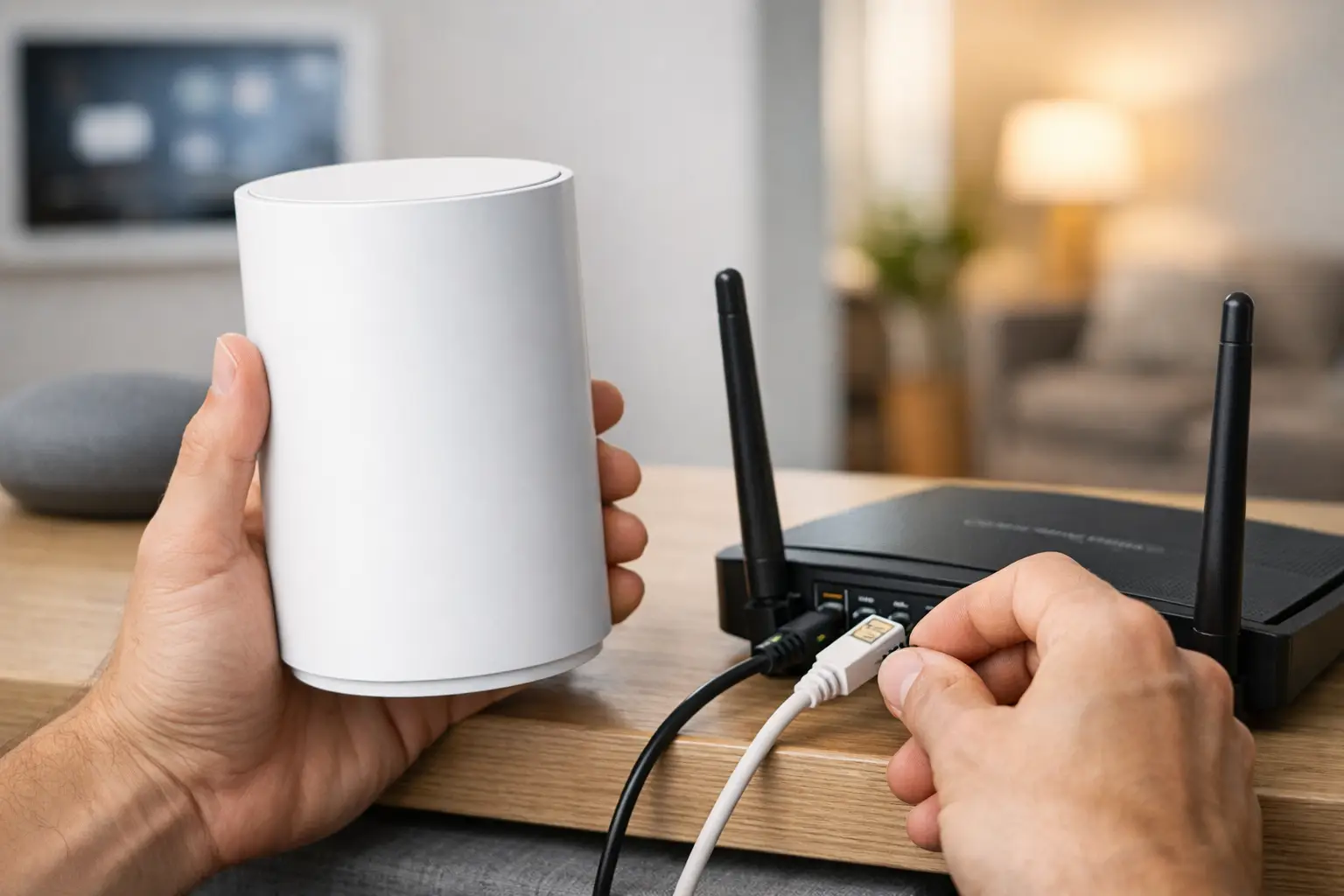
If the property has usable coaxial cable but no active network wire in a needed area, professionally selected Ethernet-over-coax adapters may be an effective alternative. This approach uses existing coax runs to create a network connection at a remote location, avoiding major construction while supporting a properly placed wireless access point.
Not every coax installation is suitable, and the condition and routing of the cable matter. That is why testing the existing infrastructure is preferable to making assumptions.
Use Purpose-Built Wireless Access Points, Not Patchwork Extenders
For homes where additional cabling cannot be used, a professionally managed wireless system can still deliver meaningful improvements. Modern access points can communicate through dedicated wireless backhaul links, allowing them to extend coverage without creating a collection of disconnected networks.
The distinction is important. A patchwork of extenders tends to repeat and weaken the original signal. A coordinated wireless network is designed to manage handoffs as residents move from room to room, balance connected devices across access points, and prioritize traffic more intelligently.
Placement remains critical. An access point may need to serve a second-floor hallway, a primary suite, a cabana, or an outdoor entertaining area. Locating equipment based solely on convenience can leave the spaces that matter most with the weakest signal. The right design places access points where they can serve the home effectively while preserving a clean, discreet finish.
Wireless backhaul is a practical answer when opening walls is not desirable, but it has limits. Dense concrete, long distances, and heavy outdoor coverage demands may require a hybrid design that uses available cabling in some areas and wireless links in others.
Separate the Devices That Have Different Jobs
A reliable smart-home network is not one large, undifferentiated group of devices. Security cameras, automation controls, guest devices, entertainment systems, and personal devices have different performance and security requirements. A professionally configured network can separate these categories while keeping the systems that need to communicate working together correctly.
This segmentation helps prevent a guest device or an unreliable connected appliance from affecting critical services. It also gives the network a clearer structure, which makes future service faster and more precise. When a camera, control system, or streaming source has an issue, the technician can diagnose the relevant part of the network rather than working through every connected device in the home.
Managed equipment also allows network health to be monitored over time. Interference, access point load, connection quality, and device behavior can be reviewed before a minor issue becomes a recurring frustration. For clients who expect their technology to work without constant attention, this ongoing visibility is a meaningful advantage.
Do Not Overlook the Equipment Rack and Internet Connection
Even an excellent wireless design cannot overcome an undersized router, an aging switch, or a crowded equipment enclosure with poor organization. The central network location should be evaluated as part of the replacement. Clean labeling, proper ventilation, organized connections, battery backup where appropriate, and professional configuration all contribute to dependable operation.
The internet service itself also matters, although faster service alone does not correct poor in-home coverage. A home may have ample internet speed at the service entry point and still experience poor performance upstairs or outside because the local network is not distributing that connection effectively.
A complete assessment separates internet-provider issues from local network issues. That distinction prevents unnecessary upgrades and directs investment toward the part of the system that is actually limiting performance.
Plan for the Next Phase of the Home
A network replacement should account for what the property needs now and what may be added later. New cameras, additional shades, a renovated outdoor space, a theater upgrade, or expanded whole-house audio can all increase network demands. Choosing equipment and access point locations with reasonable capacity for growth protects the installation from becoming obsolete after the next project.
This is where custom system design makes a difference. Rather than treating Wi-Fi as an isolated service, Sentry Audio Video can evaluate how the network supports the entire connected environment, from surveillance and access control to entertainment and automation. The result is a system designed for the property, not a generic layout adapted after problems appear.
If your smart-home technology has become unreliable, there is no reason to accept dead zones, delayed controls, or inconsistent video as part of daily life. A professional site evaluation can identify what can be reused, where coverage truly needs improvement, and how to restore dependable performance without turning a finished home into a construction project.