A restaurant can lose revenue even when the kitchen is fully operational. A failed point-of-sale network, silent dining-room audio, blank game-day televisions, unreliable guest Wi-Fi, or inaccessible camera recorder can disrupt service and consume management time. Because these systems share cabling, switches, internet connections, power, and support vendors, the most effective service plan treats them as an operating environment rather than a collection of unrelated devices.
Sentry Audio Video supports commercial audio-video, networking, communications, cameras, access control, and related low-voltage infrastructure for South Florida businesses. This guide explains how a restaurant or bar can structure practical ongoing technology support.
Begin with the revenue-critical systems
List every technology function that can stop or materially slow business: internet access, point-of-sale connectivity, kitchen printers and displays, payment connections, phones, music, televisions, reservation devices, cameras, access control, and manager communications. Assign each system a business priority and acceptable downtime.
The support plan should clearly identify responsibility. Sentry can support evaluated low-voltage, network, communications, security, and AV components, while the restaurant’s point-of-sale, payment, application, cybersecurity, and compliance providers remain responsible for their platforms. Those vendors need a shared escalation map so managers are not forced to diagnose the boundary during a rush.
Document the network and every dependency
Map internet circuits, modem ownership, firewalls, switches, wireless access points, VLANs, rack equipment, power-over-Ethernet use, and UPS protection. Identify which devices are wired and which depend on Wi-Fi. Record administrator access, support numbers, configuration backups, warranties, and renewal dates.
Guest Wi-Fi should not be allowed to interfere with business-critical traffic. The network design and security policies should be approved by the restaurant’s appropriate IT and payment-security advisers. A secondary internet connection may reduce risk, but it must be configured and tested with the actual applications that need continuity.
Make televisions and audio easy to operate
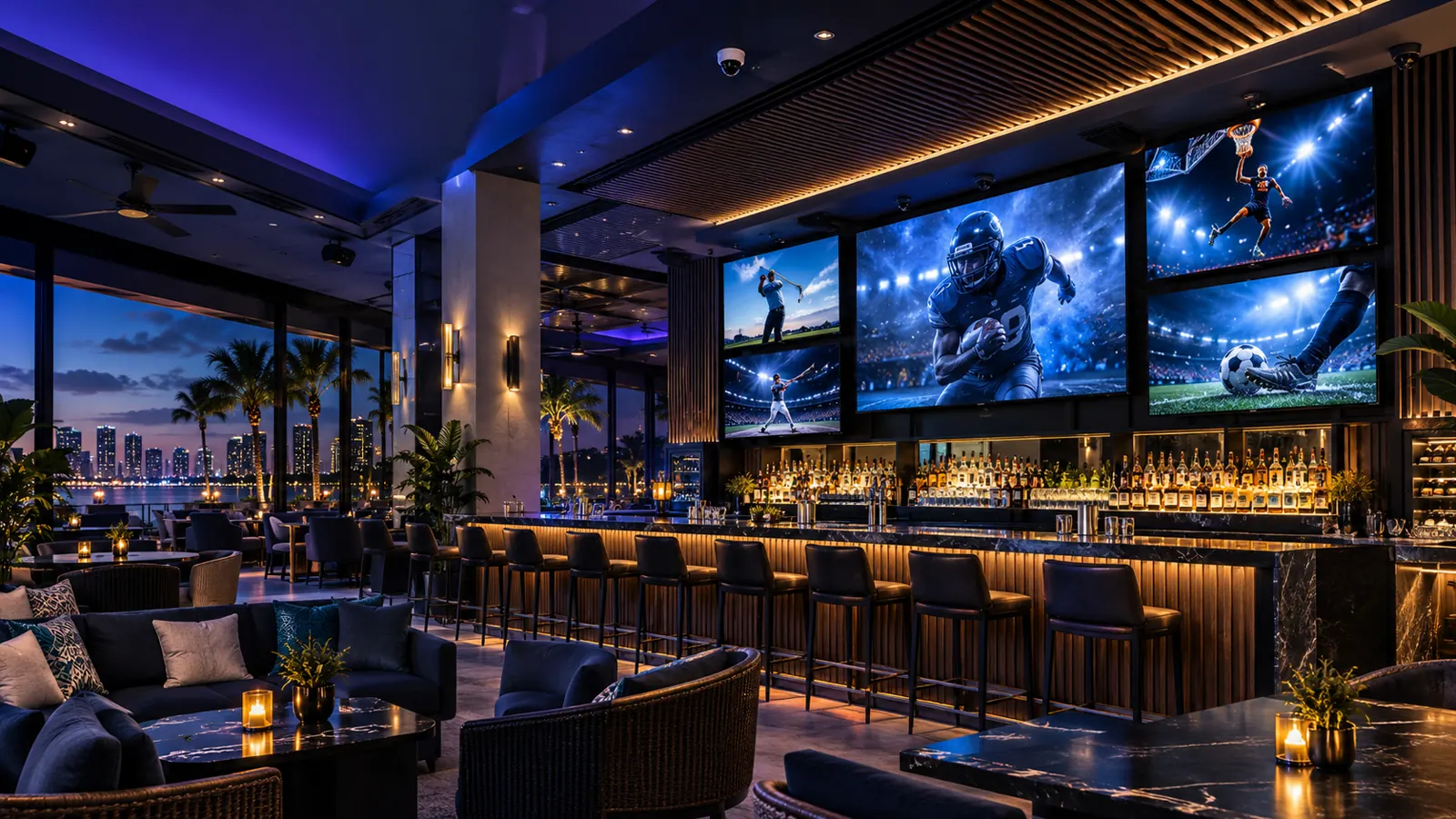
Restaurants often combine televisions, cable or streaming sources, background music, microphones, private-event inputs, and multiple audio zones. Document which screens can show independent content, which zones follow each source, and which staff roles may change channels or volume.
Control interfaces should use clear room and display names. Presets for lunch, dinner, game day, private events, and closing can reduce mistakes. Protect maximum volume and engineering settings while providing managers with the functions they need. Confirm commercial content subscriptions and music licensing with the applicable providers.
Prepare for game days and special events
A high-demand event is the wrong time to discover that a receiver needs an update or a television has lost its source. Create a pre-event checklist covering internet service, subscribed channels, source devices, display routing, audio zones, microphones, remote controls, batteries, and staff responsibilities.
For private events, document presentation connections, music inputs, wireless microphone procedures, outdoor coverage, and restoration of the normal restaurant setup. Temporary equipment should connect through approved points rather than being improvised into the production network.
Verify cameras, retention, and exports
Review entrances, exits, cash-handling areas, bars, storerooms, loading areas, parking, and other approved views. Confirm that every camera records, recorder time is accurate, storage retention matches policy, remote access works, and authorized managers can export footage.
Camera placement, audio recording, access, and retention should follow the restaurant’s legal guidance and privacy policies. Health monitoring and periodic retrieval tests are more meaningful than assuming that live video proves the system is healthy.
Control doors, credentials, and after-hours access
Document mechanical keys, electronic credentials, controlled doors, delivery access, office and storeroom permissions, schedules, intercoms, and the process for removing former employees. Managers should know who receives alerts and what to do if an electronic door or network connection fails.
Any relationship between access control and fire or life-safety systems must be coordinated with the appropriate licensed professionals. The service plan should not blur those responsibilities.
Set an after-hours escalation process
Restaurants need clear rules for evenings, weekends, and holidays. Define which failures qualify as urgent, who may open a support case, how remote access is approved, who can authorize an on-site visit, and when another vendor must join the call. A manager should not need to search old invoices to find the right contact.
Response targets should reflect business impact. A down main internet circuit during dinner is different from one silent patio speaker. Triage questions, device labels, rack photos, and remote monitoring can shorten diagnosis while preventing unnecessary dispatches.
Maintain documentation, spares, and backups
Keep current network diagrams, rack layouts, switch-port records, device lists, passwords in an approved credential system, configuration backups, subscription details, and vendor contacts. Store tested spare remotes, batteries, cables, and critical small devices where managers can reach them.
Every move, addition, and replacement should update the documentation. Otherwise the site gradually becomes harder and more expensive to support.
Schedule preventive maintenance and lifecycle reviews
Periodic visits can check rack temperature, UPS health, ventilation, cable condition, camera recording, storage capacity, wireless changes, outdoor equipment, microphone batteries, control presets, and firmware responsibilities. A yearly lifecycle review helps management budget for replacements before an unsupported switch, recorder, or source device causes an emergency.
Define exactly what the agreement includes
A written service plan should list covered systems and locations, support hours, priority levels, response targets, remote-access procedures, included maintenance, excluded applications, dispatch pricing, configuration backup, documentation standards, and project pricing for upgrades. It should also explain how recurring problems are reviewed rather than repeatedly patched.
Need a restaurant or bar technology assessment in South Florida? Call Sentry Audio Video at (561) 717-3280 or request a consultation. Learn about restaurant and hospitality AV, business technology service plans, enterprise networking, and commercial security.
Sentry Audio Video is family-owned, has 25 years of experience, and holds Florida low-voltage license EF20001874.