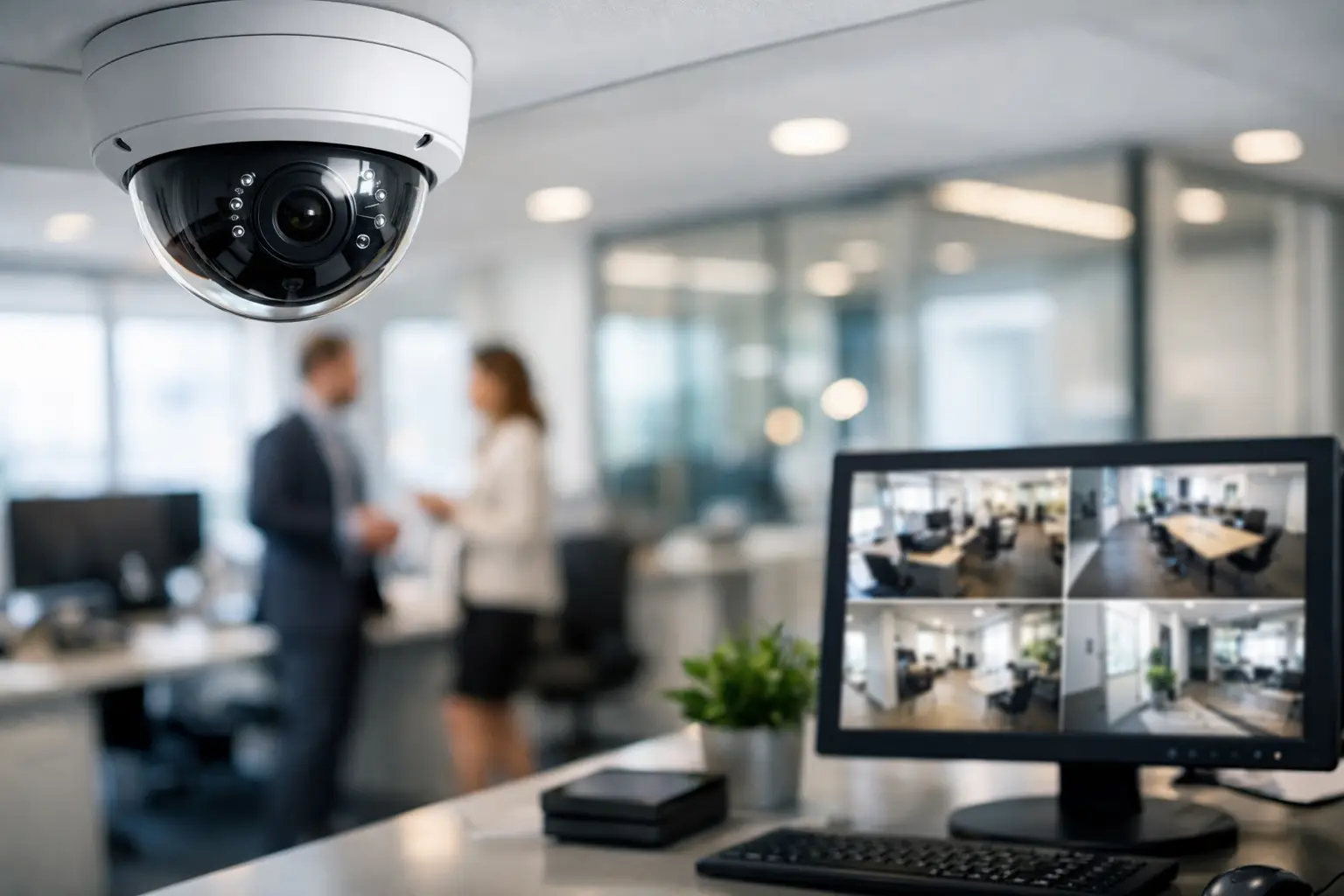
A security camera that captures a clear face after an incident is useful. A system that helps prevent the incident, documents what happened, and gives leadership confidence in daily operations is far more valuable. That is the standard businesses should expect from Office Security Cameras.
For professional offices, medical practices, financial firms, retail-adjacent spaces, property management teams, and corporate environments, surveillance is not simply about mounting cameras near entrances. It is about creating dependable visibility across the areas that matter most while respecting employee privacy, protecting sensitive information, and keeping the system easy to use.
What Office Security Cameras Should Accomplish
A properly designed surveillance system should support three practical outcomes: deterrence, real-time awareness, and usable evidence. Visible cameras at entrances and public-facing areas can discourage theft, unauthorized access, and inappropriate conduct. Live views give authorized managers or security personnel the ability to check activity when they are off-site or responding to an alert. Recorded footage provides a reliable record when there is a dispute, liability concern, access-control question, or security event.
The difference between having cameras and having a security system becomes clear when footage is needed. If video is too dark, a subject is backlit, the camera is aimed too broadly, or the recording was overwritten too soon, the installation has failed at the moment it mattered. Camera selection, placement, lighting conditions, network design, storage capacity, and ongoing monitoring all affect performance.
For organizations with multiple priorities under one roof, surveillance can also become part of a broader integrated environment. Cameras may work alongside access control, intercoms, alarm systems, structured cabling, conference room technology, and centralized control. This gives the business one coordinated platform rather than a collection of disconnected devices.
Start With Risk, Not Camera Count
There is no meaningful one-size-fits-all answer to how many cameras an office needs. A small professional suite with one entrance and a reception area has different requirements than a multi-floor office, a medical facility, a warehouse office, or a building with executive spaces and controlled records.
The planning process should begin with how people move through the property. Consider primary and secondary entrances, reception desks, elevator lobbies, corridors, stairwells, loading areas, parking access, server rooms, storage rooms, and points where visitors transition into restricted areas. It is equally important to identify what should not be recorded, including restrooms, changing areas, and private spaces where surveillance would be inappropriate or prohibited.
A site survey helps translate these concerns into a camera plan. An experienced integrator evaluates ceiling height, available cable pathways, lighting transitions, window glare, exterior exposure, network infrastructure, and viewing angles. This step prevents a common mistake: selecting cameras first and attempting to make them work in locations that were never properly assessed.
A camera overlooking a lobby, for example, may provide a useful general view of traffic. It may not provide the facial detail needed to identify a visitor at the front door. Those are separate objectives and may require different camera positions or lens selections.
Camera Placement Is a Performance Decision
The strongest office surveillance designs use overlapping coverage where it matters, not cameras scattered at random. Entrances typically require cameras positioned to capture faces as people approach or pass through a door. Reception areas benefit from views that document visitor interactions without creating blind spots behind desks or near waiting areas.
Hallway cameras can establish a clear timeline of movement between departments, while cameras at loading doors and parking areas help verify deliveries, after-hours activity, and vehicle access. For sensitive spaces, such as records storage, equipment rooms, or areas containing valuable inventory, narrow, purpose-built views often provide stronger evidence than a single wide-angle camera mounted in a distant corner.
Exterior placement deserves special attention in South Florida. Bright sun, heavy rain, humidity, wind-driven debris, and dramatic shifts from daylight to darkness can affect image quality and equipment longevity. Outdoor cameras should be selected and installed for their environment, with protected connections, properly planned viewing angles, and consideration for glare from building lights or passing traffic.
At night, more cameras are not always the answer. The better solution may be improved lighting, a camera with stronger low-light performance, or a placement adjustment that avoids pointing directly toward headlights or illuminated signage.
Coverage and identification are not the same
Wide views are excellent for understanding context: who entered an area, where they went, and what else was happening nearby. Identification views are intended to capture actionable detail, such as a person’s face, badge, or vehicle information. A professional design often needs both.
This is why resolution alone should not drive the decision. A high-resolution camera installed too high, too far away, or pointed across a poorly lit space can still produce unusable footage. Lens choice, mounting height, field of view, and lighting must work together.
Choose Features That Serve the Workplace
Modern camera systems offer an extensive range of features. The right selection depends on the operational need, not the longest specification sheet.
High-resolution cameras are valuable in areas where facial recognition, transaction review, or detailed incident documentation is a priority. Varifocal lenses are useful when a camera needs to be precisely adjusted for a specific corridor, doorway, or driveway. Pan-tilt-zoom cameras can assist with monitoring large outdoor areas, though they should not replace fixed cameras at critical entrances because they can only look in one direction at a time.
Intelligent video analytics can add meaningful value when configured carefully. Features such as person detection, vehicle detection, line crossing alerts, loitering detection, and intrusion zones can reduce unnecessary notifications compared with basic motion alerts. However, analytics need thoughtful calibration. A setting that is too sensitive can create alert fatigue; one that is too restrictive can miss the event it was intended to detect.
Remote access is another essential consideration for business owners and authorized managers. A professionally configured system should allow secure viewing from approved devices without exposing the entire network to unnecessary risk. User permissions matter here. Reception staff may need a lobby view, facilities personnel may need access to exterior areas, and executive leadership may require broader visibility. Not every user should have identical access to live video, recordings, or system settings.
Storage, Retention, and Cybersecurity Matter
A camera system is only as useful as its recordings. Before installation, establish how long the business needs to retain video. Retention needs may be influenced by operational policy, lease requirements, insurance guidance, industry standards, or the time it typically takes for an incident to be reported.
Higher resolution, more cameras, continuous recording, and longer retention periods all require more storage. Motion-based or analytics-based recording can reduce storage demand in lower-risk areas, while continuous recording may be appropriate for entrances, cash-handling locations, or critical operations. The right strategy balances evidentiary needs with predictable system performance.
The security of the surveillance network also deserves serious attention. Cameras are network-connected devices, and they should be configured as part of a managed infrastructure plan. Strong credentials, restricted user access, segmented networks where appropriate, secure remote connectivity, and current firmware practices help reduce risk. A camera system should strengthen a company’s security posture, not create an overlooked point of exposure.
Privacy and Policy Protect the Business
Surveillance is most effective when employees understand its purpose. Clear policies can explain where cameras are installed, who can access footage, how recordings are used, and how long they are retained. Appropriate signage may also be required or advisable depending on the setting and local regulations.
Businesses should consult qualified legal or HR advisors when surveillance involves employee areas, audio recording, unionized workplaces, healthcare settings, or locations with heightened privacy obligations. Audio recording rules can differ significantly from video rules, so it should never be assumed that a camera’s built-in microphone should be activated.
The goal is not to create an atmosphere of suspicion. It is to protect staff, visitors, property, and the organization itself with clear, professional safeguards.
Why Professional Integration Changes the Outcome
Office surveillance touches several systems at once: cabling, network capacity, power, mounting surfaces, secure remote access, storage, and sometimes access control or alarm response. Clean installation and careful programming are not cosmetic details. They directly influence reliability, serviceability, and the long-term value of the investment.
A professionally integrated solution keeps equipment organized, avoids exposed wiring, documents the system, and gives the business a clear support path after installation. It also creates room to expand. If an office adds a suite, reconfigures its reception area, opens a new location, or introduces access control, the surveillance system should be ready to evolve without forcing a complete redesign.
For businesses throughout Boca Raton, Fort Lauderdale, and surrounding South Florida communities, Sentry Audio Video designs office security systems around the property, the people who use it, and the level of protection the operation requires. The right first step is a conversation about your facility’s real vulnerabilities, not a generic camera package.
Ready to move from planning to a supported system? Explore Sentry’s commercial video-surveillance design and installation services.