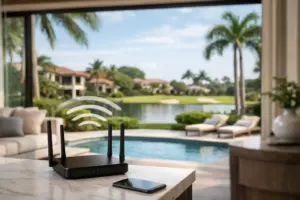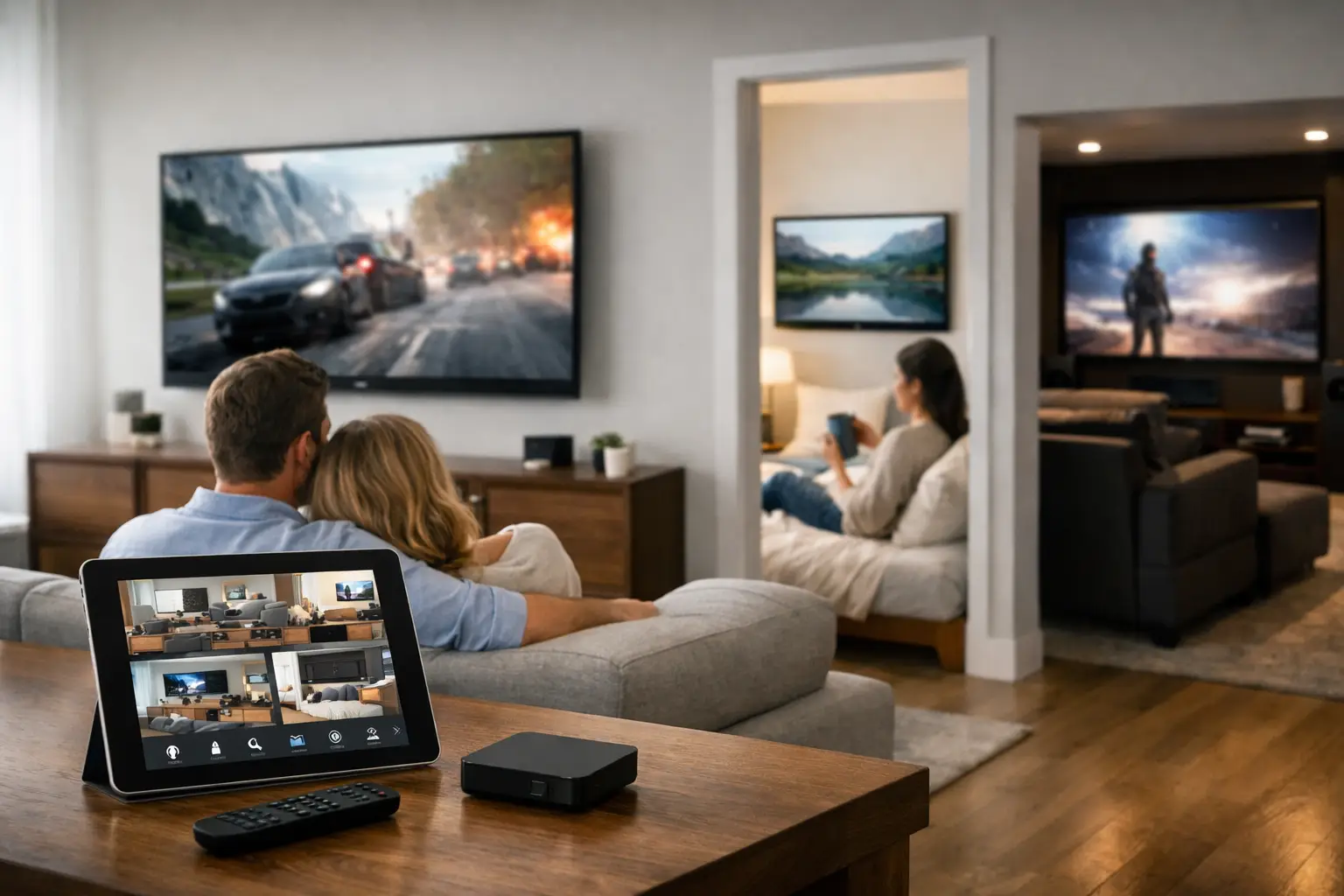
A television in the kitchen should not require a different routine from the display in the family room, primary suite, patio, or pool house. A professionally designed multi room video setup gives every screen a clear purpose, makes content easy to access, and keeps equipment out of sight without compromising performance.
For a high-end residence, the goal is not simply to place more televisions on more walls. It is to create an entertainment system that feels intentional. You should be able to watch the same program in several spaces when hosting, choose different content in each room when the family spreads out, and control it all without opening cabinets, changing inputs repeatedly, or troubleshooting a weak connection.
What a Multi Room Video Setup Should Deliver
A well-planned multi room video setup distributes video sources to displays throughout the property while keeping control straightforward. Depending on the home and the owner’s preferences, sources may include streaming services, cable or satellite receivers, media servers, security camera feeds, and outdoor entertainment systems.
The experience should remain consistent from room to room. A wall-mounted display in the den, for example, can access the same selected sources as a television in the bedroom. In a larger home, a centralized equipment location can house source components, video distribution hardware, network equipment, and power management. This reduces visible clutter in living spaces and provides a cleaner path for future service.
There is no single design that suits every property. A waterfront home with multiple outdoor zones has different requirements than a city residence with compact rooms and architectural limitations. The right plan accounts for how the home is used, where displays belong, how content will be accessed, and which systems need to work together.
Centralized Video Distribution or Local Sources?
The first major design decision is whether video sources should be centralized, located locally at each display, or combined in a hybrid system.
With centralized distribution, source devices are installed in a dedicated rack or technology room and sent to displays through purpose-built infrastructure. This approach is ideal for homeowners who want a refined appearance, consistent control, and access to shared sources throughout the property. It also makes the system easier to maintain because critical equipment is organized in one professional location rather than scattered behind televisions.
Centralization is especially valuable when several displays need access to the same content. A family may want the main receiver or streaming source available in the kitchen, great room, patio, and primary suite. During a gathering, the same program can be selected across multiple zones, with each display properly calibrated for its environment.
Local sources can make sense in rooms that have independent viewing habits or limited access to structured wiring. A guest suite may only need a dedicated streaming device, while a rarely used display may not justify full access to every central source. Hybrid systems often provide the most practical result: shared content where it adds value and local access where it keeps the design efficient.
The Value of a Central Equipment Rack
A professional equipment rack is more than a storage location. It organizes components with proper ventilation, labeling, cable management, power conditioning, and service access. Instead of seeing a collection of boxes and exposed wires beneath a display, homeowners gain a finished environment that protects the technology and supports dependable operation.
For larger residences, the rack may also support whole-house audio, surveillance, network infrastructure, motorized shades, lighting control, and automation. Planning these systems together avoids the common problem of separate technologies competing for space, wiring paths, and control methods.
Picture Quality Depends on More Than the Display
Premium displays matter, but the signal path matters just as much. A 4K HDR source can only look its best when the distribution system, cabling, switching hardware, and display settings are designed to support it. Shortcuts in this area can lead to picture dropouts, delayed switching, inconsistent color, or a source that works in one room but not another.
A professional design evaluates distance, wall construction, equipment location, and the number of displays before selecting the appropriate signal transport. Structured cabling may support video over category cable, while longer runs or high-bandwidth applications may benefit from fiber infrastructure. The right approach protects image quality today and provides a more capable foundation for future upgrades.
Outdoor displays deserve special attention. South Florida sunlight, heat, humidity, and glare can quickly expose the limits of an ordinary indoor installation. Outdoor-rated equipment, correct display placement, weather-conscious mounting, and protected connections all affect long-term performance. A patio screen should remain comfortable to watch in bright conditions and reliable when outdoor entertaining is the priority.
Control Must Feel Natural in Every Room
A multi room video system succeeds when people can use it without thinking about the technology behind it. The control experience should be consistent whether someone is in the main living room or a secondary bedroom. A tailored remote, touch panel, or integrated control platform can present simple options such as Watch TV, Stream, Cameras, or Patio Entertainment rather than a confusing stack of inputs and remotes.
The difference is meaningful. Selecting a source can automatically power on the display, choose the correct input, set the audio path, and activate a preferred lighting scene. In an outdoor area, one command can prepare the television and audio system for entertaining. In the primary suite, a bedside control can provide access to television, cameras, shades, and room lighting without adding visual clutter.
Control should also reflect the people using the home. Some clients prefer a dedicated handheld remote with clearly labeled buttons. Others want touch panels in key rooms and mobile access when away from home. A well-designed system supports the right level of control without forcing every family member into the same routine.
Plan Video Alongside Audio, Networking, and Security
Video distribution does not operate in isolation. Streaming performance depends on a properly designed network. Audio must be coordinated with displays so dialogue stays synchronized and volume is easy to manage. Surveillance camera feeds may need to appear on selected televisions or touch panels. These connections should be established during design, not treated as afterthoughts once walls are closed and equipment is installed.
For new construction and major renovations, early planning is particularly valuable. Display locations can be aligned with furniture layouts, sightlines, recessed niches, architectural finishes, and power requirements. Wiring can be run before finishes are complete, helping preserve the clean look expected in a refined home.
It is also wise to plan for rooms that may change purpose. A formal sitting room may later become a media space, a home office may need a display for presentations, or a covered patio may become a more active entertainment zone. Providing the right infrastructure now gives the property more flexibility later.
Common Mistakes That Limit Performance
The most frustrating video problems often begin with incomplete planning. Mounting a display before determining where the source equipment, network connections, control hardware, and audio components will live can leave visible wiring or limit the system’s capability.
Another mistake is assuming every room needs the same solution. A dedicated theater, a casual bedroom, an outdoor lounge, and a commercial reception area each have different viewing distances, lighting conditions, sound requirements, and control expectations. Treating them as identical can result in overcomplicated operation in some spaces and underperforming systems in others.
Finally, a multi room video system needs serviceability. Components should be accessible, documented, and installed with long-term maintenance in mind. When a source changes, a service provider should be able to diagnose the system efficiently rather than pull apart cabinetry or trace unmarked cables.
A Professional Design Starts With How You Live
Before selecting equipment, begin with the moments that matter: quiet viewing in the primary suite, family movie nights, entertaining by the pool, checking a camera feed at the kitchen display, or presenting polished content in a business environment. Those use cases shape the system more effectively than a generic room-by-room equipment list.
Sentry Audio Video designs multi room video systems around the property, the architecture, and the people who will use them. From structured cabling and centralized distribution to display installation, automation, and ongoing support, every detail should contribute to a polished result that performs as promised.
The right system makes technology less visible and home life more enjoyable. Start with a thoughtful plan, and each screen becomes part of a connected experience rather than another device to manage.