A replacement Savant touchscreen should be selected around the existing wall opening, cable, power method and supported system configuration—not just the diagonal screen size. A larger display can require a different mounting assembly, additional wall work or a new network connection. Confirm those details before ordering so the upgrade improves daily control without leaving an unexpected repair around finished stone, wallpaper or millwork.
Plan your Savant project
Share the current screen model if known, a photograph of the surrounding wall and your city. We can assess the replacement interface, supported system configuration and installation work before recommending equipment.
Request a Sentry Audio Video consultation Call (561) 717-3280
This guide addresses a specific interface replacement in an existing home. It does not assume that every older Savant installation needs a new host, or that every new touchscreen can be fitted to any existing system. The starting point is a documented inspection of the installed equipment.
Identify the existing screen and the proposed replacement
Record the current touchscreen model, mounting arrangement and approximate opening dimensions. Photographs of the front, surrounding finish and accessible equipment labels help the installer plan the visit. Do not pull the device from the wall or disconnect unfamiliar cables just to obtain a model number; a technician can investigate safely.
Ask the integrator to identify the exact proposed replacement and verify its compatibility with the Savant host and software in the property. A screen being sold today is not, by itself, proof that it will operate with every legacy project. The proposal should distinguish the touchscreen replacement from any required software, licensing, host or programming work.
Clarify whether the aim is restoring an essential wall control, improving readability, adding a larger interface, or relocating an inconvenient screen. These goals can lead to different products and installation scopes. A like-for-like physical replacement may be useful even when a larger display initially appears more attractive.
Compare the opening and mounting system, not only the screen size
The visible glass, rear housing, bracket and wall cutout are separate dimensions. A new face may cover the old opening while the rear enclosure still conflicts with framing or lacks enough depth. Conversely, a smaller replacement can expose a perimeter of unpainted wall or an old recess.
Confirm the manufacturer’s mounting requirements for the exact model. Surface, in-wall and approved flush-mount arrangements can involve different accessories. The mounting system should secure the screen, allow its intended ventilation and preserve the ability to remove it later for service.
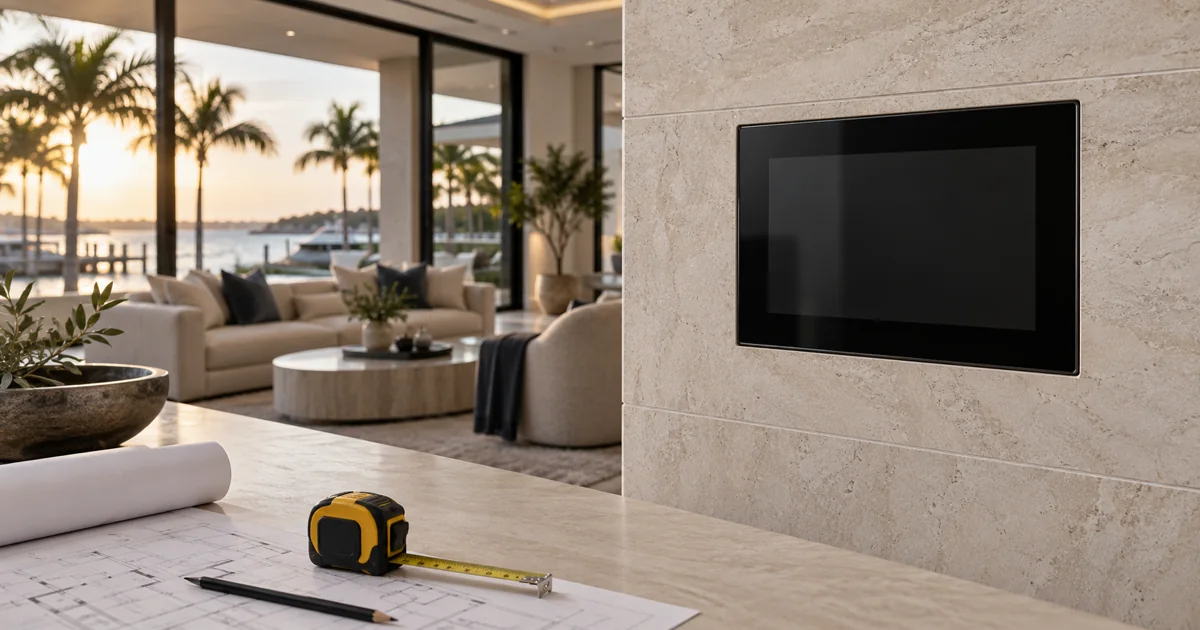
Inspect what surrounds the opening. Stone slabs, custom cabinetry, wall coverings and closely spaced switches leave less room for adjustments than plain drywall. Decide who handles cutting, patching, painting or finish restoration and whether that work is included. Do not assume the AV installer has priced specialty stone or decorative-finish work.
Verify Ethernet and power before purchasing
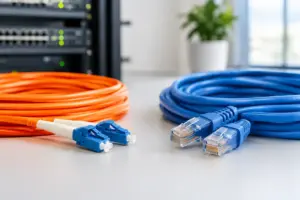
Some current Savant touchscreens use Power over Ethernet, but the requirement must be checked for the selected model. An old cable behind a touchscreen might carry a different signal or power arrangement. Its connector shape or jacket color does not prove that it is a usable Ethernet connection.
The installer should trace the cable to its other end, test it and confirm the network equipment providing connectivity and power. Verify the specified PoE standard and available switch budget rather than assuming that any powered port will work. A compatible injector may be an option in some designs, but it should be selected and installed as part of the documented solution.
If a new cable is necessary, evaluate the route before finishes are disturbed. Condominiums and concrete construction may restrict access or require building coordination. Where an approved mounting accessory is proposed, confirm that it matches the exact touchscreen version and wall material.
Decide what the screen should make easier
A new display will not automatically correct confusing room names, obsolete sources or unreliable lighting commands. Use the interface upgrade to identify the tasks that matter most at that location: selecting music, preparing a room for television, managing shades or checking an entry camera where supported.
Prioritize the commonly used rooms and functions instead of recreating a cluttered interface. Review whether the wall screen complements the family’s handheld remotes and mobile app. A bedroom, kitchen and entry do not necessarily need identical access or the same default view.
For a takeover, owner-authorized access and the available system records must be reviewed before changes are promised. Keep the physical touchscreen scope separate from diagnosing unrelated network or equipment faults. This makes it easier to understand which improvements the quoted work will deliver.
Ask for a complete replacement scope
- The exact screen and manufacturer-approved mounting accessories.
- Compatibility review for the installed Savant host and software.
- Cable testing, network connection and the specified power arrangement.
- Removal of the old interface and any agreed wall or finish work.
- Programming, setup, testing, training and retained records.
- Clear treatment of additional faults discovered during inspection.
Confirm what happens if the existing cable fails testing or the mounting cavity is unsuitable. A defined additional-work process is more useful than a promise that every unseen condition is included. The integrator should also state whether the old touchscreen is returned to the owner or handled through an agreed disposal arrangement.
Test the installed screen from its actual location
At handoff, check that the screen wakes, responds and operates the agreed rooms and services. Evaluate its viewing height, brightness and readability in daytime and evening conditions. Verify that the device remains reachable through normal household use and that no exposed perimeter or unfinished trim remains.
Update the equipment list and record the model and installation details. For broader takeover preparation, see our Savant system records guide. A documented replacement helps the next service visit start with the correct information.
Plan a Savant interface upgrade
Sentry Audio Video is an authorized Savant dealer. We provide Savant equipment sales and installation, programming and upgrades, with a separate service and takeover path for existing systems. Call (561) 717-3280 for Boca Raton and Palm Beach, (954) 859-6475 for Fort Lauderdale, or request a consultation.
Manufacturer reference: Savant’s published touchscreen product information. Use the current specifications for the exact replacement model and mounting accessory.