A lost internet connection should not turn a well-designed property into a house full of unresponsive lights and shades. Can Lutron work without internet? In most professionally designed systems, yes. Core control of lighting, shading, and keypads can continue locally, even when the internet provider has an outage. What changes is how you access the system and which connected services remain available.
That distinction matters in a residence with dozens of lighting loads, motorized shades, landscape lighting, and integrated entertainment areas. It matters just as much in a commercial setting where dependable lighting scenes support staff, guests, and daily operations. Lutron is built around dedicated control hardware, not solely a cloud-based app. However, the exact answer depends on the Lutron platform, how it was installed, and whether the local network still has power.
What continues to work when internet is down?
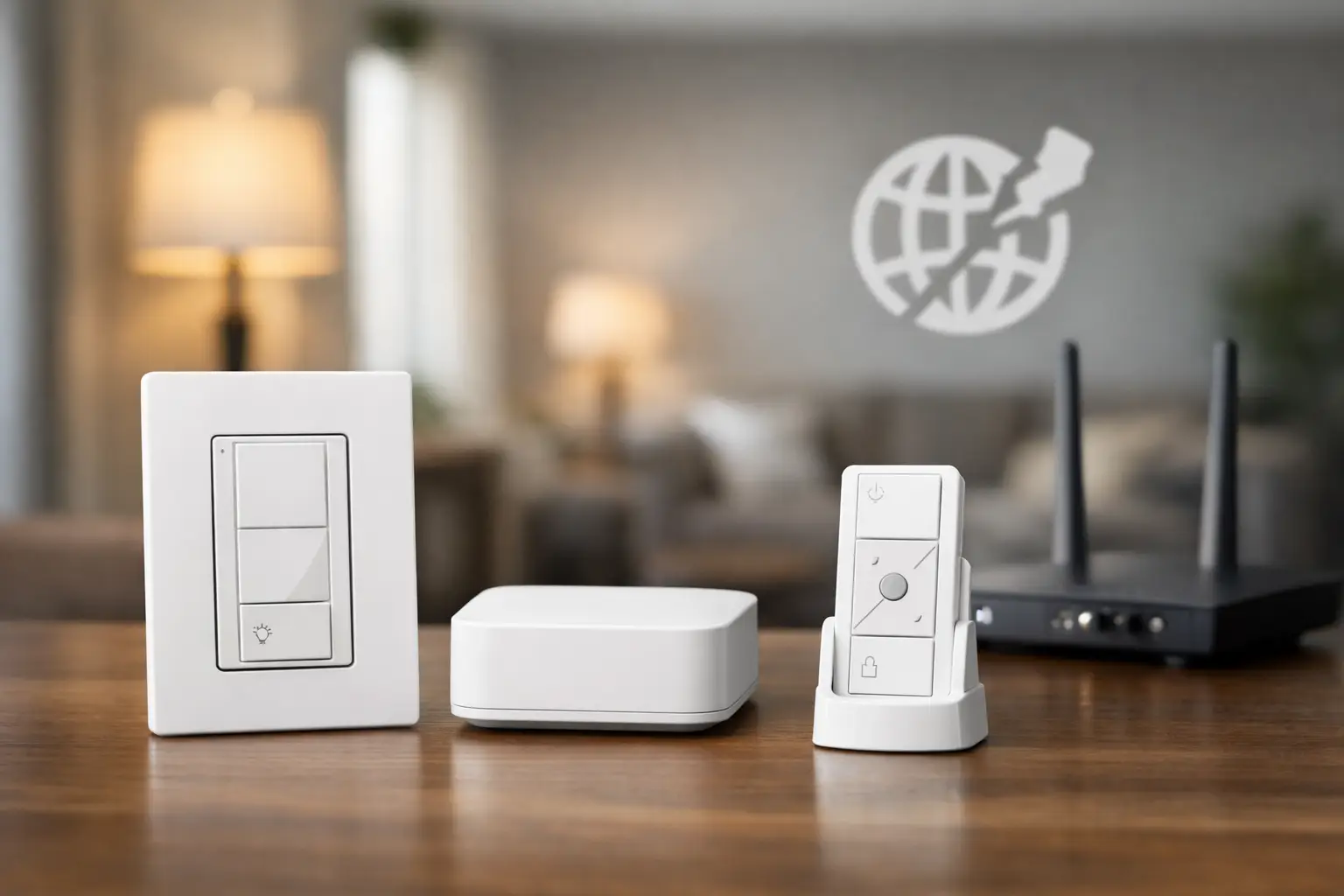
For a properly installed Lutron system, physical controls are the most dependable part of the experience during an internet outage. Wall keypads, dimmers, switches, and Pico wireless remotes generally continue to control their assigned lights and shades. A button labeled “Evening” or “All Off” should still execute the scene programmed into the local Lutron system.
Systems such as Lutron Caseta, RadioRA 3, and HomeWorks use a local bridge or processor to manage commands within the property. That processor communicates with compatible dimmers, keypads, and shade controls over Lutron’s dedicated wireless technology or wired control connections. The command does not need to travel out to the internet and back before a keypad can turn on the kitchen lights.
Locally programmed schedules may also keep running. For example, exterior lighting can continue to turn on at a scheduled time, and shades can continue to lower for privacy in the evening. The behavior depends on the platform and programming, but professionally commissioned systems are designed to retain their configuration through a typical internet interruption.
The practical takeaway is straightforward: if someone is standing in the home or business and presses a Lutron control, the primary lighting and shade functions should remain available. That local reliability is one reason integrated lighting control is different from a collection of app-dependent devices.
What stops working without an internet connection?
Internet service is still essential for control from outside the property. If you are traveling and want to check whether the exterior lights are on, open shades before arriving, or respond to an alert by changing a scene, remote app access will not be available until internet service returns.
Voice control usually stops as well. Alexa, Google Assistant, and similar voice platforms rely on cloud services to interpret the command and relay it to the home. You may still have physical and local app control, but saying “turn on the patio lights” is unlikely to work during an outage.
Third-party cloud integrations can also be affected. Depending on the system, this can include remote monitoring services, web-based notifications, weather-driven automations, and certain integrations with security, pool, or entertainment platforms. A scene triggered by a local keypad is fundamentally different from an automation that depends on a cloud account receiving outside data.
It is also wise to separate an internet outage from a network outage. Your provider may be down while the router, Wi-Fi, Lutron processor, and local network remain operational. In that situation, local controls and, in many cases, the Lutron app while connected to the property’s Wi-Fi may still work. If the router has failed, the network has lost power, or Wi-Fi is unavailable, local app access may not be possible even though wall controls continue to work.
Can the Lutron app work without internet?
The answer is often yes, but only under the right conditions. When your phone or tablet is connected to the same functioning local network as the Lutron bridge or processor, the app may be able to communicate with the system locally. You can still select rooms, activate scenes, and adjust supported shades or lights from inside the property.
This is not a feature to assume without verification. App behavior varies by Lutron platform, software version, network configuration, and the way the integration was programmed. Some systems offer broad local app functionality, while others may require an active internet connection for certain sign-in, account, or integration features.
For a high-performance installation, the right question is not simply whether the app opens during an outage. It is whether the functions your household or staff rely on have a local control path. Important scenes should have clearly labeled keypads. Frequently used shades should have convenient wall controls or remotes. Critical areas should never depend entirely on a phone command or a voice assistant.
The power question most owners overlook
Internet outages and power outages often happen together, especially during severe weather. Lutron lighting controls installed in the wall will generally remain available as long as the property has power. But the bridge, processor, network switch, wireless access points, modem, and router may all be affected if they are not protected.
A properly planned system can place the Lutron processor and essential network equipment on battery backup. This does not keep every device operating indefinitely, and it does not restore service from an internet provider that is offline. It does, however, help preserve local network operation during short power interruptions and protects equipment from abrupt shutdowns.
For larger residences and commercial properties, backup power planning deserves more than an afterthought. Determine which functions are essential during an outage: key lighting scenes, security-related controls, entry lighting, equipment-room network hardware, or shade positions for privacy. Then build the infrastructure around those priorities. The goal is not to make every feature operate forever. The goal is predictable performance when conditions are less than ideal.
Why system design determines offline reliability
Lutron hardware is highly dependable, but the overall ownership experience depends on design and commissioning. A project can include excellent components yet still create frustration if every meaningful action is tied to one app, one network device, or an undocumented scene.
A thoughtful design creates layers of control. The first layer is the familiar wall switch or keypad. The next layer may include Pico remotes, touchscreens, or the Lutron app. Remote access, voice assistants, and third-party automation sit above those local controls as added convenience. If the top layer disappears temporarily, the foundation should remain intact.
This approach is particularly valuable in large homes with guest suites, waterfront properties that may be vacant part of the year, and commercial spaces where employees need intuitive operation. Guests should not need a tutorial to turn off a bedroom scene. Staff should not have to find a password to operate lighting in a conference room. Clear local control protects the day-to-day experience.
It also makes service easier. When a system is documented with room names, keypad engraving, network details, and programmed scenes, troubleshooting can quickly identify whether the issue is the internet provider, local Wi-Fi, a power event, or the Lutron system itself.
How to prepare your Lutron system for an outage
Start by testing the controls you would use if your phone had no service. Walk through the property and confirm that keypads operate the intended scenes, dimmers control their loads, and shade controls respond as expected. Test the “All Off” command, exterior lighting, arrival lighting, and any rooms where privacy or safety matters.
Next, identify what should work remotely versus locally. Remote access is ideal for checking a property while away, but essential everyday commands should also be available on a physical control. If a specific automation depends on internet-based weather data, account for what the system will do when that data is unavailable.
Finally, confirm that the network equipment supporting your Lutron system has appropriate battery protection and is professionally organized. An equipment rack with labeled components, proper ventilation, clean wiring, and documented network connections is easier to maintain and far more dependable than a collection of hidden devices competing for power behind cabinetry.
For properties in South Florida, where weather-related service interruptions can occur, this preparation is part of protecting the comfort and control you invested in. A Sentry Audio Video system design can prioritize local operation, clearly defined scenes, and properly supported infrastructure so lighting and shading remain dependable when internet access is temporarily unavailable.
The strongest smart environments do not make you notice the technology when everything is working. They also do not leave you searching for a workaround when the internet is not.