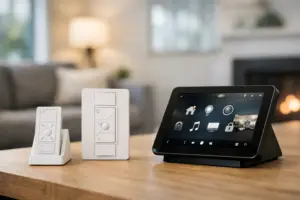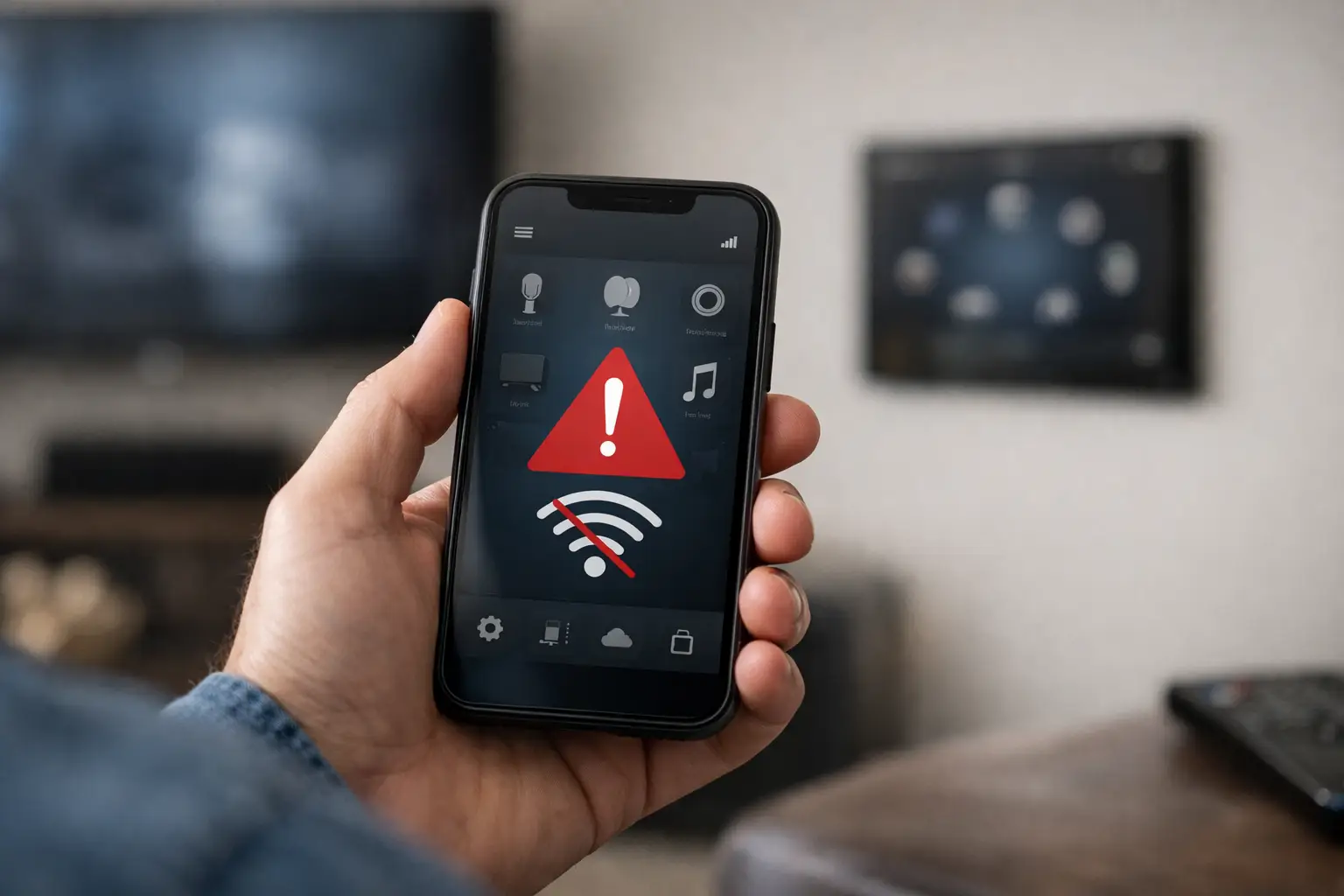
Your Control4 system may still be operating perfectly from in-wall keypads, touchscreens, or handheld remotes, yet the app suddenly shows a connection error. That distinction matters. When clients ask, “Why does my Control4 app no longer connect?” the answer is often not that the entire smart home has failed. More commonly, the issue lies in the path between the mobile device, the home network, the Control4 controller, and remote access services.
A professionally integrated Control4 system is designed to make lighting, entertainment, shades, climate, security, and outdoor spaces easy to manage from one place. When app access disappears, the right response is a methodical diagnosis rather than random changes to settings. The symptoms can point an experienced integrator toward the source quickly.
Why Does My Control4 App No Longer Connect?
The Control4 app connects differently depending on whether you are inside the property or away from it. At home, the app normally communicates over the local network with the Control4 controller. Away from home, it relies on the system’s remote-access configuration, internet connection, and active account services.
That means a connection issue can affect only remote control, only local control, or both. Understanding which situation you have prevents unnecessary disruption and helps determine whether the issue is related to Wi-Fi, the control system, account access, or network equipment.
The app works at home but not away
If the app connects when your mobile device is on the property’s Wi-Fi but fails on cellular service or another Wi-Fi network, local Control4 communication is likely intact. The issue is more likely tied to remote access.
An internet outage, a recent change to the internet provider’s modem or gateway, a changed public IP configuration, expired remote-access service, or altered network security rules can interrupt off-site access. This is common after a provider visit, an equipment replacement, or a network change that seemed unrelated to the smart home.
For homeowners who travel frequently or manage a second residence, this is more than an inconvenience. Remote access may be how you check cameras, adjust lighting, manage access, or prepare the home before arrival. A qualified Control4 programmer can verify the system’s remote connection and restore the correct configuration without compromising network security.
The app fails both at home and away
When the Control4 app cannot connect from any location, the possible causes broaden. The controller may be offline, its network address may have changed, the network switch may have lost communication with a key device, or the app may no longer be paired correctly with the account and project.
A Control4 controller is the command center for the system. It must remain powered, connected to the network, and able to communicate with the devices and services it manages. If a controller loses its network connection, an app may be unable to locate it even if some installed devices appear to be functioning normally.
This can also happen after a power interruption. Network equipment may come back online in a different order than the controller, or one device may not fully recover. In a well-designed system, network infrastructure is planned with the automation system in mind, but even premium equipment benefits from periodic professional review after outages and service changes.
Common Reasons a Control4 App Stops Connecting
A useful diagnosis starts with recent changes. Control4 systems are highly reliable when the control platform and network are maintained as one integrated environment. Problems frequently appear after an event that affects one of those layers.
A network change disrupted communication
New internet equipment is one of the most frequent causes. Internet providers often replace a modem, router, or gateway during a service call. The new device may use a different network address range, distribute IP addresses differently, create a second Wi-Fi network, or introduce firewall settings that interfere with Control4 communication.
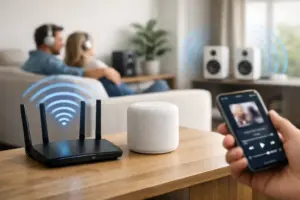
Adding mesh Wi-Fi equipment, changing a wireless password, relocating network hardware, or installing a new network switch can have similar effects. These changes are not necessarily wrong, but they need to be coordinated with the Control4 system. A home with multiple access points, surveillance cameras, audio distribution, and automation controllers requires more intentional network management than a basic single-router setup.
The controller or network hardware is offline
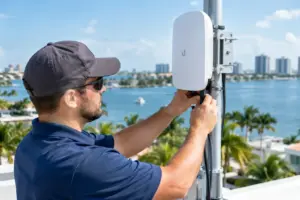
A Control4 controller, managed network switch, router, or wireless access point may be without power or have lost its connection. This is particularly relevant when the app was working normally before a storm, power event, renovation activity, or utility interruption.
Look for a broader pattern. Are touchscreens slow to respond? Are streaming services unavailable in multiple rooms? Do cameras fail to load remotely? If several services are affected at once, the root cause may be network infrastructure rather than the mobile app itself.
Because the equipment is often installed in an AV rack, structured wiring enclosure, office, or equipment closet, the visible condition of a television or keypad does not always reveal what is happening behind the scenes. Proper service begins with checking the system’s critical components and their communication status.
Your mobile device is on the wrong network
Inside a large residence, it is possible for a phone or tablet to join a guest network rather than the primary network used by the Control4 system. Guest networks are intentionally separated from core devices for security. That separation can prevent the app from discovering the controller locally.
The same issue can occur when a device is connected to a neighboring network, a temporary hotspot, or a newly installed wireless network that has not been integrated into the property’s complete network design. If the app works on one network but not another, that behavior is valuable diagnostic information.
Account, app, or authorization details changed
Control4 account credentials, app permissions, and remote-access settings can also affect connectivity. A phone replacement, operating-system update, app update, password reset, or change in household access may require the app to authenticate again.
In some cases, the app opens but displays an incomplete project, outdated room list, or unavailable devices. That may indicate that the phone is signed into a different account, the project information needs to be refreshed, or the system requires an updated configuration from the integrator.
It is wise to treat account access as part of the home’s security plan. Rather than sharing a primary login broadly, established systems should have appropriate user access for family members, staff, and property managers. An integrator can help keep access convenient while maintaining clear control over who can operate the system remotely.
A recent service or renovation affected wiring or equipment
Painting, remodeling, cabinetry work, landscaping, and other property projects can unintentionally affect equipment rooms, cables, power connections, or wireless coverage. A disconnected Ethernet cable in a rack can look exactly like a software problem from the app’s perspective.
Likewise, a television replacement or an upgrade to a cable box, streaming device, camera system, or network service can alter the logic that Control4 uses to control a room. The app may connect but show a device as unavailable, or it may appear unable to complete a command. These are integration issues that benefit from reviewing the full signal path rather than focusing only on the app.
What to Check Before Scheduling Service
A few observations can make a service visit more efficient. First, determine whether the app fails only away from the property or also while connected to the primary home Wi-Fi. Next, check whether Control4 touchscreens, keypads, and remotes are controlling the system normally.
Also note whether the issue began after a power outage, internet provider appointment, network equipment replacement, phone change, renovation, or app update. Finally, record the exact message shown in the app. “Controller unavailable,” “unable to connect,” and a request to sign in can each point to different causes.
Avoid changing router settings, resetting network equipment repeatedly, or removing the Control4 project from the app without guidance. Those actions can erase useful diagnostic clues and may create additional configuration work. For a complex property, preserving the existing system design is usually the fastest path to restoring dependable performance.
When Professional Control4 Support Is the Right Call
Professional support is appropriate when local and remote app control have both failed, when the system became unavailable after network changes, or when multiple connected services are affected. It is also the right choice when the property has integrated cameras, access control, distributed audio, motorized shades, lighting scenes, pool controls, or multiple networked entertainment zones.
Sentry Audio Video approaches these service calls as a complete system issue, not simply an app issue. The goal is to confirm controller health, network communication, account access, remote connectivity, and the configuration of the devices that make the home or business perform as intended. That broader view is especially valuable in premium residences where reliability, privacy, and polished operation are expected every day.
For property owners in South Florida, a properly maintained Control4 environment means more than seeing a room list on a phone. It means arriving to a home that responds as expected, checking on the property with confidence, and keeping entertainment, comfort, and security under one dependable layer of control. When the app stops connecting, the most useful next step is to have the system examined by a team that understands every layer behind the screen.
Still unable to connect? Sentry provides Control4 troubleshooting, remote-access repair, upgrades and dealer takeovers throughout South Florida. You can also request service.