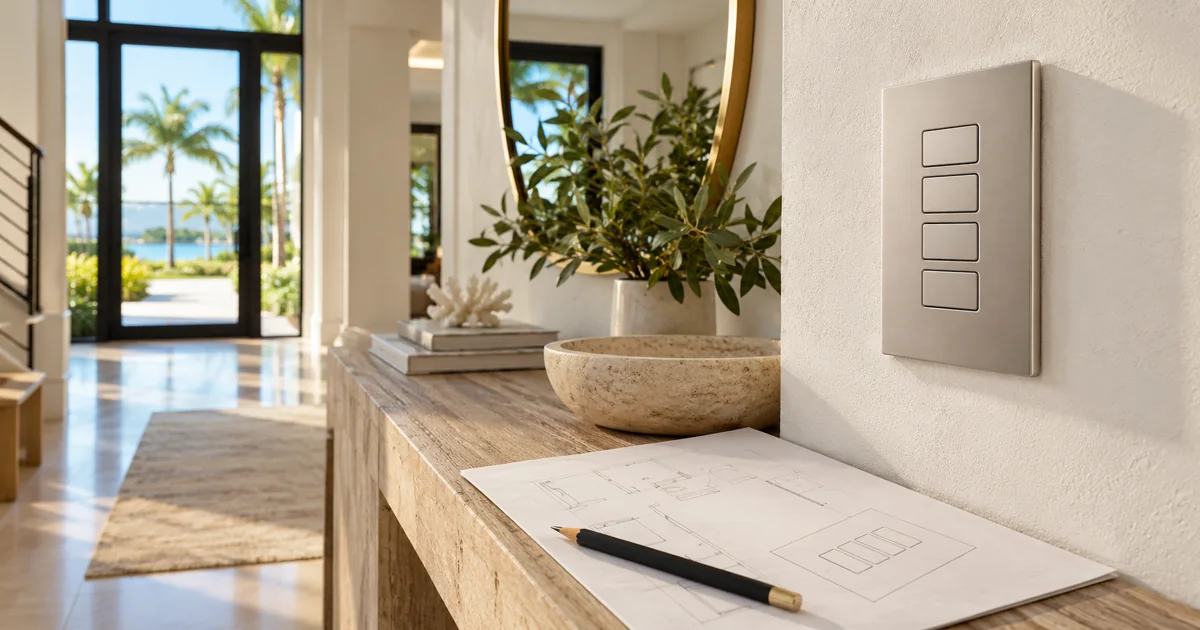
Approve what every keypad button will do before approving the words engraved on it. A beautiful Lutron keypad becomes frustrating when its labels describe an old room layout, hide a whole-home command, or promise a scene that nobody has tested. Treat engraving as the last step in a small design process: define the functions, try the controls, review the exact lettering, and release the correct button kit for the installed keypad.
Plan your Lutron lighting project
Share the rooms, keypad locations and whether this is a new installation or an existing-system programming change. We can review scene behavior, the selected controls and the engraving schedule together before equipment or replacement button parts are ordered.
Request a Sentry Audio Video consultation Call (561) 717-3280
For a new home or lighting upgrade in Boca Raton, Palm Beach or elsewhere in South Florida, this review protects both the daily experience and the finished appearance. It is a focused programming and purchasing decision, separate from choosing the overall HomeWorks or RadioRA 3 system.
Start with behavior, not a list of attractive scene names
Write a plain description beside each proposed button. “Dining” might mean turning on the dining-room lights, recalling a dinner scene across several rooms, or cycling through different presets. Those are different behaviors. The homeowner and programmer should agree on one before a label is selected.
Record whether the button selects a scene, toggles a group, controls a particular load, or performs another supported action. If pressing it again changes the result, document that too. A label cannot explain an unexpectedly complicated sequence. Simplifying the programming is often more useful than inventing a clever abbreviation.
Keep basic room control easy to find. A guest standing in a dark bedroom should not need to remember which lifestyle scene provides ordinary light. Whole-home commands deserve particular care: a button near an entry should not unexpectedly turn off occupied rooms simply because its engraving says “Off.”
Walk through the rooms from the user’s position
Review each keypad while standing where it will be used. A label that seems clear on a spreadsheet may be ambiguous at the doorway between the kitchen, dining room and terrace. Ask what the person approaching that doorway is likely to want first, then check the order of the buttons against that task.
Include the people who operate the home regularly. Owners, family members and authorized property staff may use different names for the same space. Choose one consistent vocabulary for the installed controls and training materials. Personal nicknames can be useful, but they should not make a future guest or replacement staff member dependent on a separate explanation.
In homes with several matching keypads, use a consistent organizing principle rather than assuming every location needs identical programming. The top button might provide the most useful arrival setting for its particular room. Keep intentionally different functions obvious in the approved schedule.
Test the proposed scenes before releasing engraving
Where the installation schedule allows, test temporary labels and provisional programming in the finished rooms. Evaluate the scenes with the actual furniture, lighting fixtures and shades. “Evening” may need a different balance after decorative lamps and artwork are installed, while a “Clean” scene should provide practical task lighting rather than simply setting everything to maximum.
Test transitions as well as the final brightness. Decide which rooms participate, whether shades move, and whether a command should leave private spaces alone. Review the result from another room so a convenient local command does not create an unwanted effect elsewhere.
Temporary labeling should be legible, removable and appropriate for the finish. The exact method and duration belong in the project plan. It is better to agree on a short review window than to leave provisional buttons in place indefinitely or order permanent lettering before anyone has used the system.
Approve a location-specific engraving schedule
The final schedule should identify the keypad location, exact keypad family and configuration, button positions, finish, lettering and associated programming. Similar-looking devices can have different button kits and engraving options. Confirm the manufacturer requirements for the actual selected product instead of applying one template across the entire home.
- Identify each keypad by room and wall location, not just a photograph.
- Show every button in its final top-to-bottom order.
- Check spelling, capitalization, abbreviations and available space.
- Confirm finish and the applicable button or faceplate parts.
- Attach the approved programming description and revision date.
Review the manufacturer’s personalization output at a readable size. Do not rely on a small screenshot passed through several messages. One person should consolidate comments and release the approved version so an earlier design is not accidentally ordered.
Keep engraving changes separate from programming changes
New lettering does not automatically update a scene, and revised programming does not change the words on an existing button. A purchase or service scope should state whether it includes replacement engraved parts, installation, programming adjustments and homeowner training.
For an existing Lutron installation, Sentry first identifies the installed equipment and available configuration. A revised layout may be straightforward, or it may require different parts and additional work. Availability, pricing and lead time should be confirmed for the selected items before promising a completion date.
After installation, compare every button with the approved schedule and operate it. Confirm that the visible label matches the actual result, update the records, and explain any supported secondary behavior. This final check is particularly useful after a renovation when room names and furniture uses have changed.
Plan the lighting system and the final controls together
Sentry Audio Video is an authorized Lutron dealer providing equipment sales, lighting-control design, installation, programming and upgrades. Explore our Lutron lighting-control installation services and Lutron shade systems. For keypad planning in Boca Raton or Palm Beach, call (561) 717-3280 or request a consultation.
Manufacturer reference: Lutron’s Sunnata RF keypad personalization process. Procedures and available options depend on the keypad and system selected.