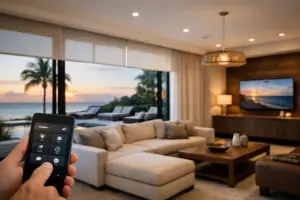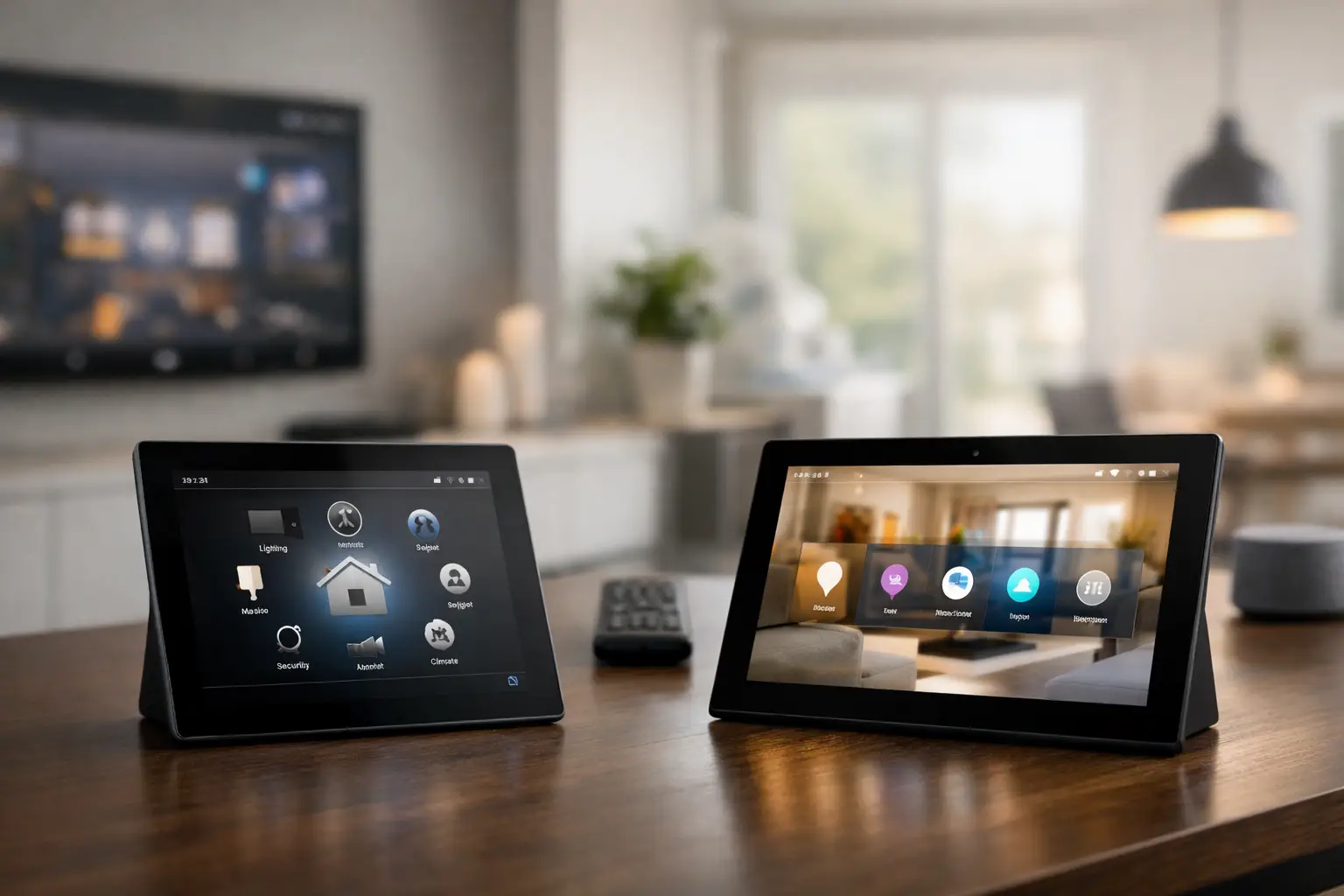
A smart home should not feel like a collection of apps, remotes, and workarounds. It should respond naturally when you arrive, entertain guests with minimal effort, and give you a clear view of what matters. That is why the Control4 OS3 vs. X4 conversation matters. Both platforms are built to bring lighting, entertainment, shades, climate, security, and other connected systems into one professional control experience, but X4 represents a meaningful change in how that experience is presented and personalized.
Find Out What Your Control4 Home Actually Needs
Sentry Audio Video is an authorized Control4 dealer serving Boca Raton and South Florida. We assess your installed equipment, network and priorities before recommending an upgrade. Systems installed by another company are welcome.
Request My Control4 Assessment Call (561) 717-3280
Include your city, controller model if known, the features you want and anything that is not working. See our Control4 installation and upgrade services.
For homeowners planning a new project, X4 is the forward-looking choice. For existing Control4 owners, OS3 may still be performing well, but an upgrade decision should be based on the age of the system, the available hardware, how the home is used, and the desired level of refinement.
Control4 OS3 vs. X4 at a Glance
Control4 OS3 established the foundation many homeowners recognize: a consistent interface across touchscreens, remotes, and mobile devices; Favorites for commonly used rooms and devices; and the ability to bring complex subsystems under one dependable control platform. It remains a capable environment for properly designed systems.
Control4 X4 builds on that foundation with a redesigned interface and a more personal, visually driven approach to control. Instead of making every homeowner navigate control in the same way, X4 is designed to place more emphasis on the rooms, services, and actions each household uses most. The result is less time moving through menus and more direct access to the experience you want – whether that is starting music on the patio, lowering shades for a movie, or checking selected cameras before bed.
The difference is not simply cosmetic. In a premium home, the interface is part of the system’s performance. A beautiful theater, a motorized shade package, and high-resolution surveillance are more enjoyable when the controls are equally intuitive.
The Interface: Familiar Control, Better Context
OS3 organizes a home around Rooms, Favorites, and service categories. This structure is logical and effective, especially for households that have lived with Control4 for years. A family can select a room, choose a device or experience, and manage the system from there.
X4 moves toward a more contemporary, contextual presentation. It is intended to make the system feel more immediate by bringing relevant controls, rich visuals, and personalized access closer to the surface. Artwork, camera imagery, lighting scenes, and entertainment options can feel more connected to the way a room is actually used.
That distinction is especially valuable in larger residences. A home with multiple entertainment zones, outdoor areas, guest suites, security cameras, gates, pool features, and layered lighting can become difficult to manage if every control requires several taps. X4’s design direction is centered on reducing that friction without removing the depth that a professionally integrated system requires.
For some clients, the upgrade will feel immediately transformative. For others, particularly those who rely on a handful of well-programmed buttons and scenes, the day-to-day difference may be more subtle. The value comes from a cleaner, more tailored overall experience rather than one dramatic new command.
Personalization Is the Practical Upgrade
The strongest case for X4 is personalization. Every household has its own routines. One client may begin the morning with kitchen lighting, news audio, and shade control. Another may care most about perimeter security, outdoor entertainment, and a theater-ready scene after sunset.
A properly designed X4 system can be arranged around those real habits. That does not mean filling the interface with every available device. It means making the right controls available at the right time, while keeping less frequently used functions organized and accessible.
This is where professional programming matters. More options do not automatically create a better system. An experienced integrator evaluates how the property is occupied, which rooms need simple guest-friendly control, which functions need owner-only access, and where physical controls should support the on-screen experience. The goal is a system that feels effortless, not one that asks the homeowner to learn a new routine.
What Does Not Change Between OS3 and X4
An X4 upgrade does not replace the need for thoughtful system design. The fundamentals are still the fundamentals: stable networking, correctly specified controllers, clean wiring, dependable power management, quality audio and video distribution, and programming that accounts for the entire property.
The Control4 platform remains valuable because it can coordinate different parts of a home from a unified interface. A single action can set lighting, shades, audio, video, and room conditions for a specific activity. Security and access-related controls can also be presented in a way that gives homeowners awareness without cluttering the daily experience.
OS3 and X4 both depend on the same broader principle: integration is only as reliable as the infrastructure underneath it. If a home has intermittent network coverage, aging control hardware, or poorly documented connections, changing the interface alone will not resolve the underlying issue. An upgrade is often the right time to assess the entire system and correct issues that have been tolerated for too long.
Compatibility: The Question Existing Owners Must Ask
Not every Control4 system can move to X4 in the same way. Compatibility can depend on the controller generation, touchscreens, remote models, operating system history, connected devices, and the overall condition of the installation. Some legacy hardware may continue to work well within OS3 but not support every X4 capability or future software direction.
That does not mean every existing system requires a complete replacement. In many homes, a targeted modernization may be the more appropriate path. A newer controller, selected interface upgrades, network improvements, and programming refinement can deliver a substantial improvement while preserving well-performing components such as distributed audio, lighting control, shades, and installed speakers.
There are also cases where remaining on OS3 is reasonable. If the system is stable, the household is comfortable with its controls, and there is no immediate need for expanded functionality, an upgrade may not be urgent. The right recommendation should be based on performance and long-term serviceability, not on replacing equipment for its own sake.
A site review should identify what is installed, how it is connected, which features are essential, and where the homeowner experiences friction. It should also account for systems beyond Control4 itself, including surveillance, networking, access control, outdoor entertainment, and specialty integrations. The upgrade plan needs to protect what already works while creating a clear path forward.
X4 for New Construction and Major Renovations
For new construction, X4 is a natural fit because the system can be designed around the home from the beginning. Control locations, equipment space, network coverage, structured cabling, touchscreens, lighting keypads, motorized shades, and entertainment zones can all be planned as one coordinated environment.
This approach is particularly important in South Florida properties where indoor-outdoor living is a central part of the home. Pool areas, patios, kitchens, landscape audio, outdoor displays, gates, and cameras should not feel like separate projects. A centralized platform gives homeowners a consistent way to manage the property from inside, outside, or away from home.
For renovations, planning early prevents compromises later. Equipment racks need ventilation and service access. Wireless coverage should be engineered for the property rather than added after connectivity complaints appear. Keypads and touchscreens should be placed where people naturally enter, gather, and transition between spaces. These details determine whether X4 feels polished on day one and remains dependable years later.
How to Decide Whether an Upgrade Is Worth It
Start with the homeowner experience, not the software version. If your Control4 system is difficult for family members or guests to use, if key functions are buried in menus, if certain rooms feel disconnected, or if you are planning to add theaters, shades, surveillance, or outdoor zones, an X4 evaluation makes sense.
Also consider supportability. Older controllers and interface devices can limit future options, and a system without clear documentation becomes harder to service over time. A professional assessment can reveal whether the best next step is an X4-focused upgrade, a phased infrastructure refresh, or refined programming within the current OS3 environment.
For clients who expect technology to work quietly and consistently in the background, the decision is less about chasing a new interface and more about protecting the quality of the entire experience. Sentry Audio Video can evaluate the existing system, identify practical upgrade paths, and design a Control4 environment that reflects how your property is actually lived in. The right solution should make every room easier to enjoy and every important function easier to trust.
Planning a Control4 upgrade? Review our Control4 service, repair and takeover options or speak with a Control4 dealer in Boca Raton before changing controllers or software.