A lost key can become an expensive uncertainty. If it opens a suite, stockroom, office, amenity area, or restricted records room, a business may have no practical way to know who has it or whether it has been copied. Access Control for Commercial Buildings replaces that uncertainty with managed credentials, defined permissions, and a clear record of activity at each protected door.
For business owners, property managers, and facility directors, the value is not simply putting a card reader beside the door. A professionally designed access system creates a controlled environment that fits how the property actually operates. It gives the right people appropriate access, protects sensitive areas, and makes changes far easier when staffing, tenants, or schedules change.
What Commercial Access Control Should Accomplish
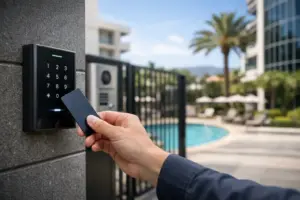
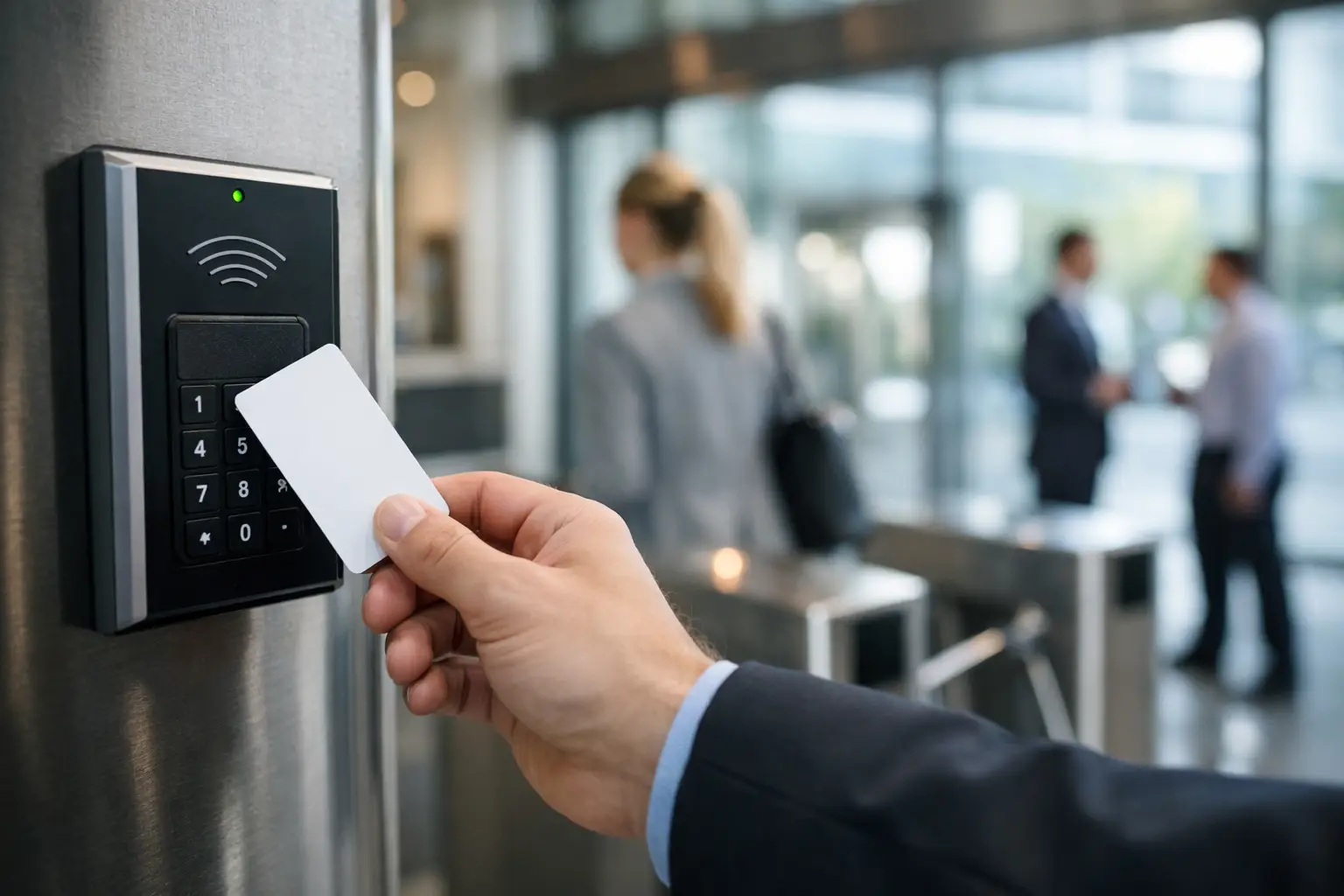
A commercial access control system verifies a person or approved credential before allowing entry through a controlled opening. Credentials may include key cards, fobs, mobile credentials, PIN codes, or biometric identification, depending on the security requirements and the location.
The system then applies rules established by the business. An employee may be permitted through the main entrance from 7:00 a.m. to 7:00 p.m., while a manager may have 24-hour access to offices and inventory areas. A delivery provider might receive time-limited access to one service entrance. Those permissions can be adjusted without collecting and reissuing physical keys.
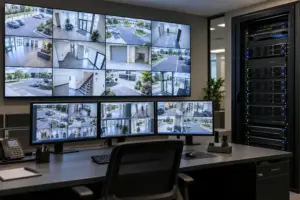
The strongest systems also create useful accountability. If an incident occurs, authorized administrators can review entry events to understand which credential was used, at what door, and at what time. When access control is coordinated with video surveillance, the event record can help direct staff to the relevant camera footage quickly.
That level of visibility matters in offices, medical and professional practices, hospitality properties, private clubs, retail locations, multifamily common areas, warehouses, schools, and mixed-use developments. The exact solution changes by property type, but the goal remains consistent: controlled access that supports daily operations without creating unnecessary friction for authorized users.
The Doors That Deserve the Most Attention
Not every opening needs the same level of protection. Treating every door identically can add cost and complexity without improving the security of the property. A proper site assessment identifies which openings carry the greatest operational or security risk.
Perimeter doors are usually the starting point. Main entrances, employee entrances, loading doors, garage access points, and rear exits all deserve careful review. These are the points where unauthorized access is most likely to begin, particularly after normal business hours.
Interior access matters just as much in many commercial environments. Server and communications rooms, executive offices, medication storage, records rooms, cash offices, supply areas, and private amenities may require a more limited group of authorized users. For multi-tenant properties, access rules should also clearly separate tenant spaces from shared facilities and building operations areas.
Emergency egress is a critical design consideration. Life safety requirements take priority, and exit doors must allow occupants to leave safely in an emergency. Access control hardware, fire alarm interfaces, door hardware, and local code requirements must be planned together rather than treated as separate projects. This is one reason commercial systems should be designed and installed by qualified professionals who understand how these systems interact.
Selecting the Right Credentials and Readers
The right credential depends on the user experience, security expectations, and operating environment. Card and fob credentials remain common because they are familiar, dependable, and easy to issue. They are a strong fit for many employee entrances, office doors, and common areas.
Mobile credentials allow authorized users to present a phone at the reader, often without carrying an additional card. They can be especially useful for management teams, higher-end commercial properties, and organizations that need fast credential issuance or frequent visitor access. However, mobile access should be selected with a clear plan for phone replacement, battery-related issues, and user enrollment.
PIN pads add another layer of verification when a credential alone is not sufficient. Biometrics can provide high assurance in select applications, but they require more careful consideration of privacy, user acceptance, and the conditions at the entry point. A reader that performs well in a climate-controlled office may not be the right choice for an exposed exterior entrance in South Florida, where heat, humidity, salt air, and heavy rain can affect equipment selection and installation methods.
The credential is only one part of the system. Reader placement, cabling pathways, door condition, locking hardware, power supplies, backup power, and network connectivity all influence long-term reliability. Clean installation work and properly protected infrastructure are essential, particularly at high-traffic doors.
Why Access Control for Commercial Buildings Must Be Planned as a System
Access control performs at its best when it is part of a coordinated security and communications strategy. A door system operating in isolation can still provide basic control, but integration adds operational value.
For example, an after-hours entry event can trigger a camera bookmark or notify an authorized manager. A receptionist can release a visitor through a controlled entrance after confirming their identity on an intercom or video entry station. A facility team can manage access schedules alongside alarms, surveillance, and other building technology from an organized control interface.
Integration should be purposeful, not excessive. A small professional office may need a few controlled doors, reliable audit reporting, and video coverage at the entrance. A larger property may need multiple access zones, elevator permissions, visitor management, gate control, and centralized administration across several buildings. The right scope is based on operational needs, not a one-size-fits-all equipment list.
Network design also deserves early attention. Many modern platforms rely on networked controllers and remote management tools. Segmented networks, protected equipment locations, appropriate power planning, and documented cabling help keep the system dependable and easier to service over time. When access, surveillance, communications, and IT infrastructure are planned together, the finished installation is cleaner and more manageable.
Questions to Ask Before Choosing a System
Before selecting a platform, a business should define how people move through the property each day. Start with the number of doors, the groups of users, operating hours, visitor needs, and areas requiring restricted access. Then consider how often credentials change hands. A business with seasonal staffing or multiple tenants needs a straightforward way to add, suspend, and remove users without creating administrative delays.
It is also wise to ask who will manage the system after installation. Some organizations want an on-site administrator with full control. Others prefer a managed approach with an integration partner available for programming changes, troubleshooting, expansion planning, and ongoing maintenance. Either model can work, but responsibility should be clear from the beginning.
Ask how the system handles power or network interruptions, what reporting is available, and whether the platform can grow as the property changes. Expansion may involve more doors, an additional suite, a new gate, or integration with surveillance and visitor entry. Choosing a system with a realistic path forward helps prevent a disruptive replacement when needs evolve.
Finally, review the appearance of the finished installation. At a premium office, club, medical practice, or hospitality property, readers, keypads, intercoms, door hardware, and wiring should complement the environment. Security equipment should be visible where it serves as a deterrent, but the installation itself should remain orderly, professional, and intentional.
A Professional Installation Protects the Investment
Commercial access control is not a set-it-and-forget-it purchase. Doors move, businesses change, staff turnover occurs, and security expectations evolve. The quality of the initial design and installation determines how easily the system can adapt.
Sentry Audio Video approaches commercial security as part of a complete technology environment, coordinating access control with surveillance, communications, structured cabling, and business IT infrastructure when the project calls for it. That single-point accountability helps business owners avoid disconnected systems and unclear service responsibility.
The goal is a property that feels professionally managed from the front entrance to the most restricted interior space. With the right design, credentials are easy for authorized people to use, administrators retain control, and every protected opening supports the standards of the business behind it.