Before choosing Josh.ai for a home with smart locks, ask a precise question: which lock actions work from each control method? A voice request, mobile app and touchscreen should not be assumed to have identical permissions or capabilities. Establishing that distinction before purchase prevents an attractive demonstration from becoming an unsupported promise.
For a complete installation, begin with Sentry Audio Video’s Josh.ai planning and integration services. This guide focuses on the lock-action and control-method decision. Microphone placement, room naming and broader privacy planning remain separate design subjects.
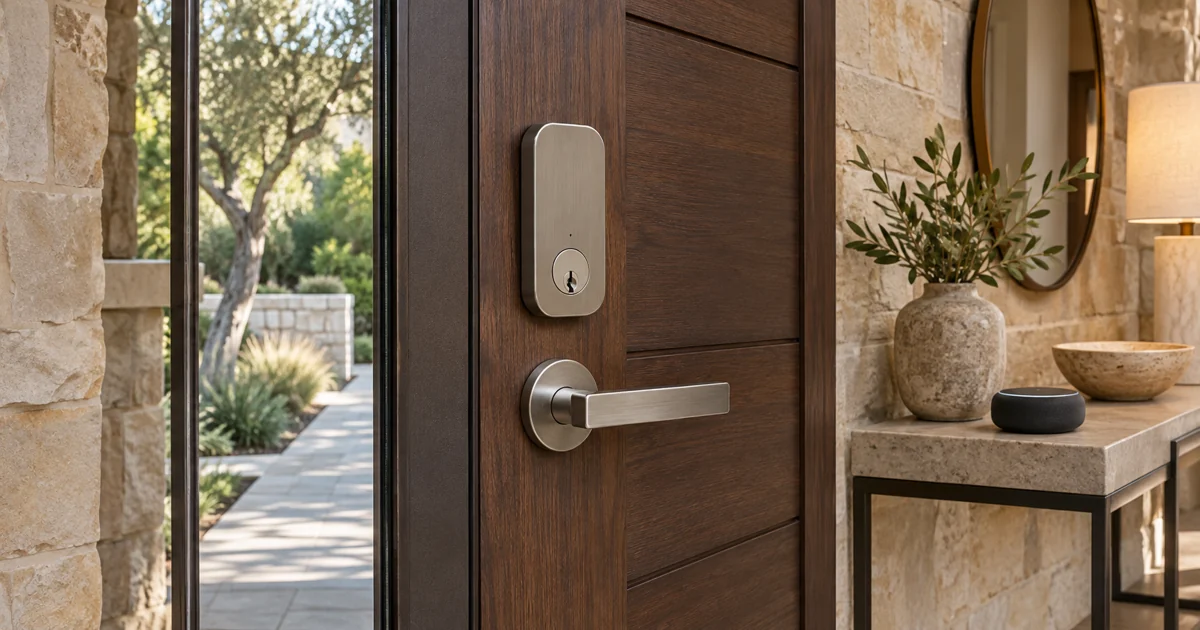
Start with the current voice-control limitation Josh.ai’s public tips currently show voice commands for locking doors and state that voice unlocking is not supported. Do not assume a spoken PIN or a renamed scene changes that limitation. The final installation must follow the supported capabilities and current guidance for the selected integration.
A broader product story describing remote lock access should not be read as permission to perform every action by voice. Ask the integrator to identify the current documentation that applies to the exact lock and control method. If different manufacturer pages seem to conflict, resolve the specific promise before including it in the proposal.
Build a simple action and control-method list Write down the functions the household actually needs. Examples include requesting a lock action, checking reported status and operating through an approved nonvoice interface. For each item, record the intended control method and who should have access. Have the installer mark it confirmed, unsupported or still requiring verification.
The list should describe the actual use case. An owner checking the property while away is different from a guest standing at the entrance. A staff member needing limited access is different from the account administrator. Do not let a general statement such as smart-lock integration stand in for those decisions.
Identify the complete compatibility chain Record the lock model, any bridge or hub, the underlying automation platform where applicable and the Josh.ai integration route. Manufacturer partnerships can help identify products to investigate, but they do not eliminate the need for exact-model and function checks. Josh.ai publishes partnership guidance for products including Schlage; the proposed equipment still needs individual assessment.
Ask which app or interface owns access administration and which system reports the lock’s condition. The answer should remain clear when a lock, bridge or automation controller is replaced. Avoid assuming that all locks from one brand expose the same supported functions.
Review status as carefully as operation A control can send a request without independently confirming the physical result. Ask what the selected integration reports and how an unavailable or uncertain condition is presented. Confirm whether any displayed status is current feedback or another form of indication the owner needs explained.
Do not assume a lock report proves every aspect of an entrance is secure. A bolt position, door-position sensor and camera view describe different information. Only the capabilities actually supplied and demonstrated should appear in the accepted system description.
Keep permissions in the installation scope Agree on supported user access, account ownership and the process for removing access when household circumstances change. Identify who administers the lock system and who provides continuing technical support. The owner should receive the applicable account handoff without having to share an administrator credential with every user.
The control design must retain the lock manufacturer’s required operation and the property’s appropriate access arrangements. A convenient voice feature should not become a reason to bypass authentication or create an undocumented opening action. This is a professional purchasing and commissioning review, not instructions for modifying lock protections.
Demonstrate the promised methods individually At handoff, test each confirmed action through each agreed control method. Use the installed lock and account permissions. Include the normal explanation of unsupported requests, missing feedback and how to request assistance. A successful action from one interface should not be used as evidence that another interface supports it.
Keep the completed action list with the final equipment schedule and service information. Revisit it after a material lock, software or platform change. Clear documentation makes an integration easier to understand and helps a future service team avoid recreating assumptions.
For a new Josh.ai project or a professionally assessed integration in Boca Raton, Fort Lauderdale, Miami or Miami Beach, request a Sentry consultation. Call (305) 502-0003 for Miami Beach or (561) 717-3280 for Boca Raton. Bring the proposed lock details and the actions your household wants to perform so the installation scope can be confirmed before ordering.
Manufacturer references
Technical references reviewed November 13, 2026. Confirm current product, software and installation requirements for the specified project.