A successful renovation is measured by more than the finishes you can see. The technology behind the walls determines how comfortably the home operates, how protected it feels, and whether every room works as intended years after move-in. This home renovation technology guide outlines how to plan integrated systems early, when decisions are still easy to make and options are still open.
For homeowners renovating in South Florida, that often means accounting for open living spaces, outdoor entertaining, motorized shading, pool areas, hurricane-rated construction requirements, and the need for dependable connectivity throughout a larger property. Technology should support the architecture and lifestyle of the home, not compete with either.
Start Technology Planning Before Walls Close
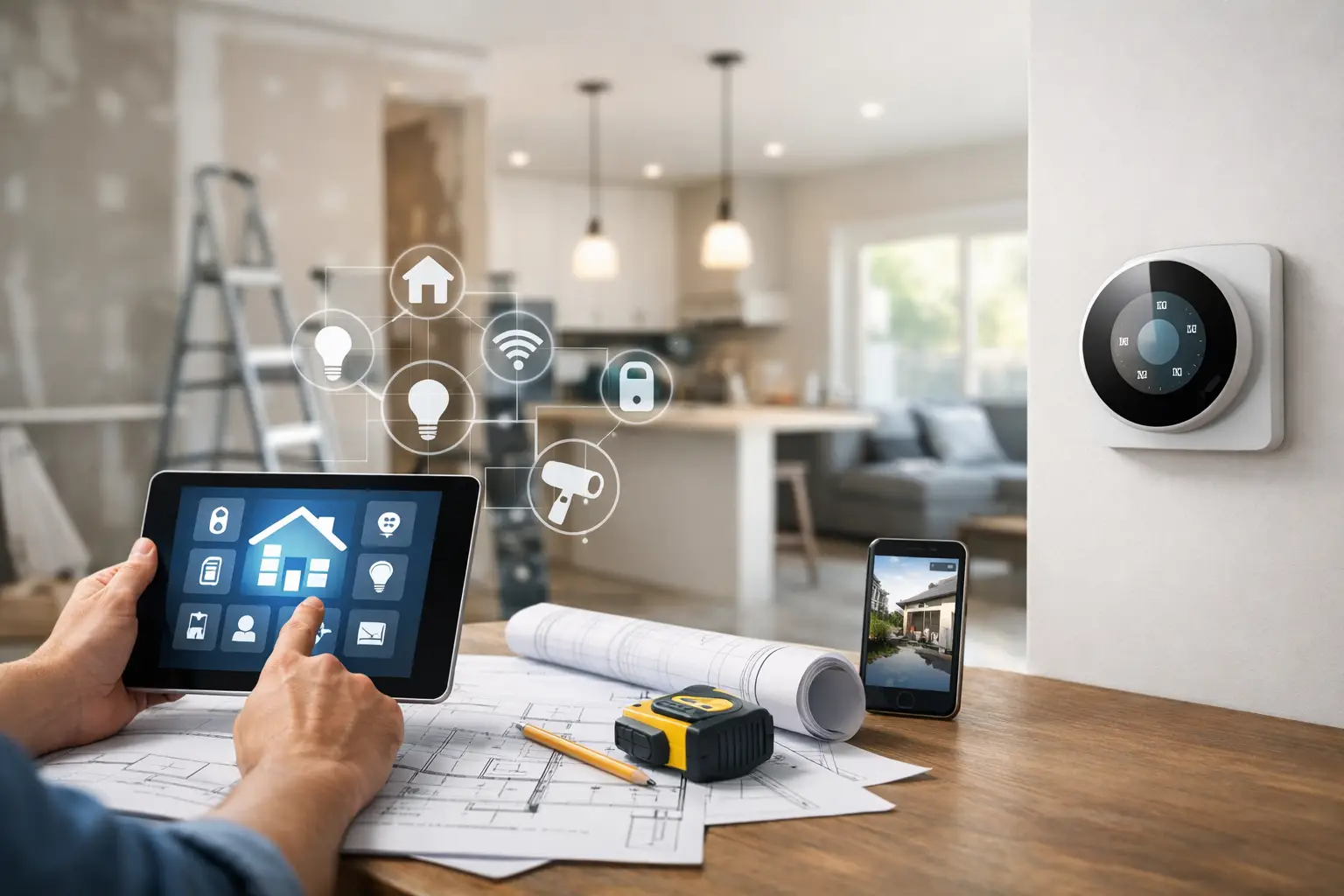
Technology is most effective when it is designed alongside the renovation, not added after cabinetry, stonework, and finished ceilings are complete. Early planning gives your integration team access to pathways for structured cabling, equipment locations, speakers, cameras, keypads, and control wiring. It also prevents visible surface wiring, last-minute compromises, and equipment that interrupts a carefully designed room.
The first conversation should focus on how the home is used. A family may want music in the kitchen, patio, and primary suite without placing a separate system in every room. A frequent traveler may prioritize surveillance, access control, alerts, and remote visibility. Someone who entertains often may need dedicated areas for high-performance audio, video distribution, landscape lighting control, and outdoor displays.
There is no single right package. A waterfront residence with expansive glass has different shading, networking, and security requirements than a city condominium or a seasonal property. The right system begins with a clear understanding of the property, routines, and expectations for performance.
Build the Infrastructure First
A polished smart home depends on infrastructure that is rarely visible after construction. Structured wiring is the foundation for reliable audio, video, surveillance, Wi-Fi, communications, and control. While wireless technology is valuable, it should not be asked to carry every critical function when a wired connection can provide greater consistency.
A well-planned infrastructure design typically considers dedicated cabling for televisions, wireless access points, cameras, touch panels, audio zones, and future expansion. Equipment should be housed in a ventilated, accessible location that can be professionally organized and serviced without disrupting living spaces. This may be a dedicated technology closet, rack room, or conditioned utility area, depending on the scale of the project.
Planning for capacity matters. A network that performs adequately with a few connected devices may struggle when the home adds multiple video streams, security cameras, smart lighting, motorized shades, and outdoor access points. The goal is not to fill the home with unnecessary equipment. It is to create an infrastructure that supports the systems you rely on and leaves room for thoughtful upgrades.
Treat Wi-Fi as a Designed System
Reliable Wi-Fi is not simply a matter of placing a router near the internet service connection. Large homes, concrete construction, metal framing, stone finishes, and outdoor living areas can all affect coverage. A professional design uses strategically located wireless access points and a managed network to deliver consistent coverage where it is needed.
That includes bedrooms, offices, kitchens, garages, patios, pools, and guest spaces. Network segmentation can also keep security devices and home controls organized separately from general guest access, helping maintain performance and simplify troubleshooting.
Choose Control That Feels Natural
The value of automation is not the number of devices connected to it. It is the ease with which the home responds. Centralized control can bring lighting, shades, climate settings, entertainment, security, and outdoor features into one intuitive interface, whether that is a wall keypad, touch panel, mobile app, or a combination of controls.
The most effective control systems reduce friction. A single “Goodnight” command might turn off selected lights, lower shades, arm the security system, and confirm that exterior doors are secured. An “Entertain” setting can prepare common areas, activate music, and adjust shades for the time of day. These scenes should reflect the homeowner’s habits rather than generic presets.
Physical controls remain important. A beautifully integrated keypad near an entry or bedside gives immediate access to essential functions without requiring a phone. This is especially valuable for guests, children, and anyone who simply wants a reliable manual option. The strongest systems balance elegant automation with straightforward control.
Plan Entertainment Room by Room
Whole-house audio and video distribution can make a home feel more connected without placing visible components throughout every space. Architectural speakers can provide music in gathering areas, bedrooms, bathrooms, and outdoor zones while preserving the interior design. In dedicated media rooms or home theaters, the focus shifts to acoustic performance, display placement, seating sightlines, room lighting, and immersive sound.
Outdoor entertainment deserves the same level of planning as the interior. Equipment must be selected and installed for the environment, with proper placement for sun exposure, moisture, salt air, and viewing angles. A display that is difficult to see in daytime or speakers that are overwhelmed by an open patio will not deliver the experience the space deserves.
Consider how zones should operate independently. The family may want music by the pool while someone else watches a film indoors. Proper system design allows those activities to happen at the same time without complicated remotes or competing volume levels.
Make Security Part of the Renovation Design
Security is far more effective when it is planned as part of the property rather than treated as an afterthought. Camera locations should cover arrivals, entry points, driveways, perimeter areas, and key outdoor spaces while respecting privacy and maintaining a clean appearance. The right camera position matters as much as image quality. A camera aimed too high, blocked by landscaping, or exposed to glare may miss the detail that matters.
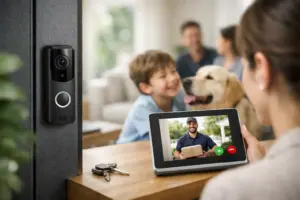
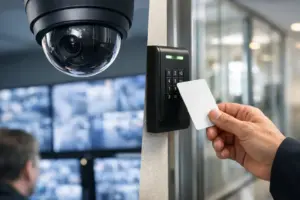
Access control can add convenience and accountability at gates, service entrances, side doors, and shared property areas. Integrated door locks, video intercoms, and surveillance can give homeowners a clearer view of who is arriving and when. For seasonal homes, remote notifications and professional support can provide added confidence when the property is unoccupied.
Security design may also include fire alarm, communications, and monitored systems where appropriate. These solutions should be coordinated with the wider technology plan so that notifications, control, and service remain organized rather than fragmented across unrelated platforms.
Use Motorized Shades Where They Solve a Real Problem
Motorized shades are often associated with luxury, but their practical value is just as significant. In rooms with large windows, they can help manage glare on displays, protect furnishings from harsh sunlight, improve privacy, and create a more comfortable setting throughout the day.
The right shade solution depends on window treatments, fabric selection, room orientation, and whether the shades need to work independently or as part of a broader scene. For example, a media room may need blackout capability, while a living room may benefit from solar shades that preserve views while softening direct light. During renovation, planning the power, pockets, and recessed details early creates a far cleaner result than trying to retrofit them later.
Coordinate Every Trade Before Installation
Integrated technology touches multiple parts of a renovation. Architects, interior designers, builders, electricians, millwork teams, landscape professionals, and technology integrators each influence the final outcome. Coordination protects the design intent and prevents avoidable conflicts, such as a speaker location that collides with a ceiling feature or a television wall without sufficient space for mounting and ventilation.
Detailed drawings, equipment schedules, and site walkthroughs keep the project moving in the right direction. This process is especially valuable when custom millwork, stone walls, flush-mounted displays, invisible speakers, or concealed equipment are involved. Clean workmanship requires more than careful installation. It requires decisions made at the right time by professionals working from the same plan.
Expect Ongoing Service, Not Just Installation
A technology system should be commissioned, tested, documented, and supported after installation. Professional programming ensures that controls operate as intended, while system training helps every member of the household use the technology confidently. A service relationship also matters when a network setting changes, a new entertainment source is added, or the homeowner wants to adjust how a scene works.
Sentry Audio Video approaches renovations as complete integration projects, taking responsibility from design through installation and continuing support. That single point of accountability is particularly valuable when entertainment, automation, networking, and security must work together without clutter or confusion.
The most rewarding renovation technology is the kind you stop thinking about because it simply works. Plan early, prioritize infrastructure and serviceability, and choose systems that make the home more comfortable, secure, and enjoyable every day.