A beautiful rack, premium displays, and carefully placed speakers are only part of a successful installation. The moment that matters is the handoff: when a conference room has to start on time, a home theater has to perform flawlessly, and every control must behave as expected. This professional AV commissioning guide explains the process that turns an installed system into a dependable, finished environment.
Commissioning is the disciplined verification of the complete system after installation. It confirms that equipment, programming, network services, control interfaces, audio calibration, video distribution, security-related integrations, and user workflows operate together as designed. For property owners, it is the difference between owning a collection of impressive components and relying on a system that performs with confidence.
What Professional AV Commissioning Actually Covers
Commissioning begins with the approved design, not with a vague test at the end of the project. The integrator compares the installed system to drawings, equipment schedules, control narratives, and the client’s intended use of each space. If the media room needs one-touch movie playback, the system is tested around that real experience. If a boardroom must support presentations from multiple sources, the workflow is tested from the user’s perspective, not merely by confirming that a display powers on.
The work typically includes physical inspection, configuration, functional testing, calibration, documentation, and owner training. Each stage matters because integrated AV systems have dependencies. A display may be operating perfectly, for example, while an unstable network connection, an incomplete control driver, or an incorrect audio delay still prevents the room from performing properly.
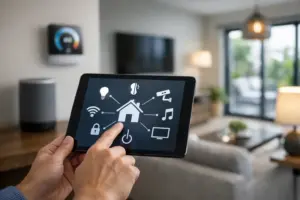
For residences, commissioning can also verify interaction among distributed audio, video, lighting scenes, motorized shades, climate control, surveillance, outdoor entertainment, and centralized control. In commercial settings, the scope may include meeting-room AV, digital displays, paging, communications, surveillance, network infrastructure, and after-hours operating modes. The exact checklist depends on the project, but the standard should remain the same: test the system as it will be used.
Why Commissioning Protects the Investment
Many AV issues are not equipment failures. They are small configuration details that only become apparent under real operating conditions. A source may take longer than expected to switch. Audio may be clear at low volume but distort in a large entertaining area. A control interface may work in one room while a linked zone does not respond correctly. These problems are far easier to identify and correct before the owner depends on the system every day.
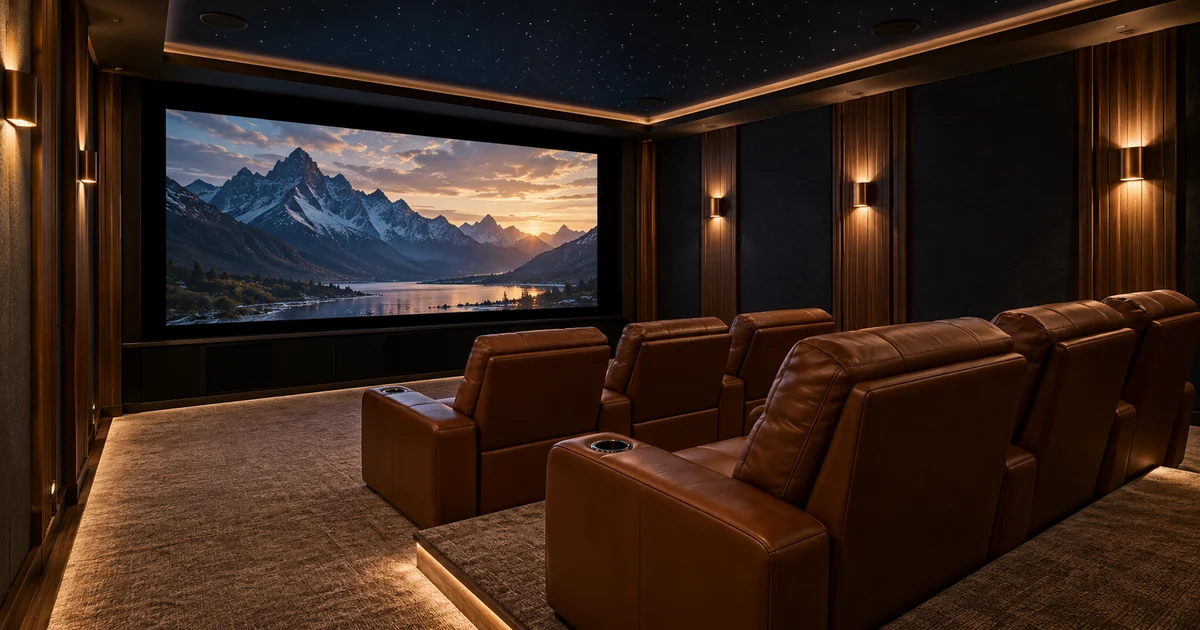
Thorough commissioning also protects the design intent. In a luxury home, that may mean dialogue remains clear while the soundtrack fills the room, outdoor audio stays balanced across a patio, and the television, shades, and lighting respond as one experience. In a business, it may mean a receptionist can confidently launch a presentation, employees can hear remote participants clearly, and management does not need to call for help every time a room is used.
There is a practical financial reason to commission carefully as well. Identifying issues during project closeout is usually less disruptive than returning after furniture is in place, employees are working, or a family has moved in. It establishes accountability while installers, programmers, trades, and project documentation are still aligned.
The Professional AV Commissioning Guide: Key Stages
1. Inspect the installation before powering up
The first stage is visual and physical. Equipment should be properly secured, labeled, ventilated, and accessible for future service. Cabling should be organized, terminated correctly, and identified at both ends where appropriate. Rack layouts deserve particular attention because clean cable management is not simply cosmetic. It helps technicians diagnose a problem quickly and reduces the risk of accidental disconnections during future service.
At this point, the integrator also confirms that the installed equipment matches the approved scope. Substitutions can sometimes be appropriate due to availability or design changes, but they should be documented and evaluated for compatibility rather than assumed to be equivalent.
2. Verify infrastructure and network performance
Modern AV performance depends heavily on the underlying infrastructure. Wired network connections, wireless coverage, IP addresses, managed switches, remote access provisions, and power protection all influence how the system behaves. A high-performance home or business cannot treat the network as an afterthought when control, streaming, cameras, distributed video, and communications may all rely on it.
Commissioning tests the pathways that matter most. That includes confirming reliable connections between control processors, displays, audio components, networked sources, surveillance equipment, and any cloud-supported services approved for the project. When a system spans multiple rooms or buildings, the integrator should confirm that each zone responds consistently, not just the room closest to the equipment rack.
3. Configure control around real routines
Control programming should reflect how people actually use a space. A homeowner should not need to remember a sequence of commands to watch a film, play music by the pool, or secure the property for the evening. A business user should not have to understand the equipment behind the wall to begin a meeting.
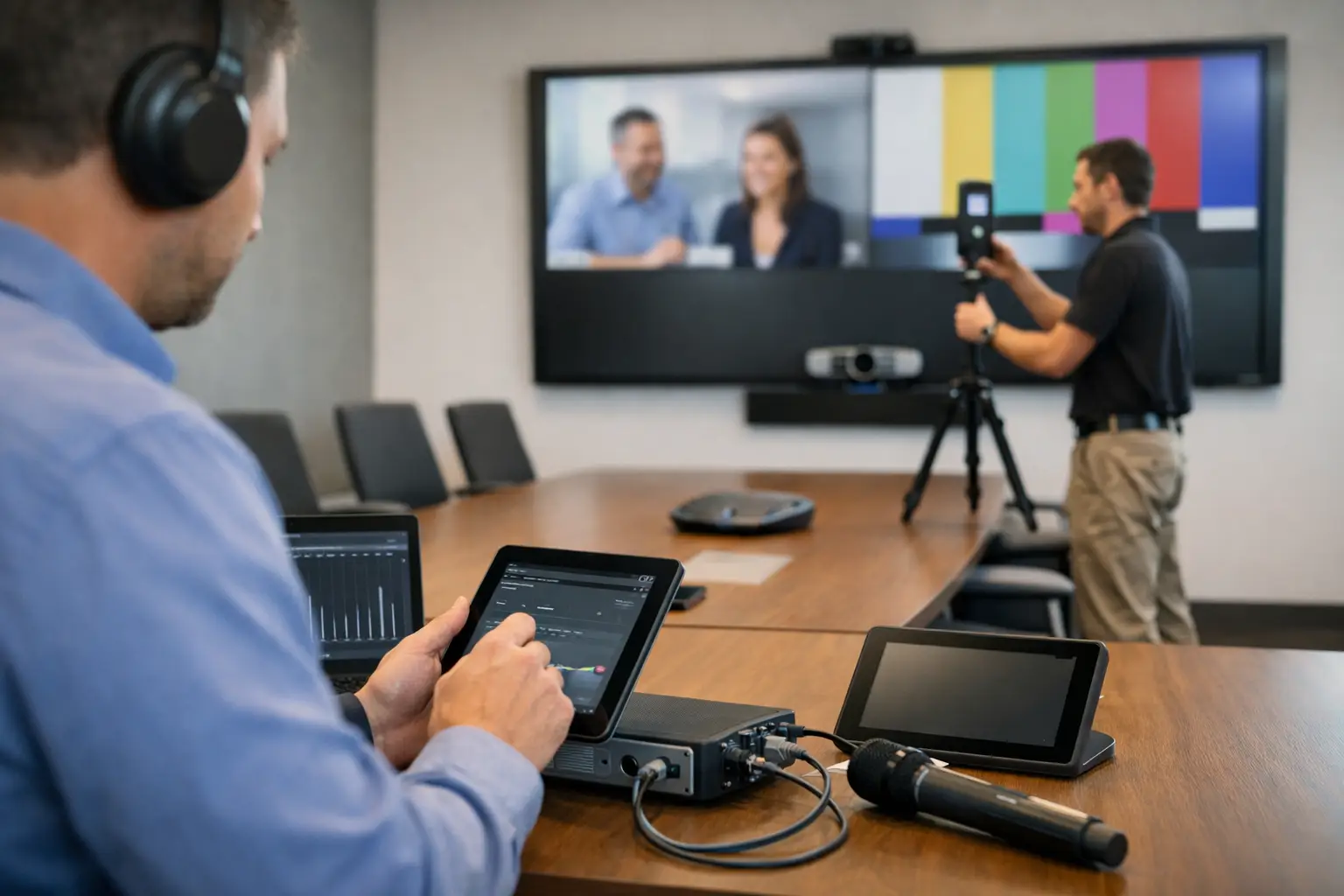
During commissioning, programmed actions are tested repeatedly: power-up and shutdown sequences, source changes, volume control, room combining, lighting or shade scenes, and error recovery after an interruption. The focus is not only whether a button works once, but whether it works predictably. A polished interface with inconsistent behavior creates frustration quickly, especially in a shared commercial environment.
Trade-offs should be addressed honestly. More automation can simplify routine tasks, but it must be designed with sensible manual control and clear fallback behavior. The right level of automation depends on the property, the people using it, and how much flexibility the owner wants.
4. Calibrate audio and video for the room
Factory settings are rarely the final answer. Room size, finishes, speaker placement, ambient light, viewing distance, and furniture all affect the experience. Professional calibration adjusts the system to its actual environment.
For audio, this may include speaker levels, crossover settings, equalization, delay, subwoofer integration, microphone intelligibility, and maximum volume limits. A home theater requires a different approach from an open-concept living area, restaurant, lobby, or training room. The goal is not simply more volume. It is clear, balanced sound that remains comfortable and intelligible where people sit, gather, or work.
For video, testing may include display settings, aspect ratio, input resolution, source switching, image consistency, and visibility under the room’s normal lighting conditions. A bright South Florida living space may require different display settings and shade coordination than an enclosed theater. Commissioning accounts for those conditions instead of treating every room the same.
5. Test exceptions, not just normal operation
The strongest commissioning process tests what happens when conditions are less than ideal. What occurs after a power interruption? Does the system recover correctly after a network device restarts? Can users still operate essential functions if one source is unavailable? Are alerts, camera views, or communications functions accessible from the intended control points?
This stage separates a cursory demonstration from professional validation. No system can prevent every future issue, but careful testing reveals weak points and gives the owner a clearer understanding of normal operation, recovery steps, and support expectations.
6. Document the system and train the people who use it
A system is not truly complete when the last component is installed. Owners and authorized staff should receive clear guidance tailored to their responsibilities. Training should cover everyday operation first, then the practical details: changing sources, adjusting zones, using room presets, responding to common messages, and knowing when to request service.
Documentation should reflect the final installation, including equipment locations, labeled connections, network details appropriate to the owner’s records, and operating instructions. This becomes especially valuable when a property changes hands, staff changes, or future upgrades are planned. It also gives a qualified service team a reliable foundation for support.
When Should Commissioning Happen?
Commissioning should be planned early and performed in stages, rather than saved for a rushed final day. Preliminary testing can begin as equipment is installed and connected. Final calibration and user acceptance should happen when the space is sufficiently complete to reflect real conditions, including finished surfaces, furniture, lighting, and active network services.
Timing matters. A theater calibrated before rugs, seating, and acoustic finishes are in place may need additional adjustment. A commercial room tested before its presentation sources or conferencing accounts are active has not been fully validated. Good project management leaves room for these final details instead of treating them as optional.
Choosing an Integrator That Takes Ownership
Ask prospective integrators how they define project closeout. A dependable answer should include testing, calibration, programming verification, documentation, training, and a clear service path after handoff. It should also explain who is responsible for coordinating issues that cross AV, networking, control, security, and other integrated systems.
For complex residences and businesses, a single experienced partner reduces handoff gaps. Sentry Audio Video approaches commissioning as part of the complete service relationship, with the same attention to clean execution and long-term performance that guides the design and installation.
Your system should feel considered from the first touch of the control interface to the final note in the room. Commissioning is where that expectation becomes a measurable standard.