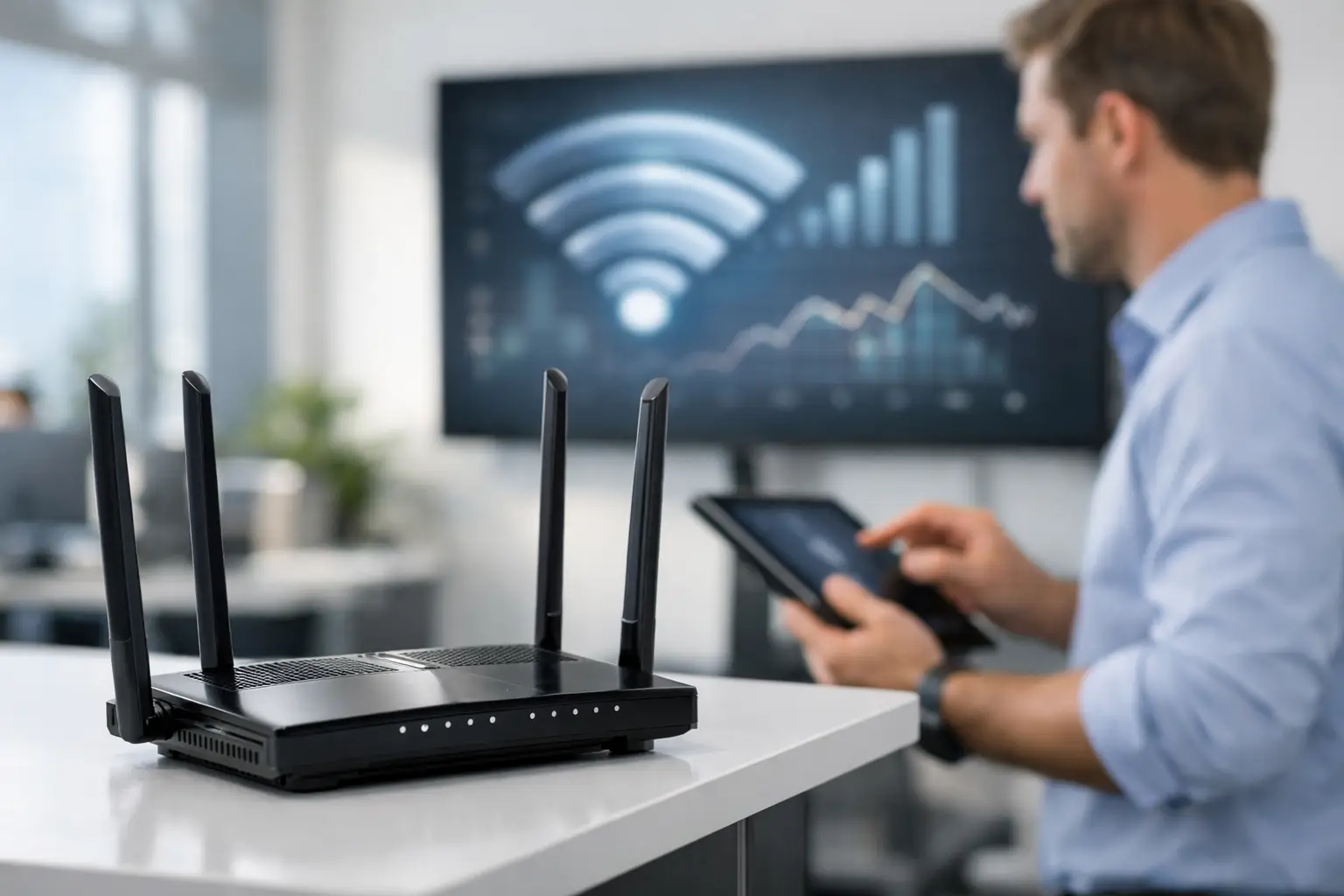
A video call freezing in the conference room, point-of-sale terminals dropping offline, or staff walking outside to get a signal are not minor inconveniences. They are signs that the wireless network no longer matches the way your business operates. Knowing how to upgrade business wifi starts with treating it as critical infrastructure, not an accessory added after the space is finished.
For offices, hospitality properties, retail environments, medical practices, and multi-use commercial spaces, a professional upgrade begins with a clear view of coverage, user demand, building materials, and security requirements. The goal is not simply more signal bars. It is consistent, secure performance wherever employees, guests, systems, and connected devices need it.
Start With a Network Assessment, Not New Hardware
Replacing a few wireless devices may improve a small problem, but it rarely resolves the underlying issue. A professional assessment identifies why the network is underperforming before a new system is designed.
The first question is whether the problem is coverage, capacity, or the internet connection itself. Coverage concerns appear in dead zones, weak signal areas, and connections that disappear when someone moves through the building. Capacity issues occur when the network is overloaded by phones, tablets, cameras, point-of-sale systems, access-control equipment, and guest devices. An internet service limitation can affect every user even when the internal wireless design is sound.
A site survey also accounts for the physical environment. Concrete, steel, glass, elevator shafts, dense shelving, equipment rooms, and even large open areas can change how wireless signals travel. A polished office with thick walls and a busy restaurant with an outdoor patio may require entirely different access point placement, even if they have similar square footage.
This assessment phase prevents a common mistake: adding equipment where it is easiest to install rather than where it will perform best. Proper placement is as important as the equipment itself.
Design for Capacity as Well as Coverage
A network can reach every corner of a property and still feel slow. That happens when too many devices compete for the same wireless resources. Modern businesses have more connected endpoints than ever, and many are active throughout the day.
When planning a business WiFi upgrade, consider the peak number of users and devices, not just the employee headcount. A 25-person office may have 75 or more active connections once mobile devices, conference-room equipment, printers, security cameras, smart displays, and visitor access are included. A restaurant, showroom, club, or event venue may see demand rise sharply during busy periods.
A well-designed system distributes devices across professionally positioned wireless access points. These access points should be selected and configured for the building, expected traffic, and applications in use. Higher-density spaces may need more access points operating at carefully planned power levels, while a smaller office may benefit from fewer units placed with greater precision.
The newest wireless standards can improve efficiency and capacity, but they are not a substitute for thoughtful design. The right solution depends on how people use the space, what systems must stay connected, and how the property may evolve over the next several years.
Plan for the spaces that matter most
Conference rooms, reception areas, executive offices, training rooms, outdoor dining areas, and warehouses often have very different network demands. A conference room may need dependable wireless performance for video meetings and screen sharing, while a warehouse may require reliable coverage around inventory systems and scanners.
Do not overlook outdoor spaces. In South Florida, patios, poolside areas, entry points, and exterior service zones are often part of the customer or employee experience. Outdoor wireless equipment must be selected and installed for the environment, with coverage planned intentionally rather than extended from an indoor device near a window.
Build the Wired Foundation Behind the Wireless Network
Wireless performance depends on the infrastructure behind it. Each access point needs a reliable wired connection back to the network, along with adequate power and switching capacity. If the cabling, network switches, or equipment rack are undersized, a new wireless system may never deliver its intended performance.
Structured cabling gives access points the stable backbone they need. During a renovation, expansion, or new build, it is wise to plan cabling routes for current wireless locations and future additions. This approach keeps the installation clean, protects the property’s appearance, and makes expansion far more manageable as needs change.
Network equipment should also be organized in a secure, serviceable location. Proper labeling, ventilation, cable management, battery backup, and documentation make a meaningful difference when service is needed. These details are rarely visible to staff or guests, but they directly support uptime and a professional ownership experience.
For businesses with multiple systems, the network should be designed as a coordinated environment. Surveillance, access control, communications, audiovisual systems, and guest connectivity all place different demands on the infrastructure. A qualified integrator can account for these systems from the beginning rather than treating each one as an isolated installation.
Separate Business, Guest, and Critical Systems
A single shared network for every device creates unnecessary risk and makes troubleshooting more difficult. Network segmentation separates traffic into appropriate categories, such as employee devices, guests, building systems, and security equipment.
Guest WiFi should be easy for visitors to use without giving them access to internal business systems. Employee connectivity should be protected with stronger authentication and policies suited to the organization. Cameras, access-control devices, and other operational equipment should remain on managed network segments that are not exposed to general traffic.
This structure improves more than security. It helps keep a large guest WiFi session from interfering with internal operations and gives technicians clearer visibility when a problem occurs. The exact segmentation strategy depends on the business, but separation is especially valuable for properties handling sensitive information, serving the public, or operating multiple connected systems.
Treat Security as Part of Performance
An unsecured wireless network can become slow, unreliable, and vulnerable. Strong encryption, unique credentials, managed administrator access, firmware updates, and properly configured firewalls should be part of every professional design.
Security also requires ongoing attention. Devices change, staff roles change, and threats change. A network installed several years ago may still appear functional while lacking the visibility and protections a modern commercial environment requires. Managed monitoring and maintenance can identify failed equipment, abnormal activity, connection issues, and update needs before they become a business interruption.
Avoid using one simple password for every user and every system. Centralized access management provides greater control when employees join or leave, while separate guest access limits exposure. For higher-security environments, the right authentication method should be selected based on the organization’s operational needs and compliance expectations.
Choose Equipment That Can Be Managed and Supported
Business WiFi is not a one-time purchase. It is an operating system for the property, and it should be manageable after installation. Professional-grade network equipment provides visibility into device health, usage, wireless interference, and access point performance.
That visibility matters when an issue is reported. Instead of guessing whether the problem is the internet provider, an individual device, a weak signal area, or network congestion, a managed system provides meaningful diagnostic information. This can reduce downtime and help ensure service is directed to the real cause.
Scalability matters as well. If you add offices, expand a dining area, renovate a lobby, or introduce new security and communications systems, the network should have a clear path forward. Planning for growth does not mean overbuilding every component. It means selecting an architecture that can expand without forcing a complete redesign.
Work With an Integrator Who Owns the Outcome
The strongest upgrade is built around your property and operations, then installed with attention to both performance and presentation. Sentry Audio Video designs commercial network infrastructure as part of a complete technology environment, coordinating wireless access, structured cabling, security, communications, and audiovisual systems where needed.
That integrated approach is particularly valuable when a business is renovating or managing a premium property. Instead of multiple providers making independent decisions, one experienced team can coordinate the network design, equipment placement, installation standards, testing, and ongoing support.
Before the project begins, ask for a design that explains intended coverage areas, expected device capacity, guest access, security segmentation, wired infrastructure requirements, and future expansion options. A clear proposal should make it easy to understand what is being installed and why.
A reliable wireless network should quietly support the way your business serves clients, communicates, protects the property, and gets work done. When the network is designed with the same care as the rest of the environment, employees notice fewer interruptions and customers experience a more professional space.