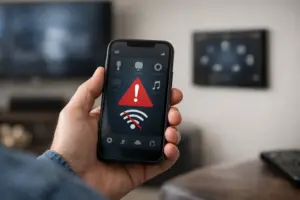
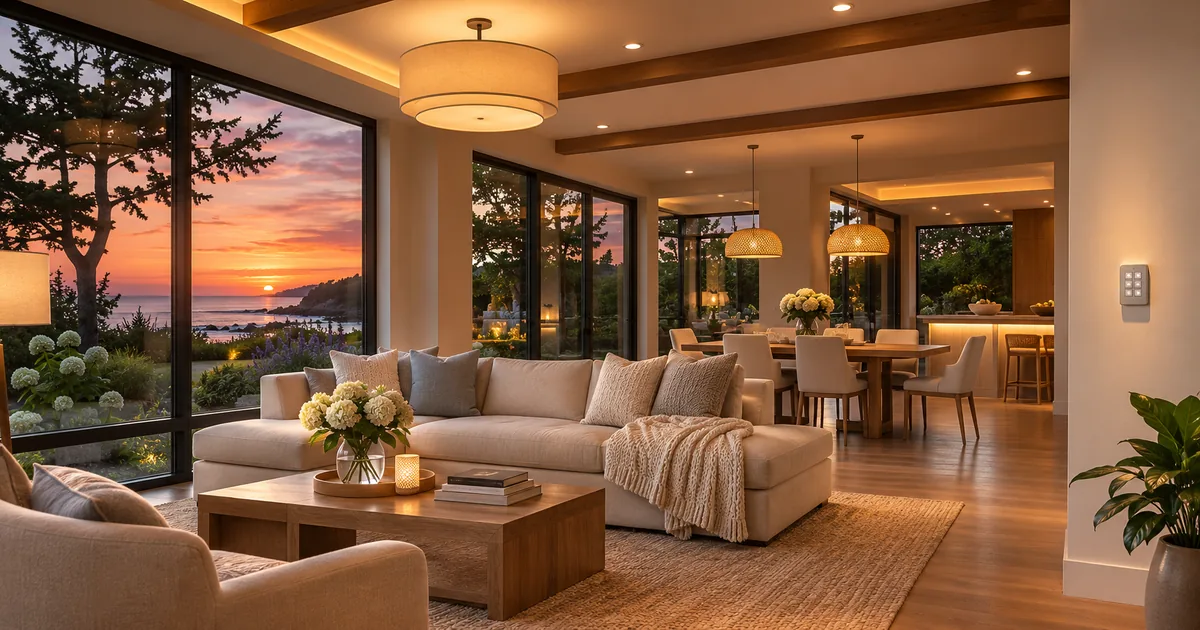
A home can have excellent lighting hardware and still behave unpredictably if two systems issue competing instructions. One schedule may dim a room in the evening while another recalls an earlier scene a few minutes later. When Savant and Lutron are integrated, decide where each recurring lighting event is maintained before the homeowner begins adding timers.
For a new Boca Raton or Miami Beach installation, the objective is a clear operating plan. The family should know where to change a schedule, what a manual adjustment means and whom to call if the lights behave differently from the agreed routine.
Separate a scene from its trigger
A scene describes a result, such as selected lights at agreed levels. A schedule describes when an action should occur. The same scene can be useful from a keypad, an app or a recurring event, but those triggers do not all need separate versions of the lighting settings.
Start by naming the desired scenes and the events that recall them. For example, an evening routine might call a lighting scene at a particular time while a goodnight action is started manually. Record the distinction so that a later change does not accidentally create a second automatic event.
This is a planning principle rather than a promise about every integration. The available scene and scheduling functions must be verified for the installed Savant and Lutron platforms, software and supported interface.
Assign one owner to each recurring event
Savant documents scheduled scenes, and Lutron platforms can have their own scheduling capabilities depending on the system. The presence of both options does not mean the same event should be entered twice.
Create an event register that identifies the action, timing rule and system responsible. A specific event might belong in the lighting platform or in the broader automation system, depending on what it coordinates and how the owner will maintain it.
The rule is not that one brand must own every timer in every home. It is that each recurring action needs one agreed owner. If there is a deliberate exception, document why it exists and how conflicting instructions are prevented.
Choose according to the activity being coordinated
A lighting-only routine and a whole-home activity can have different requirements. Consider whether the event affects only Lutron lights or also media, shades or other supported systems. Then review which platform can perform the required action reliably in the proposed architecture.
The homeowner’s preferred maintenance workflow matters too. If the family will adjust one schedule often, demonstrate the supported interface for doing so. A routine should not be placed somewhere the owner cannot practically manage unless ongoing dealer service is an intentional part of the arrangement.
Also identify dependencies. An event stored in one system may rely on an integration to reach another. Ask what happens if that connection is unavailable and whether the resulting behavior suits the purpose of the routine.
Decide what manual changes should mean
Suppose a scheduled evening scene runs, then someone brightens the room to read. What should happen at the next event? The answer may be simple: the next scheduled instruction takes effect. It may also call for a supported exception or a differently structured routine.
Discuss this explicitly. Homeowners often describe a system as fighting them when the system is doing exactly what an undisclosed second schedule instructed. The problem is not necessarily slow control; it may be an unclear rule about the next automatic action.
Use a few ordinary household examples to approve the behavior. A dinner party running late, a guest staying overnight and an owner returning from travel can reveal assumptions that a generic weekday schedule misses.
Review time rules and seasonal use
For each event, identify whether it follows a fixed clock time, a supported astronomical rule or another available condition. Do not assume that a label such as sunset means the same configuration has been applied in both systems.
Confirm the property’s time settings and the intended treatment of seasonal changes. If the home is used part-time, decide whether away or arrival routines interact with the ordinary lighting schedule. A scene intended for an empty house should not quietly replace a routine that the family expects while staying there.
Avoid using a calendar of many overlapping timers to solve an unclear operating requirement. Simplifying the intended behavior first can reduce both programming work and future service calls.
Audit existing timers during an integration or takeover
Before adding Savant control to existing Lutron lighting, inventory the active automatic events in the relevant systems. Include owner-created scenes and schedules that may not appear in the original installation paperwork. Ask whether another app or integration also controls the same loads.
Do not delete established routines without first recording them and confirming their purpose. A useful takeover review identifies which events are retained, revised or deliberately retired. It should preserve enough information to explain the previous behavior if the owner later raises a concern.
After changes, update the event register. Keeping an obsolete schedule list is little better than having none when the next technician needs to diagnose why a room changed at an unexpected time.
Test the schedule as well as the button
Pressing a scene button proves that the scene can be recalled under that condition. It does not prove that the recurring trigger is configured correctly. Commissioning should separately verify the timing rule and the expected result using a supported testing procedure.
Demonstrate the manual override example and the next scheduled action. Show the homeowner where an approved change can be made and which changes require dealer assistance. Keep the handover instructions short enough to be useful when a routine needs adjustment months later.
Sentry Audio Video can define the scheduling responsibilities as part of a new Savant system with Lutron lighting integration. Call (561) 717-3280 for Boca Raton or (305) 502-0003 for Miami Beach. Bring a list of the recurring lighting events you want and any existing timers that should be preserved.
Manufacturer and technical references
Technical references reviewed November 19, 2026. Confirm the exact equipment, software and licensing requirements for your project before ordering.