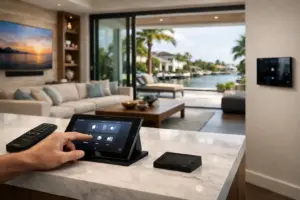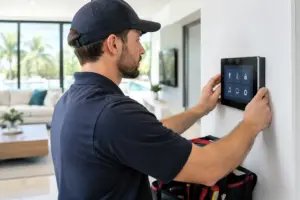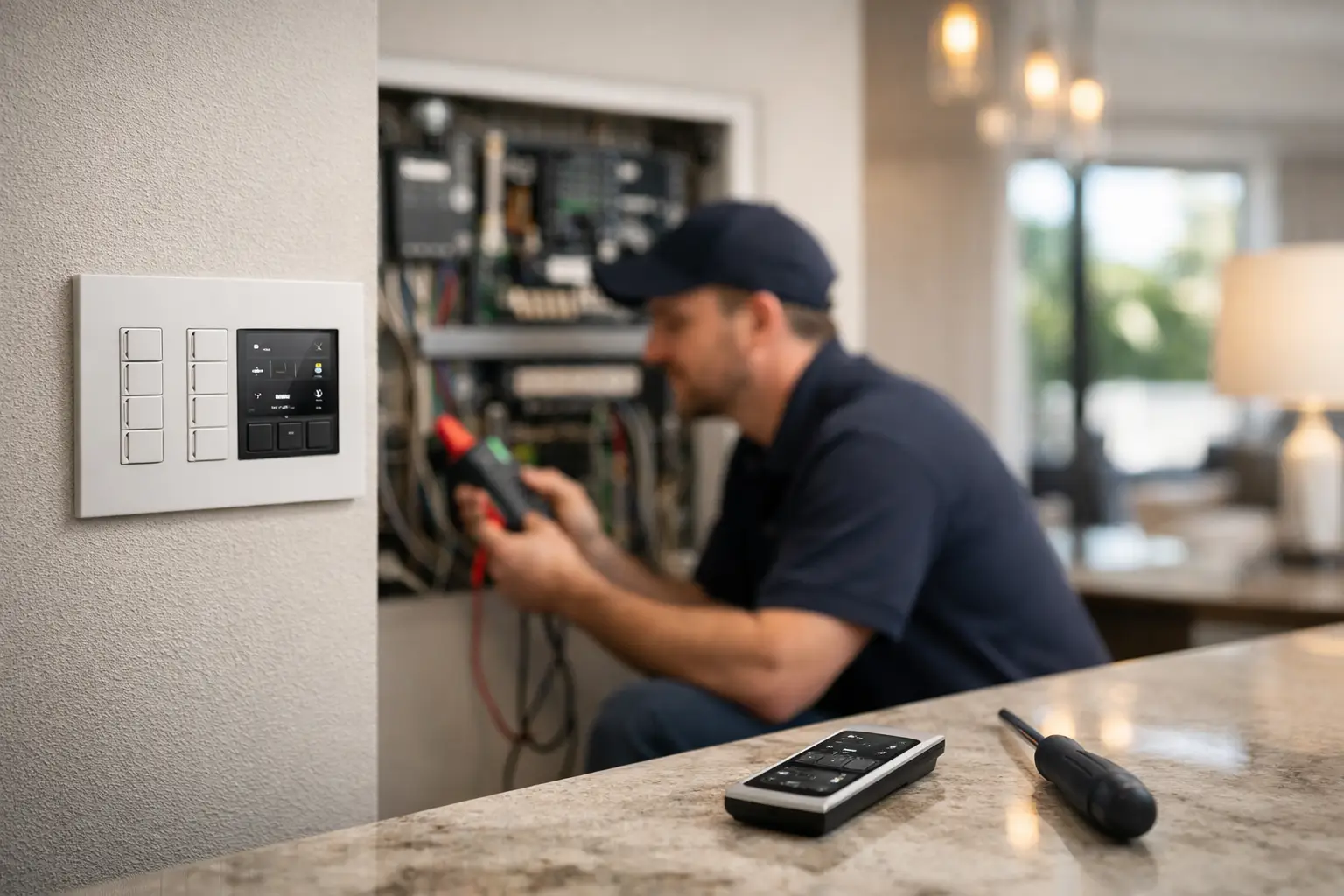
This page is for Boca Raton property owners who need Lutron HomeWorks service, repair, programming cleanup or a system takeover. Sentry works on existing systems, including installations completed by another company, and begins by identifying the processor generation, panels, keypads, shades, interfaces, integrations and actual pattern of failure.
A dark keypad, incomplete scene or shade problem does not automatically mean the entire system must be replaced. The cause may be a local device, lighting load, LED driver, power event, communications problem, programming change, shade power issue or connected automation system. A structured assessment separates a repairable fault from an older system that needs a planned upgrade.
If you are comparing new-system design, HomeWorks, Ketra, Palladiom and broader integration capabilities, visit the main Lutron dealer page for Boca Raton. This service guide stays focused on diagnosing and restoring existing systems.
What HomeWorks Problems Usually Look Like
A failed lamp or a single tripped circuit can resemble a system failure, but true HomeWorks issues tend to follow recognizable patterns. Perhaps lights respond from one keypad but not another. A whole group of shades may stop at the same time. A scene that used to create the right atmosphere may now run only partially, or a homeowner may find that app control works while wall controls do not.
Those patterns matter. They help distinguish a local fixture, load, or keypad concern from a processor, communications, programming, or network-related issue. In a larger Boca Raton residence, where lighting, shading, outdoor spaces, security, and entertainment systems may be integrated, diagnosis should account for how every connected system is intended to work together.
Lutron HomeWorks Repair in Boca Raton: Common Symptoms
A keypad is dark, unresponsive, or controls the wrong area
Keypads can appear simple, but they are programmed interfaces to the larger system. A keypad with no backlight or no response may have a local connection or power concern. If it responds but activates the wrong lighting scene, the likely issue is configuration, programming, or an underlying communication fault.
A keypad that operates inconsistently is equally worth investigating. Intermittent performance can point to a loose connection, failing component, or a system communication issue that has not yet affected other controls.
Lights flicker, dim incorrectly, or fail to join a scene
Flickering or uneven dimming is often associated with a specific lighting load rather than the HomeWorks processor itself. LED compatibility, a failing driver, or a load that has changed since the original installation can all affect performance. However, when multiple zones fail to respond within the same scene, the cause may be more central.
For example, if a dining room scene now turns on pendants but leaves accent lighting off, a qualified dealer can determine whether the issue lies with the programmed scene, a module, a connected load, or a communication path. Repeatedly running the scene without identifying the cause will not restore dependable operation.
Motorized shades stop together or move out of position
Shades that will not move, stop before reaching their intended position, or fail to participate in scheduled scenes may have a power, communication, battery, or calibration-related issue, depending on the shade type. If one shade is affected, the cause may be local. If an entire bank of shades is affected, the issue may involve the shared control path or system programming.
Out-of-position shades deserve attention even when they still move. In rooms with significant sun exposure, precise shade alignment supports privacy, glare control, furnishings protection, and the overall look of the space. A dealer can verify limits, grouping, commands, and related programming without disrupting the rest of the home.
The app, voice control, or scheduled events no longer work
HomeWorks can continue operating at wall keypads even when mobile control or scheduled events become unreliable. That distinction frequently points to the home network, processor connectivity, remote access settings, or an integration that needs review.
This is especially common after a network equipment replacement, internet service interruption, renovation, or changes to related smart home systems. The lighting system may be functioning correctly at its core, while its connection to the app, time-based events, or third-party control platform needs professional reconfiguration.
A processor, panel, or system-wide function appears offline
When multiple keypads, lighting zones, or shade groups stop working at once, the issue can involve the processor, panel components, power supplies, or communications infrastructure. These are not symptoms to ignore, particularly when the system controls exterior lighting, entry scenes, pathways, or security-related lighting behavior.
A system-wide failure requires a measured diagnosis. The goal is not merely to bring lights back on, but to identify why the failure occurred and confirm that the correction protects the reliability of the complete installation.
A Few Checks Before Scheduling Service
A quick review can give your dealer useful information and may clarify whether the concern is isolated. Confirm whether the affected light or shade responds from any other keypad, touchscreen, or app. Note whether the issue is limited to one room or appears across several areas. If the system has recently experienced a power interruption, network change, renovation, or service work nearby, mention that as well.
It is also helpful to identify the exact behavior. Does the keypad have backlighting? Does the scene activate partially? Do shades make a sound but not move? Specific observations reduce diagnostic time and help the service team arrive prepared.
Do not remove keypad faceplates, access centralized enclosures, reset processors, or alter programmed settings in an effort to restore operation. HomeWorks systems are custom configured, and an unplanned reset or wiring change can create additional service needs or erase information that helps identify the original fault.
When to Call a Lutron Dealer Immediately
Call a qualified Lutron dealer promptly when multiple rooms are affected, keypads lose communication, shades stop responding as a group, scheduled lighting has become unreliable, or the system behaves differently after a network or renovation change. These situations often require access to system documentation, specialized configuration tools, and an understanding of the original programming architecture.
You should also arrange service when problems recur. A light that flickers once may be a localized event. A lighting zone that repeatedly drops from scenes, a shade group that intermittently fails, or a processor that periodically goes offline is signaling a reliability concern. Premium control systems should not require workarounds from the people using them.
For properties with integrated security, climate, pool, audio/video, or outdoor entertainment controls, dealer involvement becomes even more valuable. A change made in one platform can affect another integration point. A full-service integrator can assess the system as a connected environment rather than treating each symptom as an isolated issue.
Why Dealer-Level Service Matters for HomeWorks
HomeWorks is not a collection of independent switches. It is a designed system, often with years of programming decisions behind it: room scenes, vacation behavior, shade schedules, landscape lighting, entertaining settings, and personalized keypad engraving. Proper repair preserves that design intent while correcting the underlying cause.
A professional service visit should begin with discovery, not assumptions. The technician reviews the reported symptoms, tests communication and device response, evaluates processor and network status where applicable, and checks the affected loads or shade controls. If programming is involved, the repair should be documented so the system remains manageable for future updates.
For older HomeWorks installations, support planning may also include identifying components that are approaching end of service life. That does not always mean a full system replacement is necessary. In many cases, a targeted update, programming refresh, or infrastructure correction can restore dependable performance while preserving the features the homeowner values.
What to Expect From a Professional Service Visit
A qualified dealer will ask about the symptoms, the timing of the failure, recent property changes, and which controls still function. Providing photos of keypad displays or noting affected rooms can be useful before the appointment. For established systems, any available original plans, programming records, or previous service notes can also help, although a professional team should be prepared to evaluate an installation even when documentation is limited.
Sentry Audio Video approaches HomeWorks service with the same attention to clean execution and long-term performance applied to new system design. The objective is to restore dependable control, protect the investment already built into the property, and make sure lighting and shading once again support the way the home is lived in.
When a HomeWorks system is working properly, it should fade into the background while every room responds exactly as expected. If it does not, the right dealer can turn a frustrating symptom into a clearly resolved service issue.