Giving a house manager access to a smart home should begin with a clear operating role. The person who checks rooms before an arrival may need different functions from a homeowner, guest or service technician. An account handoff is a chance to make those boundaries explicit and create a record that survives a staffing change.
List the tasks before choosing permissions
Write down the activities the staff member will perform: checking room controls, preparing music, reviewing supported camera views or adjusting an approved arrival scene. Separate routine operation from changing programming, network configuration or account ownership. Available permissions vary by platform and installed equipment, so have the integrator confirm what the current system can actually restrict.
Confirm who owns the accounts
The homeowner or authorized property representative should control the ownership decision. Identify the owner account, recovery contact and person permitted to approve additional users. Do not place passwords in a shared service checklist or send them through a group message. Keep sensitive recovery information in the owner’s chosen secure system.
Use individual access where supported
Named accounts make transitions clearer than one shared household login. Record the staff member’s role, access granted and approval date without recording the password. Where a platform does not support the desired separation, discuss the practical limitation before relying on it. Camera, gate and alarm access may require separate accounts and a separate approval process.
Test the handoff together
Have the staff member demonstrate the approved tasks on their own device. Confirm which property and rooms appear, how remote operation behaves and who to contact when a function fails. Training should include everyday physical controls so staff can operate the property when an app is unavailable.
Plan the exit at the same time
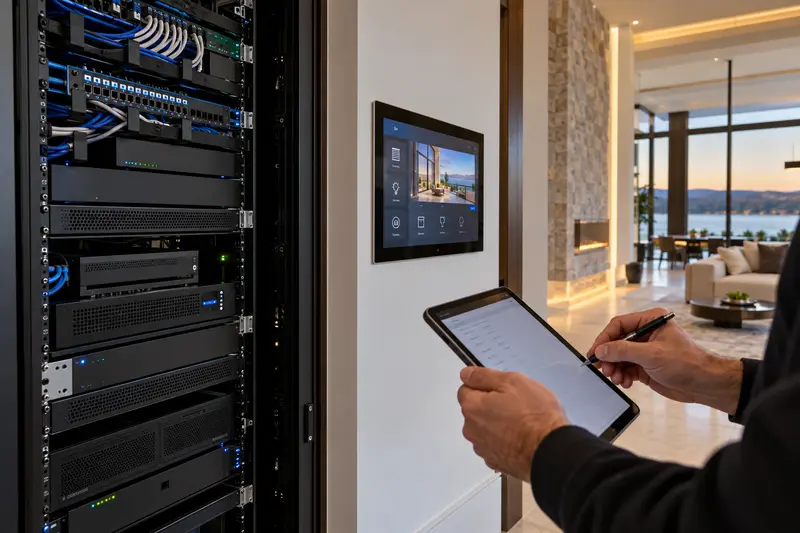
Document who removes access when employment or responsibilities change. Review related apps and devices, not just the main automation interface. The final handoff record should name the property contact and support company. Sentry can review the installed system through our service and repair team; explore the broader smart-home control options when planning a new system.
Plan the next step with Sentry Audio Video
Request a consultation. Boca Raton: (561) 717-3280; Fort Lauderdale: (954) 859-6475; Orlando: (407) 377-5360; New York: (516) 210-2120. Florida low-voltage license EF20001874.