A conference room can have premium finishes, a polished table, and ample seating, yet still leave the wrong impression if a video call begins with poor audio, an unreliable display, or a scramble for the right remote. The best office AV upgrades solve those friction points before clients, team members, or executives ever notice them. They make communication clear, room operation intuitive, and every presentation feel as professional as the business behind it.
For offices in Boca Raton, Fort Lauderdale, and throughout South Florida, the right investment is rarely a single device. It is a properly designed system that accounts for room size, acoustics, lighting, furniture placement, network performance, and the way people actually meet. Here are the upgrades that deliver the greatest day-to-day return.
1. Upgrade the Meeting Room Display
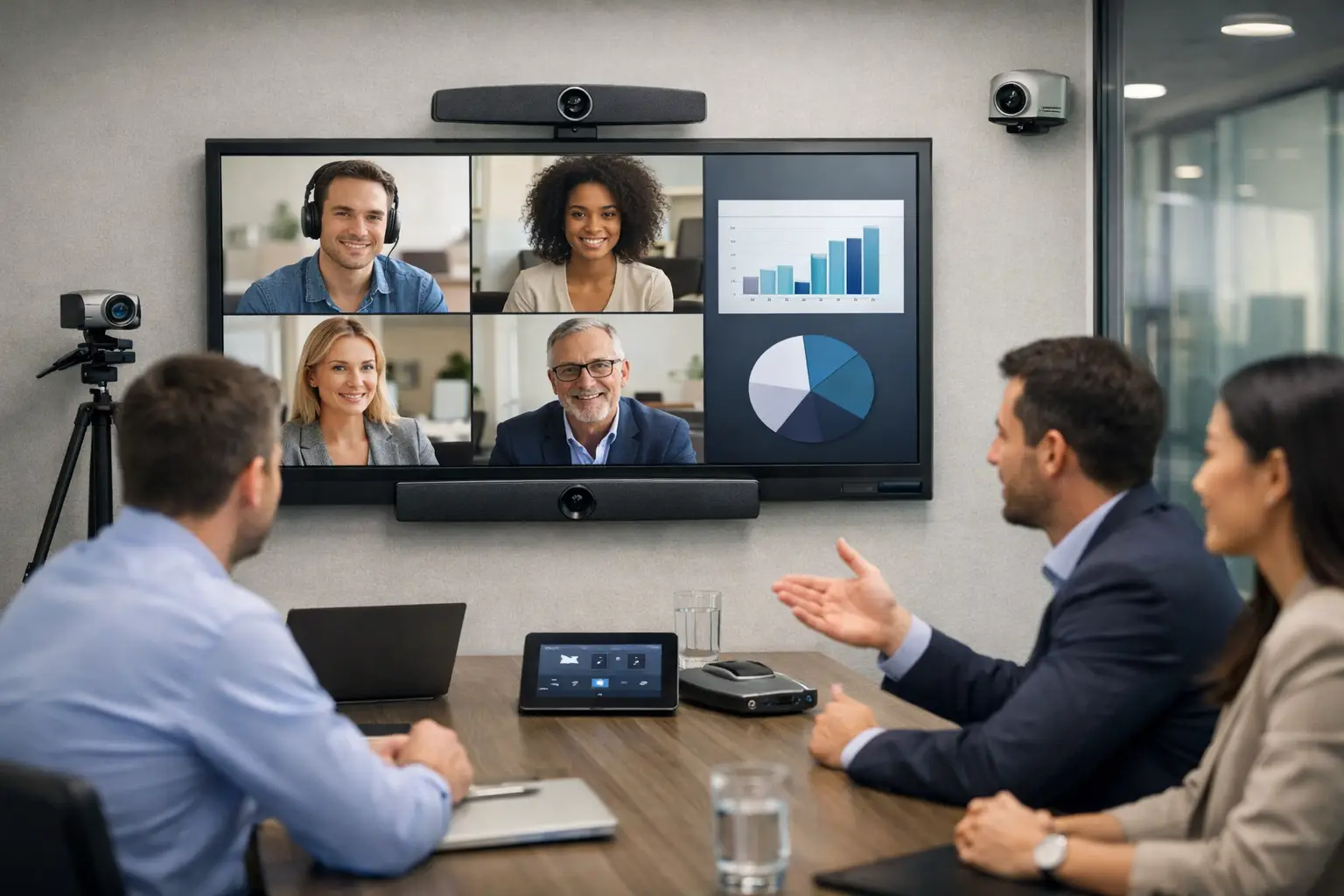
A commercial-grade display is the visual anchor of most conference rooms. It should be large enough for every participant to read presentations, review plans, and see remote attendees without straining. Screen size depends on viewing distance, room depth, and the typical number of occupants – not simply the available wall space.
For smaller huddle rooms, a properly positioned flat-panel display may be ideal. Larger boardrooms may call for a larger commercial display, multiple displays, or a projection solution designed around ambient light and sightlines. Commercial equipment also offers the reliability, operating hours, control options, and professional appearance that business spaces require.
The installation matters as much as the display itself. Concealed wiring, precise mounting height, clean wall finishes, and coordinated power and data connections keep the room looking intentional rather than improvised.
2. Make Speech Intelligible With Purpose-Built Audio
When meeting audio is unclear, people repeat themselves, speak louder, and lose focus. This is especially damaging in rooms used for client conversations, leadership meetings, training, and hybrid collaboration. A high-quality camera cannot compensate for speech that remote participants cannot understand.
Ceiling microphones, tabletop microphones, soundbars, and distributed speakers each serve different room types. The appropriate choice depends on ceiling height, table layout, glass surfaces, background noise, and whether participants are seated in one area or spread across a larger room. In many executive spaces, distributed audio paired with well-placed microphones creates a more natural and consistent experience than relying on a single device at one end of the room.
Acoustic conditions deserve attention as well. Hard flooring, glass walls, and open ceilings can create reverberation that makes speech sound distant. The right AV design addresses microphone placement and audio processing while coordinating with the room’s finishes and layout.
3. Add a Professional Video Conferencing Camera
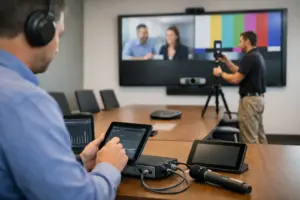
Remote participants form an opinion of your organization from what they can see and hear. An integrated conferencing camera provides a materially better experience than a casual, improvised setup. It captures the full room, keeps presenters visible, and helps distributed teams participate without feeling disconnected from the conversation.
For a compact room, a wide-angle camera may provide the coverage needed. In a boardroom, a PTZ camera with pan, tilt, zoom, and speaker-tracking capabilities can frame active participants more effectively. The right camera should be mounted at a natural eye line and positioned to avoid glare from windows, displays, and overhead lighting.
This is one area where more capability is not always better. Automated camera tracking can be valuable for training rooms and larger collaboration spaces, but it may be unnecessary in a small executive room with a fixed seating arrangement. A qualified integrator can match the camera features to the room’s actual purpose.
4. Replace Remote Confusion With Centralized Control
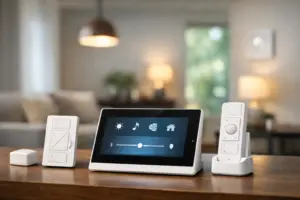
A room should not require staff to locate multiple remotes, change inputs manually, or call IT before a presentation can begin. Centralized control brings displays, audio, cameras, shades, and room sources into one simple interface. A user should be able to walk in, select a meeting mode, and begin.
The strongest control systems are designed around clear actions rather than technical language. Buttons such as “Video Conference,” “Present,” and “Room Off” reduce errors and limit the learning curve for visitors and employees. Behind that uncomplicated interface, the system can manage source switching, volume, camera settings, display power, and other functions in the correct sequence.
Control can also improve energy management and equipment longevity. When the room is powered down properly at the end of the day, displays and supporting equipment are not left running unnecessarily. For organizations with several meeting spaces, consistent control interfaces help users move between rooms with confidence.
5. Improve Wireless Presentation and Content Sharing
Meetings lose momentum when presenters search for adapters, wait for a connection, or hand off cables around the table. A professionally integrated wireless presentation system gives authorized users a dependable way to share content from their own devices while keeping the conference table clear and organized.
The best approach depends on your security requirements and workforce. Some offices need guest-friendly sharing for outside clients and vendors. Others need tighter access controls for confidential presentations. The system should align with the organization’s network policy and provide a straightforward experience without compromising governance.
Wired presentation connections still have a place. In executive boardrooms and training spaces, a combination of wireless sharing and discreet hardwired connections provides flexibility when specific applications, security policies, or visitor equipment call for it.
6. Build Room Scheduling Into the Experience
Meeting-room scheduling panels are a practical upgrade with a visible impact. Mounted outside the room, they show availability at a glance and allow users to reserve space according to company policy. They reduce interruptions, prevent double bookings, and make a busy office feel more organized.
Scheduling becomes even more valuable when it works with room automation. A room can prepare itself around a booked meeting by powering up designated systems or returning to an energy-saving state when it is no longer in use. The value is not in adding another screen outside the door. It is in creating a dependable connection between the calendar, the space, and the technology inside it.
7. Strengthen the Infrastructure Behind the Room
The most visible AV equipment is only as dependable as the infrastructure supporting it. Structured cabling, network design, equipment ventilation, surge protection, and organized equipment racks determine whether the room performs consistently over time. These elements are often hidden, but they separate a polished installation from one that becomes difficult to maintain.
A dedicated equipment location can keep sources, control hardware, and network components protected and accessible for service. Proper labeling and documentation allow future adjustments to be made efficiently. For offices planning renovations, relocations, or growth, installing the right cabling pathways early can prevent disruptive work later.
This is also where a single integration partner adds real value. AV, communications, network-enabled systems, and security infrastructure frequently overlap. Coordinating them as one project reduces handoffs and gives business owners clearer accountability for performance.
How to Prioritize the Best Office AV Upgrades
Start with the rooms where communication matters most. A client-facing boardroom, a frequently booked conference room, or a training space may deserve a more advanced system than an occasional small meeting room. Then consider what is failing today: Is the issue poor sound, slow meeting starts, unreliable video, lack of presentation flexibility, or rooms that no one can reserve efficiently?
A site evaluation should also account for future needs. An office may currently host mostly in-person meetings but expect more remote participants, new teams, or larger training sessions within the next few years. Designing for appropriate expansion helps protect the investment without overbuilding every room from day one.
Sentry Audio Video approaches commercial AV as an integrated environment, from system design and equipment selection to clean installation, programming, and ongoing support. The objective is not to fill a room with technology. It is to create a space that works reliably, presents your business well, and stays easy to operate.
The right next step is to evaluate one high-impact room with the people who use it most. Their daily frustrations will often point directly to the upgrade that will make every meeting feel more prepared, focused, and professional.