Asking for a movie by voice is a different buying decision from asking a room to turn on. A complete theater experience may need to find an available title, select the correct player, prepare the display and route sound to the intended speakers. The useful demonstration is the whole request in the room where it will be used.
Josh.ai’s current Kaleidescape partnership information describes voice access to downloaded movie titles and coordination with the broader home. For a Miami Beach or Palm Beach theater, that makes a focused demonstration worthwhile—but it does not remove the need to verify the exact equipment, software and supported actions in the proposal.
Begin with the library you will actually watch
Prepare a short list of titles expected to be available in the Kaleidescape library. A downloaded title is a different starting condition from a film the household has not purchased or downloaded. A demonstration should make that distinction clear before anyone interprets a successful title request as a universal content service.
Do not assume that voice selection includes purchasing films, starting downloads or handling every store function. Those actions need their own current support confirmation if they are requested. The owner’s library, account state and installed equipment all matter to the experience.
Use titles the family recognizes rather than relying entirely on the installer’s prepared example. Include one with a potentially ambiguous name so that the demonstration shows how clarification or title selection is handled.
Identify the player and destination room
A home with more than one viewing room needs an agreed answer to “play the movie here.” Identify which Kaleidescape player serves each room and whether a distribution system is part of the design. Voice recognition alone cannot establish the correct video and audio route.
The proposal should name the intended destinations and supported selection method. If the theater and family room share resources, explain any limitations before the purchase. The homeowner should understand whether two simultaneous activities require separate players or other equipment in the specified architecture.
Room names should match ordinary household language. A technically correct command that consistently selects the wrong room is not a satisfactory demonstration of the intended experience. Confirm the result from the actual microphone or interface location included in the project.
Test a movie request from the room’s normal resting state
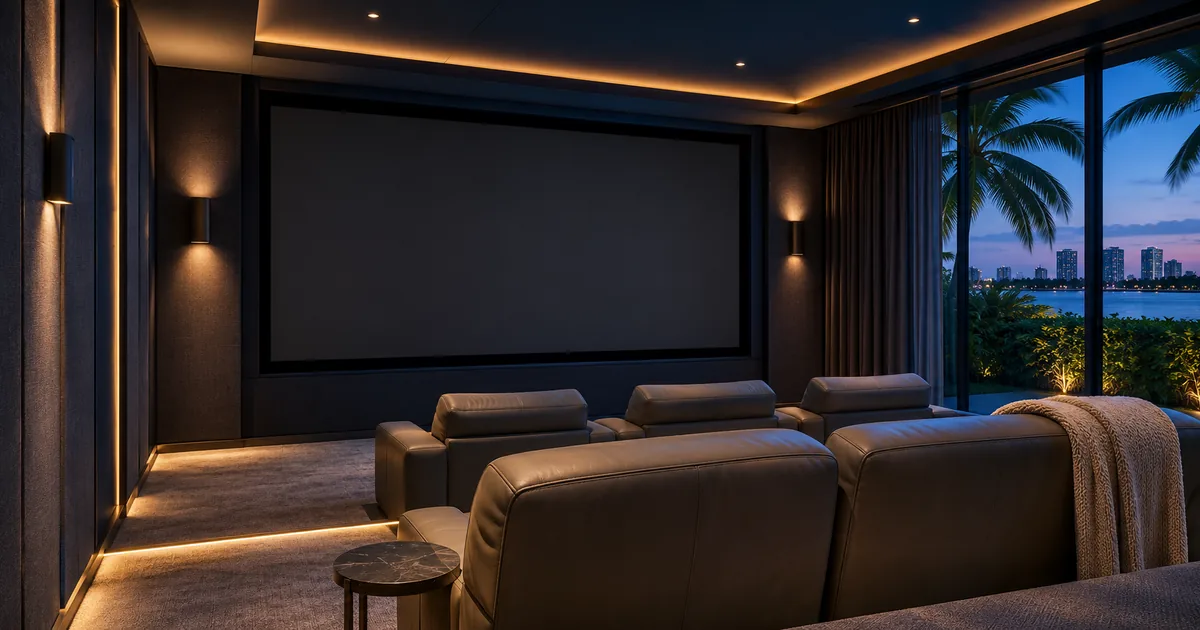
Begin with the theater off or in its normal idle condition. Then issue an agreed request and watch each part of the sequence. The correct player should be selected, the display should reach the intended input and the audio system should respond as specified.
If the installer must first prepare the room manually, record that condition. There is a practical difference between selecting a title after the system is already ready and starting the complete activity by voice. Either can be useful, but the proposal should describe the one being purchased.
Also confirm whether room preparation is handled by Josh.ai directly, through the existing automation system or through another supported integration. The household needs one understandable process even when several devices participate behind it.
Demonstrate playback and volume separately
After a title starts, test the supported everyday actions the family expects to use. These may include pausing, resuming or controlling the room’s volume, but each requested action should be confirmed against the installed integration rather than assumed from a partnership announcement.
Check that a volume request affects the theater’s intended audio system. A correctly recognized command should not change a different room or leave the owner uncertain which device responded. Include a clear way to stop the activity or return to a known state.
Avoid turning the demonstration into a long list of commands no one will remember. A small, verified set of useful actions provides a better purchasing basis than a broad claim that voice can operate everything.
Keep movie selection distinct from theater automation
A movie-night scene may also adjust lighting or shades. Those actions are separate deliverables from finding the film. Decide which system owns the scene, what it changes and whether the user can start a movie without repeating every environmental adjustment.
For example, the family may pause a movie and brighten the room for a break. Resuming playback should follow the agreed behavior rather than unexpectedly overriding a deliberate lighting change. These are design decisions to discuss and test, not universal features to assume.
Do not add unrelated screen-masking or listening-mode promises to a title-selection scope. If those functions are included elsewhere in the theater project, identify the supported equipment and coordinate the sequences without blurring the acceptance criteria.
Include an unavailable-title test
Ask for a title that is not available in the installed library and observe the response. The homeowner should understand whether the system requests clarification, reports the limitation or requires a manual step. Do not treat a different title starting as a successful result.
The same principle applies to ambiguous requests and a room that is already playing something else. Agree on expected behavior before handover. A useful system should leave the family with a clear next step when the requested action cannot be completed.
Retain the supported manual interface for library browsing and account tasks. Voice can simplify familiar requests while the native interface remains useful for discovering films or resolving choices.
Buy against a written demonstration list
Before equipment approval, identify the exact Josh.ai and Kaleidescape hardware, relevant software or licensing requirements, player destinations and promised commands. At commissioning, record the tested results and any remaining manual steps. Keep private account credentials out of that ordinary checklist.
Sentry Audio Video can plan Josh.ai integration around the theater equipment you intend to buy. For Miami Beach, call (305) 502-0003; for Palm Beach, call (561) 717-3280. Start with the movie rooms and a short title list. Our Kaleidescape Miami Beach page covers the related equipment consultation.
Manufacturer and technical references
Technical references reviewed November 19, 2026. Confirm the exact equipment, software and licensing requirements for your project before ordering.