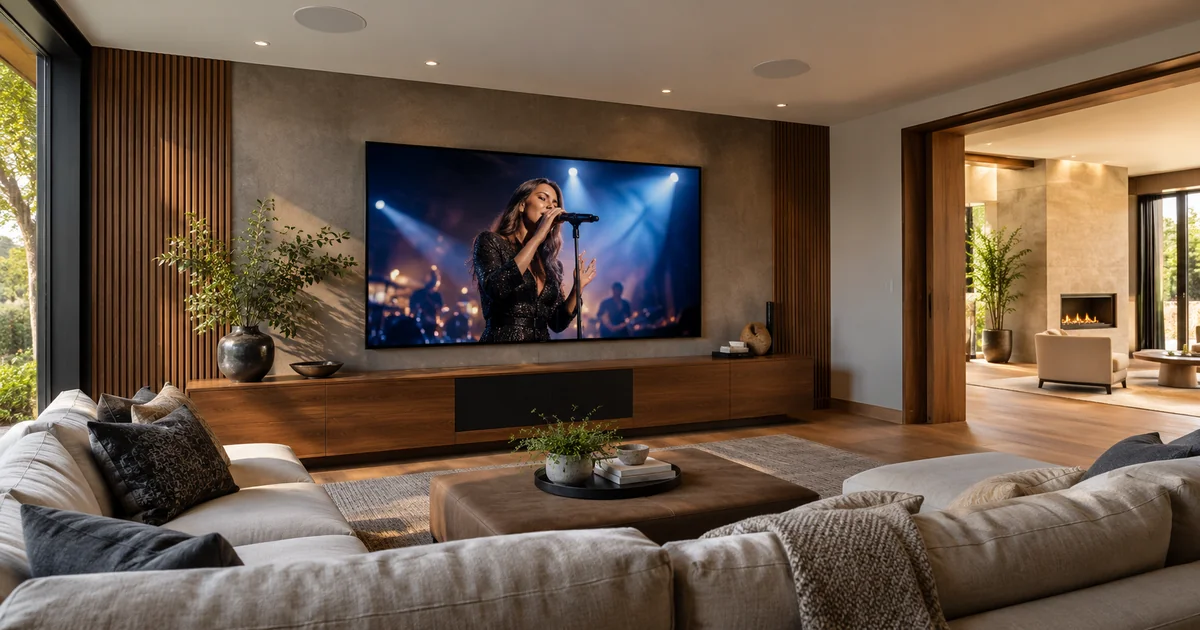
Playing television sound through ceiling speakers can make a room feel cleaner and more integrated. Sharing that sound with a kitchen or patio can be useful during a game or concert. The design still needs to solve two different timing questions: whether speech matches the television picture, and whether adjacent speakers sound coordinated. Those goals should be tested together before the owner accepts the system.
In a Savant project, the answer depends on the actual television, sources, audio distribution equipment and signal routes. Do not assume that a room-grouping feature automatically solves lip-sync for every source. Ask the designer to explain the proposed path and demonstrate the normal viewing and listening combinations the household intends to use.
Trace the picture and sound separately
Begin with a simple description of where the picture goes and where the audio goes. A streaming player connected to an AV system can have a different route from an app running inside the television. Television audio returned through a supported connection may follow another path. Those differences affect format compatibility, control and timing.
Write down the source used for each common activity. Include live television, streaming apps and any external player the household actually owns. A test of one device does not establish the result for all of them. The proposal should specify which paths are included and whether any require additional equipment. Avoid treating the television’s brand name as a complete description of its audio capabilities.
Distinguish lip-sync from room-to-room timing
Lip-sync concerns the relationship between visible action and its accompanying sound. Room-to-room timing concerns the relationship between speakers in different locations. It is possible for one relationship to seem acceptable while the other is distracting. A person standing between an open kitchen and living room may hear an echo even when the sound matches the picture at the main seat.
Audio and video processing introduce delay at different points. A supported audio-delay adjustment may help when audio arrives too early, but adding delay cannot make already-late audio arrive sooner. Available remedies depend on the devices and route. The integrator should evaluate those capabilities rather than promising that a single slider fixes every scenario.
Define the listening positions and grouped rooms
Choose where people will normally sit or stand. Identify whether adjacent rooms are acoustically open to each other and whether their speakers can be heard together. A patio behind closed doors may present a different requirement from a kitchen sharing the living room. The system should be evaluated from those actual positions, not only beside the equipment rack.
Consider a hypothetical open-plan home. The owner wants the living room picture, ceiling-speaker sound in that room and matching game audio in the kitchen. The design needs to be comfortable at the sofa and at the transition between spaces. If an accepted compromise is needed for a particular grouping, describe it before purchase. Do not discover it only after all speakers are installed.
Separate television listening from music playback
Music grouping and television distribution can have different requirements. A system may handle synchronized music across rooms while a television introduces an additional picture-timing reference. Check the capabilities of the exact Savant audio products and any connected equipment for the intended use. A general multiroom-audio description is not proof of every TV-audio path.
Also decide what happens when someone in a grouped room changes the source or volume. The owner should know whether the action affects only that room or the entire group. This is a usability decision as well as a technical one. It belongs in the demonstration so family members can operate the system without accidentally disrupting someone else’s viewing.
Test a small set of real scenarios
Use content with visible speech or other recognizable sound-and-picture events. Avoid judging timing only from background music or a static menu. Test the expected source settings and repeat after switching between the common activities. Record the accepted result and any source-specific adjustment so future support does not have to rediscover the configuration.
- Watch television in the main room without grouping.
- Add each intended adjacent room and listen at the normal positions.
- Check the acoustic boundary where two speaker areas can be heard together.
- Test the television’s internal app if it is included in the design.
- Switch to the external player or live television source and repeat.
- Ungroup rooms and confirm predictable independent operation.
- Confirm shutdown, restart and volume behavior for each agreed configuration.
If a problem appears, preserve the evidence: source, app, content, room group and whether audio leads or follows the picture. “The sound is off” is less useful than a repeatable example. The installer can then assess processing settings, route choices and supported adjustments without replacing equipment by guesswork.
Put the accepted boundaries in the handoff
The handoff should state which sources can feed the ceiling speakers and which rooms can be grouped for television listening. Identify any known limitations and the normal operating path. Keep technical configuration backups in controlled project records; the household mainly needs a short guide to selecting the right activity and group.
Future changes deserve a retest. A new television, audio device, app or picture-processing setting can alter the path or timing assumptions. Before replacing one component, tell the service provider how the system is used. A model that looks equivalent on a shopping list may behave differently in the integrated installation.
Buyer questions
Will adding a faster internet connection fix lip-sync?
Not automatically. First identify whether the issue is in the source content, local audio/video path or device processing. Internet performance and playback timing are different questions, even though both can affect the overall viewing experience.
Can every room always follow the television perfectly?
That must be verified for the proposed equipment and routes. Define the combinations that matter, test them and document any compromise. A clear, demonstrated scope is more useful than an unrestricted promise about every possible group and source.
Plan the next step with Sentry Audio Video
For a South Florida project, start with our Savant system design and upgrades service. Sentry Audio Video can review the existing equipment, define the proposed change and identify the tests needed before ordering. Request a project review and include the equipment models, room or camera locations, and the outcome you want.
Related planning: Savant multiple-TV source planning.
Manufacturer and technical references
Technical sources reviewed October 23, 2026. Confirm exact model, software, licensing and project requirements before purchase. Featured image is an AI-generated illustration, not a photograph of a Sentry customer project.