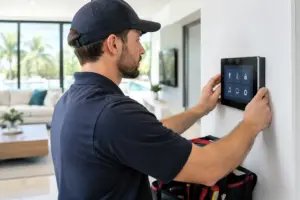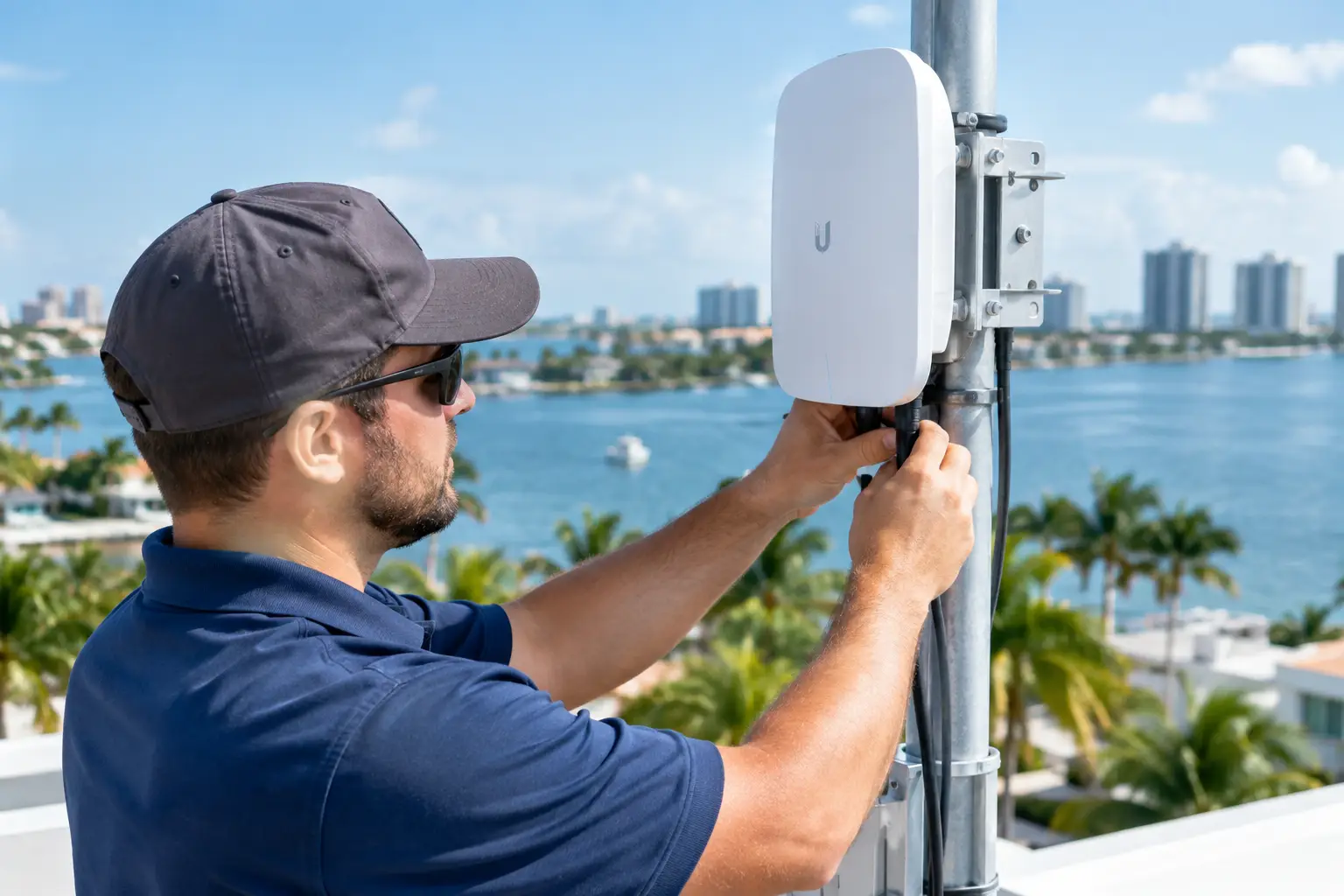
Changing an internet provider can affect more than web browsing. In a Control4 home, streaming sources, remote access, cameras and connected services rely on the network. A planned handoff helps separate the provider’s equipment from the network your integrator maintains.
Identify the current handoff
Record where the internet service enters the home and which devices provide the modem, routing, switching and Wi-Fi functions. Some properties use the provider’s gateway only as the service handoff; others depend on its routing or wireless network. Ask the integrator to document this distinction before an installer removes equipment. Photograph cable labels and device locations without exposing passwords.
Agree on who configures each device
The provider activates its service. The integrator may need to coordinate gateway settings with the home’s existing router, addressing and connected equipment. Confirm the required access and responsibilities in advance. A new Wi-Fi name is not a substitute for understanding the wired automation network. Extra routing layers, changed addresses or an unexpected equipment replacement can affect devices differently.
Protect the transition window
Choose a time when the family and staff can tolerate interrupted internet access. Arrange access to the rack and service entrance, and confirm who may authorize changes. If the old connection will remain temporarily available, decide how it will be used and when it will be retired. Preserve the original configuration record so a technician can compare conditions if something fails.
Test the home, not just a laptop
After activation, test streaming in priority rooms, Control4 interfaces, supported remote access, cameras and any dependent gate or door-station functions. Check Wi-Fi in the rooms and outdoor areas people actually use. Record which tests passed and which need follow-up. Local controls and cloud-dependent functions should be assessed separately because an internet problem does not affect every feature in the same way.
Close the handoff
Update the equipment list and support contacts. Staff should know whether to call the provider or the integrator for a particular symptom. Avoid leaving two undocumented gateways or temporary connections operating indefinitely.
For infrastructure planning, see our home network services. Existing automation concerns can be reviewed through Control4 service and repair.
Plan the next step with Sentry Audio Video
Request a consultation. Boca Raton: (561) 717-3280; Fort Lauderdale: (954) 859-6475; Orlando: (407) 377-5360; New York: (516) 210-2120. Florida low-voltage license EF20001874.