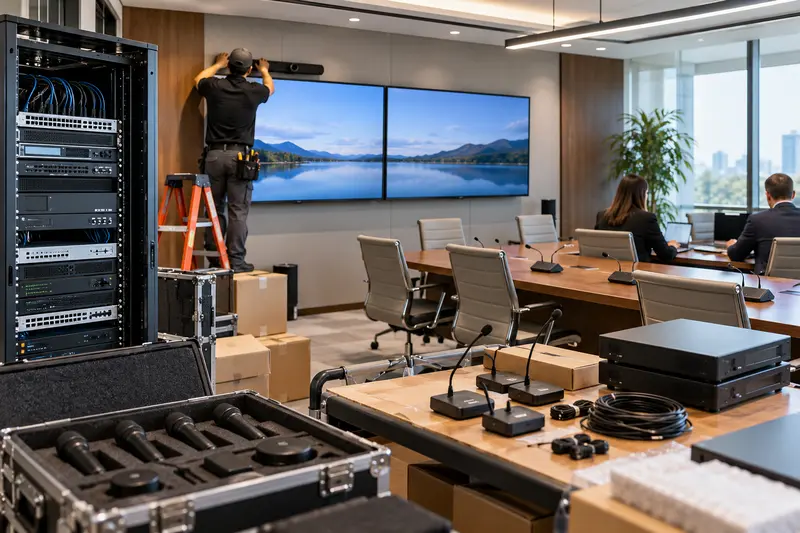
When remote participants cannot hear a meeting room, replacing microphones is not automatically the first step. The issue may involve the selected audio device, an application setting, a connection or the room’s installed system. A consistent test helps separate these possibilities.
Confirm the meeting’s audio path
Record the application, computer or room appliance and connection method. Check which microphone and speaker devices the meeting application is using. A laptop may select its internal microphone even though the room has a dedicated system. Confirm mute controls in the application and on any physical microphone or room interface.
Run a controlled test
Arrange a short test call with someone outside the room. Speak from normal seating positions and ask them to describe the result: no audio, faint speech, distortion, echo or intermittent loss. These symptoms point to different checks. Keep the test setup consistent so changing several variables at once does not hide the cause.
Check connections and recent changes
Document any replaced computer, dock, cable or room device, along with recent application changes. Inspect accessible connections without disturbing the rack’s configuration. A known approved connection can help establish whether the issue follows one laptop or affects the room generally. Ask the integrator before changing protected audio-processing settings.
Evaluate the room’s conditions
Microphone distance, seating, reflective surfaces and mechanical noise affect speech clarity. A system that works beside the microphone may perform poorly at the far end of the table. Test during normal HVAC operation and with the seating layout the business actually uses. A technical fix should be evaluated in the room, not only through a device-status screen.
Record the result for service
Provide the service team with the meeting platform, selected devices, affected seats, exact symptom and whether the problem follows a particular computer. Explain which tests passed. After repair, repeat the remote call with everyday users and confirm the startup procedure is understood.
For a broader room review, explore Sentry’s commercial AV integration services. Planned equipment changes can follow our commercial upgrade phasing guide.
Plan the next step with Sentry Audio Video
Request a consultation. Boca Raton: (561) 717-3280; Fort Lauderdale: (954) 859-6475; Orlando: (407) 377-5360; New York: (516) 210-2120. Florida low-voltage license EF20001874.