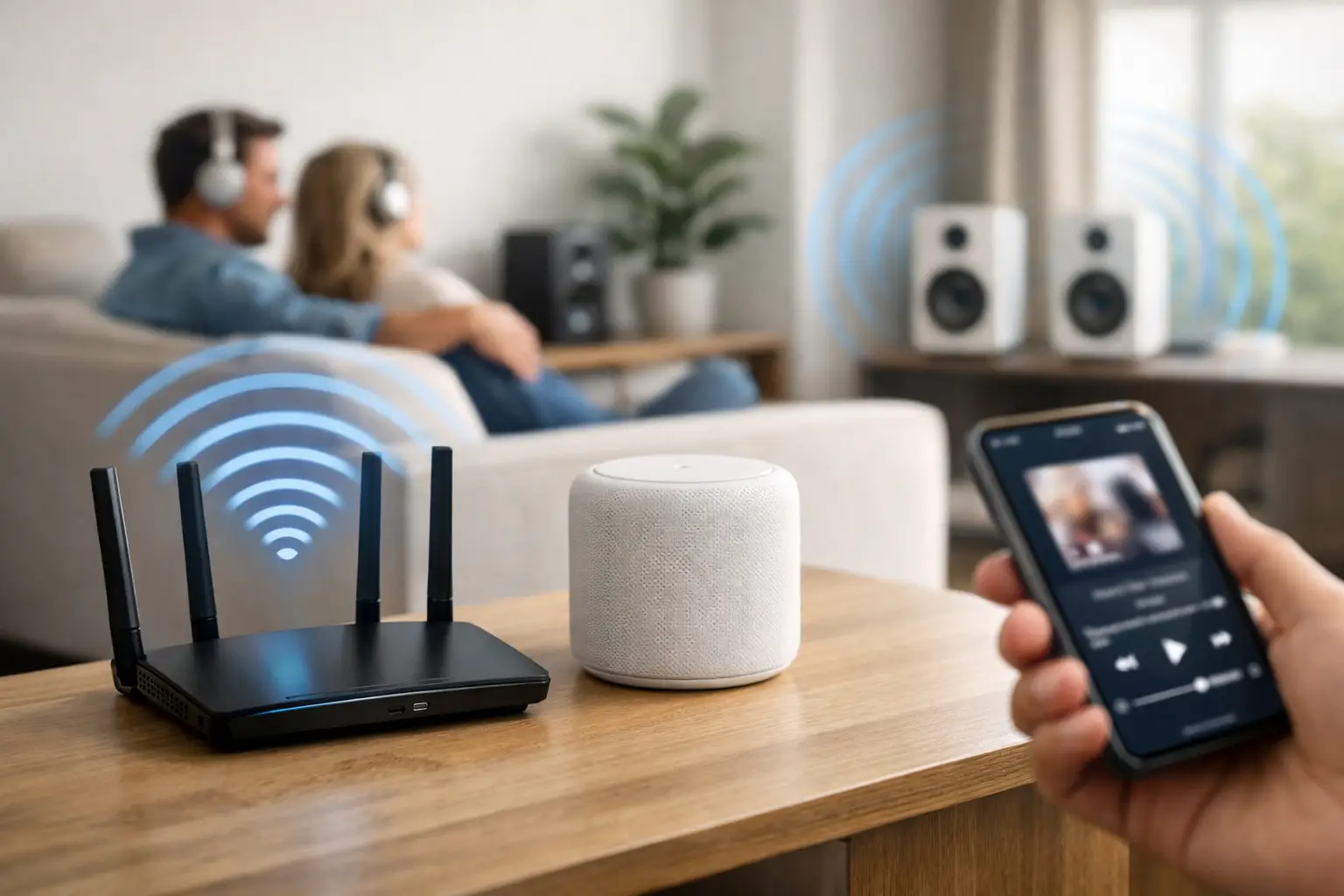
A song that cuts out as you walk from the kitchen to the patio is rarely an audio-system problem. More often, it is a network coverage problem hiding behind a beautiful whole-home audio installation. Knowing How to Fix Wi-Fi Dead Zones for Seamless Whole-Home Audio Streaming starts with recognizing that music is only as reliable as the network carrying it.
For a premium residence, reliable coverage cannot be an afterthought. Whole-home audio may involve multiple rooms, outdoor zones, voice control, touch panels, streaming services, and other connected systems operating at once. A single weak area can create delayed grouping, dropped speakers, intermittent control, or audio that stops exactly when guests move into the space you designed for entertaining.
Why Whole-Home Audio Exposes Wi-Fi Weaknesses
Streaming audio does not always require enormous bandwidth, but it does require consistency. A network can appear fast on a speed test and still perform poorly for synchronized audio. That is because whole-home audio depends on low latency, stable signal strength, clean roaming between access points, and reliable communication among controllers and speakers.
When several zones are grouped together, each component must stay in time. If one speaker receives data late or loses its connection briefly, the system may pause, fall out of sync, or disappear from the control interface. The problem becomes more noticeable in large homes with concrete block construction, reinforced walls, metal framing, stone finishes, mirrored surfaces, impact-rated glass, and outdoor living areas. These materials can reduce wireless signal more aggressively than many homeowners expect.
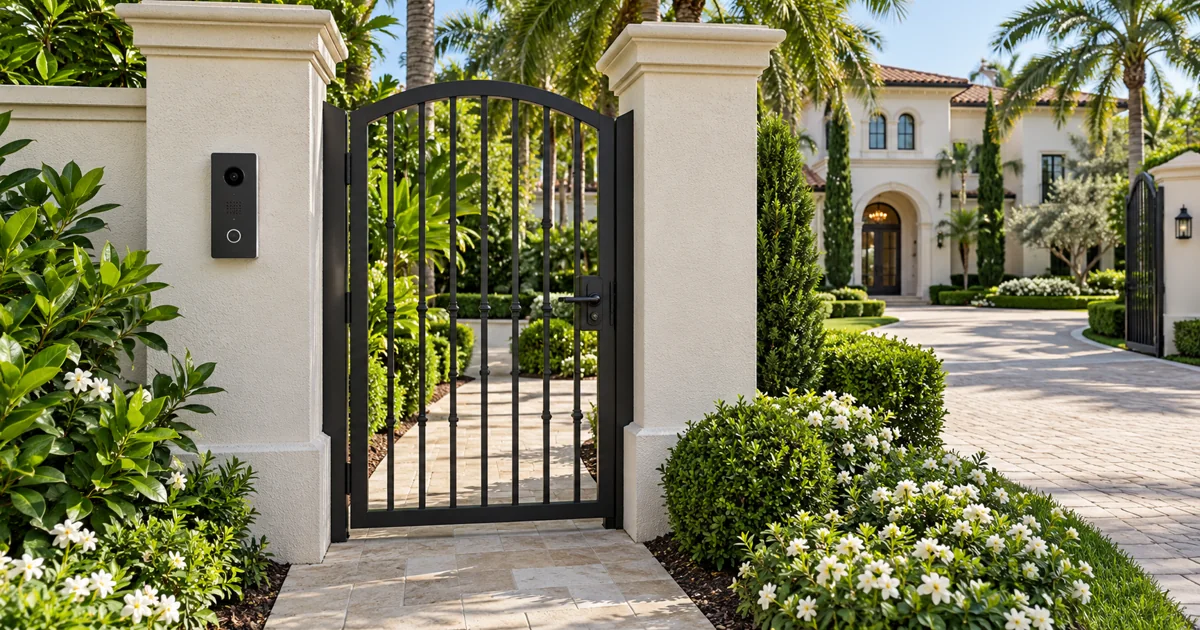
South Florida properties present another consideration: audio often extends beyond the main living area. Pools, covered patios, summer kitchens, guest houses, docks, and gate areas may all be part of the entertainment plan. A router placed in a closet near the center of the house is not designed to reliably serve every one of those spaces.
Start With a Coverage Assessment, Not a New Router
Replacing one router with another may improve a small area, but it is seldom the right answer for a larger or more complex property. A properly engineered network begins with an assessment of the structure, the existing wiring, device count, internet service, and the locations where performance actually matters.
The useful question is not, “Does Wi-Fi reach this room?” It is, “Can this room sustain stable audio playback and responsive control when the home is in use?” A bedroom with one connected speaker has different demands than an open kitchen, great room, and patio operating as one entertainment zone during a gathering.
A professional assessment should identify weak signal areas, competing wireless networks, interference sources, and equipment locations that create avoidable problems. It should also account for the number of devices connected throughout the property. Cameras, lighting controls, motorized shades, climate controls, mobile devices, and streaming components all share network resources. A network designed only for casual web browsing can become unpredictable once these systems are active together.
How to Fix Wi-Fi Dead Zones for Whole-Home Audio Streaming
The most dependable solution is usually a distributed Wi-Fi system built around wired access points. Rather than asking one router to push a signal through an entire property, professionally placed access points create overlapping coverage zones. Your devices connect to the strongest available signal as you move through the home, without requiring a separate network name for each area.
Placement matters as much as the equipment itself. Access points should be located according to building materials, room layout, ceiling height, outdoor requirements, and likely device use. Hiding network equipment in a metal enclosure, placing it at one end of the home, or installing access points solely where they are easiest to run can compromise the result.
For whole-home audio, the priority is not simply maximum signal bars. The objective is predictable coverage where speakers, control devices, and streaming sources are located. That may mean dedicated coverage for a patio or pool area, an upper floor, a detached structure, or a primary suite separated by dense construction.
Use Wired Backhaul Whenever Possible
A wireless mesh system can help in some situations, especially where new cabling is impractical. However, mesh nodes that communicate wirelessly must use part of the available airspace to relay information between themselves. In a busy home, that added wireless traffic can reduce consistency for audio and controls.
Wired backhaul is the preferred approach when the property allows it. Each access point is connected to the network through structured cabling, giving it a direct path back to the network equipment. This preserves wireless capacity for the devices that need it and generally produces stronger, more stable performance across the property.
For new construction and renovations, planning these cable runs early is one of the highest-value decisions a homeowner can make. It supports current audio needs while allowing the network to grow as new entertainment, security, and automation systems are added.
Separate Critical Systems From Everyday Traffic
Not every connected device should compete in the same way for network resources. A well-designed system can segment traffic so that whole-home audio, automation controls, surveillance, and guest devices are managed appropriately. This is not about making the system complicated for the owner. It is about preventing a house full of visitors, streaming activity, or poorly behaved devices from affecting essential performance.
Network configuration also determines how devices discover one another. Many multiroom audio platforms rely on local network communication to group rooms and accept commands. Settings that block this communication, isolate wireless clients, or place components on incompatible network segments can make speakers appear unavailable even when Wi-Fi signal strength looks healthy.
This is why a generic network setup can be frustrating in a custom AV environment. The network must be configured around the systems it supports, not treated as a separate utility.
Address Interference Before It Becomes an Everyday Annoyance
Dead zones are not always caused by distance. Wireless interference can produce the same symptoms: music that pauses, a room that vanishes from the app, or audio that works reliably at certain times and fails during busy periods.
Common sources include neighboring Wi-Fi networks, improperly selected channels, older wireless equipment, Bluetooth activity, microwave ovens, and devices positioned near dense mechanical or structural materials. In multifamily residences and tightly built neighborhoods, channel planning is particularly important. Simply adding more access points without coordinating them can create overlap that hurts performance rather than helping it.
A professional network design evaluates the wireless environment and assigns channels, power levels, and frequency bands intentionally. The 2.4 GHz band can travel farther but is often crowded. The 5 GHz band usually provides greater capacity at shorter range. Newer bands can add capacity where compatible equipment is available, but they are not a substitute for thoughtful placement and a strong wired foundation.
Do Not Overlook the Audio Components Themselves
Before redesigning the network, verify how each audio zone connects. Some systems use Wi-Fi for every speaker. Others use a combination of wired connections, proprietary wireless links, and networked amplifiers. Permanently installed speakers connected to centralized amplification may have a different network profile than standalone wireless speakers in a guest suite or outdoor area.
A wired connection for a key streaming component, networked amplifier, or audio controller can reduce wireless demand and improve reliability. In larger systems, hardwiring selected components may also create a more stable path for system communication. The right approach depends on the platform, the home’s wiring, and how the rooms are expected to operate together.
It is also worth checking placement. A speaker or streaming device tucked inside cabinetry, behind stone, near plumbing equipment, or inside an AV rack with poor wireless exposure may struggle even when the room itself has strong coverage. The solution could be improved network coverage, a wired connection, equipment relocation, or a combination of all three.
Design for the Places Where Life Happens
The real test of a whole-home audio network is not whether music works in the equipment room. It is whether it performs in the spaces your family and guests use. That includes the kitchen during a busy morning, the primary bath, the covered patio during a dinner party, and the pool area when several zones are grouped together.
A dependable installation accounts for these real-world moments from the beginning. It also leaves room for growth. Adding an outdoor audio zone, a guest house, surveillance cameras, or upgraded control does not have to mean rebuilding the network if the infrastructure was planned properly.
For homeowners who expect music, control, security, and entertainment to work as one cohesive experience, Sentry Audio Video designs the underlying network with the same care as the visible AV system. The result is not just stronger Wi-Fi coverage. It is audio that stays connected wherever the day takes you.